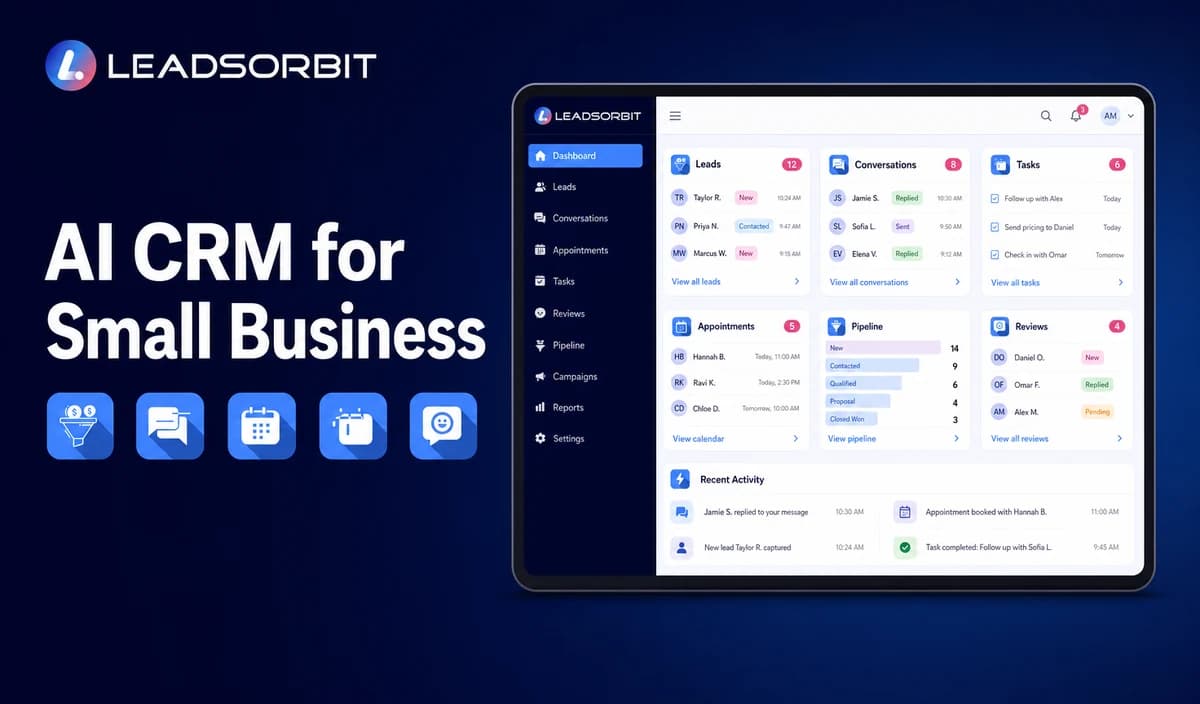

A small business CRM should do more than store names and phone numbers. It should help the team understand what happened, identify what needs attention, and make the next customer action easier to complete.
An AI CRM for small business combines customer relationship management with AI assisted communication, workflow automation, scheduling, task creation, and operational guidance. Used well, it can help a small team respond consistently without turning every customer interaction into a fully automated conversation.
This guide explains what an AI CRM is, how it differs from a traditional CRM, where AI creates practical value, what risks require human oversight, and how a small business can evaluate a platform without being distracted by vague AI claims.
What Is an AI CRM for Small Business?
An AI CRM is a customer relationship management system that uses artificial intelligence to help interpret information, recommend or complete approved actions, assist conversations, organize work, and automate parts of the customer journey.
The CRM remains the operational record. It stores contacts, conversations, pipeline stages, appointments, tasks, notes, and customer history. AI adds assistance around that record, such as summarizing a conversation, suggesting the next action, answering routine questions, routing an inquiry, or creating a follow up task.
For a focused definition and examples, read What Is an AI CRM?. The important distinction is that AI should work with the CRM record and business rules, not operate as an isolated chatbot with no customer context.
What Makes a CRM AI Powered?
Not every feature labeled AI changes how a business works. A useful AI capability should reduce a clear operational gap while keeping the underlying customer record accurate and visible.
| Capability | What AI Can Assist With | Human Responsibility |
|---|---|---|
| Lead intake | Extract basic details, classify intent, suggest routing, and create a record. | Confirm unusual requests, sensitive information, and final qualification decisions. |
| Conversations | Draft replies, answer approved routine questions, summarize exchanges, and flag uncertainty. | Review exceptions, complaints, sensitive issues, and high value conversations. |
| Follow up | Recommend timing, trigger approved sequences, create tasks, and stop workflows when a lead responds. | Define rules, message boundaries, ownership, and escalation. |
| Appointments | Offer available times, collect approved intake details, confirm bookings, and support rescheduling. | Set availability, service rules, buffers, eligibility, and exceptions. |
| Pipeline work | Summarize activity, suggest next actions, detect overdue work, and update approved fields. | Validate important changes and make sales or service decisions. |
The best AI CRM does not hide activity behind a black box. It gives the owner and team enough visibility to understand why a task, message, stage change, or recommendation appeared.
AI CRM vs Traditional CRM vs Basic Automation
| Approach | Primary Strength | Typical Limitation |
|---|---|---|
| Traditional CRM | Stores customer information, pipeline stages, notes, tasks, and activity. | Often depends on staff to interpret records and complete every next action manually. |
| Basic automation | Completes predictable steps using defined triggers and timing. | Can become rigid when customer language or circumstances vary. |
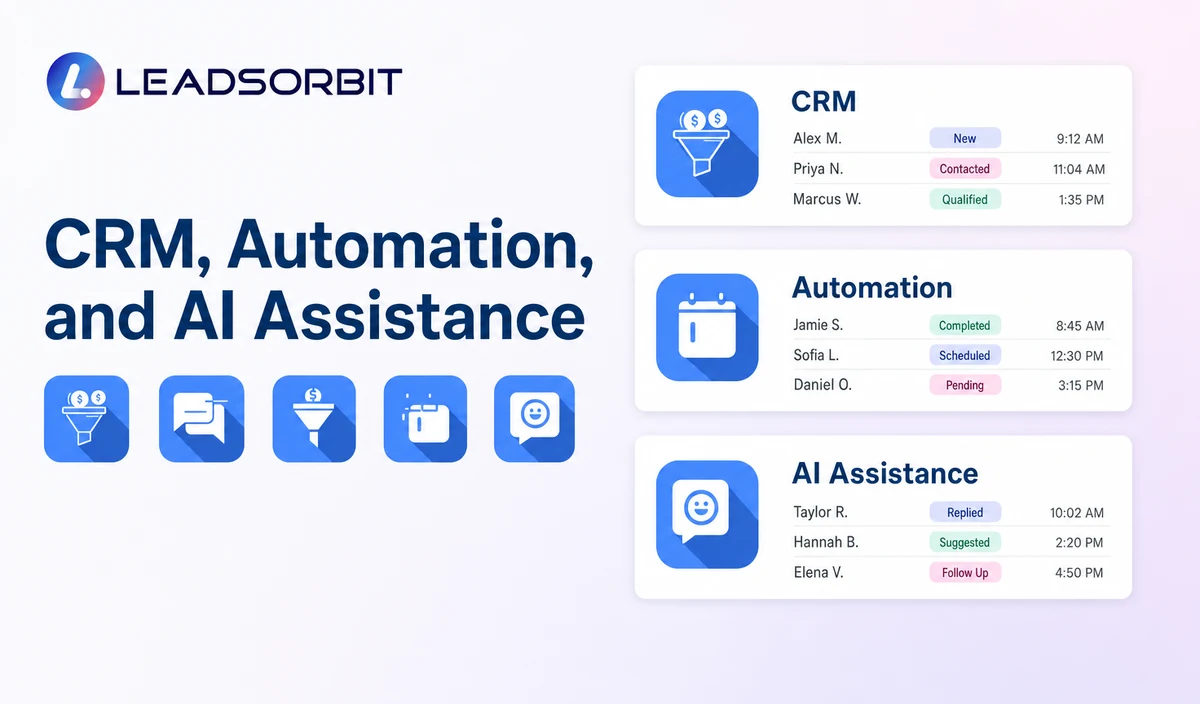
| AI CRM | Uses customer context to assist interpretation, communication, prioritization, and approved actions. | Requires data quality, oversight, testing, and clear limits. |
A detailed comparison is available in AI CRM vs Traditional CRM. Dependable systems combine structured CRM data, clear workflow rules, and carefully governed AI assistance.
How AI Supports the Small Business Customer Journey
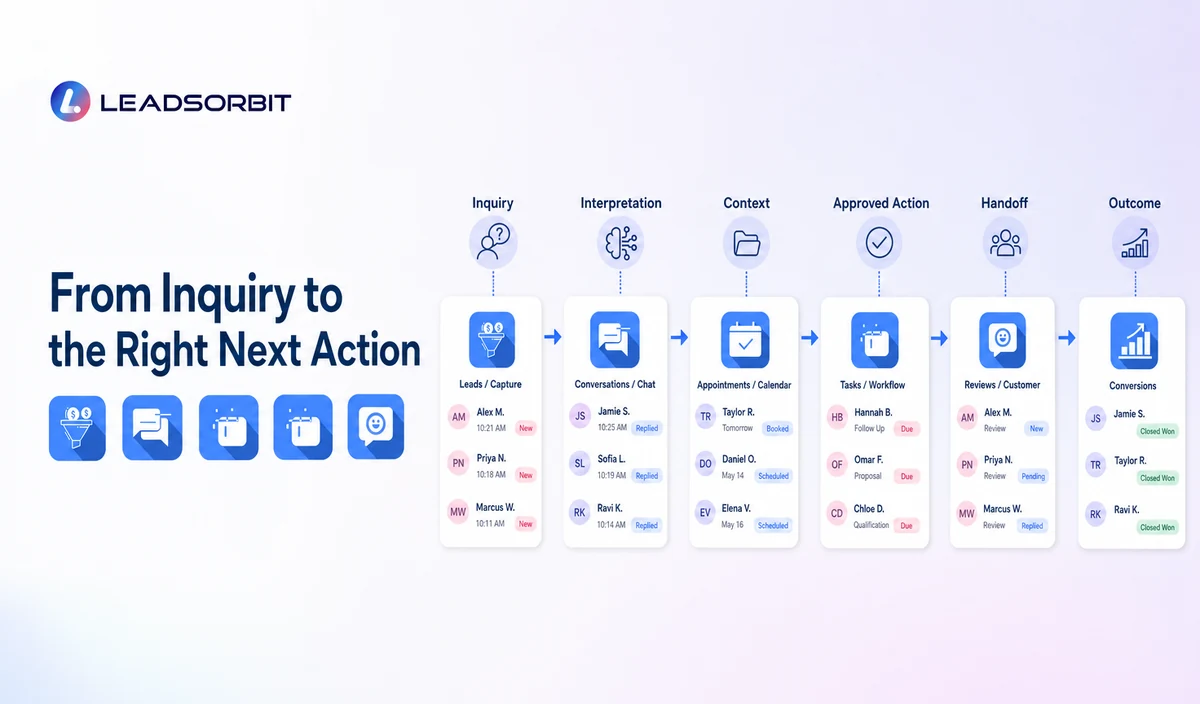
AI becomes easier to evaluate when it is connected to a real customer journey. The question is not whether the platform has AI. The question is where AI helps the team move a customer from inquiry to the next appropriate step.
1. Capture and Organize New Leads
A new inquiry may arrive through a call, form, chat, social message, booking request, or landing page. An AI assisted CRM can capture the contact, summarize the request, identify the likely service, and route the record to the correct person or workflow.
These capabilities are most useful when they connect with the business's existing small business CRM structure. Source, consent status, requested service, location, and conversation history should remain attached to one record.
2. Respond to Leads Faster
AI can acknowledge a new inquiry, answer approved routine questions, collect basic information, or alert a staff member when a response is overdue. This creates continuity during busy periods, after hours, or when the front desk is helping another customer.
The guide on how AI helps small businesses respond faster to leads explains how receptionist, conversation, routing, and follow up workflows can work together without removing the human handoff.
3. Automate Follow Up Without Losing Context
A follow up sequence should change when the customer replies, books, declines, or asks a question. AI can help classify the response, summarize it, stop irrelevant automation, and create a task for the right employee.
This is where lead follow up automation and AI workflow automation become more valuable than a fixed message schedule.
4. Support Appointment Scheduling
An AI scheduling workflow can answer basic booking questions, offer available times, collect approved intake information, send confirmations, and support rescheduling. The CRM record should show the appointment and the conversation that led to it.
See AI appointment scheduling for small businesses for a deeper workflow covering availability, reminders, cancellations, and human escalation.
5. Assist Customer Service
AI can provide a first response to routine questions, summarize a long message, suggest a reply, locate approved information, and route the customer to the correct person. It should not pretend to know information that is unavailable or make sensitive decisions without review.
A connected AI customer service process works best when the team can see the conversation in one inbox and take over immediately when the request becomes complex.
6. Create Clearer Tasks and Pipeline Actions
Small teams often lose opportunities because nobody owns the next action. AI can turn a conversation into a summary, suggest a stage, create a callback task, or alert the owner when a lead has not moved.
Practical AI CRM Use Cases
1. Missed Call to Booked Conversation
- A customer calls while the team is busy.
- The CRM records the missed call and starts an approved response workflow.
- An AI assisted message acknowledges the inquiry and asks relevant questions.
- The reply is summarized and routed to the right employee or booking flow.
- The system stops the initial sequence when the customer books, declines, or requests a person.
2. Website Inquiry to Qualified Next Step
- A website form creates or updates a contact record.
- AI organizes the request into service, urgency, location, and stated need.
- The CRM sends an approved acknowledgment and creates a task.
- A staff member reviews the summary and continues the conversation.
- The record moves through the pipeline with visible ownership.
3. Appointment Request After Hours
- A customer asks about availability outside office hours.
- The system provides approved information and valid booking options.
- The customer selects a time or requests a callback.
- The CRM records the appointment and schedules reminders.
- An exception is routed to staff when the request falls outside defined rules.
Benefits an AI CRM Can Support
An AI CRM can support meaningful operational improvements, but it should not be presented as a guarantee of revenue, conversions, or customer satisfaction. Outcomes still depend on demand, service quality, staff follow through, pricing, and implementation.
- Faster acknowledgment of calls, forms, messages, and appointment requests.
- More consistent follow up across approved customer journeys.
- Less time spent reading long histories or rewriting routine replies.
- Clearer tasks, routing, and ownership for small teams.
- Better continuity when customers switch channels.
- More organized appointment, feedback, review, and reactivation workflows.
- Improved visibility into where leads are waiting or processes are breaking.
The U.S. Small Business Administration provides a balanced overview in its AI for small business guidance. A practical adoption plan should begin with one defined workflow and a measurable operating problem.
AI CRM Risks and Limitations
AI can generate incorrect summaries, misunderstand customer intent, use incomplete data, or produce a reply that does not match the business. Responsible implementation means designing for these limits instead of assuming the tool is always correct.
1. Incorrect or Unsupported Answers
An AI system should use approved business information and make uncertainty visible. When it does not have a reliable answer, it should ask a clarifying question, create a task, or transfer the conversation.
2. Poor Customer Data
Duplicate contacts, outdated service details, incorrect hours, and missing conversation history can produce weak recommendations or confusing automation.
3. Privacy and Confidentiality
Businesses should understand what customer information enters an AI feature, how it is processed, who can access it, what is retained, and which controls are available.
The FTC guidance on AI, privacy, and confidentiality commitments reinforces the importance of accurate disclosures and responsible treatment of customer data.
4. Automation Without Human Handoffs
Customers need a clear path to a person. Complaints, emergencies, unusual requests, sensitive situations, complex estimates, and important relationship decisions should not be trapped inside automation.
5. Unverified AI Claims
Vague claims such as fully autonomous, perfectly accurate, or guaranteed growth should be treated carefully. Ask the vendor to demonstrate the exact workflow, controls, escalation rules, and reporting.
The NIST AI Risk Management Framework organizes responsible AI work around governance, context, measurement, and ongoing management.
How to Choose AI CRM Software
- Ask for a live demonstration using a realistic inquiry.
- Confirm which information the AI can access and which sources are approved.
- Test what happens when the customer asks an unsupported question.
- Check how the system transfers a conversation to a person.
- Review triggers, stop conditions, quiet hours, consent, and opt out handling.
- Confirm staff can edit summaries, tasks, stages, and replies.
- Understand message, phone, AI, user, setup, integration, and support costs.
- Check whether conversations, appointments, tasks, and history stay together.
- Ask how activity is logged and mistakes are reviewed.
The full buyer guide, AI CRM software for small businesses, provides a more detailed feature and demonstration checklist.
A Practical AI CRM Implementation Plan
- Map the current journey from inquiry to appointment, service, follow up, review, and repeat business.
- Choose one narrow problem such as missed call acknowledgment, form routing, or appointment intake.
- Clean customer data, service information, hours, calendars, and approved answers.
- Define the trigger, permitted actions, owner, stop conditions, escalation path, and success measure.
- Test common requests, unclear language, incorrect information, opt outs, and complaints.
- Train the team to review summaries, manage replies, correct records, and take over.
- Launch with limited scope, review outcomes, and adjust before expanding.
What to Measure After Launch
- Time from inquiry to first acknowledgment.
- Time from AI acknowledgment to human follow up.
- Unanswered or overdue conversations.
- Appointments requested, scheduled, rescheduled, and cancelled.
- Workflow stop reasons and human handoffs.
- Tasks created and completed.
- Opt outs, complaints, corrections, and escalation patterns.
- Pipeline stages where leads remain inactive.
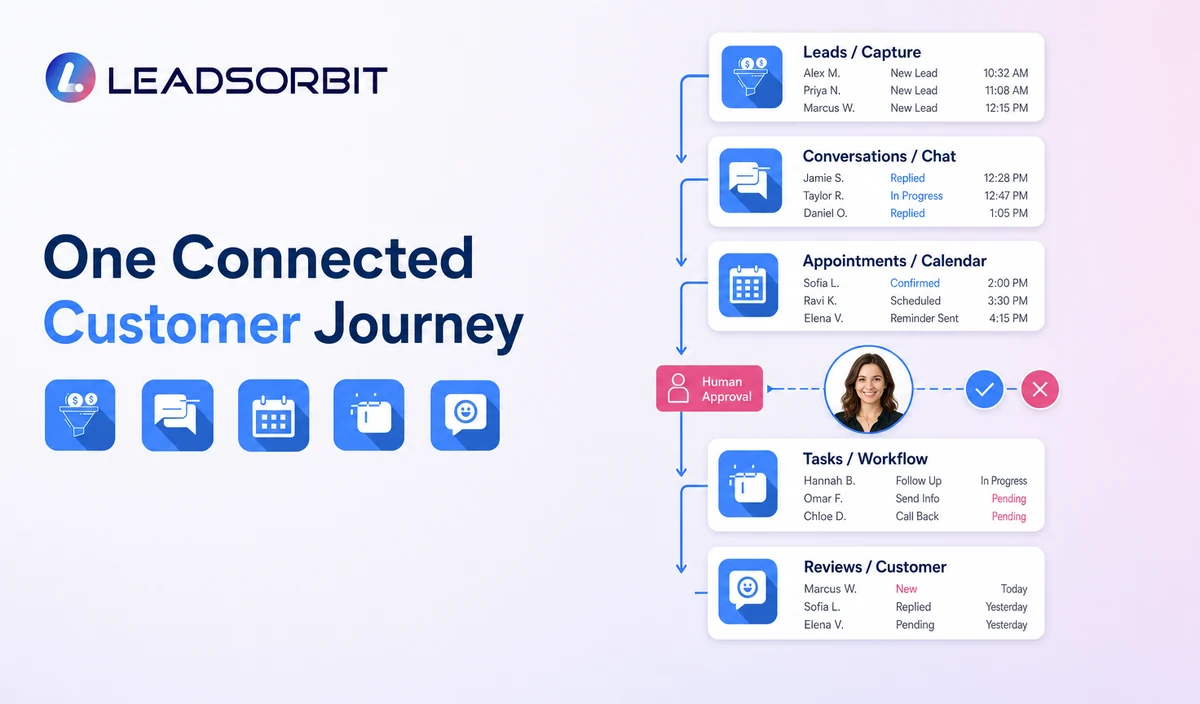
How LEADSORBIT Supports AI Assisted Customer Management
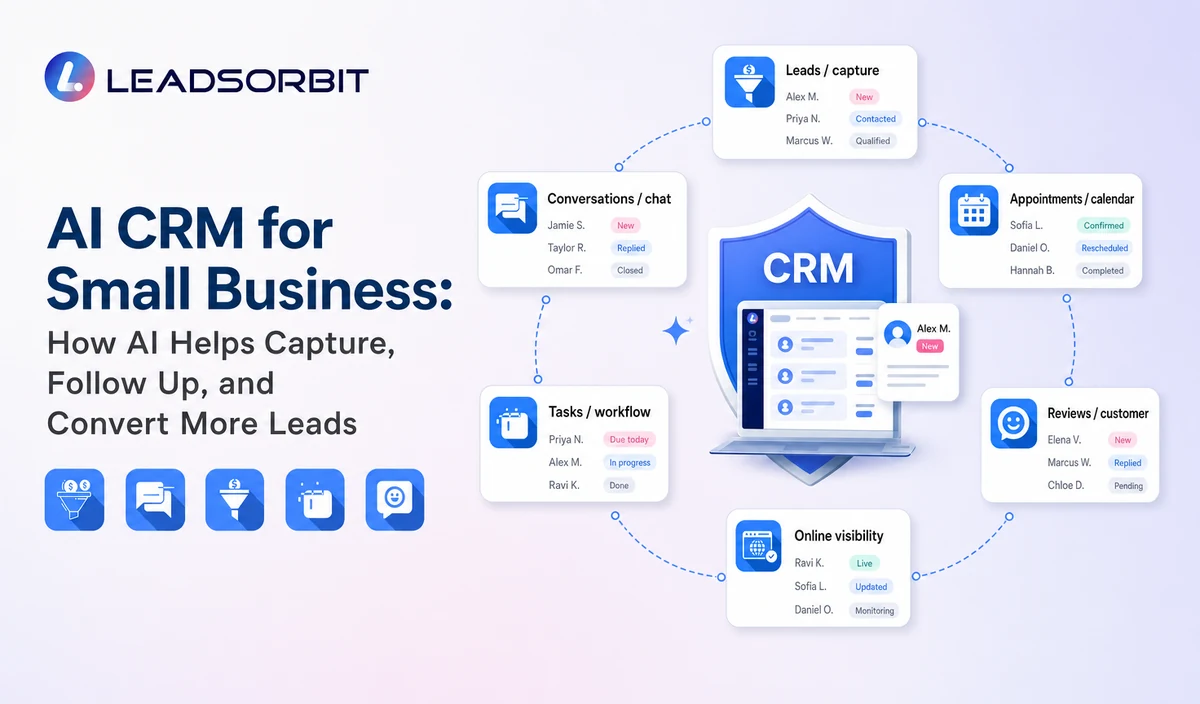
LEADSORBIT is an AI powered CRM for small businesses that connects lead capture, customer conversations, workflow automation, appointment booking, review activity, pipeline visibility, tasks, and reporting.
Teams can use Workflow AI, Conversation AI, AI Appointment, and AI Receptionist across one customer journey.
AI CRM for Small Business Checklist
- The platform creates one clear customer record.
- AI works from approved data and business information.
- Calls, forms, messages, appointments, tasks, and pipeline activity remain connected.
- The team can review and correct AI output.
- Every automated workflow has a clear trigger and stop condition.
- Customers can reach a person when needed.
- The system records what the AI and staff did.
- Privacy, permissions, consent, and opt outs are considered.
- The vendor demonstrates real use cases.
- Costs are evaluated across software, usage, setup, integrations, training, and support.
Try LEADSORBIT free for 14 days
Frequently Asked Questions
It is a CRM that uses artificial intelligence to assist customer communication, workflow decisions, summaries, routing, scheduling, task creation, and other approved activities connected to customer records.
Final Thoughts
An AI CRM can help a small business capture inquiries, respond consistently, organize follow up, support booking, assist customer service, and keep the pipeline visible. The strongest systems combine accurate CRM data, clear rules, responsible AI use, and human ownership.
LEADSORBIT brings customer conversations, workflows, appointments, reviews, and pipeline activity into one connected platform.

Start Your Free 14 Day Trial
Try LEADSORBIT and see how it captures missed calls, follows up instantly, and turns leads into booked appointments for your business.
Personal Message From Faisal Zulfiqar
AI becomes useful when it solves a real operating problem. For most small businesses, that problem is not a lack of software. It is that calls, messages, appointments, tasks, and follow up are not connected clearly enough.
I would not begin by asking how much of the business can be automated. I would ask where customers are waiting, where the team repeats the same work, and where the next action is being missed.
The right AI CRM should help the team see and complete that next action. It should also make it easy for a person to step in when the customer needs judgment, reassurance, or a real conversation.