
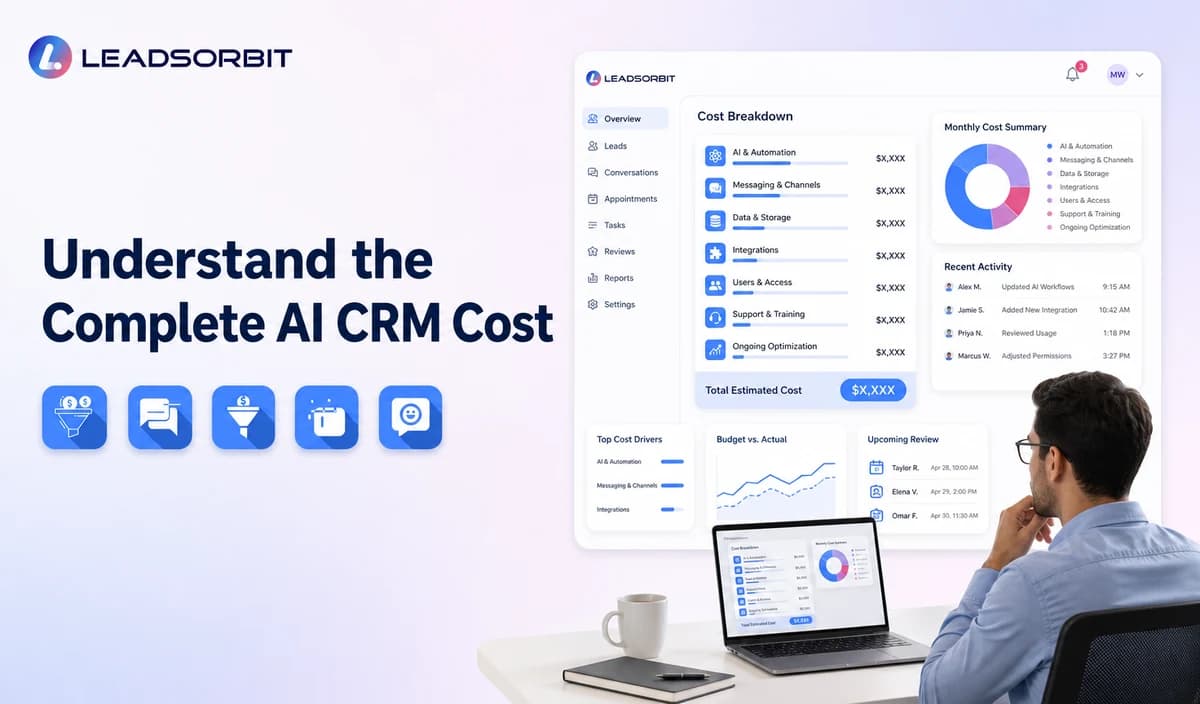

AI CRM software cost is rarely explained by one monthly number. A small business may pay for the platform, users, contacts, messages, phone services, AI usage, setup, integrations, support, and optional features.
This guide explains the main cost drivers without inventing a universal price. It supports the broader AI CRM for small business pillar and should be used with verified vendor quotes.
How Much Does AI CRM Software Cost?
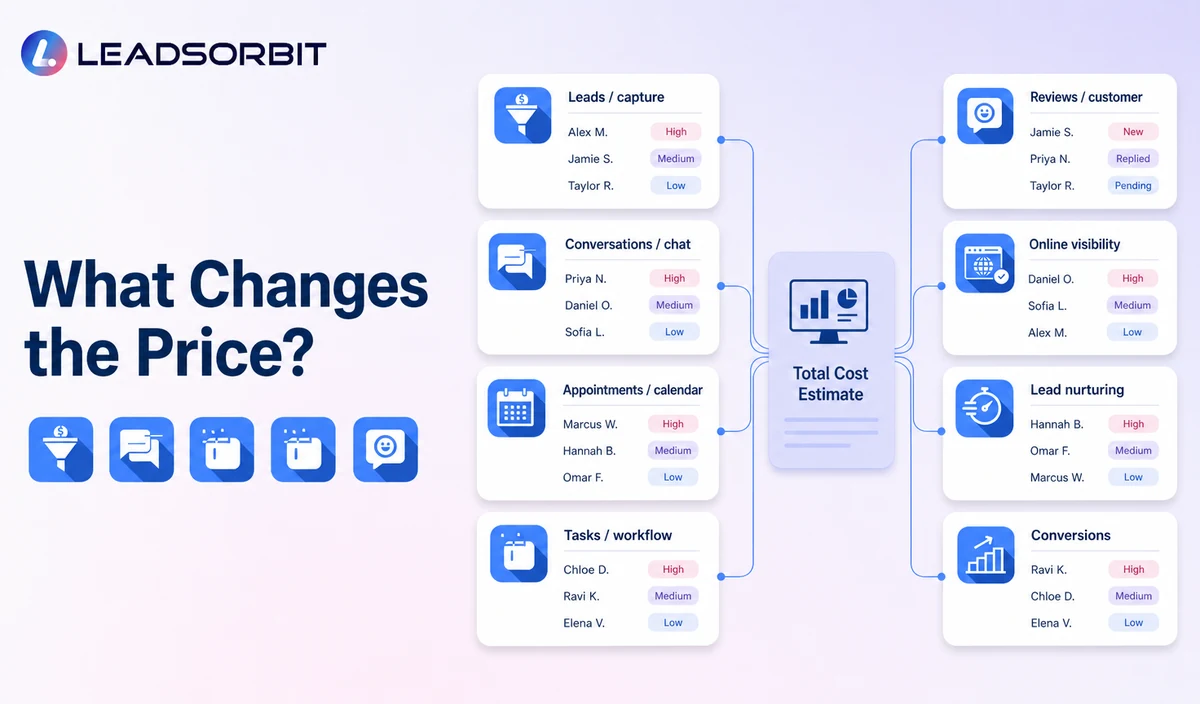
The cost depends on the business workflow and pricing model. A small team using contact management and a few assisted workflows may have a different cost structure from a multi location business using calls, text, booking, AI conversations, reviews, and advanced automation.
Instead of asking only for the advertised plan price, ask for the complete monthly and one time cost for the exact customer journey the business intends to run.
Why Advertised Price Is Incomplete
- Additional user seats.
- Contact or database limits.
- SMS, email, or carrier fees.
- Phone numbers, call minutes, recording, and transcription.
- AI interaction or usage credits.
- Migration, configuration, and training.
- Integrations and troubleshooting.
- Priority or managed support.
A fair comparison uses the same expected workflow and volume across every quote.
How to Estimate Total Cost of Ownership
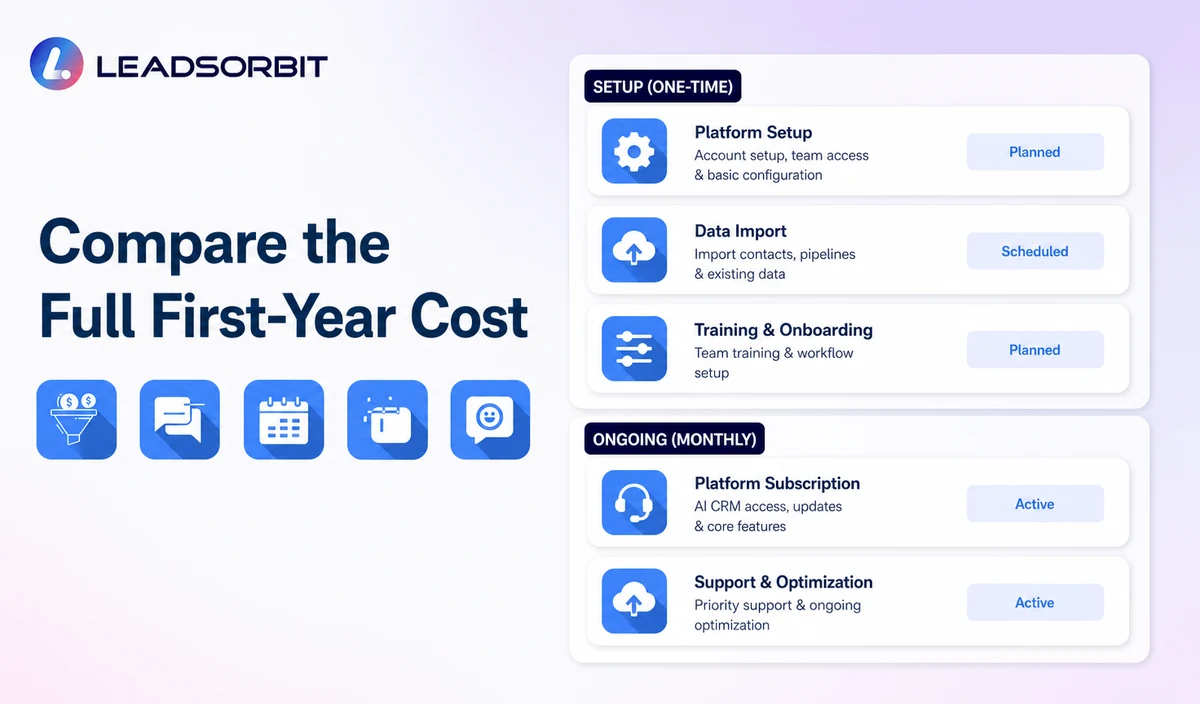
Build a twelve month estimate rather than comparing the first invoice.
- List required channels and workflows.
- Record platform, user, contact, location, and module fees.
- Estimate messages, calls, AI usage, and other metered services using actual volume.
- Add migration, setup, integrations, training, and launch support.
- Add ongoing maintenance, review, and external help.
- Subtract only tools the business can realistically stop using.
- Compare the estimate with the operating problem the system should improve.
Do not assign invented revenue gains. Compare observable effects such as clearer ownership, tool consolidation, and reduced repetitive work.
Main AI CRM Cost Drivers
Ask the vendor to explain how each driver appears in the quote.
| Cost Driver | What May Affect Price | What to Confirm |
|---|---|---|
| Platform plan | Feature tier, locations, pipelines, or modules. | Which required features are included? |
| Users | Number and type of staff accounts. | Are admin, mobile, or extra users charged? |
| Messaging | SMS, email, chat, and carrier fees. | What is included, metered, or passed through? |
| Phone and voice AI | Numbers, minutes, recording, transcription, or AI handling. | What are per minute and number charges? |
| AI usage | Conversations, generation, summaries, or credits. | How is usage measured and limited? |
| Setup | Migration, workflows, calendars, knowledge, and training. | Which work is required, included, or optional? |
| Integrations | Connectors, custom setup, or middleware. | Who maintains and troubleshoots it? |
| Support | Onboarding, managed service, or priority help. | What assistance and response level are included? |
Request a first year estimate using the intended number of users, channels, locations, and expected volume.
Common Pricing Models
AI CRM vendors may use per user pricing, tiered platform plans, usage pricing, contact based pricing, location pricing, setup fees, or a combination.
- Per user.
- Tiered feature plan.
- Usage credits or metered messages and calls.
- Per contact or active record.
- Per location or account.
- One time or managed setup.
One Time Implementation Costs
Implementation is often the difference between buying software and creating a working system.
- Cleaning and importing contacts.
- Mapping fields and pipeline stages.
- Connecting forms, calendars, phone, and inboxes.
- Building workflows and stop rules.
- Preparing approved AI information.
- Testing and training.
Ongoing Operating Costs
After launch, the business may spend time or money maintaining information, integrations, training, usage, permissions, and workflows.
Ask who owns this work and whether vendor help is included.
AI CRM Value Questions
Cost should be connected to the workflow the business needs.
- Does the system consolidate tools already being paid for?
- Does it reduce manual copying, summarization, or task creation?
- Can staff see every conversation and next action?
- Does it support the calls, follow up, booking, reviews, and retention the business uses?
- Can the owner identify overdue leads and exceptions?
- Is the platform usable enough for team adoption?
- Does implementation support reduce internal effort?
- Can the system expand without full replacement?
A higher priced platform is not automatically better, and a lower priced platform is not automatically more economical.
Questions to Ask in a Pricing Demo
Ask the vendor to price the exact workflow shown.
- What plan supports the demonstrated workflow?
- Which AI features are included and how is usage measured?
- What are messaging, phone number, call minute, email, and carrier charges?
- How many users, contacts, locations, calendars, and pipelines are included?
- What setup, migration, training, and workflow work is included?
- Who supports integrations?
- What happens after usage limits?
- What are contract, cancellation, export, and data access terms?
- What is the total first year cost for expected usage?
Request the assumptions in writing so the estimate can be compared with other vendors.
How to Control Cost After Launch
Usage and maintenance should be reviewed from the first month.
- Set expected user, message, call, and AI usage baselines.
- Configure usage alerts where available.
- Review invoices against the quote.
- Remove duplicate tools only after the new workflow is stable.
- Train staff to use the platform consistently.
- Archive or clean data according to policy.
- Review integrations and optional modules.
- Recalculate total cost before renewal.
A system with clear ownership is easier to budget than one used inconsistently.
What to Measure Alongside Cost
Pair spending with operational measures.
- Number of tools consolidated.
- User adoption.
- Unassigned and overdue work.
- Time spent on routine summaries and data entry.
- Response and handoff visibility.
- Appointment and follow up workflow use.
- Support requests and integration issues.
- Usage overages and invoice variance.
Avoid unsupported conversion or revenue assumptions when evaluating value.
How LEADSORBIT Approaches AI CRM Value
LEADSORBIT connects lead capture, conversations, workflow automation, appointment booking, reviews, tasks, pipeline activity, and reporting in one AI powered CRM.
Businesses evaluating AI CRM software for small businesses should identify which LEADSORBIT workflows may replace disconnected tools or reduce manual steps, then confirm current pricing and usage assumptions.
Try LEADSORBIT free for 14 days
Frequently Asked Questions
Platforms include different features, users, contacts, channels, AI usage, calls, messages, setup, integrations, support, and service levels.
Compare the Complete System, Not One Price
AI CRM software cost includes more than the subscription. Review features, usage, setup, integrations, support, team effort, and the tools the business can realistically consolidate.
Book a Demo to discuss the LEADSORBIT workflow your business needs and request current pricing for that use case.

Start Your Free 14 Day Trial
Try LEADSORBIT and see how it captures missed calls, follows up instantly, and turns leads into booked appointments for your business.