

AI CRM software can help a small business organize customer information, respond to inquiries, automate follow up, schedule appointments, and keep team tasks visible. The challenge is separating practical capability from a long list of AI labels.
This buyer guide focuses on software selection. For the broader category and use cases, begin with the AI CRM for small business guide. The goal here is to identify the features, controls, implementation support, and costs a small team should evaluate.
What Is AI CRM Software for Small Businesses?
AI CRM software is a customer relationship management platform that uses artificial intelligence to assist customer communication, data organization, task creation, routing, scheduling, follow up, and other approved workflow activities.
The software should still perform the essential work of a CRM: maintaining one customer record, preserving conversation history, showing pipeline stages, assigning tasks, connecting appointments, and reporting activity. AI should make this system easier to use, not replace its foundation.
Start With the Business Problem, Not the AI Feature List
- New inquiries wait too long for acknowledgment.
- Staff repeatedly read and summarize the same type of message.
- Follow up is inconsistent or has no clear owner.
- Calls, texts, email, chat, and appointments are split across tools.
- The team forgets to create the next task or update the pipeline.
- Customers cannot book easily outside office hours.
- Owners cannot see where leads are waiting.
- Existing customer data is difficult to reactivate.
Choose one or two priority problems and ask every vendor to demonstrate those workflows. This makes comparisons more useful than checking boxes on a feature page.
1. One Customer Record
The contact record should connect source, conversations, calls, notes, appointments, tasks, stages, services, consent status, and customer history. Staff should not need to search several systems.
2. AI Conversation Assistance
Useful AI customer communication features may include summaries, approved reply drafts, routine question handling, language classification, and escalation. Ask where the AI gets its information and what it does when uncertain.
3. Workflow Automation
AI workflow automation should support triggers, conditions, tasks, messages, routing, stage movement, stop rules, and human handoffs. A workflow that can start but cannot stop after a reply is not dependable.
4. Lead Capture and Routing
Calls, forms, messages, chat, and booking requests should create or update records consistently. The system should preserve source and use service, location, urgency, or availability rules to route the inquiry.
5. Appointment Scheduling
An appointment based business should evaluate availability, booking links, confirmations, reminders, rescheduling, cancellation rules, buffers, and escalation. Review the AI appointment scheduling guide.
6. Unified Inbox and Human Handoff
The team should see replies in one organized workspace and take over without asking the customer to repeat the conversation. Confirm how the system alerts staff and assigns ownership.
7. Pipeline and Task Intelligence
AI may summarize the record, suggest the next action, create a task, or flag overdue activity. Important changes should remain visible and reversible.
8. Reporting and Activity Logs
Reporting should show customer progress, workflow outcomes, handoffs, overdue tasks, appointment activity, and exceptions. Logs should make it possible to review what the AI and team did.
AI CRM Feature Evaluation Table
| Feature | Demonstration Request | Warning Sign |
|---|---|---|
| AI answers | Ask a question the approved knowledge does not cover. | The system invents an answer or hides uncertainty. |
| Workflow logic | Show the trigger, stop rules, and handoff. | Only the happy path is demonstrated. |
| Customer record | Open one record from inquiry through follow up. | Key activity remains in separate tools. |
| Inbox | Reply as a customer and show staff takeover. | The reply loses context or ownership. |
| Reporting | Show overdue work and exceptions. | Reports focus only on message volume. |
| Permissions | Show who can edit knowledge and workflows. | Every user has broad access by default. |
Questions About AI Quality and Control
- Can the business approve the information used for answers?
- Can staff review original messages beside summaries?
- Are generated replies editable?
- Can the AI say it does not know and transfer the customer?
- Are important actions logged?
- Can automation be paused quickly?
- Can workflows be tested with staff records?
- Can permissions be limited by role or location?
- How are errors reported and corrected?
The NIST AI RMF Playbook provides suggested actions for ownership, testing, monitoring, and response. A buyer can translate those ideas into practical vendor questions.
1. Data, Privacy, and Communication Questions
- What customer fields and conversation channels are used by AI?
- What controls exist for model use, retention, export, deletion, and backups?
- Can sensitive fields be excluded?
- How are consent and preferences stored?
- What security and access controls are available?
- Which responsibilities remain with the business?
The FTC AI privacy guidance emphasizes accurate statements and responsible handling of customer information. Review contracts, settings, and implementation details.
2. Implementation and Support
- Data import and duplicate cleanup support.
- Pipeline, calendar, user, phone, and messaging setup.
- Workflow planning and testing.
- Approved answer configuration.
- Team training for replies, tasks, and handoffs.
- Documentation and ongoing support.
- Error review and optimization.
- Integration ownership and troubleshooting.
3. Understanding Total Cost
The monthly platform fee is only one part of cost. Pricing may also depend on users, contacts, messages, phone numbers, call minutes, AI usage, setup, integrations, support, or modules.
Use the AI CRM software cost guide to compare total cost with the work the platform replaces, consolidates, or makes easier.
A Practical Demo Checklist
- Use a realistic inquiry from your business.
- Ask an easy, unclear, and unsupported question.
- Show how the record is created and source preserved.
- Trigger follow up and then reply, book, decline, and opt out.
- Transfer the conversation and show ownership.
- Schedule, reschedule, and cancel an appointment.
- Review the activity log and exception report.
- Show setup effort, permissions, limits, support, and total pricing.
How LEADSORBIT Supports Small Business AI CRM Workflows
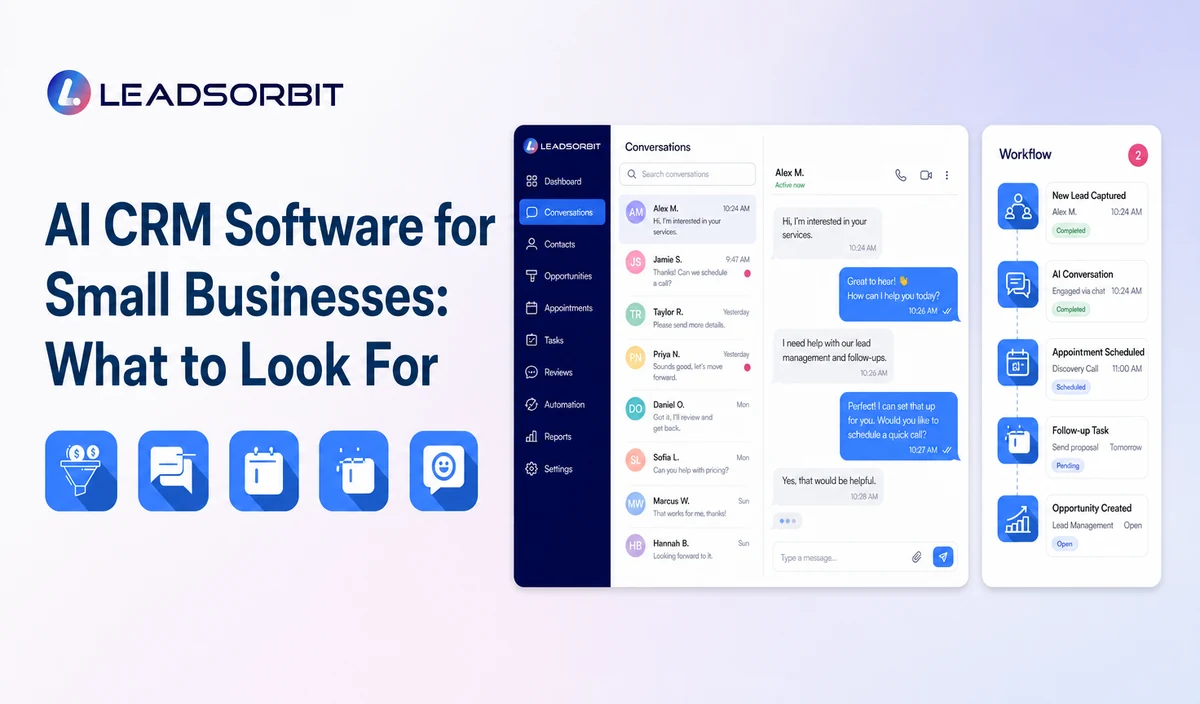
LEADSORBIT connects lead capture, customer conversations, workflow automation, appointment booking, reviews, tasks, pipeline activity, and reporting in one AI powered CRM.
Small teams can connect AI Receptionist, Conversation AI, Workflow AI, and AI Appointment to the same customer journey.
Try LEADSORBIT free for 14 days
Frequently Asked Questions
The most important feature is the one that solves a defined operating gap while keeping context, ownership, and human handoffs visible.
Evaluate Workflow, Controls, and Team Fit
AI CRM software should connect customer context with useful action. Compare platforms based on the business problem, data quality, controls, human handoffs, usability, implementation, and total cost.
Book a Demo to see how LEADSORBIT can support small business AI CRM software workflows with connected conversations, automation, appointments, and reporting.

Start Your Free 14 Day Trial
Try LEADSORBIT and see how it captures missed calls, follows up instantly, and turns leads into booked appointments for your business.