
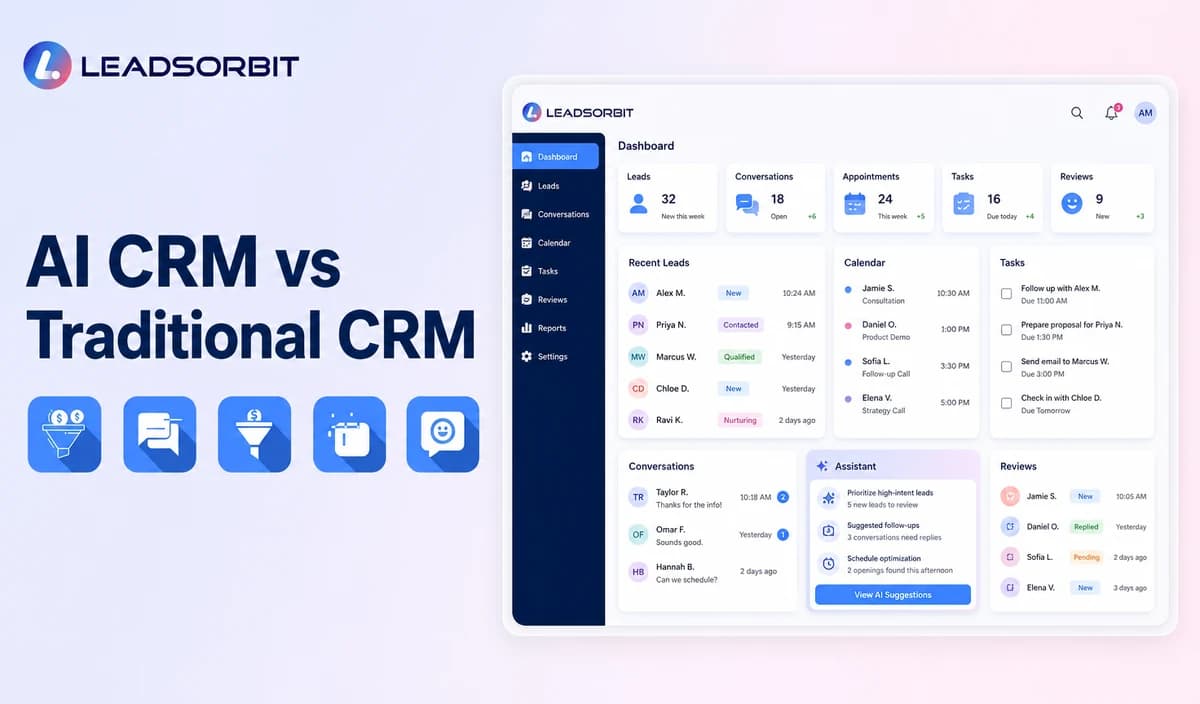

Traditional CRM software helps organize contacts, pipeline stages, tasks, notes, and customer activity. AI CRM software builds on that foundation by assisting interpretation, communication, prioritization, scheduling, and approved workflow actions.
The choice is not always old versus new. Many businesses need a dependable CRM foundation first, then selected AI capabilities. This comparison supports the broader AI CRM for small business guide.
Traditional CRM and AI CRM Defined
A traditional CRM stores and manages customer relationships through records, communication history, tasks, pipeline stages, notes, appointments, and reporting. It may also include rule based automation.
An AI CRM adds assistance around that structure, such as summaries, intent recognition, response drafts, routing, scheduling, or next action recommendations. See What Is an AI CRM? for the full definition.
Why the Comparison Is Often Misunderstood
AI CRM is sometimes presented as a replacement for CRM fundamentals.
- A CRM still needs accurate customer records.
- Pipeline stages and task ownership remain essential.
- Rule based automation remains useful.
- AI output can be wrong or incomplete.
- Staff must understand and follow the process.
- Human handoffs remain necessary.
- Implementation and monitoring create real work.
AI is an additional capability layer, not a substitute for organized customer management.
How Daily Work Changes
The difference becomes clearer when the same customer event is compared.
- A customer sends an inquiry.
- Traditional CRM stores the record and alerts staff through a rule.
- AI CRM may summarize intent and suggest routing before the rule executes.
- Staff reviews the context and continues the conversation.
- The CRM records tasks, appointment activity, and pipeline movement.
- AI may flag missing work or summarize the outcome.
Both systems still depend on reliable records and people who own the next action.
AI CRM vs Traditional CRM Comparison
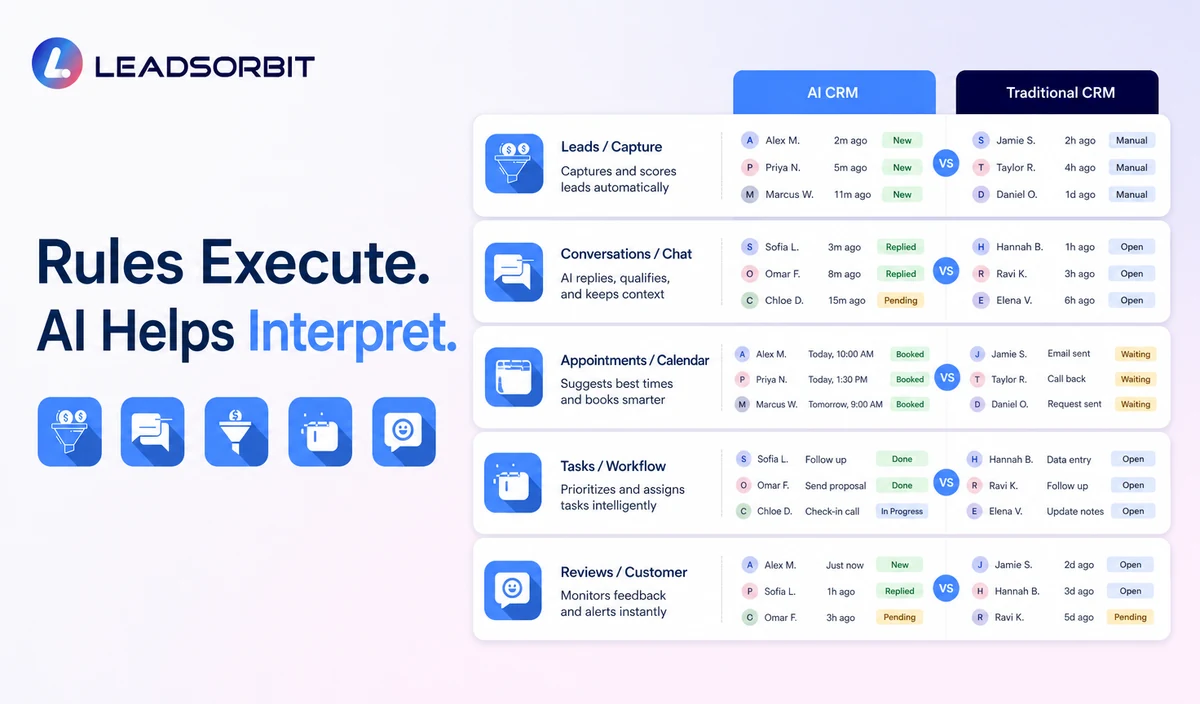
The two categories share a CRM foundation but differ in the amount of interpretation and assistance.
| Area | Traditional CRM | AI CRM |
|---|---|---|
| Customer records | Stores structured contact and activity data. | Uses the same record and may summarize relevant context. |
| Communication | Provides templates, inboxes, and manual replies. | May draft, summarize, classify, or answer approved questions. |
| Workflows | Uses defined triggers and conditions. | Can interpret less structured input before approved workflows. |
| Lead routing | Uses assignment or fixed rules. | May assist routing from language, service, or location. |
| Appointments | Connects calendars and booking rules. | May support conversational booking and intake. |
| Pipeline work | Staff reviews and decides next action. | May recommend tasks or flag overdue activity. |
| Risk | Manual work may be slower or inconsistent. | AI may be incorrect, overconfident, or poorly governed. |
The strongest AI CRM combines structured records, reliable rules, and carefully governed assistance.
Where Traditional CRM Remains Strong
Traditional CRM remains valuable when the business mainly needs organized contacts, tasks, stages, and reporting.
- Workflows are predictable.
- Customer volume is manageable.
- The team prefers simpler implementation.
- AI use cases are not clearly defined.
- Existing processes need to be fixed first.
Where AI CRM Can Add Value
AI becomes useful when staff spends significant time interpreting conversations, repeating routine responses, routing inquiries, or searching for the next action.
- Conversation summaries.
- Approved routine reply drafts.
- Intent and service classification.
- Task creation.
- After hours acknowledgment.
- Conversational scheduling.
- Customer service routing.
Rule Based Automation vs AI Assistance
Rule based automation completes a known action when a condition occurs. AI assistance interprets language or context that may vary.
A dependable platform often combines both approaches: AI interprets, while rules control permitted actions.
Risks and Tradeoffs
Traditional systems risk delayed or incomplete manual work. AI systems add risks such as incorrect output, privacy questions, overreliance, and governance effort. The NIST AI Risk Management Framework offers a useful structure for addressing AI risk.
Which CRM May Fit Your Business?
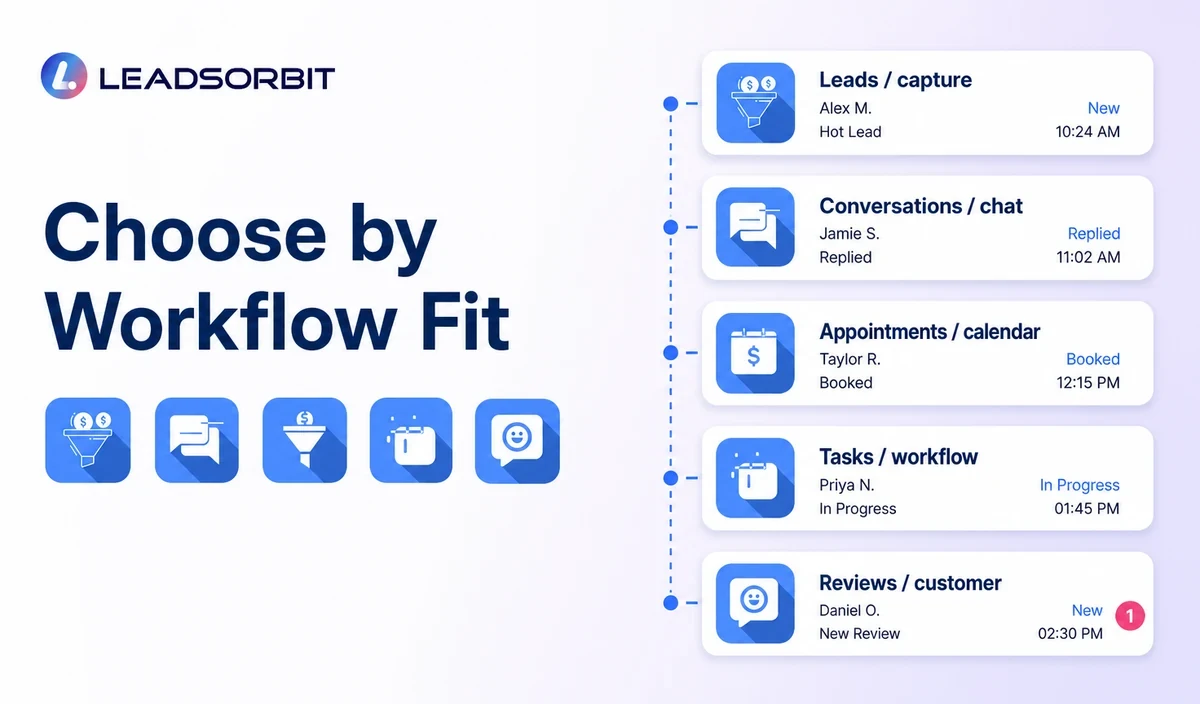
The better system is the one that fits the process, team ability, customer journey, risk level, and budget.
- Traditional CRM may fit when organization and rule based workflows are the main need.
- AI CRM may fit when teams manage high conversation volume or repeated interpretation work.
- A hybrid may fit when a central CRM connects selected specialist tools.
- Do not enable AI capabilities without a clear use case and owner.
- Do not replace a stable simple process with unnecessary complexity.
A connected AI CRM can be valuable, but only when the assistance solves a problem worth managing.
How to Compare Systems in a Demo
Use the same realistic inquiry in both systems.
- Show how the record is created and updated.
- Review staff actions in the traditional workflow.
- Review what AI summarizes, recommends, or completes.
- Test an unsupported question and customer reply.
- Show the handoff, ownership, and activity log.
- Compare reporting, setup effort, usability, and total cost.
- Decide whether the AI assistance solves a meaningful problem.
Avoid judging the systems by a polished demo that does not show exceptions.
Migration and Adoption Questions
Moving systems requires more than importing names.
- Plan contacts, notes, stages, tasks, and conversation migration.
- Clean duplicates and outdated data.
- Decide which workflows remain rule based.
- Choose which AI capability starts first.
- Assign an owner for information and error review.
- Train staff to manage handoffs and corrections.
- Test exports and fallback processes.
- Review total migration, configuration, usage, and support cost.
A gradual rollout can preserve working processes while the team learns the new capabilities.
What to Measure After Adoption
Compare operational outcomes before and after the change.
- Time spent reading and summarizing inquiries.
- Unassigned and overdue work.
- Task and pipeline completeness.
- Response and handoff times.
- AI corrections and exceptions.
- Appointment movement.
- Staff adoption.
- Tool consolidation and operating cost.
Do not assume AI creates value unless the measured workflow actually improves.
How LEADSORBIT Combines CRM and AI Assistance
LEADSORBIT brings customer records, conversations, workflows, appointments, reviews, tasks, pipeline activity, and reporting into one AI powered CRM.
Conversation AI, Workflow AI, AI Appointment, and AI Receptionist support selected parts of the journey while CRM records preserve context.
Try LEADSORBIT free for 14 days
Frequently Asked Questions
Not automatically. The right choice depends on workflow needs, data quality, staff readiness, controls, and cost.
Choose the System That Improves the Real Workflow
Traditional CRM provides structure. AI CRM adds assistance. Decide based on the customer journey, team readiness, data quality, controls, implementation, and value of the use case.
Book a Demo to see how LEADSORBIT combines CRM records with AI assisted conversations, workflows, appointments, and follow up.

Start Your Free 14 Day Trial
Try LEADSORBIT and see how it captures missed calls, follows up instantly, and turns leads into booked appointments for your business.