
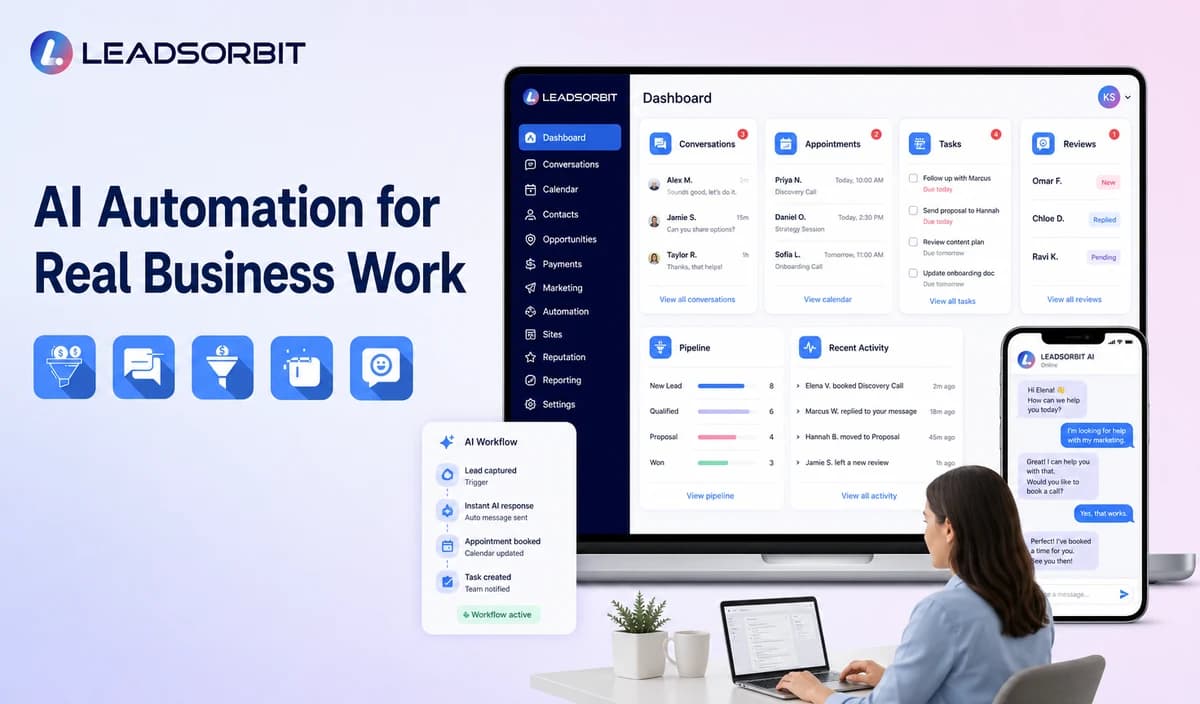

AI automation can help a small business handle repetitive customer work, interpret incoming information, and keep follow up moving. It becomes useful when attached to a clear process rather than added as a promise to automate everything.
This guide covers calls, lead management, appointments, customer service, reviews, and internal work. For the CRM category, see the AI CRM for small business guide.
What Is AI Automation for Small Business?
AI automation uses artificial intelligence together with workflow rules to understand information and complete, recommend, or route approved actions. Traditional automation is usually triggered by a fixed event, while AI can add interpretation when the input is less structured.
For example, a rule can send a confirmation after booking. AI may first recognize that a customer wants to reschedule, summarize the request, and direct it to the correct calendar or employee.
Where Small Businesses Lose Time
The most useful AI opportunities often appear where employees repeat interpretation, copying, and routing work.
- Reading and summarizing similar inquiries.
- Copying data from calls or messages into a CRM.
- Deciding which employee owns the next action.
- Following up after forms, estimates, or missed calls.
- Coordinating appointment requests across channels.
- Answering the same approved routine questions.
- Remembering to request feedback or reviews.
- Searching several tools for customer context.
AI should reduce one of these gaps without hiding the customer or the next action from the team.
A Practical AI Automation Framework
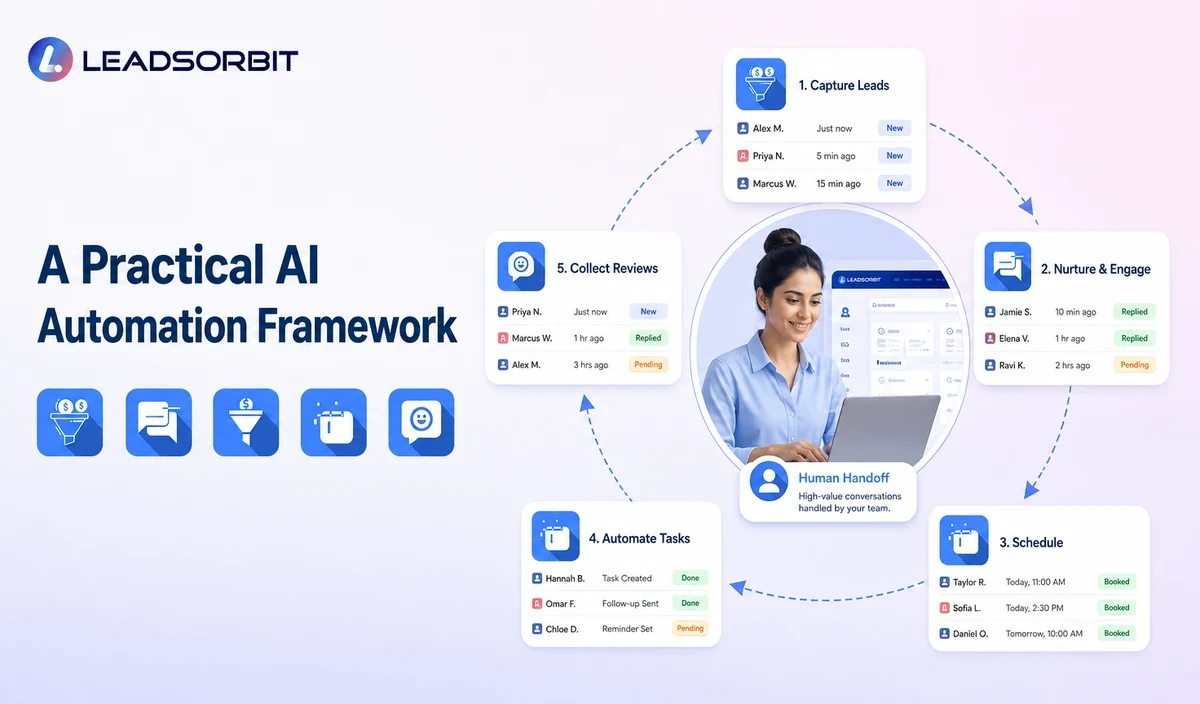
Use a six part framework before activating a workflow:
- Problem: identify the customer or team problem.
- Input: define the reliable information the system receives.
- Interpretation: decide what AI may classify, summarize, or recommend.
- Action: define permitted messages, tasks, routing, updates, or bookings.
- Handoff: specify when a person must review or take over.
- Measurement: track whether the workflow improves the original problem.
The goal is dependable assistance, not the largest possible number of automated steps.
AI Automation Use Cases
Different use cases require different data, rules, and human involvement.
| Use Case | AI Assistance | Human Responsibility |
|---|---|---|
| Calls | Collect approved intake, summarize, and route. | Handle emergencies, exceptions, and complex questions. |
| Lead follow up | Interpret replies and create the next task. | Define timing, stop rules, and ownership. |
| Appointments | Recognize intent and offer valid times. | Control services, calendars, buffers, and exceptions. |
| Customer service | Answer approved questions and summarize context. | Resolve complaints and sensitive situations. |
| Reviews | Trigger feedback workflows and suggest drafts. | Review negative or sensitive feedback personally. |
| Internal work | Summarize notes and draft routine content. | Verify facts, tone, claims, and customer details. |
Industry specific professional, clinical, safety, pricing, or eligibility decisions should remain within approved human processes.
1. AI for Calls and Missed Calls
An AI receptionist can support routine call handling and missed call acknowledgment. The workflow needs clear transfer rules and an easy path to staff.
- Use approved intake questions.
- Create one customer record.
- Assign a callback task.
- Stop the sequence after reply or contact.
2. AI for Lead Follow Up
Workflow AI can connect triggers, tasks, messages, routing, and stop conditions. AI may classify replies so the sequence changes when the lead books, declines, or asks a question.
3. AI for Appointment Booking
AI Appointment can support availability, intake, booking, confirmation, reminders, and rescheduling. The calendar remains the source of truth.
4. AI for Customer Service and Reviews
Conversation AI can assist routine answers and handoffs, while Reviews AI can support feedback and review workflows.
Responsible AI Automation Controls
AI automation should be treated as an operating process that requires ownership and review.
- Approved information sources and messages.
- Role based permissions.
- Clear triggers and stop conditions.
- Uncertainty handling and human escalation.
- Conversation and action logs.
- Normal and edge case testing.
- Privacy, retention, consent, and opt out settings.
- A simple way to pause the workflow.
The NIST AI Risk Management Framework provides a useful voluntary structure for governing, mapping, measuring, and managing AI risk.
How to Choose the First Workflow
The best first workflow is frequent, understandable, and low enough in risk to test safely.
- Acknowledge a new web inquiry.
- Summarize a customer message for staff.
- Create a task from a missed call.
- Route a request by service or location.
- Answer a small set of approved questions.
- Support one appointment type.
- Stop follow up after a reply or booking.
Avoid beginning with a workflow that handles every question, changes important records without review, or depends on poor quality data.
AI Automation Implementation Steps
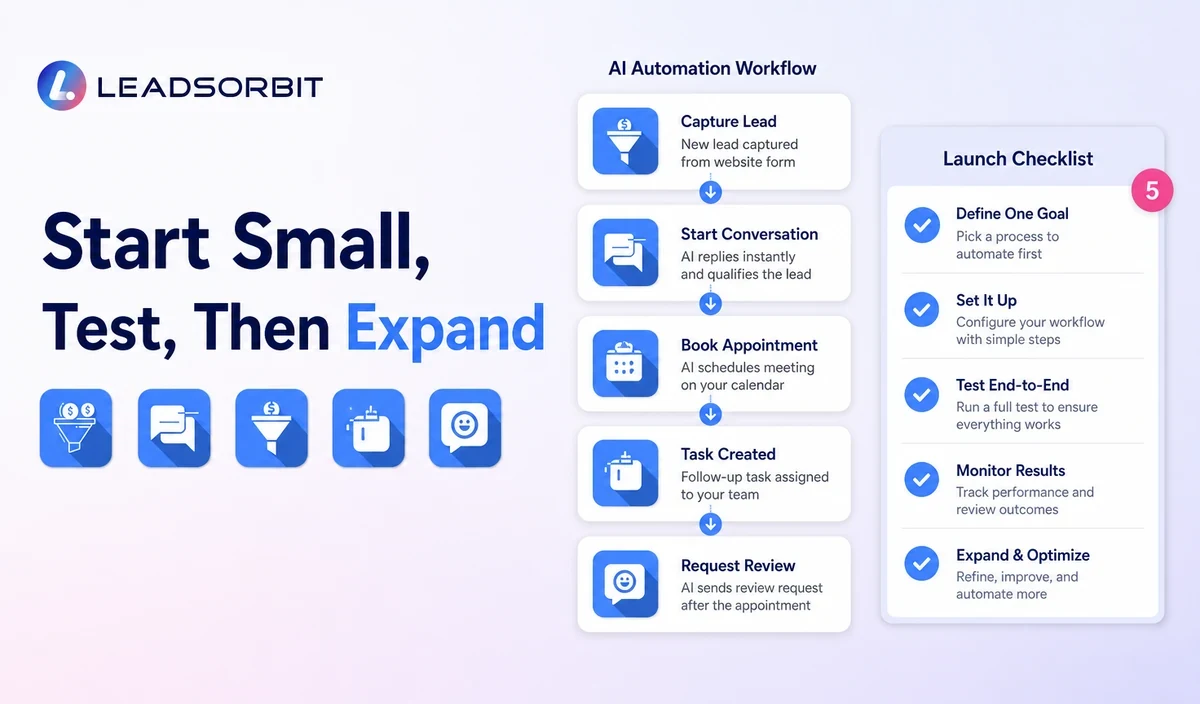
A controlled rollout makes errors easier to find and correct.
- Map the current process and identify where someone waits.
- Choose one workflow owner.
- Clean data and approve information sources.
- Write the trigger, interpretation, action, stop rule, and handoff.
- Test realistic language, missing information, mistakes, and opt outs.
- Train the team to review and take over.
- Launch with limited volume.
- Review outcomes before expanding.
A simple, maintained workflow usually creates more value than a large collection of automations nobody reviews.
What to Measure
Measure the original business problem rather than AI activity alone.
- Time to first acknowledgment.
- Overdue tasks and unanswered conversations.
- Handoff rate and reason.
- Incorrect classification or summary patterns.
- Appointments requested and completed.
- Customer replies, opt outs, and complaints.
- Staff corrections and workflow stops.
Use the results to adjust information, rules, timing, and ownership.
How LEADSORBIT Supports AI Automation
LEADSORBIT connects AI assisted conversations, workflows, appointments, reviews, lead records, tasks, and reporting in one CRM environment.
Workflow AI, Conversation AI, AI Appointment, and AI Receptionist support different parts of the connected customer journey.
Try LEADSORBIT free for 14 days
Frequently Asked Questions
Common uses include inquiry summaries, routine answers, lead routing, follow up tasks, appointment support, customer service triage, review workflows, and internal drafts.
Automate the Right Work With Clear Boundaries
AI automation can reduce repetitive work and improve consistency when it combines reliable information, approved actions, clear handoffs, and ongoing review.
Book a Demo to see how LEADSORBIT can connect AI assisted workflows with conversations, appointments, follow up, and CRM records.

Start Your Free 14 Day Trial
Try LEADSORBIT and see how it captures missed calls, follows up instantly, and turns leads into booked appointments for your business.