
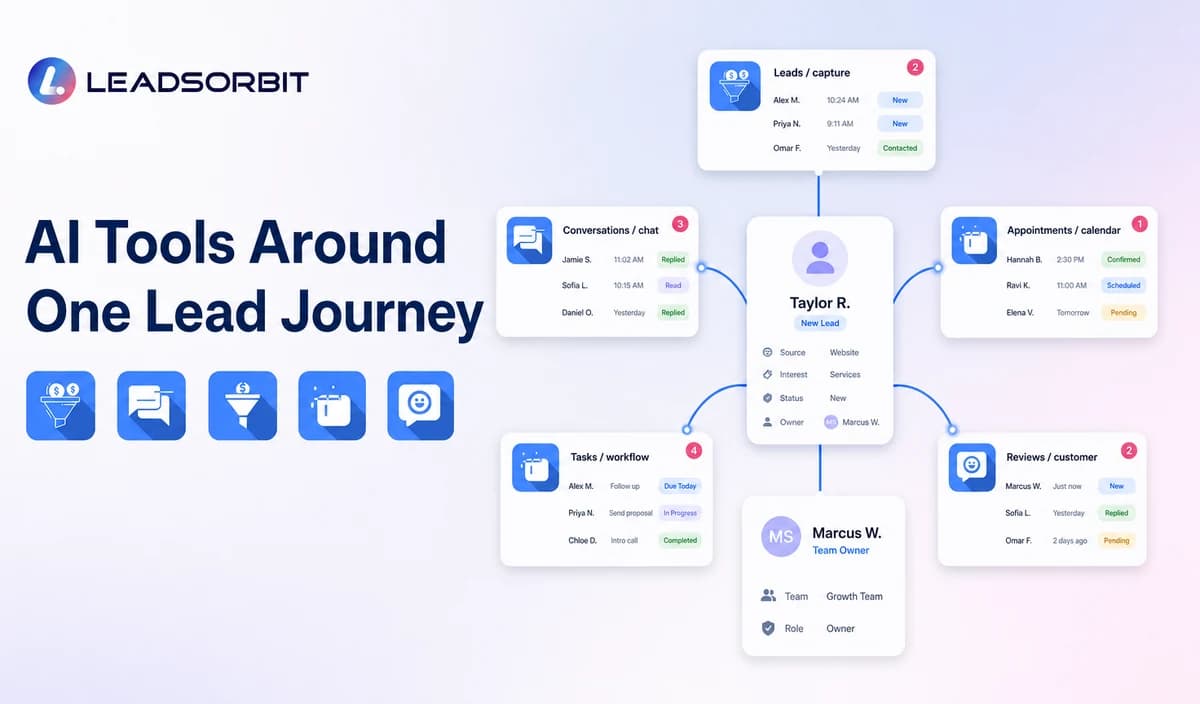

Small businesses can use AI tools to capture inquiries, summarize conversations, route leads, support follow up, schedule appointments, and keep pipeline work visible. The difficulty is deciding which tools should work together.
This guide focuses on lead management and supports the broader AI CRM for small business pillar by mapping tools from first inquiry to qualified next action.
What Are AI Lead Management Tools?
AI lead management tools are software capabilities that help a business collect, interpret, organize, prioritize, communicate with, and follow up with potential customers.
Some tools cover one task, such as call handling or message drafting. Others are part of a connected CRM that links records, conversations, workflows, appointments, tasks, and reporting.
Why a Lead Tool Stack Becomes Fragmented
A business often adds one tool at a time and eventually loses the full customer journey.
- Forms create contacts in one system.
- Calls and texts remain in separate inboxes.
- Follow up tools cannot see bookings.
- Employees create duplicate records.
- Lead source is lost during transfer.
- No one owns the next action.
- Reporting counts activity without showing progress.
The best tool stack preserves one record, one conversation history, and visible ownership.
A Connected AI Lead Management Workflow
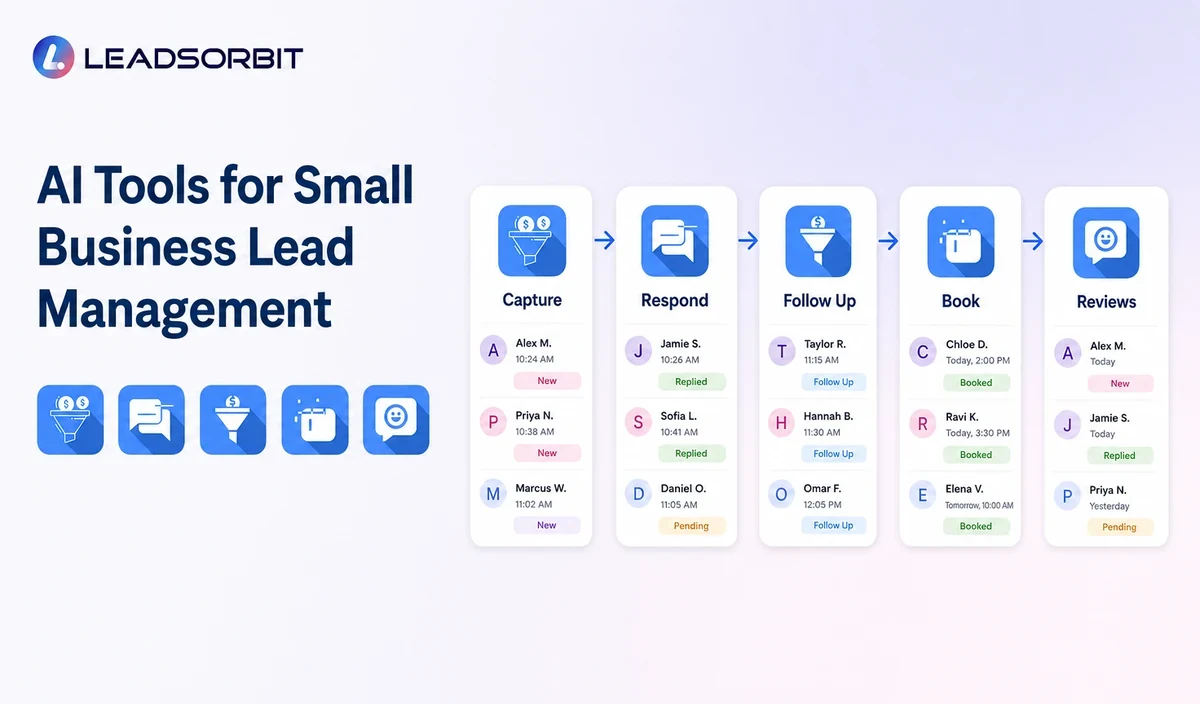
The tools should work as one customer process.
- A lead calls, submits a form, starts a chat, sends a message, or requests an appointment.
- The system creates or updates one record and preserves source.
- AI summarizes the need and identifies approved routing information.
- A workflow acknowledges the inquiry, routes the record, and creates a task.
- The team continues the conversation or the lead enters booking.
- Follow up stops or changes when the lead replies, books, declines, or opts out.
- The CRM records the outcome for pipeline reporting.
The customer should experience one coherent conversation even when several tools assist behind the scenes.
AI Lead Management Tool Categories
Each category solves a different part of the journey.
| Tool Category | Primary Job | Key Evaluation Question |
|---|---|---|
| AI receptionist | Support calls, intake, and routing. | Can the caller reach a person outside approved rules? |
| Conversation AI | Assist SMS, email, chat, and inbox work. | Does it use approved information and preserve history? |
| Lead capture AI | Structure forms, calls, and messages. | Does it preserve source, consent, and contact details? |
| Workflow AI | Create tasks, route, and follow up. | Are triggers, stop rules, and ownership clear? |
| AI scheduling | Support booking and reminders. | Are calendar and exception rules enforced? |
| Pipeline assistance | Summarize and flag overdue leads. | Can staff review, correct, and override? |
A tool is valuable only when its output becomes a visible and useful next action.
1. AI Tools for Lead Capture
Lead capture tools should reduce missing information without creating duplicate records. They may interpret a form, summarize a call, or convert a conversation into structured fields.
- Website forms and landing pages.
- Call and missed call intake.
- Web chat and messages.
- Appointment requests.
- Email inquiries.
2. AI Tools for Lead Response
Conversation AI and AI Receptionist can provide a first response, answer approved questions, collect basic details, and route the inquiry.
The system should distinguish acknowledgment from resolution.
3. AI Tools for Follow Up and Pipeline
Workflow AI can create tasks, send approved sequences, notify staff, and update pipeline information. A connected lead follow up automation process needs stop conditions.
4. AI Tools for Appointment Conversion
AI Appointment can support availability, booking, confirmation, reminders, and rescheduling. The booking should remain connected to the lead record.
Point Tools vs a Connected AI CRM
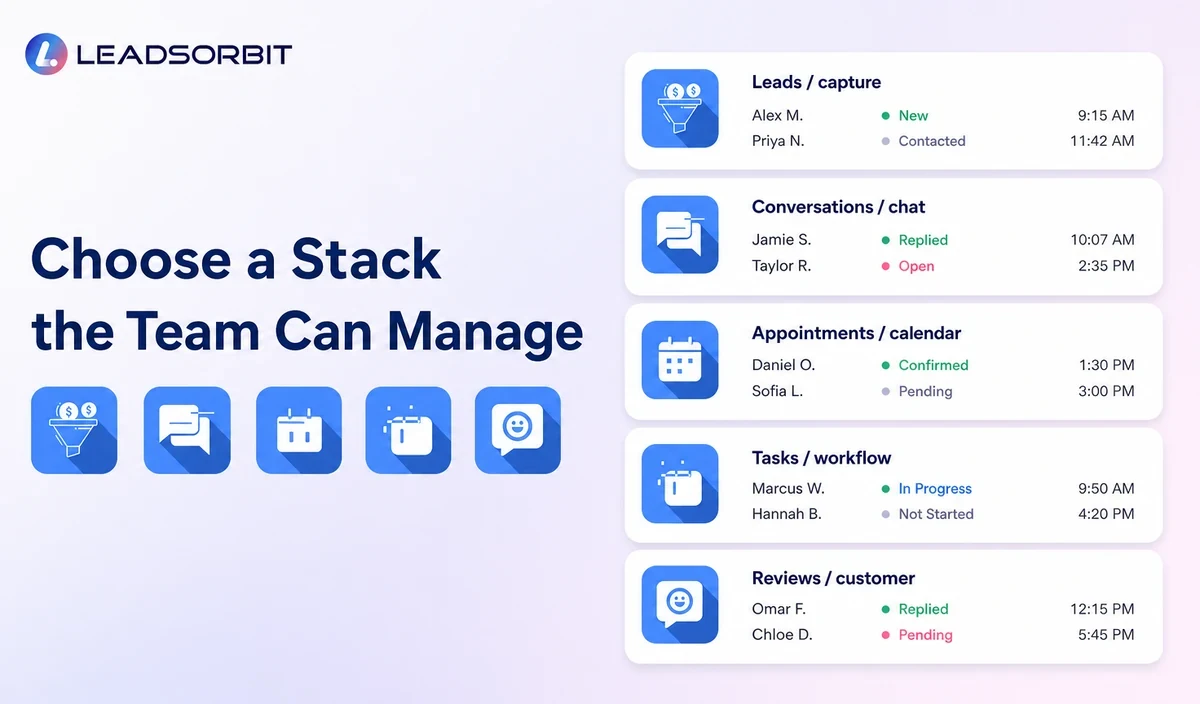
A business can use separate point tools, a connected CRM, or a hybrid stack.
- Point tools may provide deep capability for one task but require more integrations.
- A connected AI CRM keeps records, conversations, workflows, appointments, tasks, and outcomes together.
- A hybrid stack combines a central CRM with selected specialist tools but requires clear integration ownership.
- The decision depends on workflow complexity, existing tools, team adoption, data quality, and total cost.
A connected platform is not automatically best, but fragmented data should be treated as a real operating cost.
How to Evaluate AI Lead Management Tools
Use the same realistic lead scenario across every demonstration.
- Check how the record is created or matched.
- Confirm the source is preserved.
- Ask which information the AI uses.
- Test unclear and unsupported requests.
- Reply and confirm that automation changes.
- Transfer the conversation to an employee.
- Book and reschedule an appointment.
- Review logs, overdue tasks, and pipeline reports.
- Confirm export, permissions, limits, setup, and support.
The NIST AI Risk Management Framework provides a useful structure for ownership, context, measurement, and ongoing risk management.
A Lead Management Implementation Plan
Connect the system around the actual lead journey.
- Map every lead source and channel.
- Create one contact matching rule.
- Define required source, service, location, and consent fields.
- Assign owners and pipeline stages.
- Build one acknowledgment and follow up workflow.
- Connect booking and staff handoffs.
- Test duplicates, replies, declines, opt outs, and exceptions.
- Review records and reports before expanding.
Do not allow several tools to create competing records or workflows for the same event.
What to Measure
Measure whether the lead moves to a useful next action.
- Time to acknowledgment.
- Unassigned or overdue leads.
- Duplicate records.
- Human handoff rate.
- Appointments requested and booked.
- Follow up stops and replies.
- Pipeline delays.
- Incorrect summaries or classifications.
Message volume alone does not show whether the lead journey improved.
How LEADSORBIT Connects AI Lead Management Tools
LEADSORBIT brings lead capture, conversations, workflows, appointment booking, tasks, pipeline stages, reviews, and reporting into one AI powered CRM.
The platform connects Conversation AI, Workflow AI, AI Appointment, and AI Receptionist to the same customer record.
Try LEADSORBIT free for 14 days
Frequently Asked Questions
Useful categories include AI receptionist, conversation assistance, lead capture, workflow automation, appointment scheduling, pipeline assistance, and analytics.
Connect the Tools Around One Customer Journey
AI tools can support lead capture, response, follow up, booking, and pipeline visibility. Their value depends on accurate records, clear rules, handoffs, and connected reporting.
Book a Demo to see how LEADSORBIT can connect AI assisted lead management in one CRM platform.

Start Your Free 14 Day Trial
Try LEADSORBIT and see how it captures missed calls, follows up instantly, and turns leads into booked appointments for your business.