
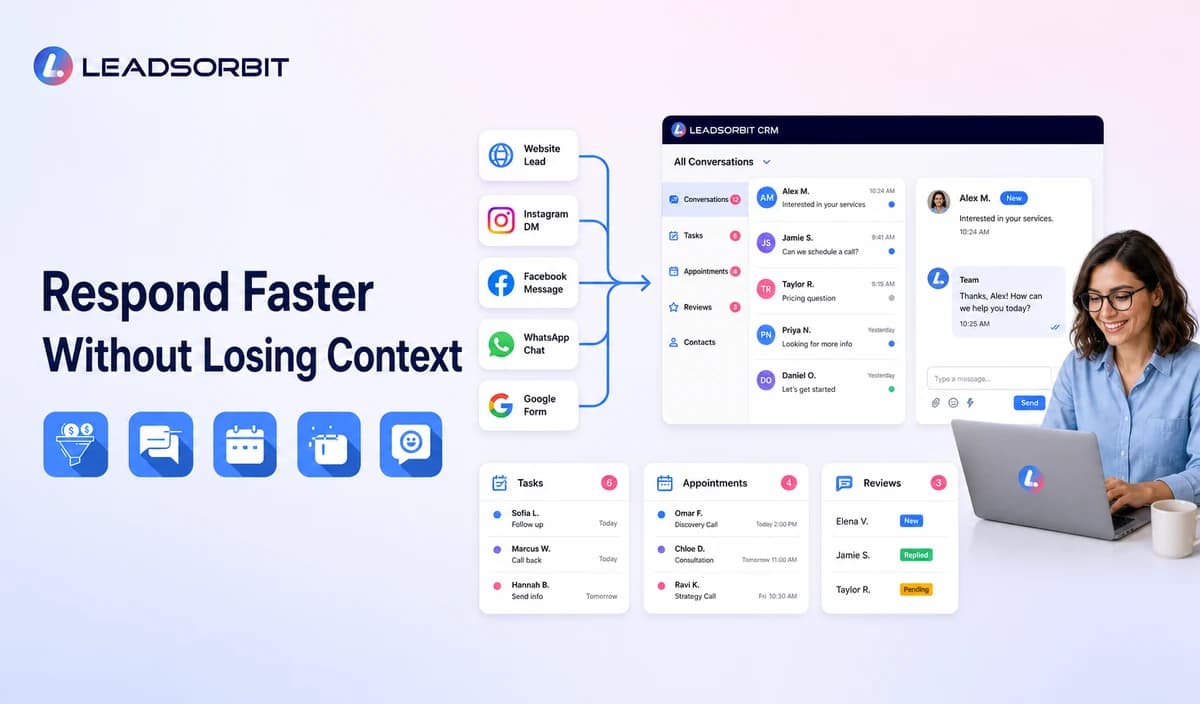

A new lead rarely knows whether the front desk is busy, the owner is on a job, or the team is helping another customer. They only know whether the business acknowledged the inquiry and made the next step clear.
AI can support calls, messages, forms, routing, follow up, and appointment requests. The objective is not to replace the team. It is to keep the first customer action visible inside an AI CRM for small business.
How Does AI Help a Business Respond Faster?
AI can interpret an incoming call, form, or message; create or update a lead record; send an approved acknowledgment; answer a limited set of routine questions; and route the inquiry to a staff member or booking workflow.
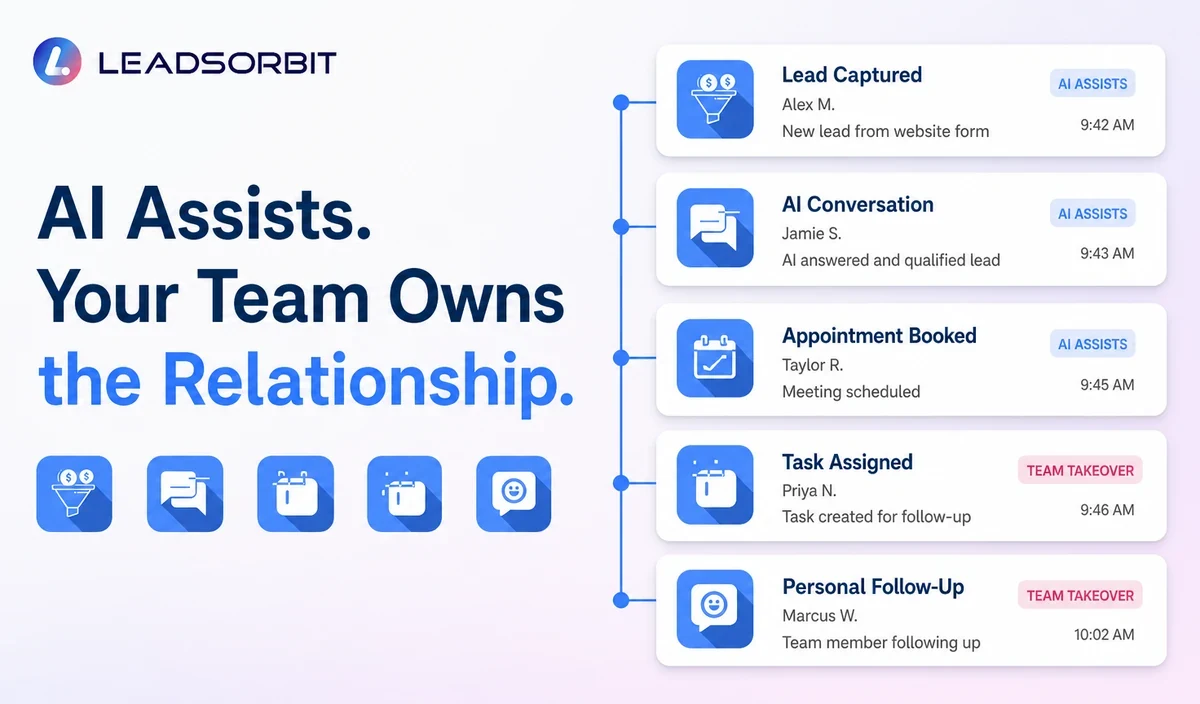
The strongest response process separates acknowledgment, useful assistance, and human resolution. AI may support the first two within approved boundaries.
Where Lead Response Delays Happen
Delays are usually created by channel and ownership gaps.
- Calls arrive while staff are busy.
- Forms go to an inbox nobody monitors consistently.
- Social messages and texts sit in separate applications.
- After hours inquiries wait.
- Employees are unsure who owns the lead.
- A long message is read but no task is created.
- Follow up continues after the lead replied elsewhere.
- Appointment requests require several calls.
AI cannot fix unclear ownership by itself. The CRM must show the lead, source, conversation, assigned person, status, and next action.
The AI Assisted Lead Response Workflow
A complete response workflow connects the first inquiry to visible ownership.
- The lead calls, submits a form, starts a chat, sends a message, or requests an appointment.
- The CRM creates or updates the contact and preserves source.
- AI summarizes the request and identifies approved routing details.
- The system sends an acknowledgment or approved answer.
- A task, notification, or booking path is created.
- A staff member takes over when required.
- The workflow stops or changes when the lead replies, books, declines, or opts out.
A faster response is not helpful if the lead enters an invisible automated conversation nobody monitors.
Fast Response vs Useful Response
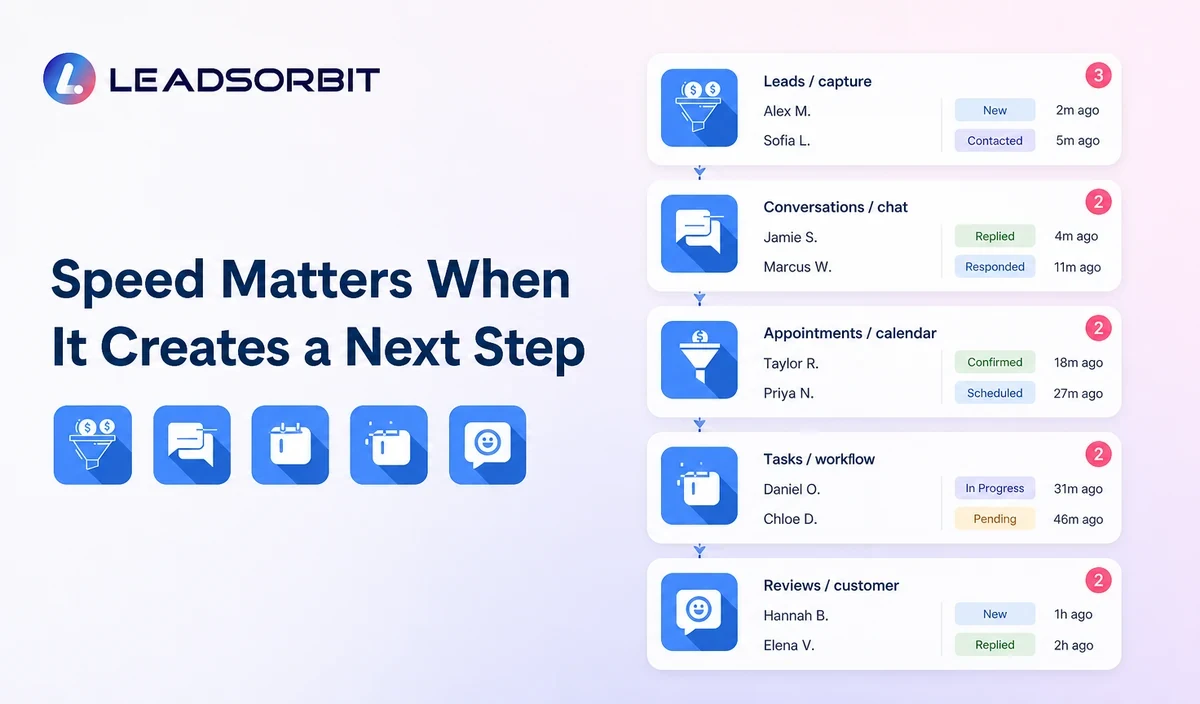
Speed creates value only when the response reduces uncertainty and advances the conversation.
| Fast but Weak | Fast and Useful |
|---|---|
| Generic message with no next step. | Acknowledgment that confirms the request and explains what happens next. |
| AI answer based on incomplete information. | Approved answer or transparent handoff when uncertain. |
| Sequence keeps sending messages. | Workflow changes after reply, booking, decline, or opt out. |
| No staff owner. | Visible assignment, task, and escalation time. |
| Only first message speed is measured. | Response is measured through the next meaningful action. |
The first response should confirm receipt, provide approved help, or make the next step easier.
1. AI Receptionist for Calls and After Hours
An AI receptionist for small business can support routine calls, intake, and routing. The business should define which calls transfer immediately.
2. Conversation AI for Messages
Conversation AI can summarize an inquiry, draft a response, answer approved questions, and identify when a person is needed.
Hours, services, locations, and policies must be current.
3. Workflow AI for Routing and Follow Up
Workflow AI connects the inquiry with tasks, routing, timing, and stop conditions. A wider lead follow up automation strategy should define channel, frequency, and endpoints.
4. AI Appointment Scheduling as a Response Path
Some leads are ready to book. AI appointment scheduling can provide valid options, collect approved information, and confirm the appointment.
The calendar must remain accurate and control availability.
5. Human Handoffs and Communication Controls
The response system needs clear handoffs and appropriate communication settings.
- Transfer when the customer asks for a person.
- Escalate uncertainty, complaints, sensitivity, urgency, custom estimates, and conflicting information.
- Assign every handoff to an owner.
- Respect quiet hours, consent, preferences, and opt outs.
- Stop initial follow up after a reply, booking, decline, or opt out.
- Review applicable call, text, and email requirements.
Review FCC guidance on calls and texts and the FTC CAN SPAM guide where relevant. This article is operational guidance, not legal advice.
How to Design a Faster Response Process
Begin with the channels and delays that actually affect the business.
- List every inquiry channel.
- Define the record and source each channel creates.
- Approve the first acknowledgment and routine answers.
- Assign ownership and escalation times.
- Create reply, booking, decline, and opt out stops.
- Test normal, unclear, urgent, and unsupported inquiries.
- Train staff to monitor and take over.
The team should know what the AI handled and what remains outstanding.
Implementation Checklist
Launch the workflow with a small scope.
- Choose one channel and one lead type.
- Clean business information and routing rules.
- Build acknowledgment, task, stop, and handoff steps.
- Test during office hours and after hours.
- Review customer replies and staff alerts.
- Correct delays and inaccurate answers.
- Add another channel only after the first is dependable.
The goal is a consistent next action, not a complicated response tree.
What to Measure
Measure the full handoff rather than only the first automated message.
- Time from inquiry to acknowledgment.
- Time from acknowledgment to staff action.
- Leads with no owner.
- Unanswered conversations and overdue tasks.
- Handoff rate and reason.
- Appointments requested and scheduled.
- Stops, opt outs, and complaints.
- Incorrect answers or summaries.
Use the results to improve routing, staffing, information, and workflow timing.
How LEADSORBIT Supports Faster Lead Response
LEADSORBIT connects calls, conversations, workflow automation, appointment booking, tasks, and pipeline activity in one AI powered CRM.
AI Receptionist, Conversation AI, Workflow AI, and AI Appointment support different response paths.
Try LEADSORBIT free for 14 days
Frequently Asked Questions
Yes, within approved rules. It can acknowledge, answer routine questions, collect information, or offer booking options while routing exceptions.
Make Every New Inquiry Visible
AI can help a small business acknowledge inquiries, organize context, route work, support booking, and keep follow up moving. The process should remain visible and easy for staff to control.
Book a Demo to see how LEADSORBIT can connect faster lead response with CRM records, conversations, workflows, and appointments.

Start Your Free 14 Day Trial
Try LEADSORBIT and see how it captures missed calls, follows up instantly, and turns leads into booked appointments for your business.