
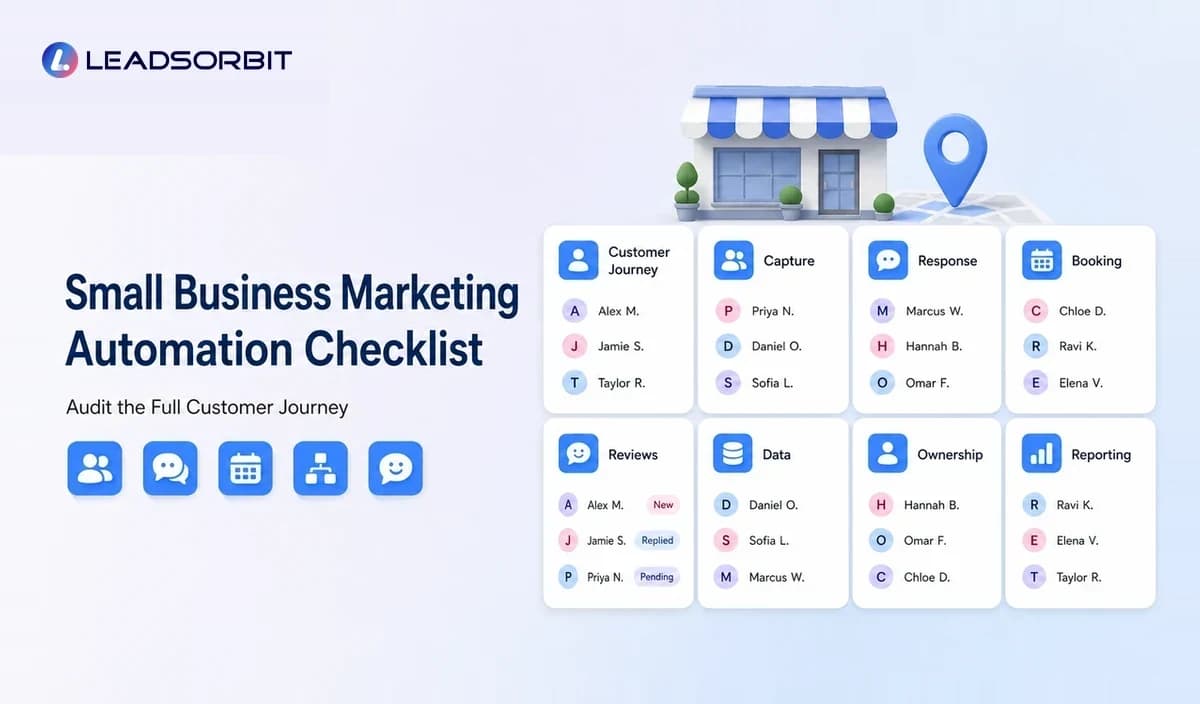

Marketing automation works best when the business knows exactly what should happen after each customer action. A checklist helps the owner review the full journey before buying software or building complicated workflows.
This small business marketing automation checklist covers lead capture, response, conversations, appointments, reviews, listings, retention, reporting, compliance, and team ownership. It is designed as a practical implementation and audit resource within the broader local business marketing automation guide.
How to Use This Marketing Automation Checklist
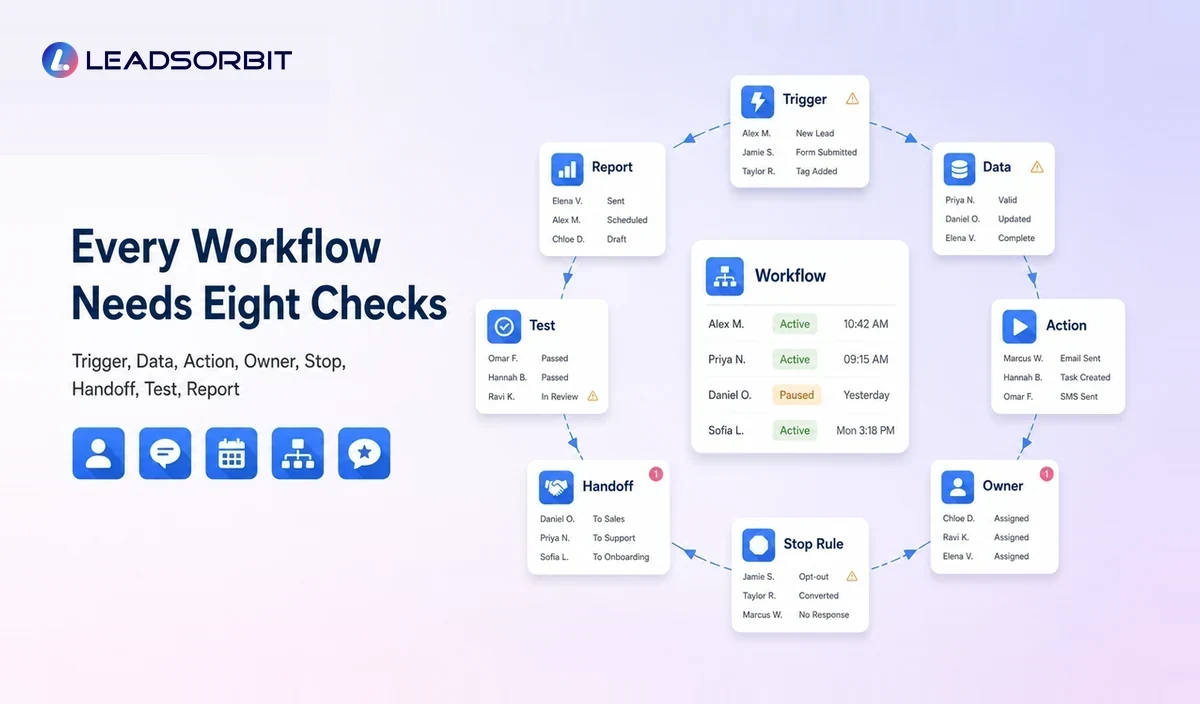
Do not try to complete every item at once. Begin with the customer journey that creates the greatest delay, confusion, or missed follow up.
For each checklist item, mark it as complete, incomplete, not applicable, or needs review. Then assign one owner and one next action. The checklist becomes useful when it creates accountability rather than remaining a planning document.
1. Strategy and Workflow Clarity
- The business has mapped the journey from first inquiry to repeat customer.
- Each workflow has a clear business problem and intended outcome.
- The trigger, action, owner, stop condition, and human handoff are documented.
- Automation supports the customer experience rather than only saving staff time.
- The team has agreed which system is the main customer record.
- Sensitive or complex situations are excluded from full automation.
- The business has prioritized the first one or two workflows.
A workflow should be understandable in plain language. When staff cannot explain why it starts or stops, it is likely too complex.
2. Lead Capture Checklist
- Website forms create or update a customer record.
- Call, chat, booking, and message inquiries reach a monitored system.
- Lead source and service interest are preserved where possible.
- Duplicate contacts are detected or reviewed.
- Required fields are limited to useful information.
- Location or service area rules are applied correctly.
- Test submissions do not enter live customer campaigns.
- Every new lead receives visible ownership.
Lead capture is not complete when the form sends an email. The inquiry must enter a process where its status and owner remain visible.
3. First Response Checklist
- The acknowledgment identifies the business clearly.
- The message confirms receipt without pretending a person has already reviewed it.
- The next step and response expectation are accurate.
- The response matches the lead source and requested service.
- Urgent, sensitive, or complex language creates a human task.
- The team can see and reply to customer responses.
- The workflow accounts for business hours and after hours expectations.
A fast but irrelevant response does not create a good experience. The message should reduce uncertainty and make the next step easier.
4. Lead Follow Up Checklist
- The sequence uses a limited number of purposeful touches.
- SMS, email, calls, and tasks have distinct roles.
- The workflow stops when the lead replies, books, declines, or opts out.
- The lead remains assigned to a team member.
- Pricing and service promises requiring judgment are not automated.
- Existing customers are separated from new leads.
- Overdue follow up appears in a visible report or task view.
- The team reviews non responsive leads rather than extending sequences indefinitely.
For deeper guidance, use the supporting guide on how local businesses can automate lead follow up.
5. Conversation Management Checklist
- Supported customer messages are visible in a shared inbox or CRM.
- Conversation history remains attached to the customer record.
- Staff can see who owns the conversation.
- Automated replies are clearly governed and monitored.
- Customer replies leave generic sequences when appropriate.
- Complaints and negative sentiment are escalated.
- The team has a process for weekends, holidays, and staff absences.
- Permissions limit access to appropriate users.
6. Appointment Booking Checklist
- Bookable services, durations, staff, locations, and buffers are accurate.
- The booking path collects only necessary information.
- Confirmations show the correct service, date, time, location, and preparation.
- Reminder timing matches the business and customer expectations.
- Cancellation and rescheduling steps are clear.
- Appointments update the CRM and pipeline.
- Completed, cancelled, and missed appointments trigger different workflows.
- Time zones, duplicate bookings, and unavailable staff are tested.
- Human approval remains available where needed.
The detailed appointment booking automation guide explains how these rules fit together.
7. Review and Feedback Checklist
- The request trigger represents a genuine completed experience.
- Eligibility rules are neutral and consistently applied.
- The message asks for honest feedback without influencing the rating.
- No prohibited incentive is offered.
- The correct location or profile link is used.
- Duplicate and repeated requests are controlled.
- Customer concerns create a service recovery task.
- The business does not gate public review access based on private feedback.
- Staff monitor and respond to reviews appropriately.
- Platform policies are reviewed periodically.
Use the supporting guide on how local businesses can automate review requests before launching this workflow.
8. Local Listings and Profile Checklist
- Business name, address or service area, phone, hours, and website are accurate.
- Categories and services reflect the real business.
- Each location has one approved source of information.
- Holiday and temporary hours have an owner.
- Booking and campaign links are tested.
- Listing changes require human approval.
- Duplicate or outdated profiles are reviewed.
- Local pages match the relevant service and location.
- Structured data matches visible website information.
9. Customer Retention and Reactivation Checklist
- Completed services can trigger future service reminders.
- Customers without a future appointment can be identified.
- Inactive customer rules reflect the actual service cycle.
- Reactivation messages use relevant customer history.
- Unresolved issues are excluded from promotional workflows.
- Customers can reply or take a clear next step.
- The campaign stops on reply, booking, opt out, or ineligibility.
- Retention reporting shows overdue follow up and customer status.
10. Data and Contact Quality Checklist
- Duplicate contacts are reviewed before automation.
- Phone numbers, email addresses, names, and service details are accurate.
- Source, location, service, and lifecycle fields have clear definitions.
- Required data is not collected without a business reason.
- Import and migration rules are documented.
- Customer preferences, consent, and opt out status are visible.
- Inactive and test records are excluded from live workflows.
- Data access and deletion processes are documented where required.
11. Compliance and Customer Trust Checklist
- The business has reviewed rules that apply to its channels and locations.
- Consent is captured and recorded where required.
- Commercial messages identify the business correctly.
- Unsubscribe and opt out requests are honored.
- Message frequency and quiet hours are defined.
- Review requests follow platform and legal guidance.
- The business does not automate sensitive promises or professional advice.
- Vendor contracts, data handling, and user permissions have been reviewed.
- A qualified professional is consulted for specific legal or compliance questions.
Official resources such as the FTC CAN SPAM guide, relevant FCC call and text guidance, and current platform policies should be checked before launch. This checklist is operational guidance, not legal advice.
12. Team Ownership and Training Checklist
- Every workflow has a named business owner.
- Every customer facing conversation has visible responsibility.
- Staff know how to pause, override, and stop automation.
- Escalation rules are documented.
- New employees receive workflow training.
- Staff know how to handle wrong numbers, opt outs, complaints, and duplicate records.
- Workflow changes are reviewed before publication.
- The business has a process for reporting errors.
13. Reporting and Optimization Checklist
- The owner can see uncontacted leads and overdue tasks.
- Lead source is connected with conversation and booking status where possible.
- Workflow replies and exceptions are reviewed.
- Appointment outcomes are recorded.
- Review request and feedback activity is visible.
- Failed messages and integration errors are monitored.
- Reports lead to a specific action or process improvement.
- Automations are reviewed after service, staffing, policy, or product changes.
Avoid building reports simply because the data is available. A useful report should help someone decide what to fix, continue, or stop.
14. Software Selection Checklist
- The platform can demonstrate the actual business workflow.
- Customer records, conversations, tasks, appointments, and reviews connect where needed.
- Workflow triggers, conditions, stop rules, and handoffs are visible.
- The platform supports the current team and likely growth.
- Pricing includes relevant users, contacts, messages, phone, setup, and support.
- Integration ownership and failure handling are clear.
- Daily users find the interface understandable.
- The vendor explains onboarding, migration, training, and cancellation.
- The business has compared total operating effort, not only subscription price.
The related guide to automation tools for local businesses can help compare connected platforms and separate tools.
A Simple 30 Day Implementation Sequence
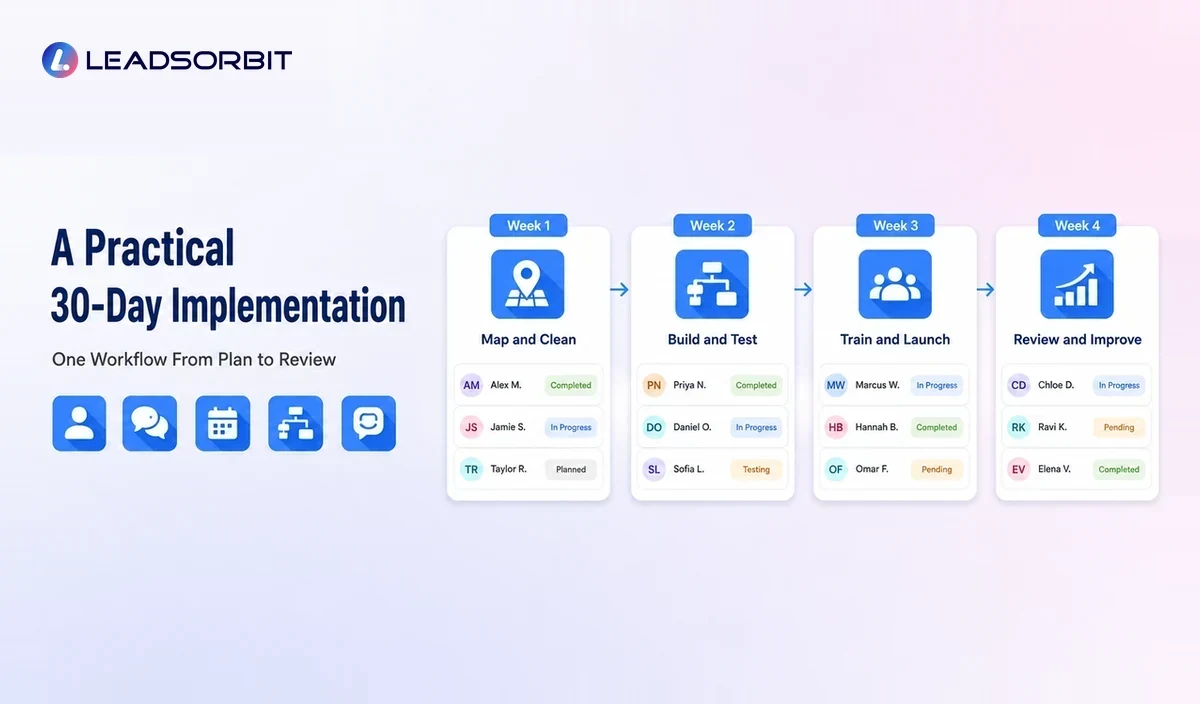
| Period | Focus | Deliverable |
|---|---|---|
| Days 1 to 7 | Map and clean | One customer journey, one owner, clean fields, and accurate source data. |
| Days 8 to 14 | Build and test | One workflow with trigger, action, stop rule, handoff, and internal testing. |
| Days 15 to 21 | Train and launch | Staff training, controlled launch, reply monitoring, and exception handling. |
| Days 22 to 30 | Review and improve | Workflow report, customer feedback, error fixes, and next priority decision. |
The sequence is intentionally narrow. A business should prove one workflow before expanding automation across every channel.
How LEADSORBIT Supports the Checklist
LEADSORBIT brings CRM records, conversations, workflows, appointment booking, review management, listings, pipeline activity, and reporting into one connected platform.
Teams can use Workflow AI for automation logic, Conversation AI for customer messages, AI Appointment for scheduling, Reviews AI for reputation workflows, and Listing AI for local visibility support.
Try LEADSORBIT free for 14 days
Frequently Asked Questions
Choose one frequent problem with a clear trigger and outcome. New lead response, appointment reminders, review requests, and future service reminders are common starting points.
Final Thoughts
The purpose of marketing automation is not to build the most complicated setup. It is to make important customer and team actions more consistent.

Start Your Free 14 Day Trial
Try LEADSORBIT and see how it captures missed calls, follows up instantly, and turns leads into booked appointments for your business.