
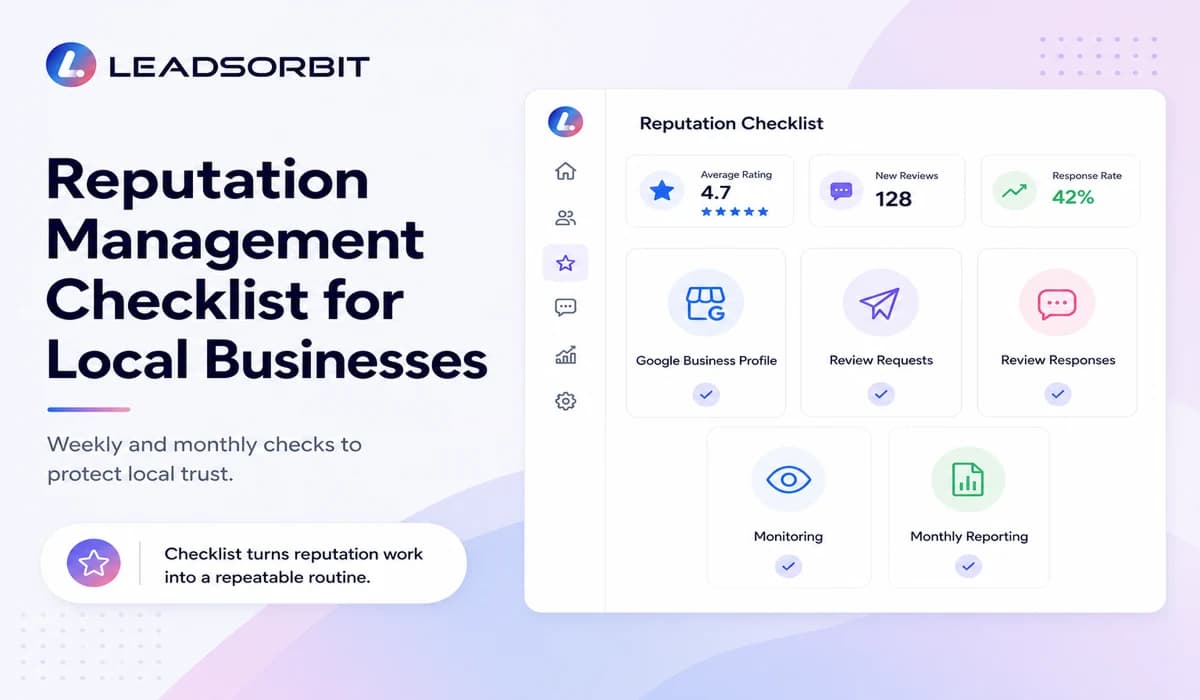

A reputation management checklist helps local businesses keep reviews, customer feedback, and public trust from becoming random tasks. When your team has a simple checklist, it becomes easier to request honest reviews, monitor new feedback, respond professionally, and understand what needs attention each month.
For many local businesses, reputation problems do not happen because the owner does not care. They happen because review work is scattered. One person checks Google. Another person sends review requests. Someone replies to a review when they remember. A manager may only notice a problem after a customer complaint has already been public for days.
This guide gives your team a practical checklist for managing your reputation every week and every month. For the complete strategy behind this checklist, read Online Reputation Management for Small Business.
Why Local Businesses Need a Reputation Checklist
Local businesses depend on trust before the first call, appointment, or visit. A customer may search your business name, compare your Google reviews, read recent comments, and decide whether your team looks active and reliable.
The issue is that reputation management is easy to delay. When the business is busy, review requests get skipped. When new reviews come in, replies may wait. When a negative review appears, the team may not know who should respond. A checklist removes confusion by turning reputation work into a repeatable process.
A simple checklist helps your team:
- know what to check on Google Business Profile
- send review requests at the right customer moments
- respond to reviews with a consistent tone
- notice reputation problems before they grow
- report monthly progress instead of guessing
This does not need to be complicated. The goal is not to add more work. The goal is to make sure the most important reputation tasks are not missed.
Google Business Profile Review Checks
Your Google Business Profile is often the first review touchpoint for a local customer. Google explains that reviews can help businesses stand out and encourages businesses to ask for and reply to reviews through its official Google Business Profile review guidance.
Because of this, your first checklist area should be your Google profile. The team should confirm that customers can find the right business, see recent reviews, understand your service quality, and notice that the business replies professionally.
Weekly Google Business Profile checks:
- confirm that the business name, address, phone number, website, and hours are accurate
- check for new Google reviews
- look at recent star ratings and written feedback
- identify reviews that need a response
- flag reviews that mention service issues, staff concerns, wait time, pricing confusion, or appointment problems
- check whether photos, services, and business details still support the customer journey
The main point is consistency. If your team checks the profile weekly, small issues are easier to manage before they become bigger trust problems.
Review Request Checks
Review requests should be part of the customer journey, not a last minute task. The best time to ask is usually after a real customer experience, when the service has been completed and the customer understands the value they received.
This is where your checklist should connect with your review request process. If your team already uses templates, connect this section with Review Request Templates so everyone uses approved wording and avoids risky shortcuts.
Review request checks:
- ask real customers only after a real interaction
- make the request simple, short, and respectful
- include a direct review link when appropriate
- avoid offering rewards for positive reviews
- avoid filtering only happy customers
- track which customers received a review request
- avoid sending too many repeated requests to the same person
A review request system should make it easy for customers to leave honest feedback. It should not pressure them, script their review, or make them feel like only positive feedback is allowed.
Review Response Checks
Review responses are not only for the reviewer. They are also for future customers who are reading your public profile and trying to understand how your business handles feedback.
A strong review response process should be calm, professional, and clear. Positive reviews should be acknowledged. Negative reviews should be handled carefully, without arguing, blaming, or sharing private customer information.
For detailed response guidance, your team should use the supporting guide How to Respond to Negative Reviews.
Review response checks:
- reply to positive reviews with a short and personal thank you
- reply to negative reviews calmly and professionally
- do not reveal private customer details
- do not argue publicly with the reviewer
- move sensitive conversations offline when needed
- assign ownership if a review needs investigation
- track whether the issue was addressed or still needs follow up
The goal is not to win an argument. The goal is to show that your business listens, cares, and follows up responsibly.
Reputation Monitoring Checks
Reputation monitoring helps your team know what is being said before it becomes a bigger issue. Manual checking can work for a very small business, but it becomes harder as review volume, platforms, locations, and team members grow.
If your business receives reviews across multiple platforms, the checklist should connect with a monitoring process like the one explained in Reputation Monitoring Service.
Reputation monitoring checks:
- check new reviews across priority platforms
- monitor rating changes and review patterns
- flag repeated complaints or service issues
- track unanswered reviews
- watch for brand mentions where relevant
- identify reviews that need manager attention
- document recurring feedback themes
This step is important because reputation management is not only about replies. It is also about learning what customers are repeatedly telling you.
Monthly Reputation Reporting Checks
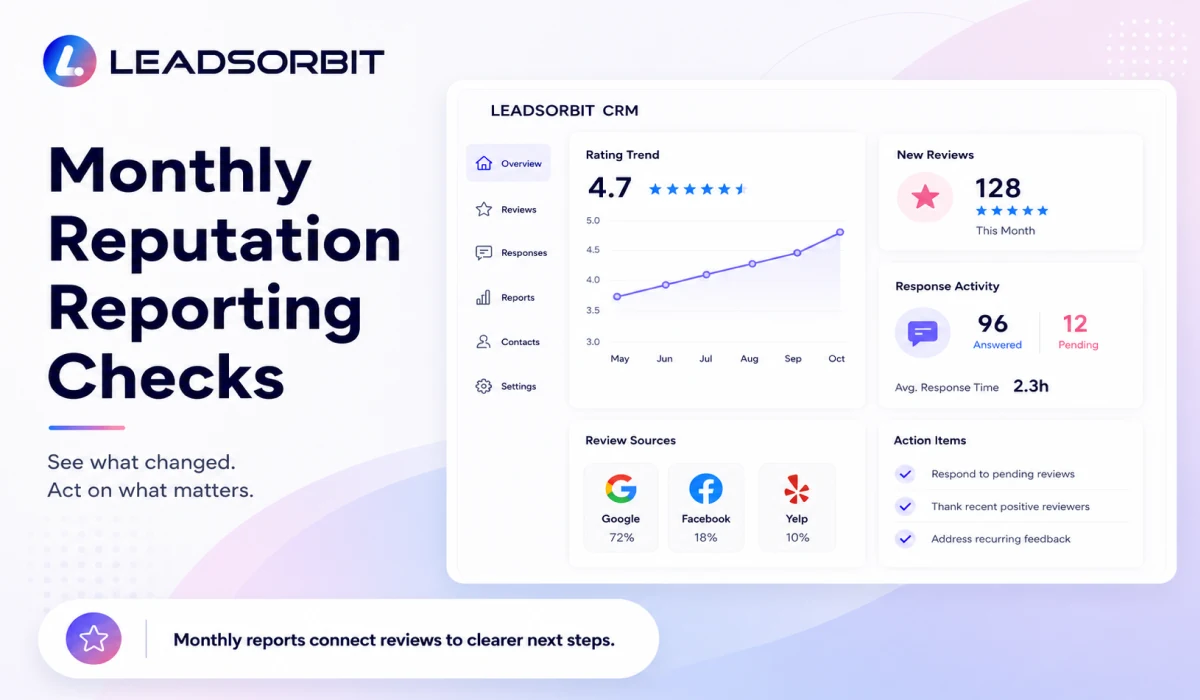
A monthly reputation report helps the owner or manager see what changed. Without reporting, reputation work can feel like a set of small tasks that never connect to the bigger picture.
The report does not need to be complex. It should show whether the business is getting more reviews, whether replies are being handled, whether ratings are improving, and whether customer feedback is pointing to a service issue.
Monthly reporting checks:
- total new reviews received
- average rating and rating movement
- review sources such as Google, Facebook, Yelp, or other relevant platforms
- number of reviews answered
- average response time
- common positive feedback themes
- common negative feedback themes
- open issues that need follow up
- next actions for the coming month
This makes reputation management more useful. Instead of only collecting reviews, your team can learn from them and improve the customer experience.
Final Checklist
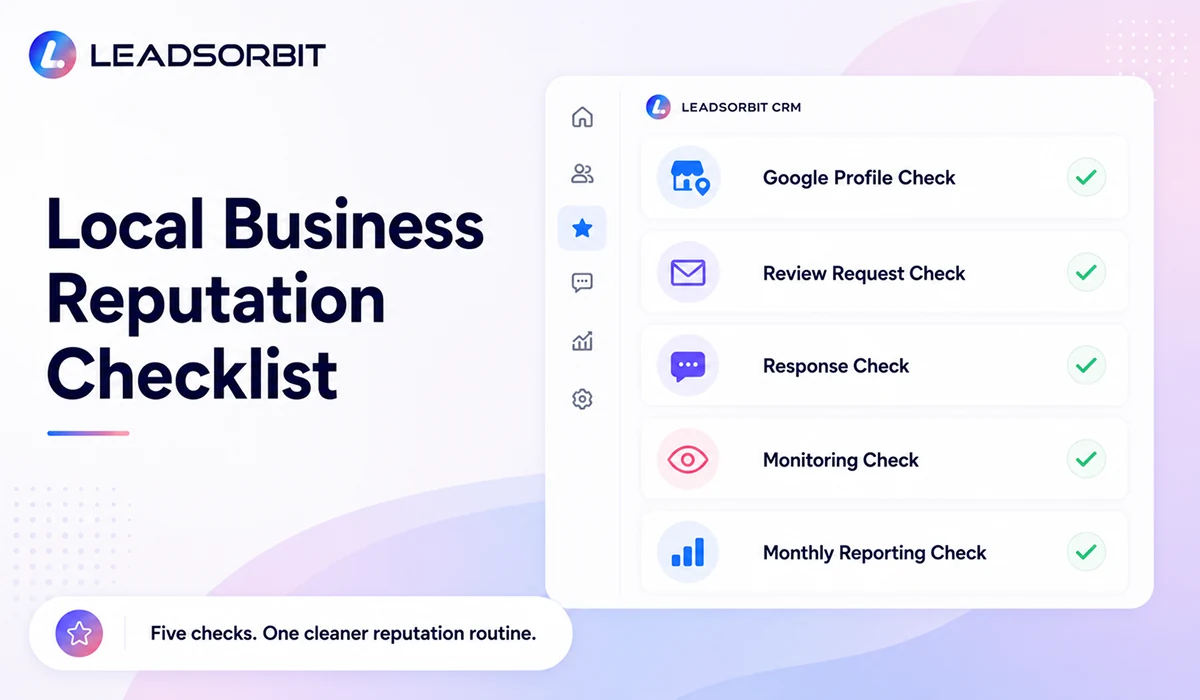
Use this final checklist as a working reputation routine for your team. It can be used weekly by the person managing reviews and monthly by the owner, manager, or marketing lead.
| Checklist Area | What to Confirm |
|---|---|
| Google Business Profile | Business details are accurate, new reviews are checked, and unanswered reviews are flagged. |
| Review Requests | Real customers are asked for honest feedback at the right moment using approved wording. |
| Review Responses | Positive and negative reviews are answered professionally without sharing private details. |
| Reputation Monitoring | New reviews, rating changes, customer complaints, and repeated feedback themes are tracked. |
| Monthly Reporting | New reviews, average rating, response activity, review sources, and action items are reviewed. |
| Team Ownership | Each review related task has a clear owner and next step. |
This checklist works best when it is connected to a system. If review requests, monitoring, responses, and reporting live in separate places, the team can still miss important details.
How LEADSORBIT Helps Local Businesses Manage Reputation Checks
LEADSORBIT helps small businesses connect reputation tasks inside one AI powered CRM. Instead of treating review requests, review monitoring, responses, and follow up as separate jobs, the system can help your team keep everything more visible.
With Reviews AI, your team can support review request workflows, track reputation signals, and keep review activity easier to manage. With Workflow AI, reputation related tasks can be tied to customer follow up, reminders, and internal notifications.
LEADSORBIT can help your team:
- send review requests after the right customer moments
- track new reviews and response needs
- keep review activity visible inside the CRM
- support follow up when a review needs attention
- organize monthly reputation reporting
- connect reviews with the broader customer journey
To see how LEADSORBIT can help your local business manage reviews, reputation checks, and follow up in one system, you can Book a Demo.
Try LEADSORBIT free for 14 days
FAQs
A reputation management checklist is a simple process businesses use to check reviews, request feedback, respond to customers, monitor reputation signals, and report progress. It helps the team avoid missing important reputation tasks.
Final Thoughts
A reputation management checklist gives local businesses a practical way to protect trust. It keeps review requests, Google Business Profile checks, responses, monitoring, and reporting from becoming random tasks.
The most important thing is consistency. Ask real customers at the right time. Monitor reviews regularly. Respond professionally. Track feedback themes. Review progress each month. When this becomes a routine, reputation management becomes easier for the team and more reliable for the business.
A connected CRM makes this process even stronger. With LEADSORBIT, your team can manage review requests, reputation monitoring, responses, and reporting in one place. To see how this can work for your business, book a demo.

Start Your Free 14 Day Trial
Try LEADSORBIT and see how it captures missed calls, follows up instantly, and turns leads into booked appointments for your business.