
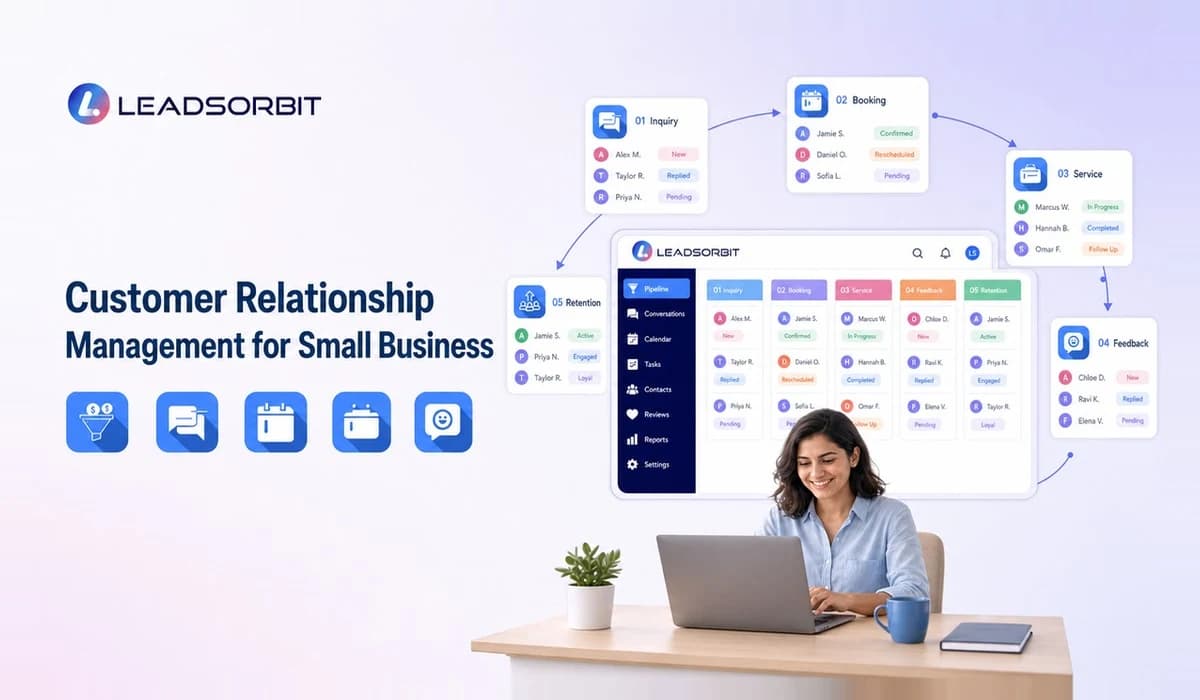

Customer relationship management for small business is the discipline of keeping promises, remembering context, communicating at the right time, and giving the team a shared view of the customer journey. The CRM platform supports that work, but the relationship is still built by people.
This guide focuses on communication, trust, reviews, follow up, retention, and customer experience. For the full platform and feature overview, see the Small Business CRM.
What Customer Relationship Management Means for Small Businesses
For a small business, customer relationships are often a major advantage. Customers may know the owner, front desk team, technician, provider, or account manager. Growth should not remove that personal context.
CRM creates a shared memory so the relationship does not depend on one person. It records what the customer asked, what the team promised, what service occurred, and what follow up is appropriate.
How CRM Supports Better Customer Relationships
A CRM supports relationships when it makes communication more informed and consistent. Staff can review prior interactions before responding, assign responsibility, and avoid asking the customer to repeat information.
- Recognize returning customers and their history.
- Keep promises visible through tasks and due dates.
- Coordinate communication across team members.
- Use customer status to make follow up relevant.
- Identify service issues that need human attention.
- Maintain a clear record of feedback and resolution.
- Create continuity when staff roles change.
Technology should reduce friction around the relationship, not make every message feel automated.
Follow Up, Reviews, Booking, and Retention
Relationship management spans several moments. A lead needs a timely response, an appointment customer needs clear reminders, a completed customer may receive a review request, and an established customer may need a service reminder or check in.
These workflows should use the same customer context. Read the lead follow up automation guide for early stage communication and the online reputation management guide for review and feedback workflows.
Google and the FTC publish official guidance related to reviews and endorsements. Businesses should request genuine feedback without manipulating the rating or creating false reviews. Automation can improve consistency, but policy and judgment remain important.
Manual vs Automated Customer Relationship Management
| Activity | Manual Approach | CRM Supported Approach |
|---|---|---|
| New inquiry | Remember to respond | Create record, notify owner, track response |
| Appointment | Call or message individually | Connect booking, confirmation, and reminders |
| Promise to follow up | Personal note or memory | Assigned task with due date |
| Review request | Sent inconsistently | Triggered after an approved completion event |
| Retention | Broad campaign | Segment by relevant history and status |
| Management | Ask team for updates | Review shared activity and exceptions |
Automation is most useful for coordination and routine timing. Human involvement is most important when a customer has a concern, needs advice, or deserves a thoughtful response.
Identify the Moments That Matter
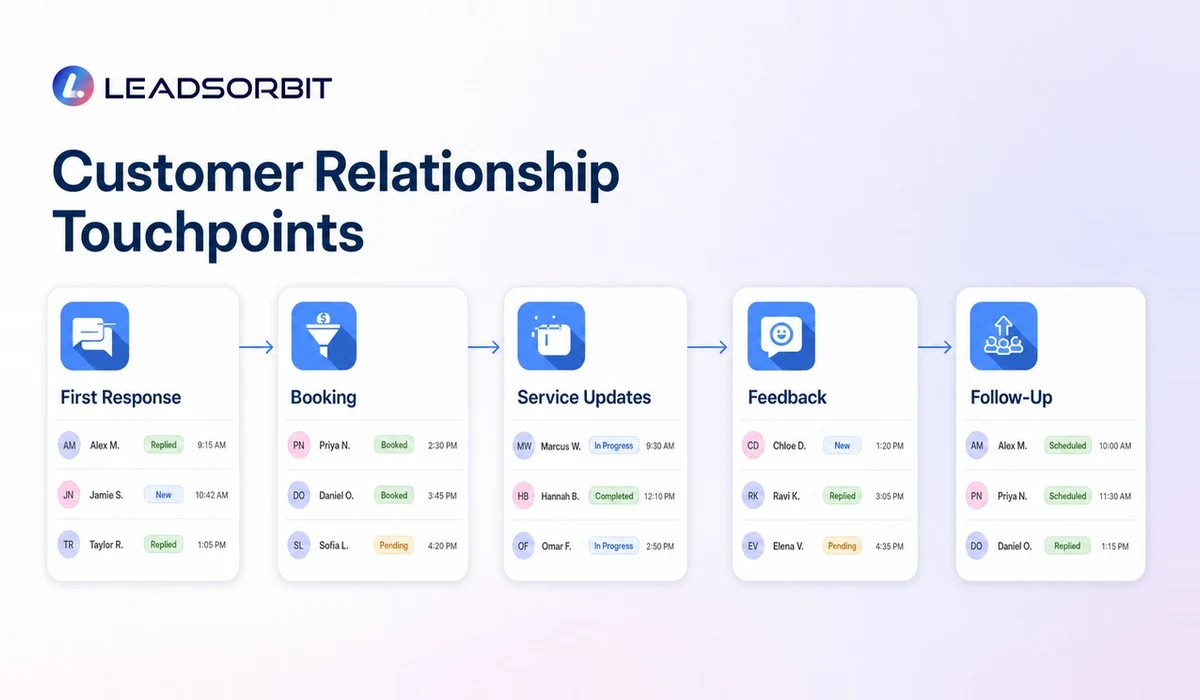
Relationships are shaped by a small number of moments: the first response, the handoff, the appointment reminder, the service update, the resolution of a problem, and the follow up after completion. A CRM should help the team notice and manage those moments.
- First inquiry: respond with context and clear ownership.
- Qualification: ask only what is needed to guide the next step.
- Booking: confirm time, location, preparation, and rescheduling options.
- Service delivery: keep promises and communicate delays.
- Completion: confirm the outcome and any next recommendation.
- Feedback: invite genuine input at an appropriate time.
- Retention: reconnect for a relevant reason based on history.
Use CRM for Service Recovery
A complaint or negative experience should not be treated only as a reputation problem. It is first an operational issue that needs ownership, documentation, and a thoughtful response.
The CRM can create a task, assign the right manager, preserve the conversation, and track whether the issue was resolved. Automation may alert the team, but the response itself often requires empathy and judgment.
- Acknowledge the concern without arguing.
- Move sensitive details to an appropriate private channel.
- Assign one owner for the resolution.
- Record facts, actions, and commitments.
- Follow up after the issue is addressed.
- Review whether a process change could prevent recurrence.
Measure Relationship Quality Without Oversimplifying It
No single metric proves that customer relationships are strong. Use a combination of operational signals and direct feedback.
- Open commitments and overdue customer tasks.
- Response and resolution activity.
- Rebooking or repeat service patterns.
- Customer feedback and recurring themes.
- Review response completion.
- Inactive customers who fit a relevant follow up process.
- Communication opt outs or complaints about frequency.
Metrics should guide attention, not replace judgment. A high volume of messages is not automatically a good relationship; relevance and follow through matter more.
How LEADSORBIT Supports the Full Customer Journey
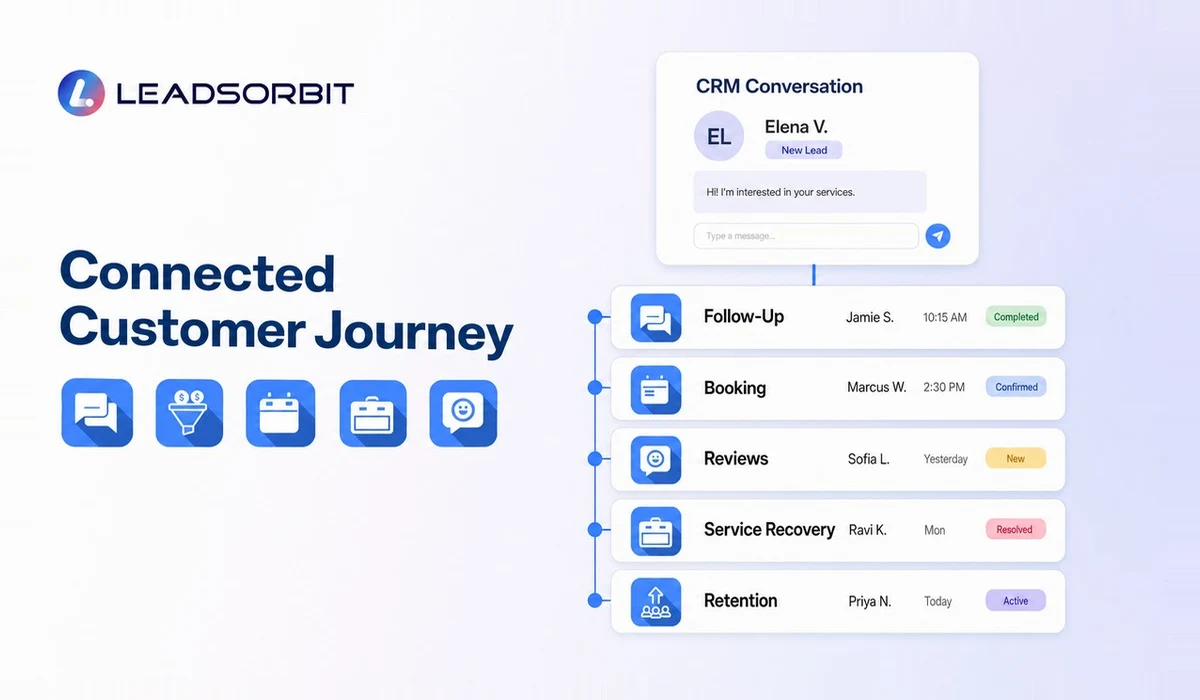
LEADSORBIT connects customer records, Conversation AI, Workflow AI, AI Appointment, and Reviews AI in one CRM platform. That structure helps the team carry context from the first inquiry into booking, service, feedback, and retention.
The supporting guide on customer management software explains lifecycle records and reactivation in more detail. Book a demo to see how a customer journey could be organized for your business.
Practical Relationship Management Principles
- Respond with context rather than a generic script whenever possible.
- Make ownership visible so promises do not disappear.
- Use automation to coordinate, not to avoid difficult conversations.
- Keep notes factual, useful, and appropriate for the business.
- Respect customer preferences and communication permissions.
- Ask for genuine feedback at an appropriate point in the journey.
- Use complaints as service recovery tasks, not only reputation problems.
- Review inactive customers carefully before sending reactivation outreach.
Customer Relationship Management Checklist
- The team can see important prior context.
- Promises and follow up commitments have owners.
- Booking messages provide clear next steps.
- Automation is used for coordination rather than avoidance.
- Complaints create service recovery tasks.
- Review requests are genuine and appropriately timed.
- Retention outreach uses relevant customer history.
- Managers review recurring service and communication gaps.
This checklist keeps the CRM connected to customer experience. The system should help the business follow through, not simply generate more activity.
Try LEADSORBIT free for 14 days
FAQs
CRM software is a tool. Customer relationship management also includes the team's process, communication standards, service habits, and leadership expectations.
Final Thoughts
Customer relationship management is not about sending more messages. It is about using shared context to communicate better, complete commitments, and support the relationship over time. A connected CRM helps the team do that work consistently without removing the human element.

Start Your Free 14 Day Trial
Try LEADSORBIT and see how it captures missed calls, follows up instantly, and turns leads into booked appointments for your business.