
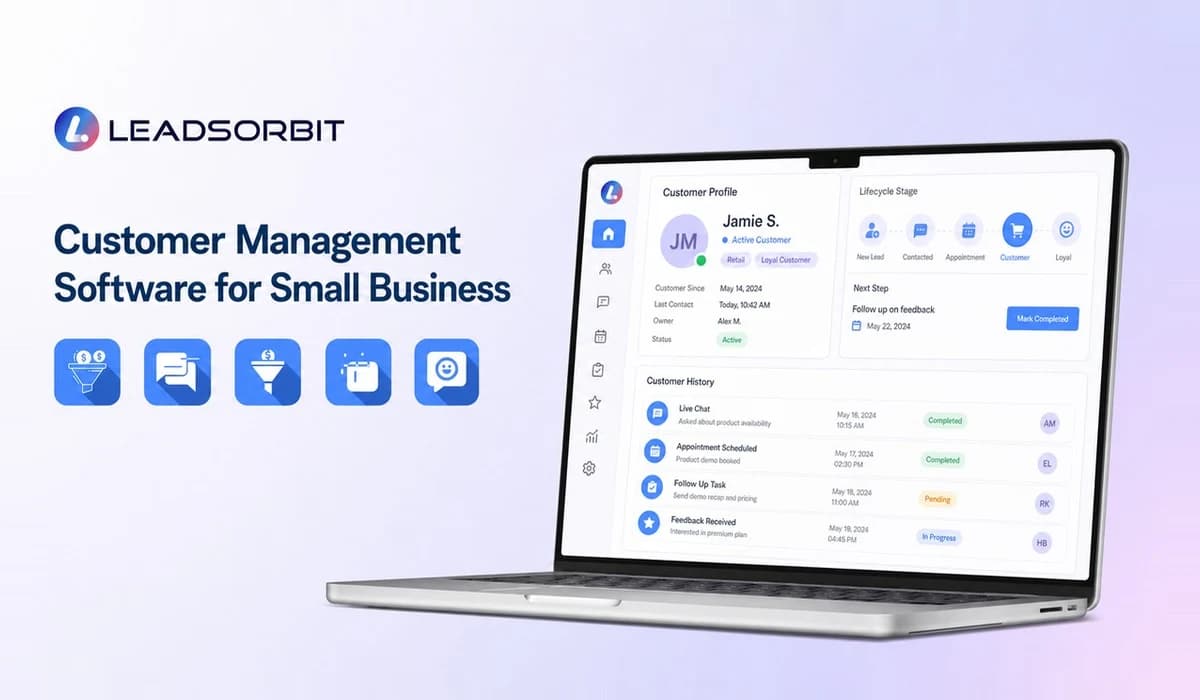

Customer management software for small business helps a team maintain accurate customer records, understand relationship history, support repeat business, and identify the right next communication. It focuses on the customer lifecycle rather than only the initial sale.
For a complete explanation of lead capture, pipelines, software selection, and CRM value, start with the Small Business CRM guide.
What Is Customer Management Software?
Customer management software organizes information about people who have already interacted with or purchased from the business. It can include contact details, services, appointments, messages, feedback, preferences, status, and follow up history.
The system helps the team recognize the customer and continue the relationship with context. That is different from sending the same promotion to every contact.
How It Helps Organize Customer Information
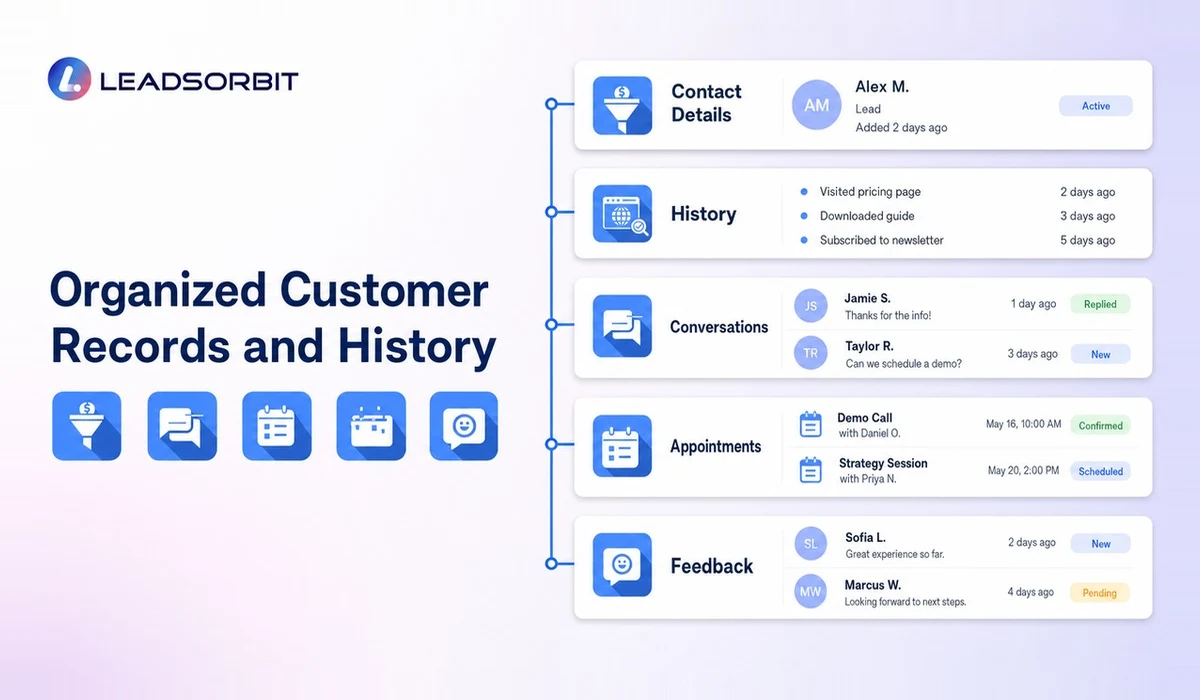
A useful customer record should be accurate, searchable, and connected to activity. The team should be able to see the last interaction, open tasks, upcoming appointment, and relevant history without checking multiple systems.
- Central contact and account information.
- Service, purchase, or appointment history.
- Conversation and support notes.
- Customer status and lifecycle stage.
- Review requests and feedback activity.
- Future tasks, reminders, or rebooking dates.
- Consent and communication preferences where applicable.
- Assigned owner or location.
Good data management also means restraint. Collect information that supports service and follow up, maintain access controls, and create a process for corrections and exports.
How It Supports Repeat Business and Retention
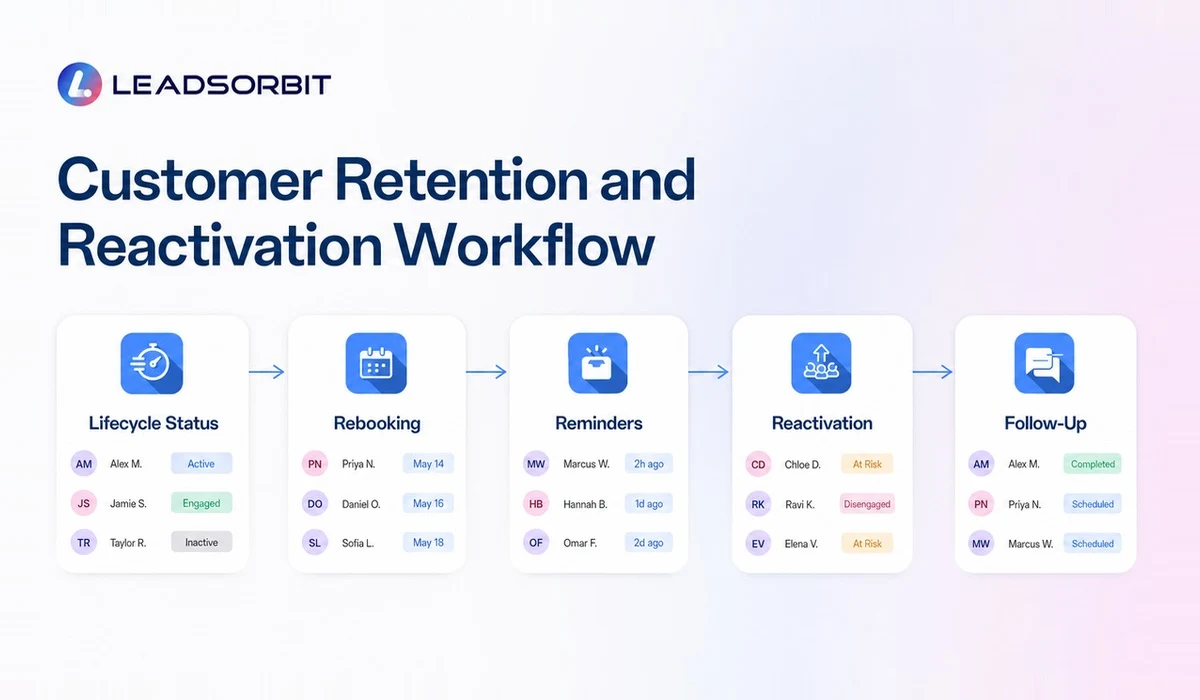
Repeat business often depends on timing and relevance. A customer may need a service reminder, a seasonal check in, a renewal task, or a reactivation message after a long gap. Customer management software can create visibility and workflows around those moments.
The SBA has encouraged small businesses to use customer data and CRM systems to personalize outreach to existing customers. The practical lesson is to use real history rather than assumptions. Messages should reflect the customer's relationship and provide a clear reason to respond.
Customer Management Software Features
| Feature | Lifecycle Use |
|---|---|
| Customer timeline | Understand prior activity before contacting the customer |
| Segmentation | Group customers by relevant status or history |
| Tasks and reminders | Create next steps for renewals, rebooking, or follow up |
| Automation | Trigger appropriate messages from real events |
| Appointments | Track future and completed bookings |
| Reviews | Connect feedback requests to completed experiences |
| Reporting | See repeat activity, inactive groups, and follow up completion |
| Permissions | Limit access based on role and responsibility |
When to Use a CRM Instead of Simple Contact Tools
A phone contact list or email address book may be enough when one person manages a small number of relationships. A CRM becomes more valuable when several people need context, follow up must be assigned, or customer activity spans messages, appointments, reviews, and pipeline stages.
The choice is not about business size alone. It is about process complexity and the cost of losing context.
Map the Customer Lifecycle
Lifecycle stages help the team understand the customer's current relationship without forcing every record into a sales pipeline. The stages should reflect meaningful differences in communication and service.
- New customer: first service or purchase is recent.
- Active customer: currently receiving service or has an open next step.
- Due for follow up: a relevant rebooking, renewal, or check in date is approaching.
- Inactive customer: no activity within a business defined period.
- Reactivated customer: returned after a period of inactivity.
- Do not contact: outreach is inappropriate or the customer has opted out where applicable.
The exact labels and timing depend on the business. A grooming business, clinic, home service company, and professional service firm will have different cycles.
Use Segmentation Carefully
Segmentation allows a business to group customers by relevant history, such as service type, last visit, location, or lifecycle status. The purpose is to make communication more useful, not to create increasingly complex lists.
- Use current, accurate fields that staff understand.
- Keep segments tied to a clear action or message.
- Exclude customers whose status makes the outreach inappropriate.
- Check frequency so several workflows do not contact the same person.
- Review results and remove segments that no longer serve a purpose.
Build a Responsible Reactivation Workflow
A reactivation workflow should begin with a relevant reason to reconnect. The message may remind the customer that a service is due, ask whether help is still needed, or offer a simple path to book. It should not pretend that the business has a personal relationship it cannot support.
Start with a small, well defined group and review replies. Stop messages when the customer responds, books, opts out, or no longer fits the segment. Human follow up is valuable when a returning customer has questions or a prior service issue.
Maintain Customer Data Quality
Retention workflows fail when records are duplicated, contact details are old, or the customer status is wrong. Create regular cleanup routines and give users a simple way to report errors.
- Merge duplicates carefully rather than deleting history.
- Standardize important fields and lifecycle definitions.
- Remove invalid contact details from active workflows.
- Review permissions and exports.
- Document retention and deletion practices appropriate to the business.
- Avoid collecting data that has no clear operational purpose.
How LEADSORBIT Supports Customer Management
LEADSORBIT connects customer records with conversations, workflows, booking, reviews, tasks, and reporting in one AI powered CRM. Reviews AI can support feedback workflows, while Workflow AI can support rebooking and reactivation processes.
Use the separate guide to customer relationship management for small business for a deeper look at trust, communication, and experience. Book a demo to explore a lifecycle workflow for your business.
Customer Lifecycle Workflow Checklist
- Customer history is easy to review before outreach.
- Lifecycle stages have clear definitions.
- Rebooking or renewal dates can create visible next actions.
- Segments use accurate, relevant information.
- Automated outreach stops when status changes.
- Inactive customers are reviewed before reactivation.
- Feedback and review activity connect to the customer record.
- Data cleanup and permissions have named owners.
A lifecycle workflow should become more relevant as the data improves. If it only increases message volume, the business should revisit its purpose.
Try LEADSORBIT free for 14 days
FAQs About Customer Management Software for Small Business
Contact management stores basic records. Customer management connects those records to history, status, service, communication, follow up, and lifecycle activity.
Final Thoughts
Customer management software should help a small business remember the relationship, not simply store the name. Use accurate history, relevant workflows, and clear ownership to support repeat service and better follow up.

Start Your Free 14 Day Trial
Try LEADSORBIT and see how it captures missed calls, follows up instantly, and turns leads into booked appointments for your business.