
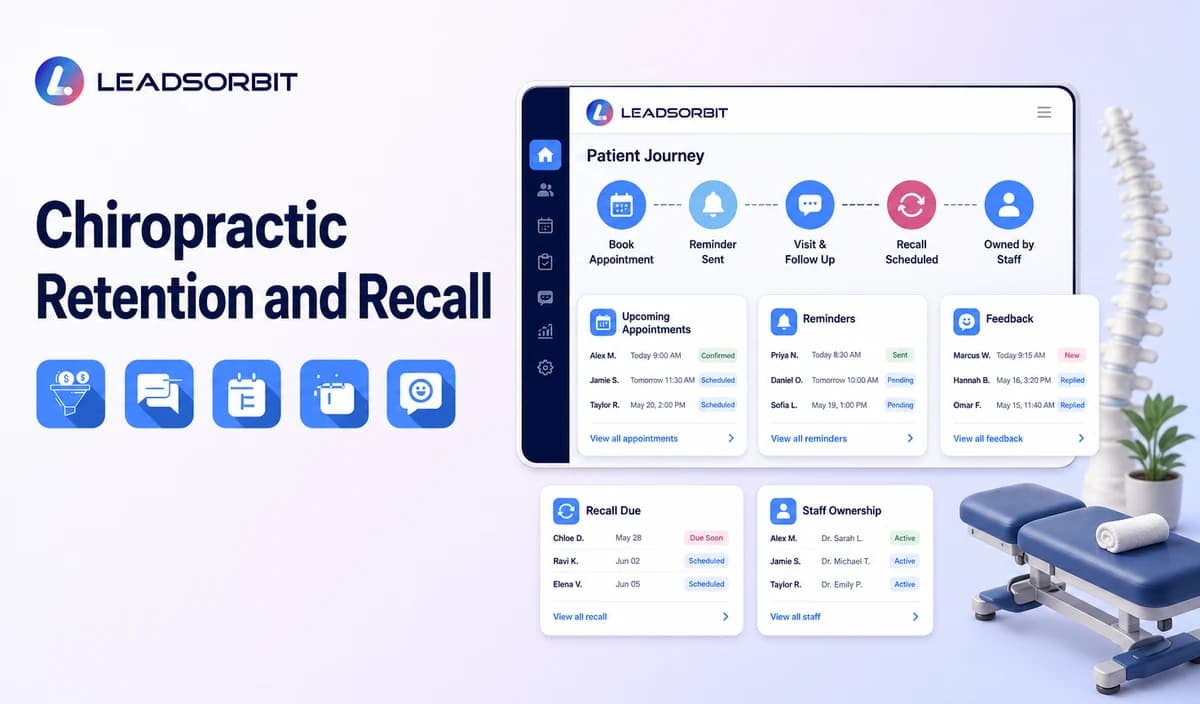

Patient retention is often discussed as a clinical or financial outcome, but the part a CRM can responsibly support is operational: clear communication, accurate appointments, respectful reminders, easy rescheduling, service follow up, feedback, and staff ownership.
This guide focuses on administrative chiropractic patient retention strategies. It does not pressure care-plan adherence, predict clinical outcomes, or replace professional judgment. The broader follow up framework remains with lead follow up automation for small business, and the commercial chiropractic owner remains LEADSORBIT for chiropractic clinics.
Direct answer: Chiropractic patient retention strategies are administrative workflows that make it easier for patients to understand the next step, receive accurate reminders, ask for help, share feedback, reschedule, and reconnect when appropriate. The clinic should use communication preferences, clear ownership, minimum data, and human review without pressuring treatment or promising outcomes.
Who This Guide Is For
Chiropractic clinics improving the administrative experience between visits.
Office managers who want appointment, communication, feedback, and recall ownership.
Front-desk teams managing reminders, rescheduling, missed visits, and inactive contacts.
Clinics evaluating a communication and workflow layer without replacing an EHR or practice-management system.
Healthcare organizations configuring HIPAA-enabled administrative retention workflows.
Retention Is a Journey, Not One Campaign
Retention begins before the next visit is due. Every administrative interaction can make the relationship easier or more confusing.
| Journey stage | Patient need | Clinic workflow |
|---|---|---|
| Booking | A clear, valid appointment status and realistic next step. | Connect request, booking, confirmation, and staff-review statuses. |
| Before the visit | Accurate reminders and an easy change path. | Use the valid calendar record and stop obsolete messages. |
| At the visit | Consistent administrative check in and communication. | Keep front-desk tasks visible without adding clinical detail to general CRM notes. |
| After the visit | A clear administrative next step and contact path. | Send only approved follow up, feedback, or future-booking communication. |
| Between visits | Respectful communication based on preference and status. | Avoid over-messaging and care-pressure language. |
| Inactive period | A reviewed recall or reactivation decision. | Use approved eligibility, consent, booking, stop, and human-review rules. |
Seven Operational Retention Workflows
1. Clear Next-Step Communication
After an administrative interaction, the patient should know whether the appointment is requested, booked, confirmed, needs staff review, rescheduled, cancelled, or complete. Unclear statuses create extra calls and reduce trust.
2. Appointment Confirmation and Reminders
Use the valid calendar record for confirmation and reminder messages. The broad guidance in appointment reminder texts applies, but the clinic should tailor timing, arrival instructions, reply actions, and staff ownership.
3. Easy Rescheduling and Cancellation
A patient should be able to request a new time or cancel without receiving obsolete reminders. The workflow must update the calendar, CRM status, and staff task together.
4. Missed-Visit Recovery
After a verified missed appointment, stop the old reminder sequence and use the approved recovery path. See how to reduce no-shows for the broader prevention framework.
5. Service Follow-Up and Feedback
Administrative follow up may ask whether the patient needs scheduling help, has a general office question, or would like to provide feedback. It should not assess symptoms, interpret treatment, or pressure care-plan adherence.
6. Review and Reputation Workflow
After an approved completed-visit trigger, the clinic may invite honest optional feedback and monitor reviews through a policy-safe process. See review management software for small business for the broad framework.
7. Recall and Inactive-Patient Identification
The clinic may identify records for administrative review based on status, communication preference, last valid interaction, and approved timing. A human should confirm whether the record belongs in routine recall, reactivation, another workflow, or no further contact.
A Practical Retention and Recall Workflow
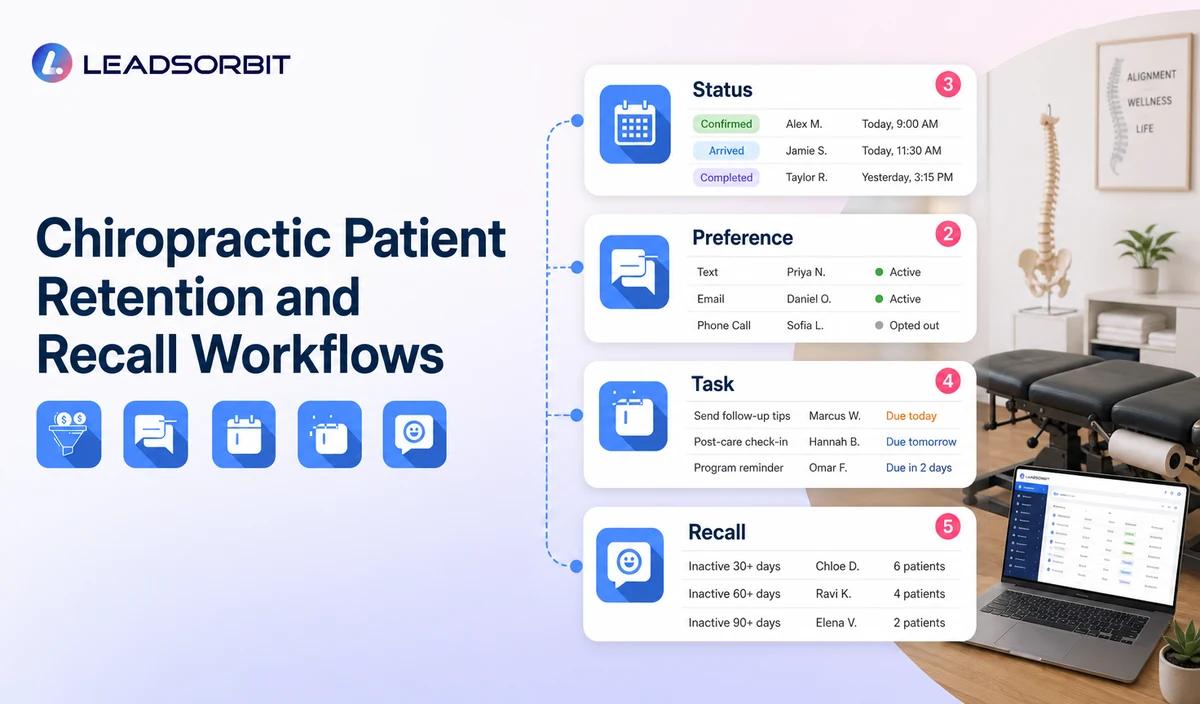
| Stage | Workflow action | Human responsibility | Stop or escalation rule |
|---|---|---|---|
| 1. Maintain accurate status | Keep appointment, communication, and task status current. | Correct duplicates, invalid records, and conflicting calendar entries. | Do not automate from an uncertain status. |
| 2. Apply communication preference | Use the permitted channel and approved message type. | Review consent, opt-outs, and accessibility needs. | Stop applicable outreach after opt out. |
| 3. Deliver the next step message | Send confirmation, reminder, change, feedback, or approved follow up. | Handle exceptions and unsupported requests. | Stop obsolete messages after status change. |
| 4. Route replies | Interpret approved administrative responses and create the correct task. | Move sensitive, complex, negative, or clinical replies to staff. | Pause generic automation after meaningful reply. |
| 5. Identify inactive records | Apply approved status and timing criteria for review. | Confirm eligibility, exclusions, and appropriate workflow. | Do not infer medical need from inactivity. |
| 6. Recall or reactivation decision | Select routine recall, limited reactivation, nurture, closure, or no contact. | Approve the audience, message, booking path, and owner. | Stop after defined outcome or attempt limit. |
| 7. Review the experience | Examine failed messages, unresolved tasks, complaints, and repeated friction. | Approve workflow changes. | Pause automation when confusion or privacy risk appears. |
Retention Messages Should Reduce Friction
Recall Is Not the Same as Reactivation
Recall is an administrative review process that identifies contacts who may need a future scheduling conversation under the clinic’s approved rules. Reactivation is a specific campaign sent to an approved inactive segment.
Communication Preferences and Human Choice
Retention improves when patients can choose a workable communication path. A system should not force SMS, email, calls, or self-booking when a person needs staff help.
Record the approved communication preference.
Honor opt-outs and channel-specific restrictions.
Provide a staff callback or help path.
Respect accessibility and language needs through approved processes.
Pause automation after a complaint or sensitive reply.
Avoid repeating questions already available in the conversation history.
Allow staff to correct statuses and suppress the wrong workflow.
HIPAA-Enabled Retention and Recall Positioning
LEADSORBIT supports HIPAA-compliant administrative workflows for eligible healthcare organizations through HIPAA-enabled HighLevel subaccounts. Compliant use depends on maintaining the active HIPAA package, applicable agreements, approved account configuration, user permissions, integrations, retention settings, and the healthcare organization’s own procedures.
Names, contact details, appointment history, communication preferences, feedback, recall status, and reactivation eligibility may be PHI depending on context. Use minimum contact and operational information and keep clinical notes, diagnoses, symptoms, treatment details, and care-plan judgments in approved specialized systems.
Review the HHS Privacy Rule overview and minimum necessary guidance with qualified advisers. Every connected calendar, communication provider, review platform, AI tool, form, and data destination requires separate review.
Retention Metrics That Do Not Overstate Results
The clinic should measure the administrative experience rather than promise clinical or financial outcomes.
Appointments with accurate requested, booked, and confirmed statuses.
Reminders delivered, failed, or suppressed after changes.
Reschedule and cancellation requests resolved.
Missed-visit recovery tasks completed.
Patient questions or feedback awaiting staff ownership.
Eligible review requests and privacy-safe responses.
Inactive records reviewed and assigned to the correct workflow.
Recall or reactivation messages stopped after outcomes or opt-outs.
Duplicate outreach, complaints, confusion, and privacy concerns.
Staff feedback about manual work and workflow clarity.
Retention and Recall Setup Checklist
Map the patient’s administrative journey from booking through follow up and recall.
Define requested, booked, confirmed, completed, missed, cancelled, inactive, and closed statuses.
Connect reminders and changes to the valid calendar record.
Assign owners for booking exceptions, failed messages, complaints, feedback, and inactive-record review.
Confirm communication preferences, consent, opt-outs, permissions, and retention.
Use minimum contact and operational information.
Keep diagnosis, treatment, care-plan pressure, records, claims, and clinical judgment outside routine CRM automation.
Define the difference between recall review and reactivation campaign eligibility.
Review every integration and data destination separately.
Use the clinic’s own baseline and improve workflows from real friction points.
See the Retention Workflow With Your Clinic’s Patient Journey
Book a Demo to map your communication preferences, reminders, service follow up, feedback, recall review, staff tasks, and reactivation handoffs inside LEADSORBIT.
How LEADSORBIT Supports Chiropractic Retention Workflows
LEADSORBIT’s AI powered CRM can connect administrative conversations, appointment status, workflows, review requests, tasks, and inactive-contact visibility.
Workflow AI: supports triggers, conditions, messages, reminders, tasks, timing, and stop logic.
Conversation AI: supports supported-channel conversation visibility, routing, staff takeover, and CRM synchronization.
AI Appointment: supports booking, confirmations, reminders, rescheduling, and cancellation.
Reviews AI: supports review invitations and AI assisted response drafting when configured.
CRM records, statuses, segments, and tasks: support communication preference, ownership, inactive-record review, and workflow outcomes.
Exact fields, statuses, recall criteria, channels, review triggers, permissions, retention, recording/transcription, and integrations must be verified during implementation.
Ready to automate your growth?
Frequently Asked Questions
They are administrative workflows that make booking, reminders, changes, feedback, recall, and staff support clearer and easier without making clinical or outcome claims.
Final Thoughts
The strongest chiropractic patient retention strategies reduce administrative friction. They make the next step clear, respect communication preferences, route exceptions to staff, and separate recall or reactivation from clinical judgment.
Book a Demo to see how LEADSORBIT can connect chiropractic appointment communication, feedback, recall review, staff tasks, and patient reactivation handoffs.

Book a Demo
See how LEADSORBIT captures missed calls, follows up instantly, and moves leads into booked appointments, using the exact workflow your business needs.