
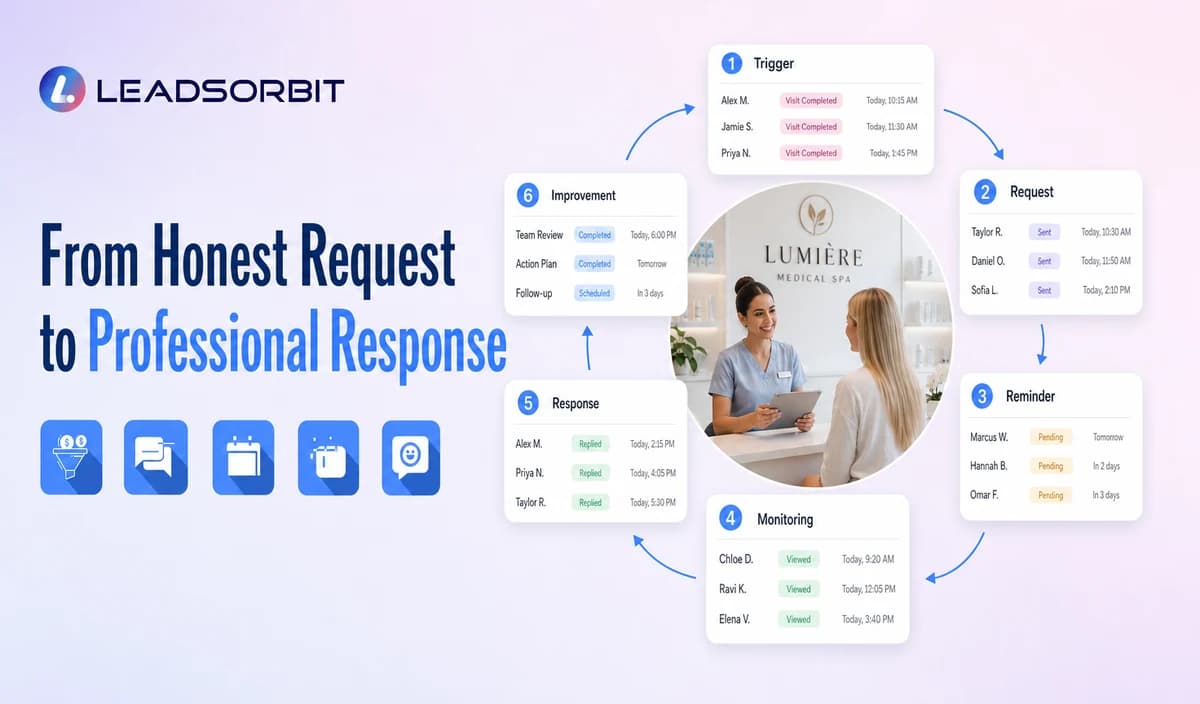

Review management for a medical spa is more than sending a link after every visit. A complete process decides when a request is appropriate, keeps the invitation neutral, monitors published reviews, assigns responses, protects privacy, and moves sensitive concerns offline.
This guide applies the broader online reputation management framework to medical spas. It does not promise a rating increase, review volume, search ranking, or business result.

Who This Guide Is For
- Medical spas that request reviews inconsistently.
- Practice managers who need clear ownership for review alerts and responses.
- Multi location practices that need the correct review destination for every office.
- Healthcare organizations that need privacy aware public response standards.
- Teams that want an honest process without incentives, filtering, or rating pressure.
The Five Parts of Review Management
| Part | Purpose | Owner question |
|---|---|---|
| 1. Request timing | Ask after an appropriate completed administrative interaction. | Which valid status starts the request? |
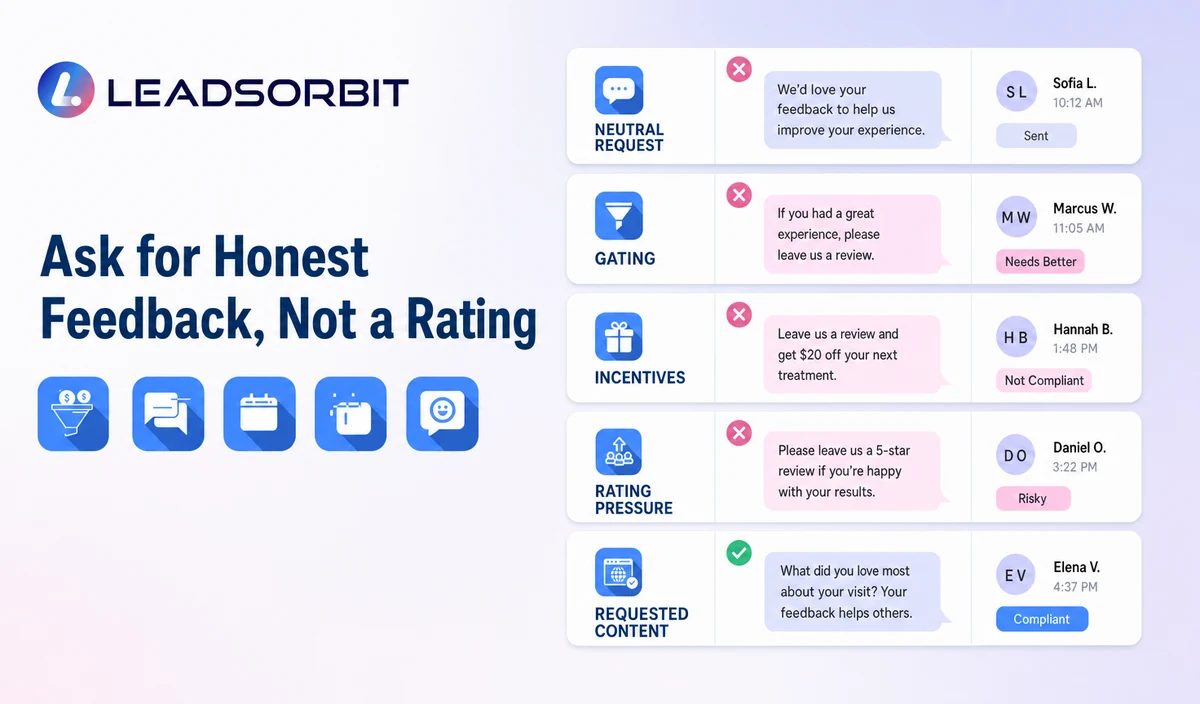
| 2. Honest invitation | Invite genuine feedback without influencing rating or content. | Is the wording neutral and optional? |
| 3. Monitoring | Detect reviews and changes requiring attention. | Who receives the alert? |
| 4. Response workflow | Prepare and publish a professional, privacy aware reply. | Who reviews negative or sensitive feedback? |
| 5. Improvement loop | Use non identifying themes to improve the practice’s process. | How are trends shared without exposing patient details? |
When a Medical Spa Should Request a Review
The trigger should be an approved administrative event, such as a completed consultation or visit. The workflow should not guess whether the patient was satisfied before sending the request.
- Use a valid completed visit or approved service trigger.
- Exclude cancellations, no shows, duplicates, tests, invalid contacts, complaints, and unresolved records.
- Respect consent and communication preferences.
- Use one initial request and a limited reminder only when appropriate.
- Stop after review completion, opt out, invalid contact, or attempt limit.
- Do not send requests only to people expected to leave positive feedback.
Google and FTC Review Boundaries
Google’s Maps user generated content policy prohibits incentives, selectively soliciting positive reviews, pressuring specific ratings or content, and discouraging negative reviews.
The FTC Consumer Reviews and Testimonials Rule guidance addresses deceptive and unfair review practices, including fake or false reviews. Final workflows should be reviewed with qualified advisers.
| Allowed direction | Avoid |
|---|---|
| Ask for honest feedback from an appropriate patient. | Ask only people predicted to leave a high rating. |
| Use neutral wording such as “share your experience.” | Ask for a five star review or specific positive content. |
| Use the same destination regardless of sentiment. | Route unhappy patients away from public review options. |
| Use no incentive or benefit in exchange for the review. | Offer discounts, gifts, credits, free services, or membership benefits. |
| Allow the patient to choose whether to respond. | Pressure the patient on the premises or require staff quotas. |
A Practical Medical Spa Review Workflow
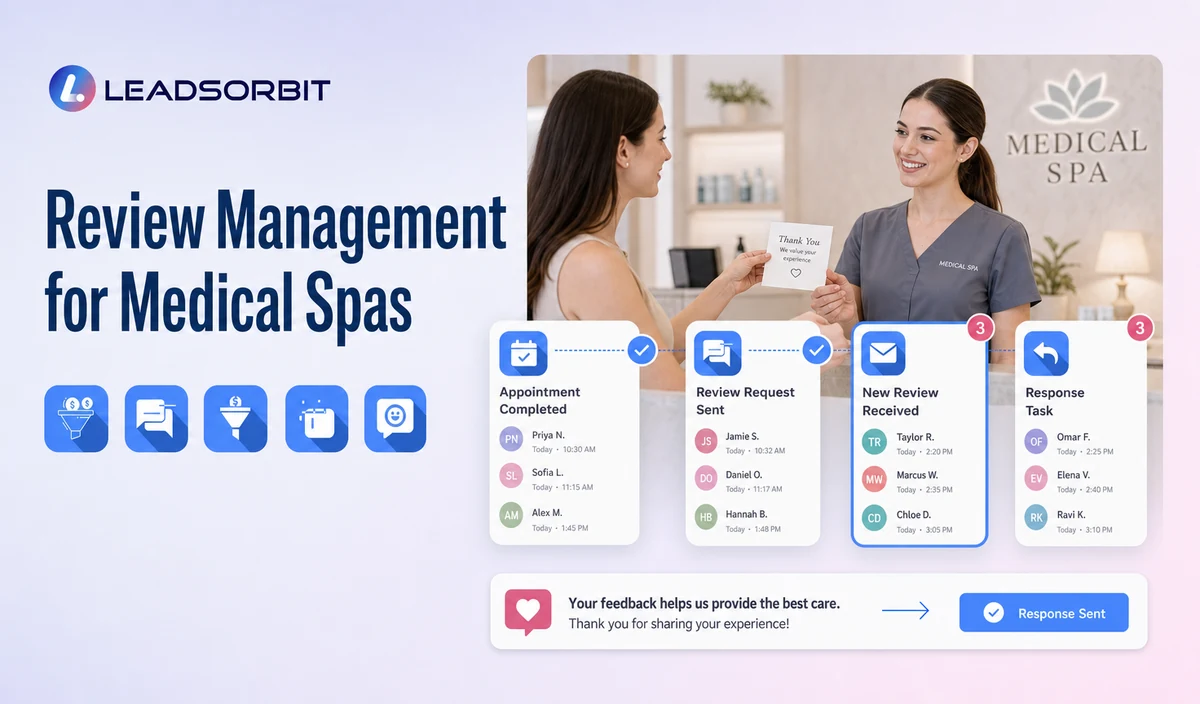
| Stage | Workflow action | Human responsibility | Stop or escalation rule |
|---|---|---|---|
| 1. Eligible trigger | A valid completed visit qualifies under approved rules. | Review exclusions, consent, location, and data quality. | Do not trigger from no shows, cancellations, complaints, or uncertain statuses. |
| 2. Review request | Send neutral SMS or email with the approved destination. | Monitor delivery and exceptions. | Stop after review completion, opt out, invalid contact, or attempt limit. |
| 3. Limited reminder | Send one approved reminder where appropriate. | Review complaints or sensitive replies. | Do not increase pressure or change the path based on sentiment. |
| 4. Monitoring | Detect new published reviews and create visibility. | Assign a response owner. | Escalate privacy, legal, safety, or serious complaint issues. |
| 5. Response | Draft or publish a brand aligned, privacy aware reply. | Review negative, sensitive, or ambiguous content. | Do not confirm patient status or discuss treatment. |
| 6. Improvement | Record non identifying themes and process actions. | Share trends with the appropriate owner. | Keep patient specific details out of general reporting. |
Respond Without Confirming a Patient Relationship
A public reply should remain general. Even when a review appears to describe a real patient experience, the practice should avoid confirming the person’s status or discussing consultations, treatments, photos, records, complications, payments, memberships, or outcomes.
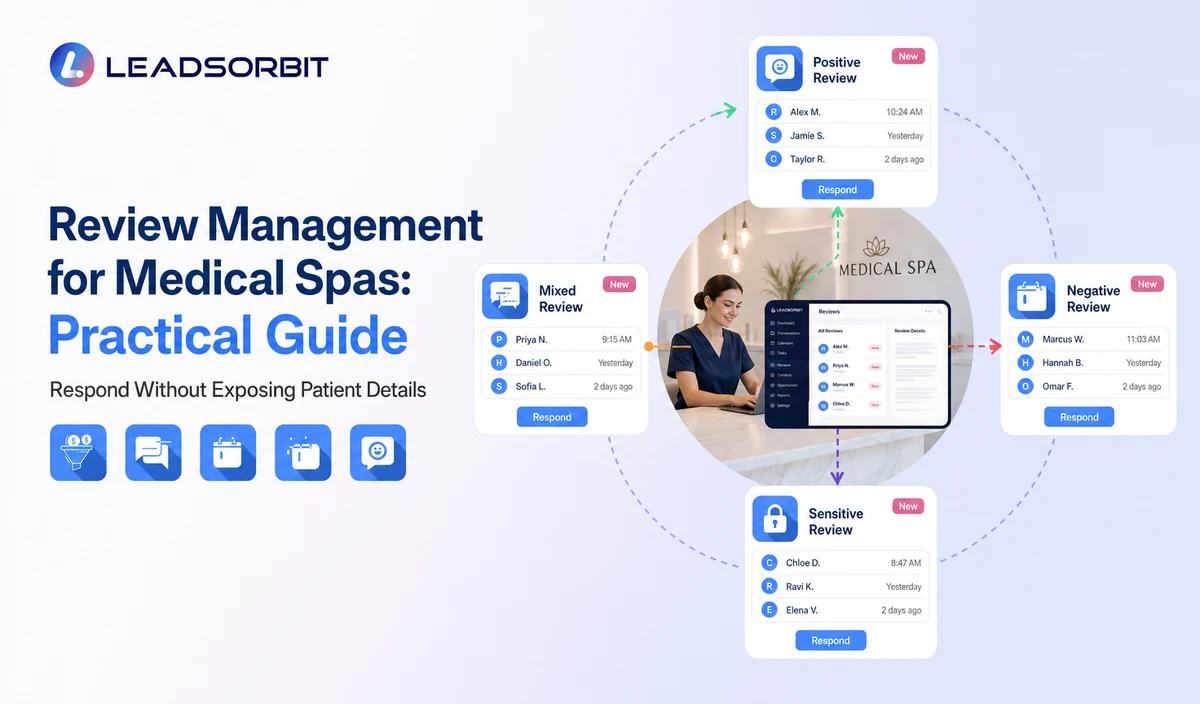
| Review type | Useful response direction | Avoid |
|---|---|---|
| Positive | Thank the reviewer generally and acknowledge the feedback. | Mentioning the visit, provider, procedure, or result. |
| Mixed | Thank the reviewer and invite an offline conversation. | Arguing point by point in public. |
| Negative | Acknowledge the concern, state that privacy limits public discussion, and invite direct contact. | Confirming the person is a patient or disclosing internal records. |
| Potentially false or abusive | Use the platform’s reporting process and document internally. | Threats, public accusations, or private information. |
| Clinical allegation | Move to leadership and legal/compliance review. | Medical explanations or treatment details in public. |
Privacy Aware Response Templates
Positive Review
Mixed Review
Negative Review
General Service Concern
HIPAA Enabled Review Workflow
LEADSORBIT supports HIPAA compliant administrative workflows for eligible healthcare organizations through HIPAA enabled HighLevel subaccounts. Compliant use depends on maintaining the active HIPAA package, applicable agreements, approved account configuration, user permissions, integrations, retention settings, and the healthcare organization’s own procedures.
Review requests, completed visit triggers, contact records, private replies, drafts, and internal notes may involve PHI depending on context. Public reviews are created by the reviewer, but the practice’s request, monitoring, response, and internal workflow still require appropriate configuration and privacy controls.
Never use a public response to confirm a patient relationship or disclose consultation, treatment, photos, records, complications, payment, membership, package, or outcome information.
Metrics That Help Without Promising Rating Growth
- Eligible requests sent and delivery failures.
- Requests excluded because of status, opt out, complaint, or invalid contact.
- Correct review destination by location.
- New reviews awaiting response.
- Response time based on the practice’s own baseline.
- Sensitive reviews escalated for leadership or legal review.
- Non identifying themes requiring process improvement.
- Duplicate requests, complaints, or privacy corrections.
Review Management Setup Checklist
- Define the valid trigger and exclusion statuses.
- Approve neutral SMS and email wording.
- Confirm the correct review destination for each location.
- Set the reminder limit and stop rules.
- Assign monitoring and response owners.
- Create positive, mixed, negative, false/abusive, and sensitive review rules.
- Prohibit incentives, rating pressure, review gating, and staff quotas.
- Review privacy, permissions, integrations, retention, and AI drafting settings.
- Test duplicates, opt outs, failed links, negative replies, and approval workflows.
See the Review Workflow With Your Practice’s Process
Book a Demo to map your completed visit trigger, review requests, monitoring, response tasks, privacy rules, and reporting inside LEADSORBIT.
How LEADSORBIT Supports Medical Spa Review Management
LEADSORBIT’s AI powered CRM can connect review requests, response workflows, conversations, tasks, and contact history.
- Reviews AI: branded review invitations through SMS or email and AI assisted response drafting.
- Workflow AI: eligible triggers, request timing, reminders, exclusions, tasks, and stop conditions.
- Conversation AI: supported channel reply visibility, routing, and staff takeover.
- CRM records and tasks: request status, response owner, next action, and internal follow up.
Exact review destinations, triggers, monitoring connections, AI settings, permissions, locations, retention, and integrations must be confirmed.
Try LEADSORBIT free for 14 days
FAQs
It is a workflow for requesting honest feedback, monitoring reviews, assigning responses, protecting privacy, and using non identifying themes to improve the practice.
Final Thoughts
Strong medical spa review management asks for honest feedback, avoids manipulation, protects privacy, and gives every review a clear owner and response process.
Book a Demo to see how LEADSORBIT can connect medical spa review requests, monitoring, response tasks, conversations, and reporting.

Start Your Free 14 Day Trial
Try LEADSORBIT and see how it captures missed calls, follows up instantly, and turns leads into booked appointments for your business.