
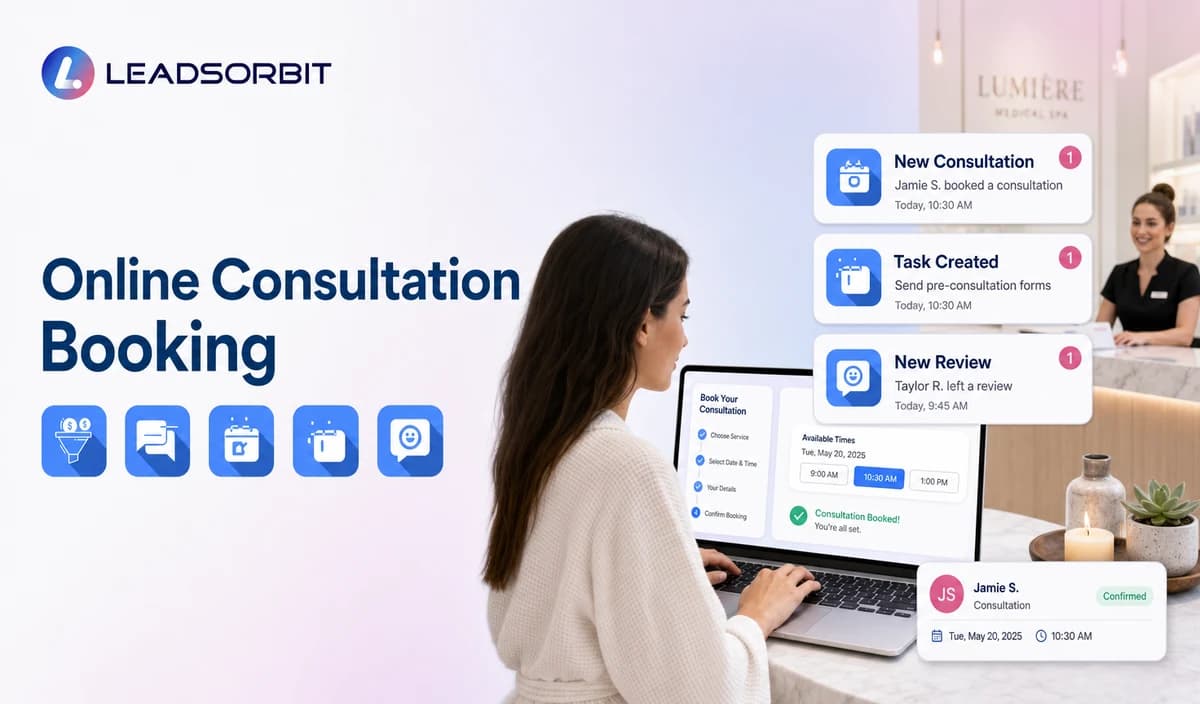

Online consultation booking can make a medical spa easier to contact after hours and reduce long scheduling exchanges. A booking link alone is not the workflow. The practice still needs approved consultation categories, calendar rules, minimum fields, confirmation logic, and a human path for exceptions.
This guide focuses on patient facing consultation booking rather than full clinical scheduling, room/device management, deposits, or treatment selection. The broader framework belongs to appointment booking CRM.

Who This Guide Is For
- Medical spas receiving consultation inquiries outside office hours.
- Front desk teams spending time exchanging availability messages.
- Multi location practices with provider and consultation category choices.
- Practices connecting website, chat, SMS, or campaign links to booking.
- Healthcare organizations reviewing HIPAA enabled consultation booking.
Consultation Booking Is More Than a Calendar Link
- Which consultation categories may be offered online?
- Which locations and providers may appear?
- How is current availability synchronized?
- What happens when no approved time is available?
- Which fields are required and which remain optional?
- When does a staff member review the request?
- How are confirmation, reminders, rescheduling, cancellation, and failed booking handled?
A Practical Online Consultation Booking Workflow
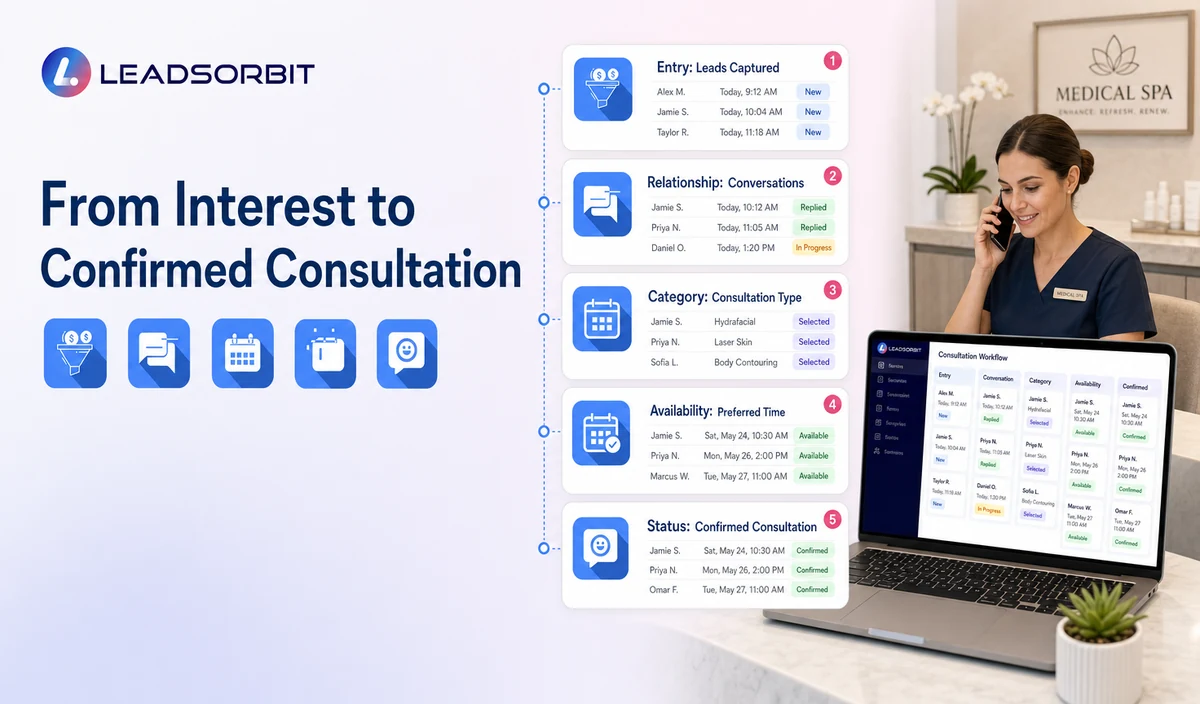
| Stage | Patient experience | System or staff action | Exception rule |
|---|---|---|---|
| 1. Entry point | The person reaches booking from the website, text, call, chat, campaign, or email. | Use the approved destination and preserve source where configured. | Route outdated or incorrect links for correction. |
| 2. Relationship status | The person identifies as new, existing, or uncertain. | Select the correct administrative branch. | Move unclear or sensitive cases to staff. |
| 3. Consultation category | The person chooses an approved general consultation category. | Show only reviewed labels, durations, locations, and providers. | Send unsupported or treatment specific requests to staff. |
| 4. Availability | The person sees approved times or submits preferences. | Use connected calendar availability or create a review task. | Do not promise a time until the booking is valid. |
| 5. Minimum information | The person enters contact and operational details. | Create or update the CRM record. | Move medical, photo, consent, payment, membership, or package questions to staff. |
| 6. Status | The person receives a confirmation or request received message. | Record Requested, Booked, Confirmed, or Needs Review. | Do not treat a request as a booking. |
| 7. Change path | The person can confirm, reschedule, cancel, or request help. | Update calendar, status, task, and conversation history. | Suppress obsolete messages after changes. |
| 8. Team oversight | Staff sees incomplete requests, exceptions, failed messages, and conflicts. | Review the work queue and resolve unowned items. | Escalate overdue or repeated failures. |
Approved Consultation Categories
| Category type | Useful direction | Avoid |
|---|---|---|
| General new patient consultation | Offer a consultation request without promising treatment. | Selecting a procedure based on symptoms or photos. |
| Existing patient follow up appointment request | Route to the approved staff or calendar path. | Giving clinical follow up instructions. |
| Service interest consultation | Use broad, practice approved labels. | Assessing suitability, contraindications, or expected outcome. |
| Multi location consultation | State the correct office and available times. | Assuming one location offers every service or provider. |
| Special request | Create a staff review task. | Promising rooms, devices, injectors, or clinical resources without validation. |
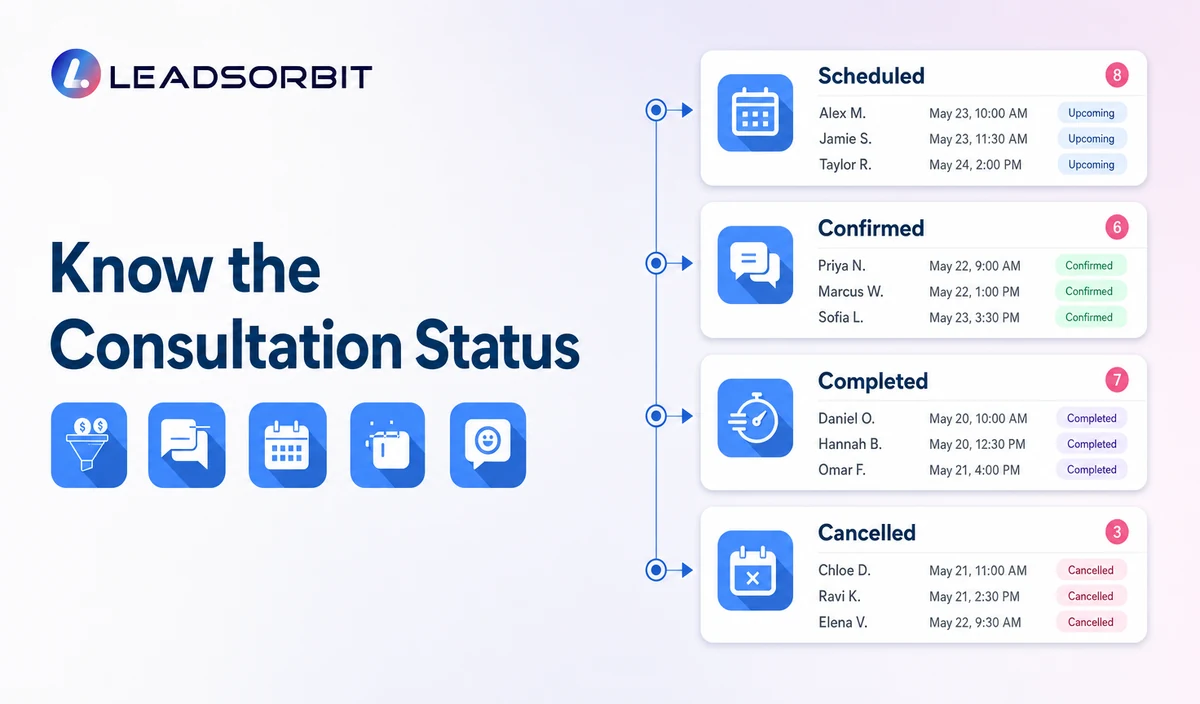
Requested, Booked, Confirmed, and Needs Review
| Status | Meaning | Recommended message |
|---|---|---|
| Consultation Requested | The person selected preferences or asked the team to schedule. | We received your request. Our team will review it during [Office Hours Expectation]. |
| Booked | A valid consultation exists on the approved calendar. | Your consultation is booked for [Date/Time/Location]. |
| Confirmed | The person completed the practice’s confirmation action. | Your consultation is confirmed. Here is the approved arrival information. |
| Needs Staff Review | The category, provider, location, time, or exception requires a person. | A team member will review your request and contact you. |
| Cancelled / Reschedule Requested | The original time will not proceed as scheduled. | Use the approved change path without assuming a new time is confirmed. |
What Information Should the Booking Form Collect?
| Operational field | Purpose | Caution |
|---|---|---|
| Name and contact details | Create the booking record and communication path. | Identifiable information may be PHI in context. |
| New or existing relationship | Select the correct branch. | Do not infer medical status. |
| General consultation category | Choose the approved calendar or staff path. | Use broad, non clinical labels. |
| Preferred location/provider | Route where the practice supports the choice. | Do not promise availability or suitability. |
| Preferred day/time | Support availability or staff review. | Avoid sensitive details in shared calendars. |
| Communication preference | Support confirmation and changes. | Maintain consent and opt out status. |
| Referral source where approved | Support operational attribution. | Keep optional and avoid another person’s private details. |
When Self Booking Should Become Staff Review
- The consultation category is not approved for direct booking.
- The requested provider, location, or time is unavailable.
- The calendar returns an error or conflicting availability.
- The person asks whether a treatment is suitable.
- The conversation includes symptoms, medical history, contraindications, medications, pregnancy, complications, photos, or records.
- The person asks about deposits, membership benefits, package balances, financing, or payment terms that are not verified.
- Accessibility, language, complaint, or privacy support is requested.
Confirmation, Reminders, Rescheduling, and Cancellation
AI Appointment supports booking, calendar connections, confirmations, reminders, rescheduling, and cancellation when configured. The practice should define one message for each valid status and stop duplicate sequences after a change.
- Confirmation should identify the practice, valid date, time, and location.
- Reminder timing should match the consultation category, office hours, and consent process.
- Rescheduling should update the appointment and suppress obsolete reminders.
- Cancellation should record the status and offer an approved next step.
- Failed messages and unconfirmed requests should create staff visibility.
HIPAA Enabled Booking and Calendar Rules
LEADSORBIT supports HIPAA compliant administrative workflows for eligible healthcare organizations through HIPAA enabled HighLevel subaccounts. Compliant use depends on maintaining the active HIPAA package, applicable agreements, approved account configuration, user permissions, integrations, retention settings, and the healthcare organization’s own procedures.
Names, contact details, consultation interests, provider/location preferences, calendar entries, and messages may be PHI depending on context. Use minimum contact and operational information. Avoid symptoms, diagnosis, treatment details, photos, consents, records, or unnecessary clinical language in appointment titles and notes.
Common Booking Mistakes
- Using one generic category for every consultation or treatment request.
- Showing times not synchronized with the approved calendar.
- Treating a request as a valid booking.
- Collecting too much information before the person can choose a time.
- Putting sensitive or treatment details in calendar titles or notes.
- Failing to stop old reminders after rescheduling or cancellation.
- Leaving exceptions without a named owner.
- Claiming room/device scheduling, deposits, payments, or full clinical scheduling without validation.
Online Booking Setup Checklist
- List approved consultation categories.
- Confirm connected calendars, locations, providers, durations, hours, and availability rules.
- Define Requested, Booked, Confirmed, Needs Review, Rescheduled, and Cancelled statuses.
- Use minimum contact and operational fields.
- Create staff review rules for unsupported or sensitive requests.
- Approve confirmation, reminder, rescheduling, cancellation, and failed booking messages.
- Confirm consent, permissions, retention, and integrations.
- Test conflicts, unavailable times, duplicates, failed messages, and staff takeover.
- Validate rooms, devices, deposits, payments, and external systems before mentioning them.
See the Booking Workflow With Your Calendar Rules
Book a Demo to map your consultation categories, calendars, booking statuses, confirmations, changes, exceptions, and staff ownership inside LEADSORBIT.
What to Measure
- Booking page visits and completed requests.
- Consultation requests awaiting review.
- Valid booked and confirmed appointments.
- Calendar conflicts and integration errors.
- Reschedules and cancellations with correct status updates.
- Failed confirmations or reminders.
- Requests without an owner.
- Mobile completion issues and abandonment points.
How LEADSORBIT Supports Online Medical Spa Booking
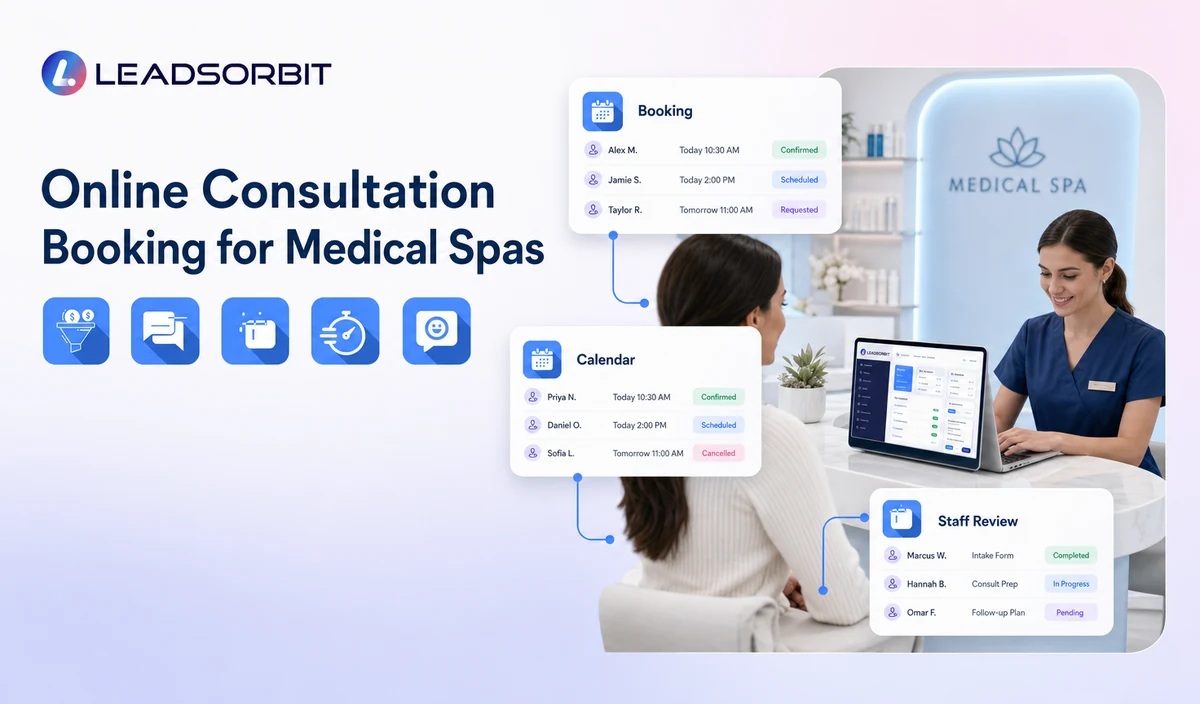
LEADSORBIT’s AI powered CRM can connect consultation requests with conversations, tasks, calendars, and administrative statuses.
- AI Appointment: 24/7 booking, connected calendars, confirmations, reminders, rescheduling, and cancellation.
- Workflow AI: conditions, follow up actions, tasks, timing, and stop rules.
- Conversation AI: conversation visibility, routing, staff takeover, and CRM synchronization.
- CRM records and tasks: contact context, booking status, owner, next action, and exception visibility.
Exact calendar providers, consultation categories, field mapping, availability, room/device handling, deposits, payments, permissions, retention, and integrations require implementation validation.
Try LEADSORBIT free for 14 days
FAQs
It is an administrative workflow that lets a person request or select an approved consultation, records minimum information, and supports confirmation, changes, and exceptions.
Final Thoughts
Online consultation booking works when the practice defines exactly what may be booked, which information is needed, when staff should review the request, and how every change updates the calendar and communication workflow.
Book a Demo to see how LEADSORBIT can connect medical spa consultation requests, calendars, confirmations, rescheduling, cancellation, and staff tasks.

Start Your Free 14 Day Trial
Try LEADSORBIT and see how it captures missed calls, follows up instantly, and turns leads into booked appointments for your business.