
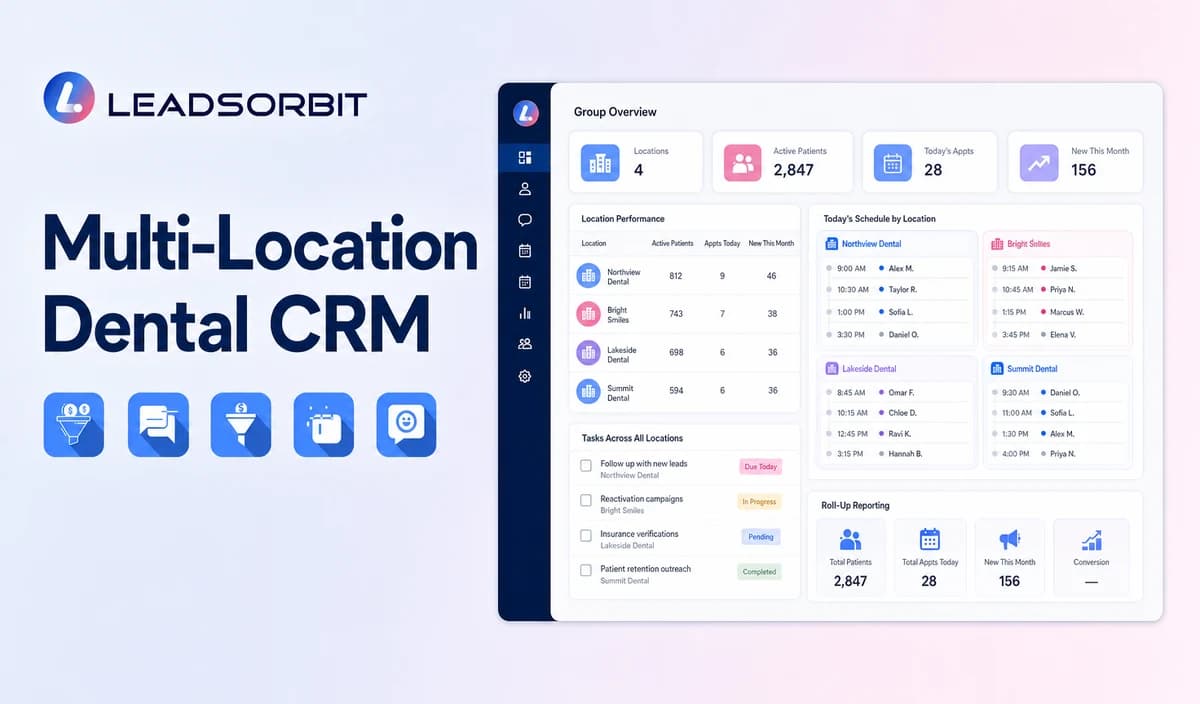

A group dental practice or DSO needs consistency without making every office operate as though it were the same location. Each inquiry must reach the correct phone number, staff team, provider or appointment category, calendar, review destination, and reporting view.
A multi location dental CRM should centralize approved standards while protecting local ownership and healthcare data access. It should not be positioned as a multi site dental PMS, EHR, charting, imaging, billing, claims, or treatment planning platform. The general CRM framework remains with CRM pipeline stages for small business lead follow up.

Who This Guide Is For
- Dental groups operating two or more offices.
- DSOs and regional teams that need shared standards with local ownership.
- Central booking teams routing inquiries across approved locations and calendars.
- Marketing and operations leaders reviewing leads, bookings, messages, and reviews by location.
- Healthcare organizations that need HIPAA enabled subaccounts, permissions, integrations, and data governance reviewed location by location.
What Should Be Centralized and What Should Stay Local?
| Centralized where appropriate | Location specific where required |
|---|---|
| Approved pipeline definitions, task standards, and reporting categories. | Phone numbers, addresses, hours, booking links, calendars, providers, and appointment categories. |
| Brand voice, baseline templates, healthcare boundaries, and QA. | Local team members, ownership, reply paths, and escalation contacts. |
| Campaign naming, source categories, and roll up dashboard definitions. | Consent settings, sender identity, review destination, and local workflow exceptions. |
| Leadership visibility and aggregate operational review. | Arrival instructions, parking, directions, and location specific service availability. |
| Security standards, minimum data rules, and change control. | Subaccount enablement, permissions, integrations, retention, and local testing. |
A Practical Multi Location Dental CRM Architecture
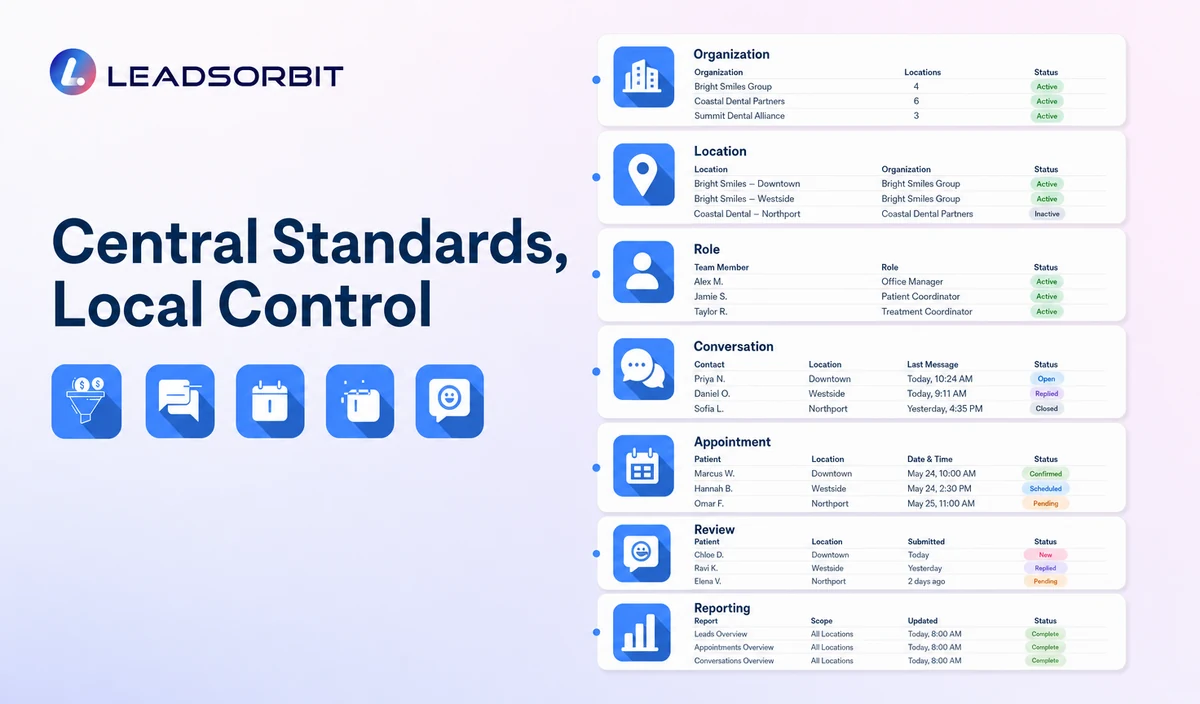
The final architecture may use separate subaccounts, location records, teams, pipelines, calendars, or other structures. The implementation team should choose the design only after reviewing privacy, operations, reporting, ownership, and support requirements.
| Layer | Purpose | Required validation |
|---|---|---|
| Organization layer | Shared governance, templates, naming, pipeline definitions, reporting standards, and leadership oversight. | Confirm which assets and settings can be managed centrally. |
| Location layer | Local phone, address, hours, calendars, providers, review links, users, and workflows. | Confirm subaccount structure, HIPAA enablement, separation, and local data boundaries. |
| User and role layer | Give each employee the locations and functions needed for the job. | Test view, edit, export, transfer, mobile access, reassignment, and privileged actions. |
| Inquiry and conversation layer | Route calls, forms, chat, SMS, email, and social inquiries to the correct office and owner. | Validate source mapping, requested location, phone numbers, pages, geographic rules, and fallback queues. |
| Appointment layer | Connect approved calendars, categories, providers, availability, confirmations, reminders, and changes. | Validate time zones, hours, durations, provider rules, conflicts, and exception handling. |
| Review workflow layer | Use the correct review destination and local response owner. | Validate eligible trigger, link, monitoring, permissions, and privacy aware response approval. |
| Reporting layer | Compare location level and roll up operational performance. | Confirm metrics, filters, definitions, attribution limits, permissions, refresh timing, and exports. |
Location Aware Inquiry Routing
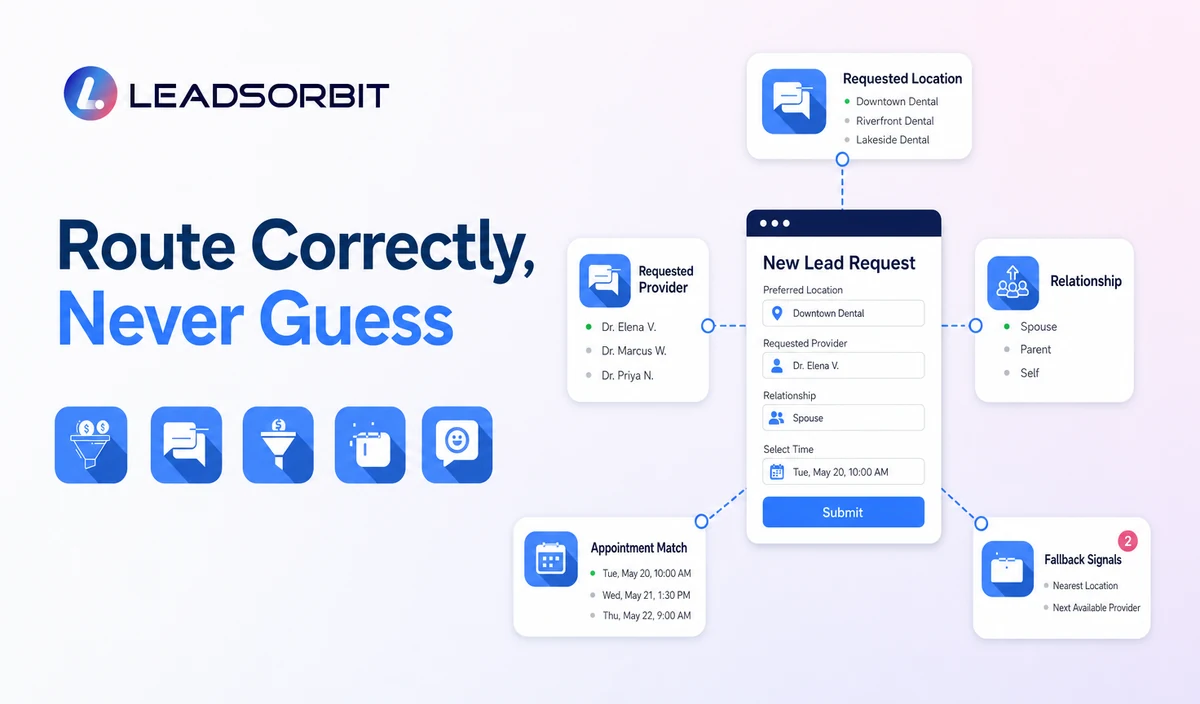
Routing should use reliable signals and a clear fallback. A postal code or landing page URL alone may not be enough when patients choose a specific office, provider, or appointment category.
| Routing signal | Useful application | Fallback rule |
|---|---|---|
| Location specific phone number | Route calls and missed call workflows to the associated office. | Send uncertain calls to a shared review queue. |
| Location page or form | Assign inquiries from an office specific digital entry point. | Validate hidden fields and outdated pages. |
| Requested location | Use the person’s explicit choice. | Allow staff to correct the assignment. |
| Geographic area | Offer nearby offices when approved. | Do not assign clinical care solely from geography. |
| Provider preference | Route to the relevant calendar or staff team where supported. | Do not promise provider availability or suitability. |
| Existing relationship | Maintain administrative continuity with the established office where appropriate. | Use approved transfer and access rules when another office must help. |
| Unknown or conflicting data | Create a central triage task. | Assign a named owner and service rule instead of guessing. |
Calendars, Providers, and Appointment Categories
LEADSORBIT AI Appointment currently describes multi location scheduling, multiple calendars, staff availability, and appointment rules from one dashboard. The exact dental setup still requires implementation validation.
- Use the correct location, time zone, hours, provider, and appointment category.
- Separate Appointment Requested, Booked, Confirmed, Rescheduled, Cancelled, and Needs Review.
- Prevent one office’s calendar from showing unsupported options from another location.
- Route provider, accessibility, insurance, clinical, and policy exceptions to staff.
- Suppress obsolete confirmations and reminders after a location or appointment change.
- Test cross location transfers, duplicate contacts, calendar conflicts, and double booking controls.
Centralized Conversations Without Excess Access
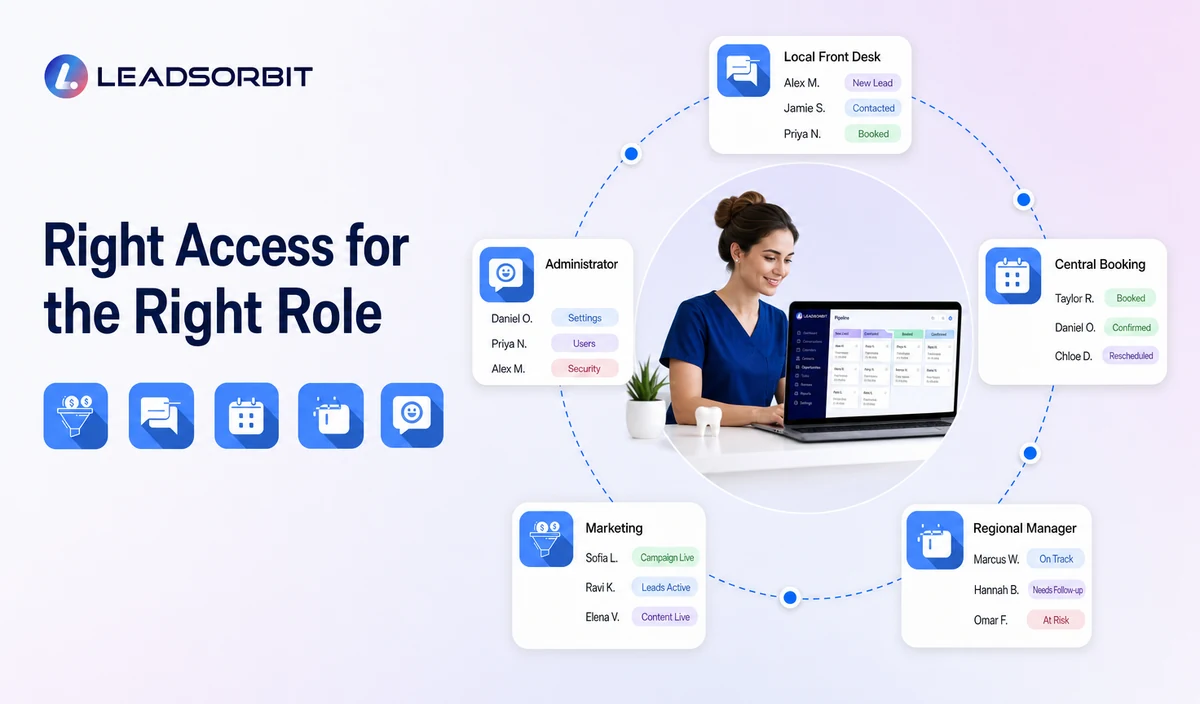
Leadership may need roll up visibility, while local teams should usually see only the conversations and records required for their role. A centralized inbox does not mean unrestricted access to every patient record.
| Role | Typical operational need | Permission question |
|---|---|---|
| Local front desk | Own local inquiries, appointments, replies, and tasks. | Can the user see only the assigned office and approved shared queues? |
| Central booking team | Route inquiries and book across approved calendars. | Which locations, appointment categories, and patient data may the team access? |
| Regional manager | Review unresolved work and trends across assigned offices. | Can access be limited to the region and minimum necessary fields? |
| Marketing team | Review source, campaign, review, and operational performance. | Can reporting use aggregate or minimum data without exposing message content? |
| Administrator | Configure users, workflows, templates, integrations, and reports. | How are privileged actions approved, logged, and reviewed? |
| Temporary or backup staff | Cover defined tasks during absences. | Can access be limited and removed promptly after coverage ends? |
Multi Location Review Workflows
LEADSORBIT Reviews AI describes multi location templates and permissions. Each dental office still needs the correct review destination, eligible trigger, response owner, and privacy aware approval process.
| Area | Central standard | Local requirement |
|---|---|---|
| Review requests | Neutral wording, eligibility, reminder limit, privacy, and stop rules. | Correct office specific review link and sender. |
| Review monitoring | Shared escalation categories and response expectations. | Local or regional response owner and context. |
| Responses | Privacy safe templates and leadership escalation rules. | Do not confirm patient status or discuss treatment, records, billing, or insurance. |
| Reporting | Roll up visibility for request and response activity. | Validate platform connection, location attribution, and permissions. |
Reporting Across Dental Locations
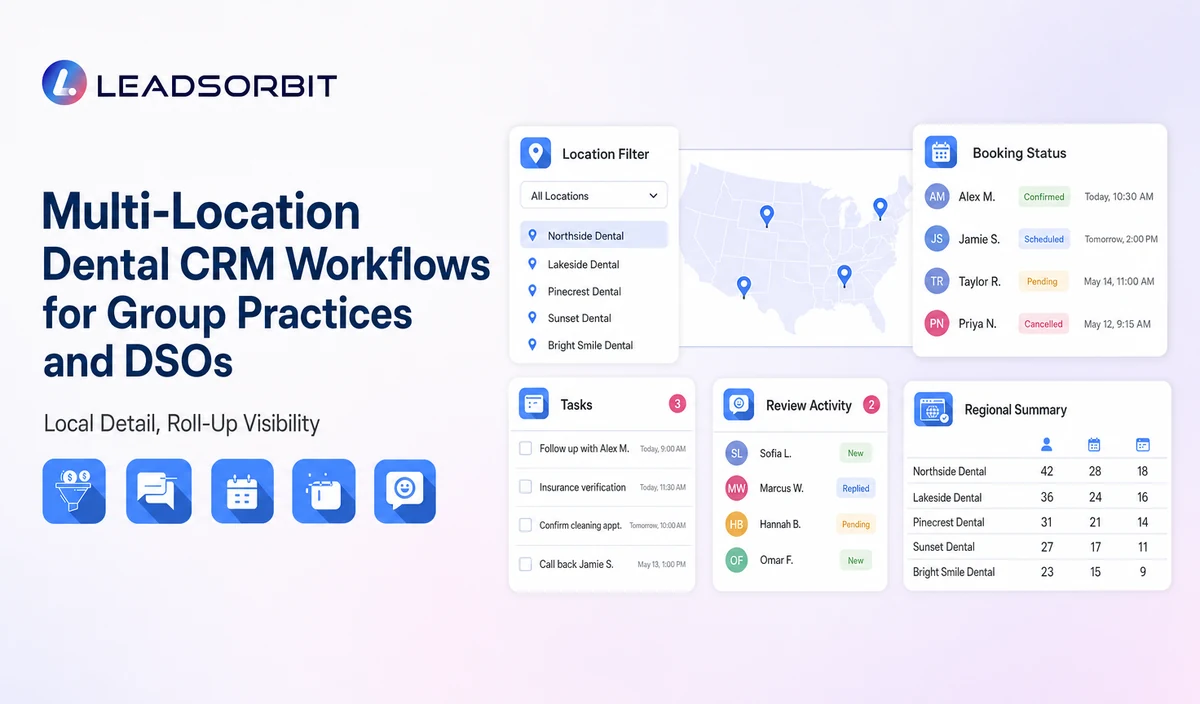
LEADSORBIT Reporting and Analytics currently describes multi location and user filters as well as global, regional, and location level performance views. The reporting model must still be validated against the exact fields, workflows, and permissions used by the dental group.
- Use the same definitions for New Inquiry, Contacted, Appointment Requested, Booked, Confirmed, Completed, No Show, Nurture, and Closed.
- Compare offices only when date ranges, time zones, and stage definitions are consistent.
- Separate requested appointments from valid bookings.
- Document attribution limitations for calls, forms, campaigns, referrals, and offline sources.
- Use role based reporting access and minimum necessary data.
- Review unassigned inquiries, overdue tasks, failed messages, duplicate records, and workflow exceptions.
- Avoid unsupported revenue, patient, clinical, case acceptance, recall rate, or performance claims.
HIPAA Enabled Multi Location Data Governance
LEADSORBIT supports HIPAA compliant administrative workflows for eligible healthcare organizations through HIPAA enabled HighLevel subaccounts. Compliant use depends on maintaining the active HIPAA package, applicable agreements, approved account configuration, user permissions, integrations, retention settings, and the healthcare organization’s own procedures.
A multi location healthcare setup adds questions about which subaccounts are HIPAA enabled, where data is stored, who can view cross location records, how conversations are transferred, and which integrations operate centrally or locally.
| Governance question | Required check |
|---|---|
| Subaccount enablement | Confirm every applicable dental subaccount or location environment is HIPAA enabled. |
| Agency and customer agreements | Store current agency evidence and keep customer facing BAA status as BAA CHECK until leadership locks the policy. |
| Cross location visibility | Define who can view, edit, export, transfer, and report on identifiable healthcare data. |
| Shared contacts | Define how duplicate or cross location records are resolved without unnecessary disclosure. |
| Calendars and forms | Review every location’s fields, titles, notes, permissions, and integrations. |
| Recording and transcription | Confirm enablement, notices, consent, jurisdiction, access, correction, retention, and transfer rules. |
| Reporting and exports | Use minimum necessary fields and limit sensitive conversation or appointment detail. |
| Integration scope | Review each communications provider, AI tool, calendar, review platform, storage system, and data destination separately. |
A Phased Multi Location Implementation Plan
| Phase | Scope | Exit criteria |
|---|---|---|
| 1. Discovery | Document locations, users, phone numbers, forms, calendars, providers, review links, workflows, reports, and healthcare requirements. | Approved architecture and dependency register. |
| 2. Pilot office | Configure one representative location and test the full inquiry to reporting journey. | Routing, booking, replies, permissions, healthcare settings, and reports pass QA. |
| 3. Shared standards | Create approved templates, stage definitions, naming, roles, escalation, and change control. | Leadership, operations, product, and compliance approval. |
| 4. Controlled rollout | Add offices in manageable groups with local validation. | Every office passes routing, calendar, messaging, review, permission, and data checks. |
| 5. Roll up reporting | Enable office and regional views after definitions are consistent. | Reports reconcile with source records and access rules. |
| 6. Ongoing governance | Review users, permissions, integrations, templates, errors, and compliance evidence. | Documented review schedule and accountable owners. |
Common Multi Location CRM Mistakes
- Copying one office’s phone, hours, calendar, or review link into every template.
- Giving central or regional users broader healthcare data access than they need.
- Routing by geography without allowing patient choice or staff correction.
- Comparing offices that use different stage definitions or data entry rules.
- Assuming every subaccount, calendar, communications provider, and integration has the same healthcare configuration.
- Publishing central template changes without testing local fields.
- Treating an appointment request as a valid booking.
- Using roll up reporting as proof of exact attribution, revenue, clinical performance, or case acceptance.
- Positioning the CRM as a multi site dental PMS, EHR, chart, billing, claims, imaging, or treatment planning platform.
Multi Location Dental CRM Checklist
- Confirm the target account and subaccount architecture.
- List every office, phone number, address, hours, provider, calendar, appointment category, and review destination.
- Define routing signals, fallback queues, owners, and service rules.
- Define local, central, regional, marketing, administrator, and temporary roles.
- Test cross location visibility, record transfer, duplicate contacts, exports, and mobile access.
- Standardize pipeline stages, tasks, and reporting definitions.
- Confirm shared template controls and local override fields.
- Validate reviews, forms, calendars, messages, and reporting separately.
- Confirm HIPAA enablement, agreements, permissions, retention, recording/transcription, and integrations for every applicable office.
- Pilot before broad rollout and maintain version, access, and change control records.
See the Multi Location Workflow With Your Organization
Book a Demo to map your offices, routing, calendars, conversation access, shared templates, reviews, permissions, healthcare controls, and roll up reporting inside LEADSORBIT.
How LEADSORBIT Supports Multi Location Dental Workflows
LEADSORBIT currently positions the platform for single location businesses, multi location brands, and franchises. Relevant verified product areas include:
- Workflow AI: configurable multi branch workflows with triggers, messages, conditions, tasks, and stop logic.
- Conversation AI: supported channel conversation visibility, CRM synchronization, tasks, routing, and staff takeover.
- AI Appointment: multi location calendars, staff availability, appointment rules, booking, reminders, rescheduling, and cancellation.
- Reviews AI: multi location templates and permissions for review invitations and response workflows.
- Reporting and Analytics: multi location and user filters with global, regional, or location level reporting.
The exact account architecture, location routing, shared contact behavior, cross location conversation visibility, user permissions, calendar configuration, healthcare data separation, reporting, and integration scope require product and implementation validation.
Try LEADSORBIT free for 14 days
FAQs
It is an administrative CRM setup for organizing offices, inquiry routing, conversations, calendars, tasks, reviews, permissions, and location level or roll up reporting.
Final Thoughts
A multi location dental CRM succeeds when central standards and reporting coexist with correct local routing, calendars, ownership, review destinations, permissions, and healthcare data controls.
Book a Demo to see how LEADSORBIT can support multi-location dental inquiry routing, appointments, conversations, reviews, tasks, permissions, and reporting.

Start Your Free 14 Day Trial
Try LEADSORBIT and see how it captures missed calls, follows up instantly, and turns leads into booked appointments for your business.