
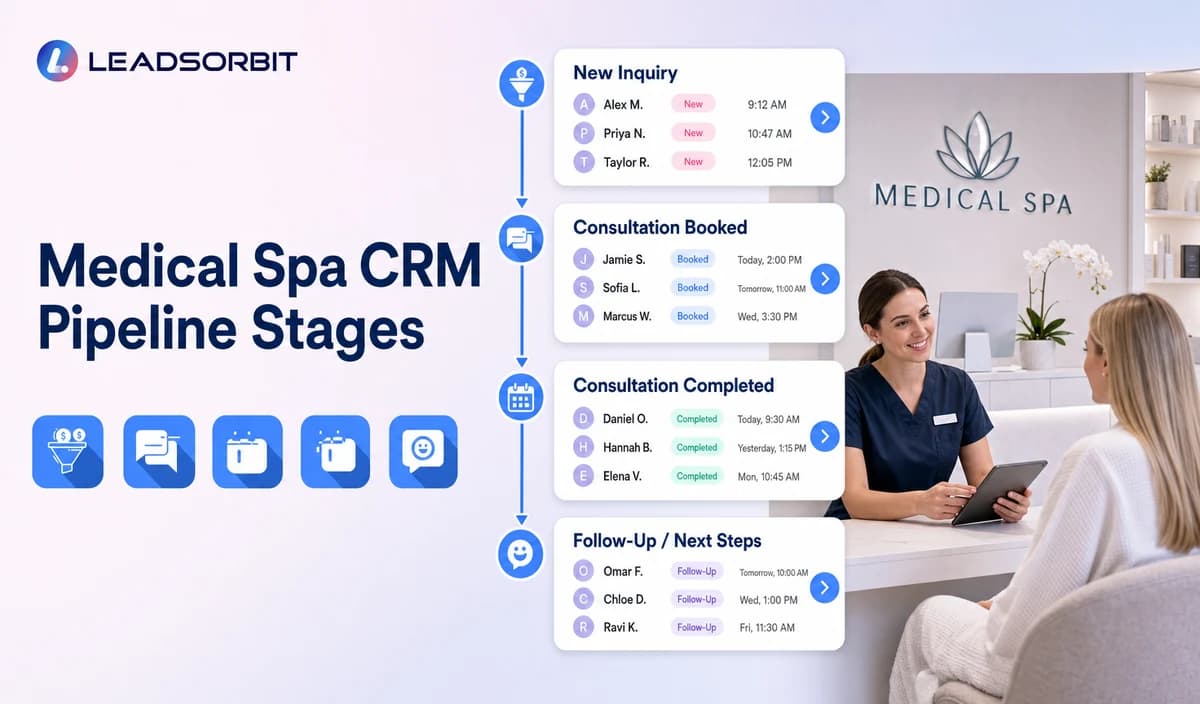

A medical spa CRM pipeline should tell the team what happens next for every consultation lead. Without clear stages, the practice may count a requested time as a booking, leave engaged inquiries without tasks, or mix marketing follow up with treatment related communication.
Medical spa CRM pipeline stages should remain administrative. They can organize inquiry status, consultation booking, ownership, no show recovery, nurture, and reactivation without becoming a medical record or treatment plan. The broader framework belongs to small business CRM.

Who This Guide Is For
- Medical spa owners who need visibility across consultation leads.
- Front desk and consultation teams managing calls, forms, chat, and callbacks.
- Multi location practices routing leads by office or provider.
- Operations managers defining task ownership and service rules.
- Teams moving from inboxes or spreadsheets into a CRM pipeline.
What a Pipeline Stage Is and Is Not
| A useful stage does | A useful stage does not |
|---|---|
| Describe the lead’s administrative position. | Diagnose a condition or assess treatment suitability. |
| Trigger a clear owner and next task. | Replace a chart, consent, medical record, or treatment plan. |
| Support booking and communication workflows. | Store detailed symptoms, photos, medications, contraindications, or complications. |
| Create consistent operational reporting. | Guarantee consultation attendance or treatment conversion. |
| Provide an entry and exit condition. | Remain vague or depend on staff memory. |
Recommended Medical Spa CRM Pipeline Stages
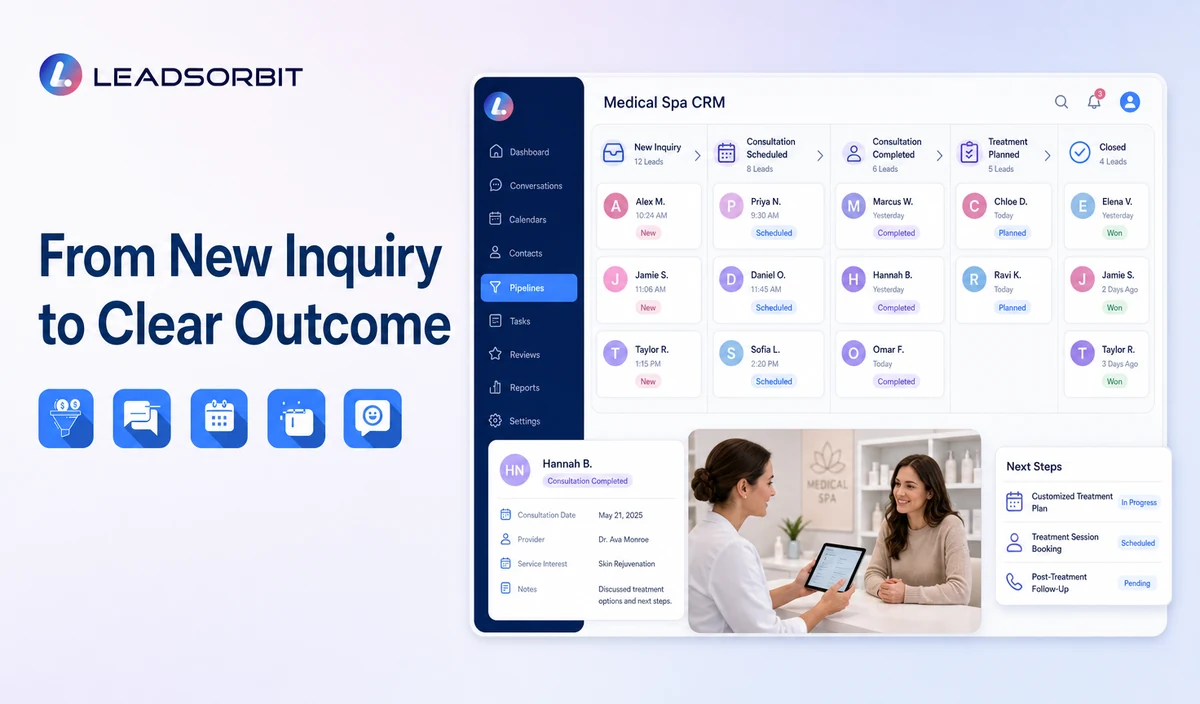
| Stage | Entry rule | Required next action | Exit rule |
|---|---|---|---|
| 1. New Inquiry | A new call, form, chat, campaign response, social message, or referral creates or updates a contact. | Assign an owner and send the approved first response. | Move when contact is attempted, the person replies, or the record is invalid. |
| 2. Attempted Contact | The practice called, texted, or emailed without a meaningful reply. | Complete the next approved attempt and review delivery. | Move to Engaged, Follow Up, or Closed. |
| 3. Engaged | The person replied or spoke with the team but has not selected a consultation path. | Answer approved office questions and clarify the next administrative step. | Move to Consultation Requested, Booked, Follow Up, or Closed. |
| 4. Consultation Requested | The person selected preferences or requested scheduling help. | Validate location, provider, category, and availability. | Move to Booked, Engaged, or Needs Staff Review. |
| 5. Booked | A valid consultation or approved appointment exists. | Send confirmation and begin the reminder workflow. | Move to Confirmed, Cancelled, or No Show. |
| 6. Confirmed | The person completed the practice’s confirmation action. | Monitor changes and approved arrival information. | Move to Consultation Completed, Cancelled, or No Show. |
| 7. Consultation Completed | The administrative consultation status is complete. | Stop acquisition messages and route only approved next communication. | Move to Follow Up, Closed, or a separate qualified staff process. |
| 8. No Show / Cancelled | The appointment did not occur or was cancelled. | Use the approved recovery or rescheduling workflow. | Move to Booked, Follow Up, Reactivation, or Closed. |
| 9. Follow Up | The lead needs later administrative contact or staff review. | Apply the approved limited follow up plan. | Move to Engaged, Booked, Reactivation, or Closed. |
| 10. Reactivation | An older unbooked lead is intentionally re engaged under approved criteria. | Offer a consultation or callback path. | Move to Engaged, Booked, or Closed. |
| 11. Closed | The record is invalid, opted out, duplicate, not a fit, declined, or inactive. | Record the reason and stop inappropriate automation. | Reopen only after a valid new interaction or approved review. |
Consultation Requested, Booked, and Confirmed Must Be Separate
| Status | Meaning | Example next action |
|---|---|---|
| Consultation Requested | The person expressed scheduling intent or selected preferences. | Validate availability or create a staff task. |
| Booked | A valid appointment exists on the approved calendar. | Send the approved confirmation. |
| Confirmed | The person completed the confirmation action. | Monitor changes and arrival guidance. |
| Needs Staff Review | The location, provider, category, policy, or sensitive request needs a person. | Assign a named task and pause generic automation. |
Stage Ownership and Service Rules
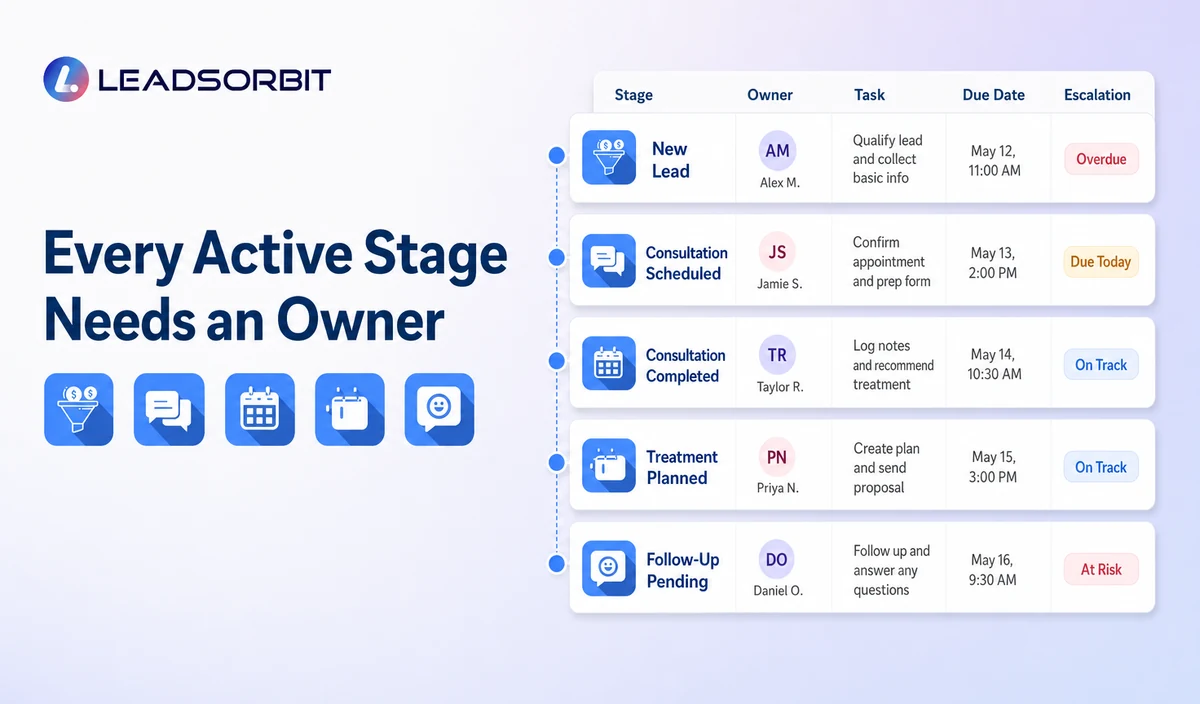
| Stage group | Primary owner | Example responsibility | Escalation |
|---|---|---|---|
| New Inquiry / Attempted Contact | Front desk or lead response owner | Review source, delivery, and first response. | Escalate unassigned or failed delivery records. |
| Engaged / Consultation Requested | Consultation coordinator | Answer approved questions and validate the next step. | Escalate clinical, suitability, pricing, membership, or sensitive questions. |
| Booked / Confirmed | Scheduling owner | Monitor confirmations, changes, and reminders. | Escalate provider, location, calendar, or policy exceptions. |
| No Show / Cancelled | Rescheduling owner | Apply respectful recovery and stop rules. | Escalate complaints or repeated exceptions. |
| Follow Up / Reactivation | Marketing or operations owner | Review audience, consent, cadence, and outcomes. | Pause when confusion or compliance risk appears. |
| Closed | Office manager or data owner | Maintain accurate reasons and suppression. | Reopen only with a valid trigger. |
Automation Rules by Stage
- New Inquiry: create an owner task and approved acknowledgment.
- Attempted Contact: schedule the next limited follow up and stop after reply or opt out.
- Engaged: notify the owner and pause generic no response messages.
- Consultation Requested: create booking review when automatic booking cannot complete.
- Booked: stop acquisition messages and begin confirmation/reminders.
- Confirmed: suppress duplicate confirmation prompts.
- No Show / Cancelled: start the separate recovery workflow only when appropriate.
- Follow Up / Reactivation: use approved timing, audience, and communication preferences.
- Closed: stop active automation unless a valid new trigger occurs.
Useful Fields Without Becoming a Clinical Record
| Operational field | Purpose | Caution |
|---|---|---|
| Inquiry source | Understand where the contact began. | Do not imply exact attribution unless verified. |
| Assigned owner | Make responsibility visible. | Use backup ownership for absences. |
| Communication preference | Support permitted contact. | Maintain consent and opt out status. |
| New or existing relationship | Select the correct branch. | Do not infer patient status from incomplete data. |
| Requested location/provider | Route consultation booking. | Do not promise availability or treatment suitability. |
| General service interest | Route to approved information or consultation. | Keep labels broad and non clinical. |
| Next task and due date | Make the next action clear. | Escalate overdue active tasks. |
| Closure reason | Improve data quality and suppression. | Keep reasons simple and nonjudgmental. |
Reporting That Actually Helps
- New inquiries by source and location.
- Records without an assigned owner.
- Attempted Contact records beyond the review window.
- Engaged leads without a next task.
- Consultation requests awaiting review.
- Booked versus confirmed appointments.
- No shows and cancellations awaiting recovery.
- Follow Up and Reactivation records due for review.
- Closed records without a valid reason.
- Duplicate contacts and inconsistent stage use.
HIPAA Enabled Pipeline Positioning
LEADSORBIT supports HIPAA compliant administrative workflows for eligible healthcare organizations through HIPAA enabled HighLevel subaccounts. Compliant use depends on maintaining the active HIPAA package, applicable agreements, approved account configuration, user permissions, integrations, retention settings, and the healthcare organization’s own procedures.
Names, contact details, consultation interests, appointment status, conversation history, tasks, and pipeline fields may be PHI depending on context. Use minimum contact and operational information. Keep detailed symptoms, photos, medical history, contraindications, treatment plans, and consent records outside the administrative pipeline.
Pipeline Setup Checklist
- Choose the minimum stage set and define every stage in one sentence.
- Write an entry and exit rule for every stage.
- Assign primary and backup owners.
- Define the next task for active stages.
- Separate Requested, Booked, Confirmed, and Needs Staff Review.
- Create distinct No Show, Cancelled, Follow Up, Reactivation, and Closed rules.
- Stop acquisition follow up after booking or staff takeover.
- Keep clinical and financial details outside the pipeline.
- Review forms, calendars, integrations, permissions, and retention.
- Audit stage accuracy frequently during launch.
See the Pipeline With Your Consultation Workflow
Book a Demo to map your medical spa inquiry stages, owners, consultation booking, task rules, no response logic, and reporting inside LEADSORBIT.
How LEADSORBIT Supports Medical Spa Lead Management
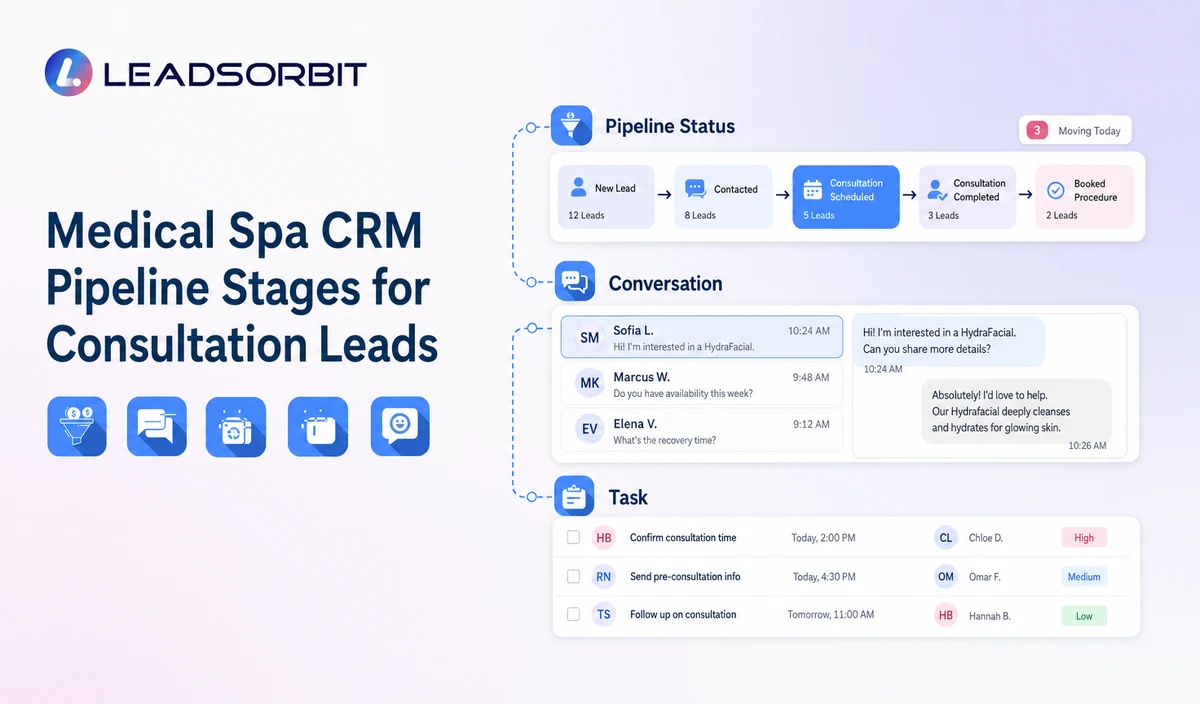
LEADSORBIT’s AI powered CRM can connect contact records, conversations, tasks, consultation activity, workflow conditions, and pipeline status.
- Workflow AI: conditions, messages, tasks, timing, and stage related actions.
- Conversation AI: conversation history, routing, staff takeover, and CRM synchronization.
- AI Appointment: booking, confirmations, rescheduling, and cancellation that can inform administrative stages.
- CRM pipeline and tasks: owners, statuses, next actions, and operational reporting.
Exact automatic stage movement, custom fields, reports, permissions, integrations, and account configuration must be validated.
Try LEADSORBIT free for 14 days
FAQs
A practical set includes New Inquiry, Attempted Contact, Engaged, Consultation Requested, Booked, Confirmed, Consultation Completed, No Show or Cancelled, Follow Up, Reactivation, and Closed.
Final Thoughts
The right medical spa CRM pipeline makes ownership visible. Every stage should tell the team what happened, what needs to happen next, and when automation should stop.
Book a Demo to see how LEADSORBIT can organize medical spa inquiries, consultation status, tasks, conversations, and pipeline reporting.

Start Your Free 14 Day Trial
Try LEADSORBIT and see how it captures missed calls, follows up instantly, and turns leads into booked appointments for your business.