
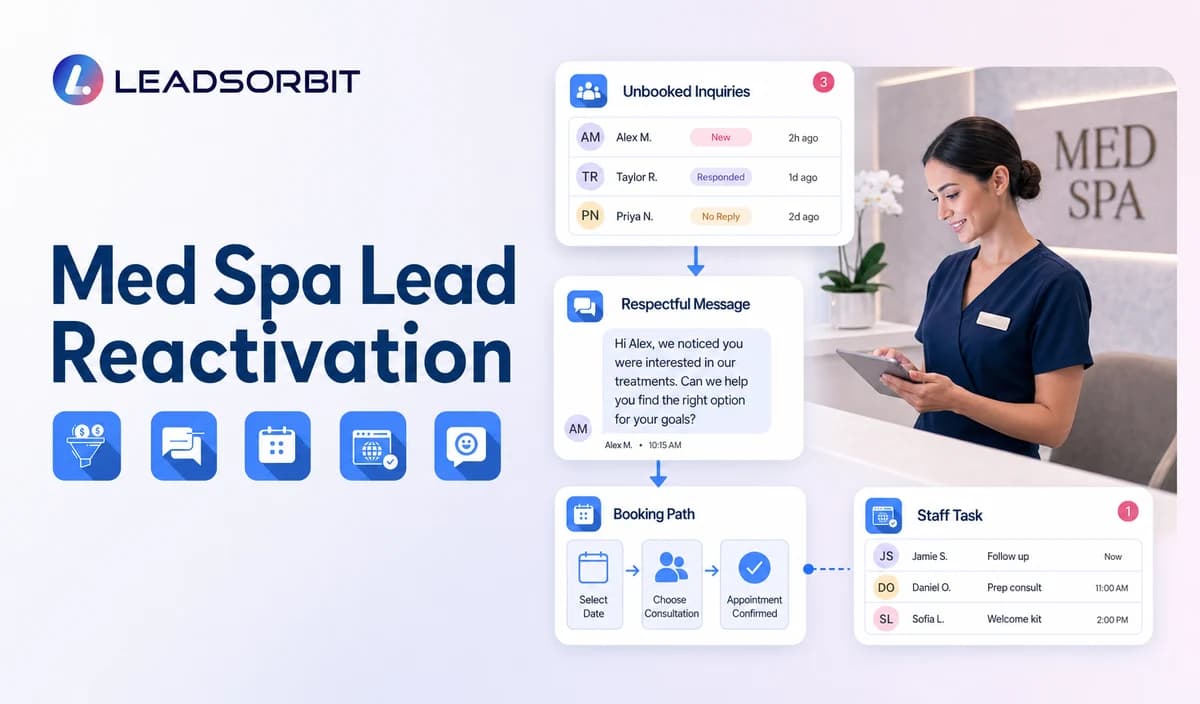

An old consultation inquiry is not automatically a valid campaign contact. The medical spa must confirm who the person was, whether the inquiry remained unbooked, whether communication is still permitted, and what administrative next step can honestly be offered.
Med spa lead reactivation campaigns should remain separate from patient reactivation and maintenance reminders. This article covers prior inquiries and unbooked consultation leads, while the broader retention framework remains with customer retention management.

Who This Guide Is For
- Medical spas with prior inquiries that never became valid consultations.
- Practice managers who need segment, consent, exclusion, and ownership rules.
- Front desk teams that want booking and callback outcomes visible in the CRM.
- Multi location practices that need correct location links and owners.
- Healthcare organizations reviewing HIPAA enabled re engagement workflows.
Define the Lead Segment Before Writing the Message
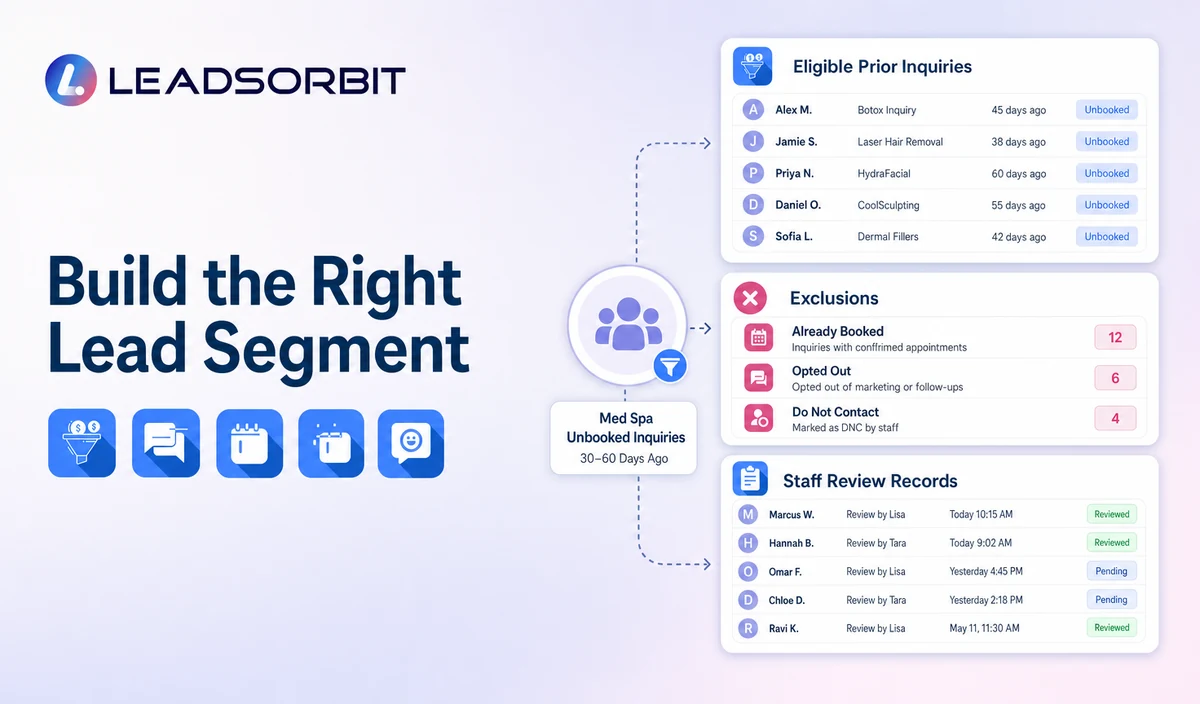
| Possible segment | Administrative definition | Required review |
|---|---|---|
| Unbooked consultation inquiry | A prior inquiry with no valid consultation booking under the approved rule. | Confirm source, consent, last interaction, and current status. |
| Past campaign lead | A valid lead that responded to a prior campaign but did not book. | Confirm the campaign and the new message remain appropriate. |
| Requested later contact | A person who asked the practice to reconnect during a defined period. | Use the requested timing and permitted channel. |
| Location specific unbooked lead | A valid inquiry tied to one office. | Confirm the correct location, link, owner, and permissions. |
| Former patient | Not part of this article’s lead segment. | Move to the patient reactivation workflow after relationship validation. |
| Unknown relationship | The record does not clearly show whether the person is a lead or patient. | Hold for staff review before outreach. |
Who Should Be Excluded
- Contacts who opted out or revoked consent.
- Invalid, reassigned, or unverified contact details.
- Duplicate records that may receive repeated outreach.
- People with an active consultation, appointment, or open staff conversation.
- Complaint, legal, privacy, or sensitive records.
- Former patients incorrectly placed in the lead segment.
- Records whose source, relationship, or communication permission is unclear.
- People selected for treatment claims or unreviewed promotional offers.
A Practical Lead Reactivation Workflow
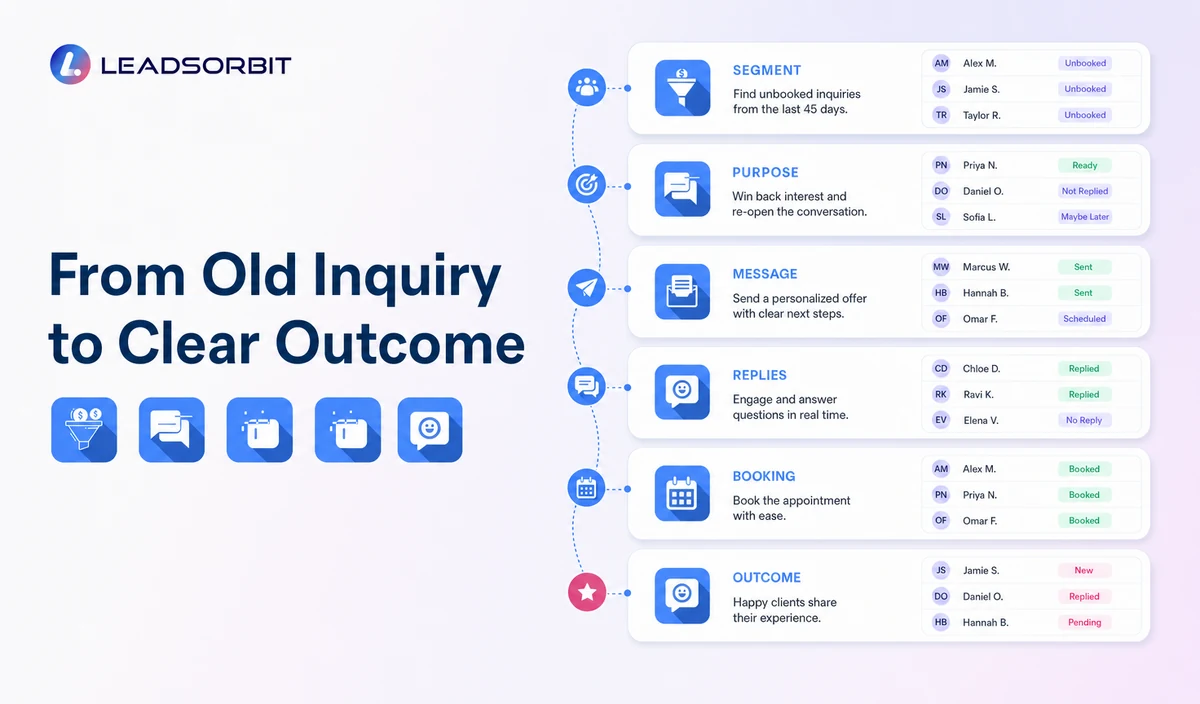
| Stage | Workflow action | Human responsibility | Stop condition |
|---|---|---|---|
| 1. Build the segment | Apply approved unbooked inquiry, source, location, timing, and consent criteria. | Review samples, duplicates, exclusions, and relationship status. | Do not activate until the audience is approved. |
| 2. Define the purpose | Choose consultation booking, general office help, or staff callback. | Confirm wording and any offer or campaign claim. | Pause when the purpose is unclear or promotional approval is missing. |
| 3. Send the first message | Identify the medical spa and invite a simple reply. | Monitor delivery failures and sensitive responses. | Stop after booking, reply, opt out, invalid contact, or staff takeover. |
| 4. Route replies | Handle BOOK, CALLBACK, LATER, HELP, negative feedback, or STOP. | Own ambiguous, clinical, complaint, or sensitive replies. | Move non routine replies to staff. |
| 5. Consultation booking | Offer a valid link or create a named task. | Resolve location, provider, category, and calendar exceptions. | Stop after a valid booking. |
| 6. Limited reminder | Send one approved reminder where appropriate. | Confirm the record remains eligible. | Stop at the campaign limit. |
| 7. Outcome and review | Record booked, callback, later, no response, invalid, complaint, opt out, or closed status. | Review results and workload before the next campaign. | Do not recycle suppressed records automatically. |
Lead Reactivation Message Templates
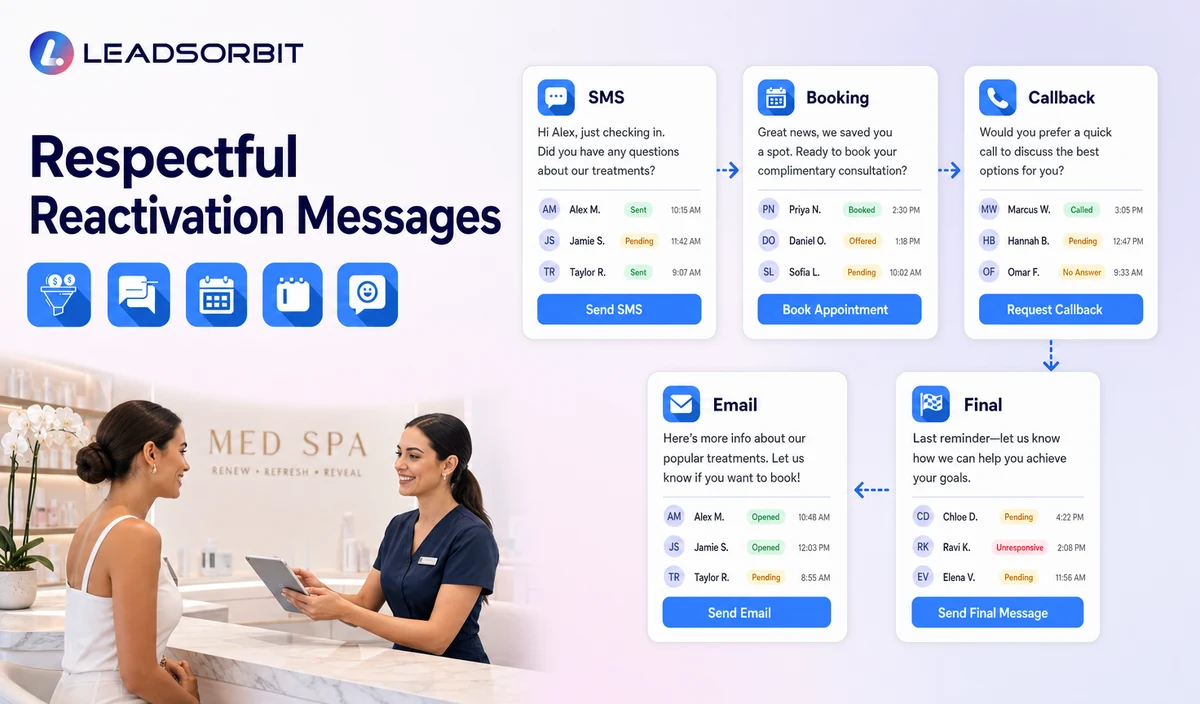
Simple Reconnection
Booking Path
Location Specific Message
Final Active Message
Lead Reactivation Email Template
Lead Reactivation Is Not Patient Reactivation
| Lead reactivation | Patient reactivation |
|---|---|
| Begins with a prior inquiry that did not become a valid consultation or appointment. | Begins with a validated prior patient relationship. |
| Offers a consultation request or general staff help. | May offer a general appointment or approved maintenance review path. |
| Uses inquiry source, campaign, and lead status rules. | Uses relationship, visit, consent, and patient segment rules. |
| Must not assume the person received treatment. | Must not prescribe treatment intervals or clinical need. |
| Reported separately from patient retention or maintenance. | Reported separately from lead conversion and campaign activity. |
Use a Short Cadence With Clear Stop Rules
| Campaign point | Purpose | Control |
|---|---|---|
| Initial message | Explain why the practice is contacting the person. | Use the approved segment, sender identity, and opt out method. |
| Limited reminder | Provide one additional opportunity. | Do not increase pressure or add treatment claims. |
| Meaningful reply | Route booking, callback, later, help, complaint, or opt out. | Pause generic automation. |
| Booking | Create the valid consultation appointment. | Stop reactivation and begin the booking workflow. |
| No response | Close or move to a reviewed future status. | Do not automatically restart the same audience. |
| Complaint or opt out | Suppress future applicable outreach. | Do not persuade the person to remain. |
Consent, HIPAA, and Healthcare Data
The FCC’s TCPA guidance discusses consent and reasonable revocation methods for certain automated communications. Review the audience, message type, consent record, technology, and jurisdiction.
LEADSORBIT supports HIPAA compliant administrative workflows for eligible healthcare organizations through HIPAA enabled HighLevel subaccounts. Compliant use depends on maintaining the active HIPAA package, applicable agreements, approved account configuration, user permissions, integrations, retention settings, and the healthcare organization’s own procedures.
Names, contact details, inquiry source, consultation interest, campaign eligibility, replies, and booking activity may be PHI depending on context. Use minimum contact and operational information and review each messaging provider, calendar, AI tool, permission, retention rule, and data destination.
Campaign Review Checklist
- Define the unbooked inquiry segment in administrative terms.
- Separate prior leads from former patients.
- Exclude active bookings, open conversations, opt outs, duplicates, complaints, and invalid contacts.
- Confirm the outreach basis and permitted channels.
- Approve initial, reminder, reply, and final messages.
- Use the correct practice, location, consultation link, and callback owner.
- Define BOOK, CALLBACK, LATER, HELP, complaint, and STOP handling.
- Keep treatment claims, suitability, photos, medical history, and urgency outside the campaign.
- Confirm permissions, retention, integrations, and HIPAA enabled account status.
- Review results before launching the next audience.
Test the Campaign With Your Segments
Start Your 14 Days Free Trial to build and test your unbooked inquiry segments, SMS and email messages, consultation booking paths, reply routing, staff tasks, suppression rules, and campaign review workflow inside LEADSORBIT.
What to Measure
- Eligible leads included and excluded.
- SMS and email delivery failures.
- Replies by booking, callback, later, help, complaint, or opt out.
- Valid consultation bookings.
- Staff tasks created and resolved.
- Contacts moved to suppression or future review status.
- Duplicate messages and privacy concerns.
- Campaign changes approved before reuse.
How LEADSORBIT Supports Lead Reactivation
LEADSORBIT’s AI powered CRM can connect approved segments, campaign messages, replies, consultation booking, tasks, and status visibility.
- Workflow AI: triggers, conditions, SMS/email/call actions, timing, tasks, and stop logic.
- Conversation AI: supported channel reply visibility, routing, staff takeover, and CRM synchronization.
- AI Appointment: consultation booking, calendars, confirmations, rescheduling, and cancellation.
- CRM segments, statuses, and tasks: eligibility review, ownership, outcomes, and suppression.
Exact segment criteria, channels, consent records, location logic, booking configuration, permissions, retention, and integrations must be verified.
Try LEADSORBIT free for 14 days
FAQs
They are limited administrative campaigns for approved prior inquiries that offer consultation booking or staff help and stop after a defined outcome.
Final Thoughts
Med spa lead reactivation works when the audience is carefully reviewed, the message remains neutral, and the person receives one clear consultation or staff help path.
Start Your 14 Days Free Trial to explore how LEADSORBIT can help manage medical-spa lead segments, reactivation messages, consultation booking, staff tasks, suppression rules, and reporting in one connected workflow.

Start Your Free 14 Day Trial
Try LEADSORBIT and see how it captures missed calls, follows up instantly, and turns leads into booked appointments for your business.