
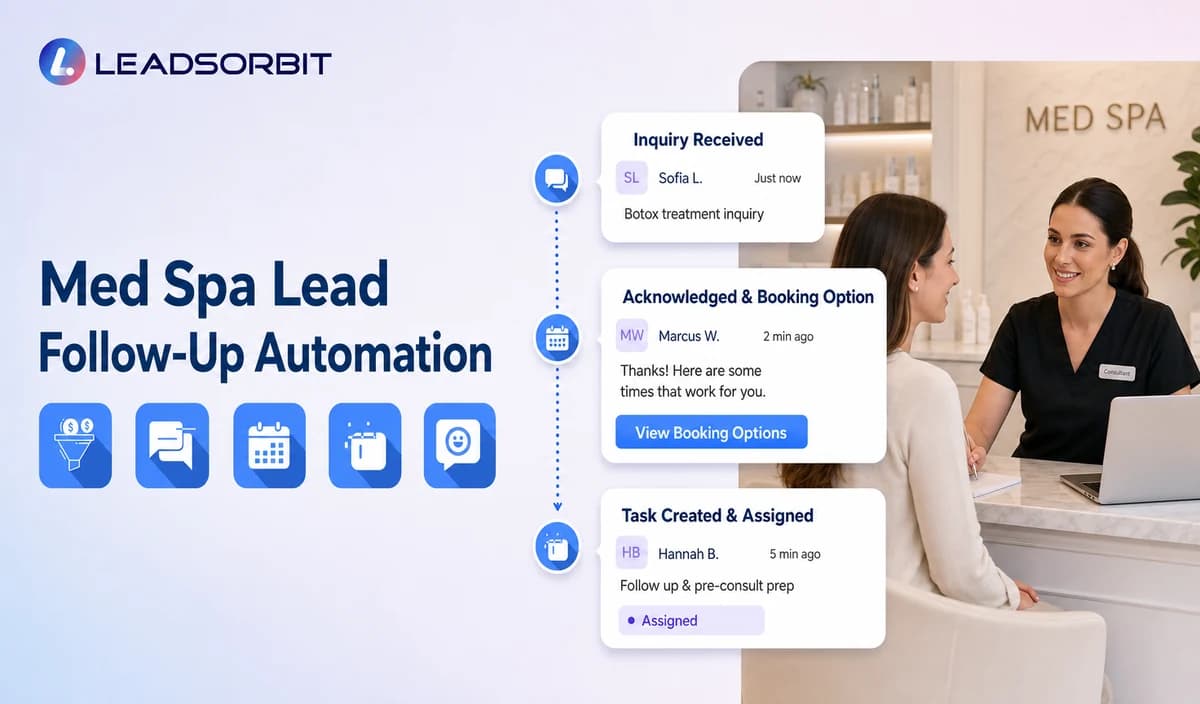

A medical spa inquiry may begin with a missed call, consultation form, web chat, paid campaign, social message, or referral. The person usually needs a fast administrative answer: whether the practice offers a general service category, how to request a consultation, or when a staff member can call.
Med spa lead follow up automation gives every inquiry a visible owner and a controlled next step. It should not promise treatment results, assess suitability, or turn first contact into medical intake. For the broader framework, see lead follow up automation.

Who This Guide Is For
- Medical spas receiving inquiries from calls, forms, chat, ads, social channels, or referrals.
- Front desk teams that need clear ownership of unbooked consultation leads.
- Consultation coordinators managing location, provider, or service category requests.
- Practice owners who want messages, booking activity, and tasks visible in one CRM.
- Healthcare organizations reviewing HIPAA enabled administrative lead follow up.
Why Medical Spa Leads Go Cold
Most lost inquiries are operational rather than clinical. A person may contact the practice after hours, receive the wrong link, ask a question that needs staff review, or remain in a general inbox without an owner.
- The inquiry enters one channel while the team works in another.
- The source and original conversation context are lost.
- The first reply asks too many questions before explaining the next step.
- A booking link does not match the correct location or consultation category.
- Automation continues after a staff member takes over.
- No response leads remain active without a final status.
What the Workflow Should Accomplish
- Acknowledge the inquiry through an approved channel.
- Identify whether the person wants a consultation request, a general office answer, or staff contact.
- Confirm location or provider preference only when it affects routing.
- Offer an approved consultation booking or callback path.
- Assign a named primary and backup owner.
- Use a short no response sequence with clear stop rules.
- Preserve source, conversation history, next action, and outcome.
- Move treatment, clinical, photo, consent, complication, or suitability questions to qualified staff.
A Practical Med Spa Lead Follow Up Workflow
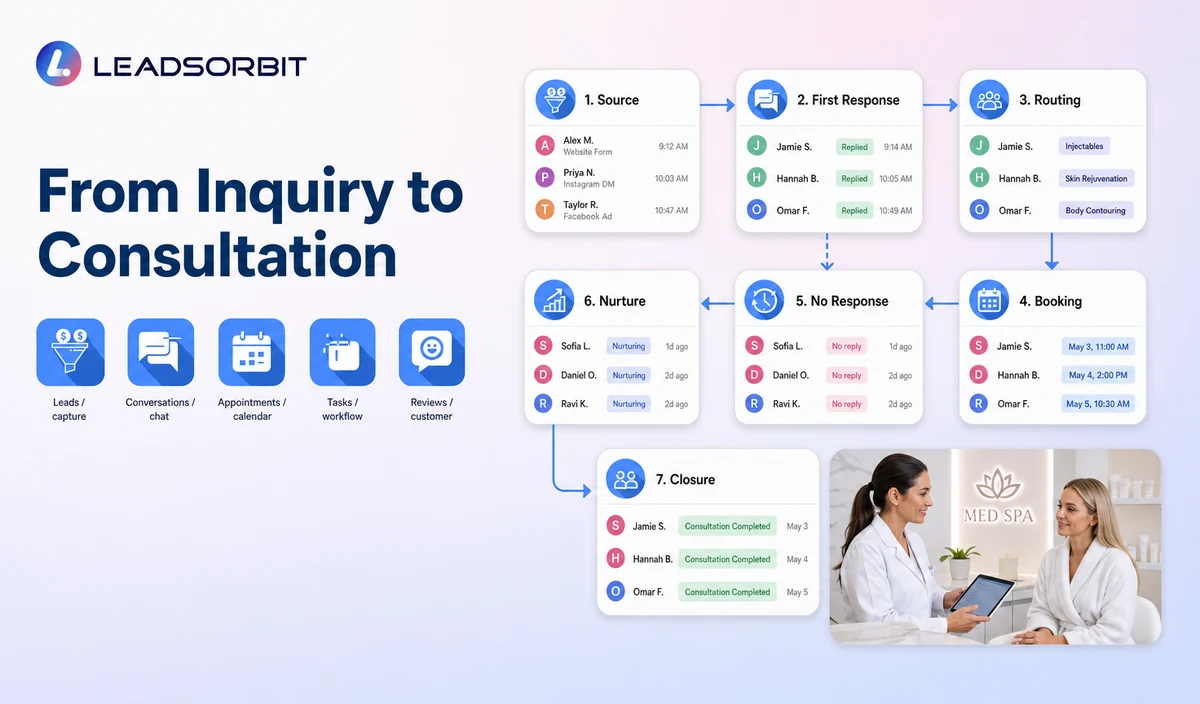
| Stage | Automated action | Human responsibility | Stop condition |
|---|---|---|---|
| 1. Inquiry received | Create or update the contact, preserve the source where supported, and send an approved acknowledgment. | Check duplicates, consent, invalid inquiries, and assigned owner. | Stop for invalid, duplicate, opted out, or inappropriate records. |
| 2. General intent | Ask whether the person wants consultation booking, a general office answer, or a staff callback. | Review clinical, pricing, membership, treatment, or sensitive exceptions. | Pause routine automation when a person is required. |
| 3. Routing details | Confirm location, general service category, provider preference, or preferred time only when needed. | Validate local availability and approved wording. | Do not promise provider availability or treatment suitability. |
| 4. Consultation path | Offer the approved booking link, appointment request, or callback option. | Resolve unsupported categories, unavailable times, and policy exceptions. | Stop after valid booking or staff takeover. |
| 5. First no response follow up | Send one short reminder through the permitted channel. | Review high intent or time sensitive inquiries. | Stop after reply, booking, opt out, invalid contact, or complaint. |
| 6. Final active attempt | Provide one last booking or callback option. | Decide whether the lead moves to nurture or closure. | Stop at the approved attempt limit. |
| 7. Reporting and closure | Record source, reply, consultation request, booking, owner, and closure reason. | Audit unresolved leads and workflow errors. | Do not keep indefinite outreach active. |
Follow Up Paths by Inquiry Source
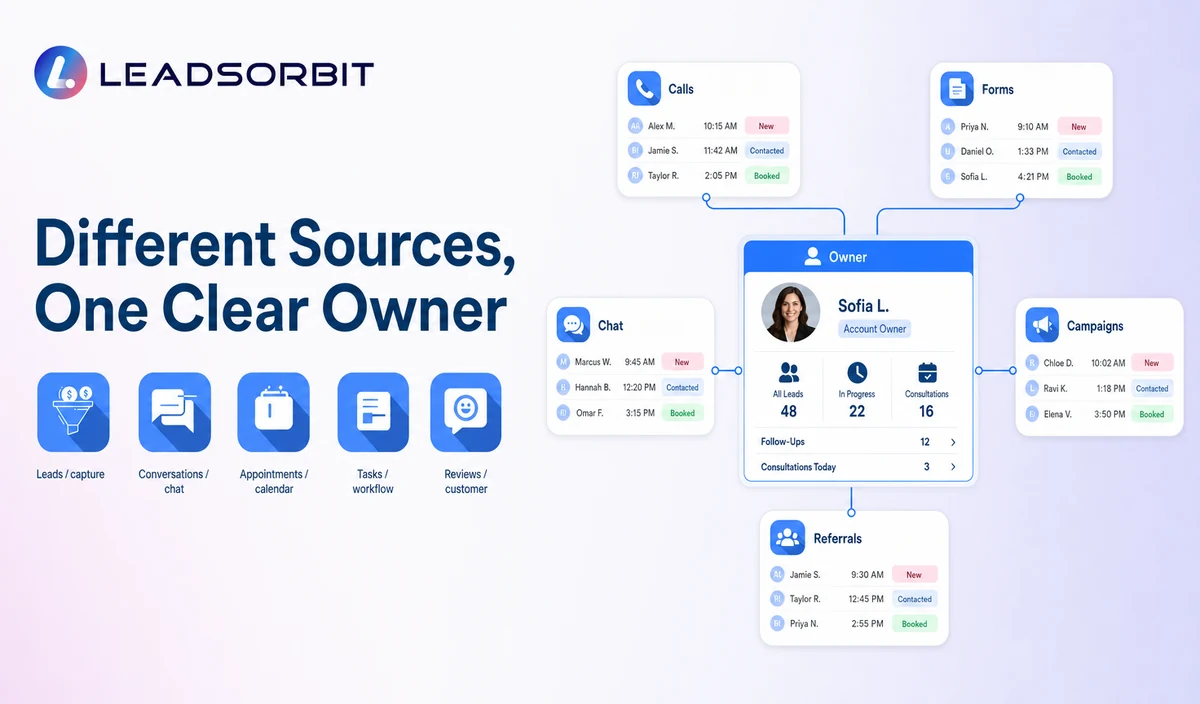
| Source | First response focus | Likely next step | Common mistake |
|---|---|---|---|
| Website form | Confirm receipt and clarify consultation or callback intent. | Approved booking or assigned callback. | Sending a long medical questionnaire before acknowledgment. |
| Missed call | Identify the practice and ask one administrative question. | Consultation booking, existing patient support, or callback. | Treating every caller as a new sales lead. |
| Web chat | Preserve the conversation context. | Continue chat, book, or create a task. | Restarting the same questions in SMS. |
| Paid campaign or social inquiry | Identify the practice and the requested service category without unsupported claims. | Consultation path or staff callback. | Repeating generic ad copy after a direct question. |
| Referral | Record the source only when volunteered and appropriate. | Booking or callback. | Collecting unnecessary details about another person. |
A Short Follow Up Cadence
The practice should set timing around office hours, consent, staff capacity, and channel rules rather than an invented universal benchmark.
| Touchpoint | Purpose | Control |
|---|---|---|
| Immediate acknowledgment | Confirm the inquiry was received and provide the next choice. | Identify the medical spa and avoid treatment claims. |
| Staff review | Check whether a person should respond. | Review service, location, scheduling, clinical, or sensitive questions. |
| First no response message | Make consultation booking or callback easy. | Use one simple action and stop after reply. |
| Final active message | Give a last option without pressure. | Move to nurture or close with a reason. |
| Nurture review | Decide whether future contact remains appropriate. | Confirm consent, audience, and suppression before reactivation. |
Sample Medical Spa Lead Follow Up Messages
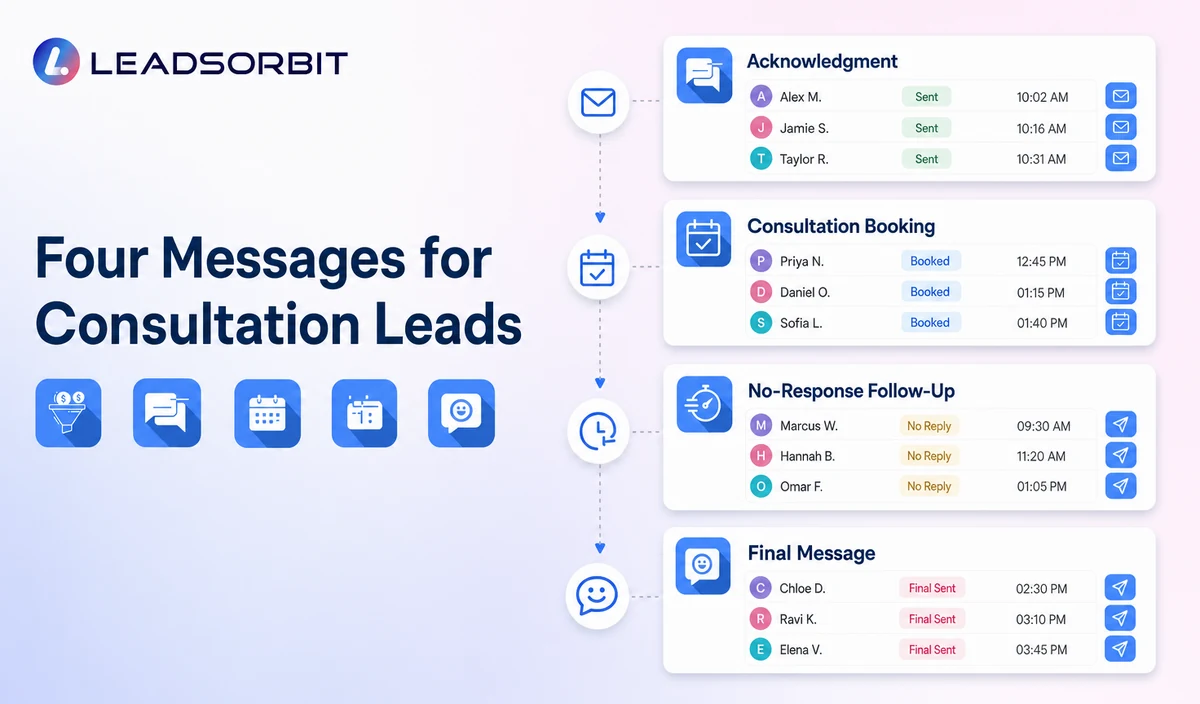
New Inquiry Acknowledgment
Consultation Booking
No Response Follow Up
Final Active Follow Up
Keep Lead Follow Up Administrative
| Appropriate | Move to qualified staff or approved clinical process |
|---|---|
| Confirm contact details and communication preference. | Symptoms, medical history, contraindications, medications, pregnancy, or complications. |
| Offer consultation booking or callback. | Treatment suitability, recommendations, outcomes, or urgency. |
| Answer approved hours, location, parking, and general service category questions. | Photos, records, consents, prescriptions, or detailed treatment information. |
| Track source, owner, task, and booking status. | Deposits, memberships, package balances, or payment promises unless verified. |
Consent, Opt Outs, and Healthcare Data
The FCC’s TCPA guidance discusses consent and reasonable revocation methods for certain automated communications. The exact audience, channel, technology, message type, and jurisdiction require qualified review.
LEADSORBIT supports HIPAA compliant administrative workflows for eligible healthcare organizations through HIPAA enabled HighLevel subaccounts. Compliant use depends on maintaining the active HIPAA package, applicable agreements, approved account configuration, user permissions, integrations, retention settings, and the healthcare organization’s own procedures.
Names, contact details, consultation interests, source information, messages, and booking activity may be PHI depending on context. Use minimum contact and operational information and review every form, channel, calendar, AI tool, permission, retention rule, and data destination.
Setup Checklist
- List every lead source and define the first response owner.
- Approve consultation, general question, callback, and escalation branches.
- Confirm location, provider, service category, and calendar rules.
- Use minimum administrative fields.
- Approve acknowledgment and limited no response messages.
- Define booking, reply, staff takeover, opt out, invalid contact, complaint, and attempt limit stops.
- Assign primary and backup owners.
- Confirm permissions, retention, HIPAA enabled account status, and integrations.
- Test duplicates, failed delivery, unavailable times, sensitive replies, and staff takeover.
See the Workflow With Your Practice’s Rules
Book a Demo to map your inquiry sources, first response, consultation booking, owners, no response sequence, stop conditions, and reporting inside LEADSORBIT.
What to Measure
- New inquiries by source and channel.
- Acknowledgments delivered successfully.
- Consultation requests, bookings, and callbacks.
- Unassigned or overdue active leads.
- No response records moved to nurture or closed.
- Opt outs, complaints, duplicate messages, and failed delivery.
- Clinical or sensitive requests handed to qualified staff.
How LEADSORBIT Supports Med Spa Lead Follow Up
LEADSORBIT’s AI powered CRM can connect inquiry records, conversations, booking paths, workflow steps, tasks, and lead status.
- Workflow AI: configurable triggers, messages, conditions, timing, tasks, and stop logic.
- Conversation AI: supported channel conversation history, routing, staff takeover, and CRM synchronization.
- AI Appointment: consultation booking, calendar connections, confirmations, rescheduling, and cancellation.
- CRM pipeline and tasks: source, status, owner, next action, and outcome visibility.
Exact channels, source fields, pipeline actions, consultation categories, permissions, retention, and integrations require implementation validation.
Try LEADSORBIT free for 14 days
FAQs
It is an administrative workflow that acknowledges an inquiry, offers consultation booking or staff help, assigns ownership, and uses limited follow up until a defined outcome.
Final Thoughts
Med spa lead follow up automation works when every inquiry receives a clear next step and a visible owner. The goal is to help the person request a consultation or reach staff, not to automate a clinical decision.
Book a Demo to map your inquiry sources, first response, consultation booking, owners, no response sequence, stop conditions, and reporting inside LEADSORBIT.

Start Your Free 14 Day Trial
Try LEADSORBIT and see how it captures missed calls, follows up instantly, and turns leads into booked appointments for your business.