
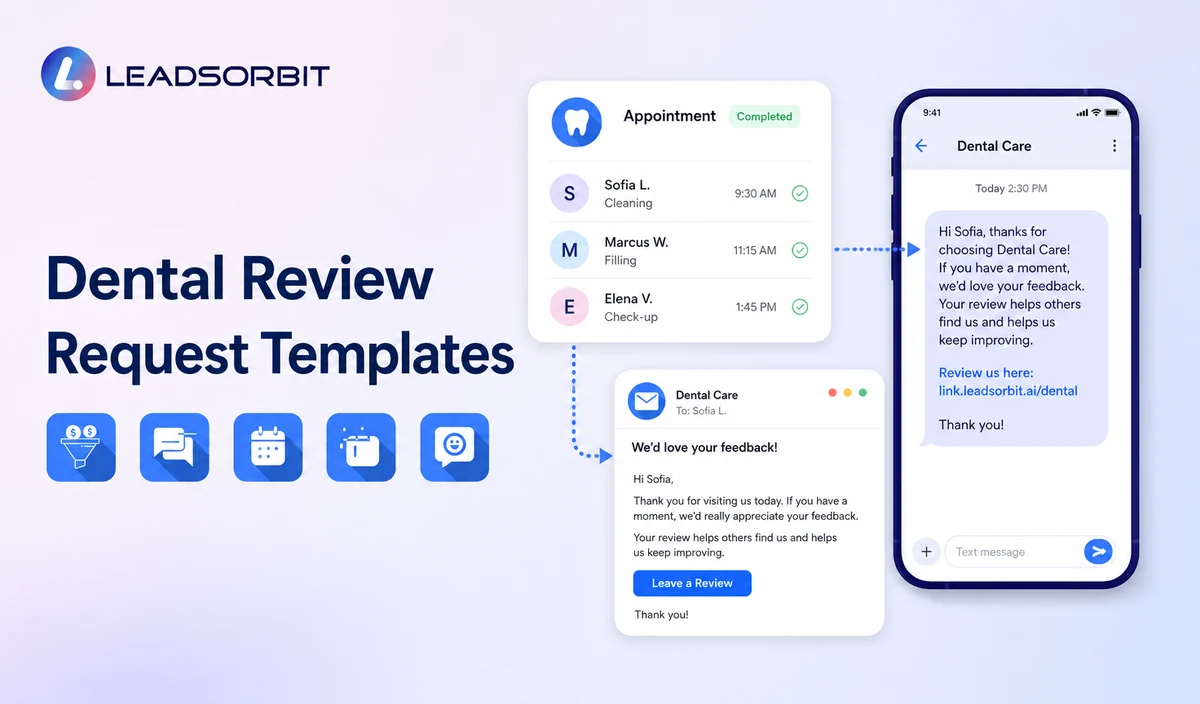

A dental review request should be easy to understand, easy to ignore, and neutral about the rating. The message should identify the practice, invite honest feedback, provide the correct review link, and stop after a limited number of attempts.
This resource adapts the broad review request templates framework for dental practices. It does not replace the wider review management process or the commercial Dental Software page.

Who This Guide Is For
- Dental practices writing their first review request messages.
- Office managers standardizing SMS and email wording.
- Teams that need a limited reminder rule and clear stop conditions.
- Practices that want policy safe requests without review gating.
- Healthcare organizations that need privacy conscious personalization.
Rules Every Dental Review Request Should Follow
Google’s Maps content policy says reviews should reflect genuine experiences and prohibits incentives, selectively soliciting positive reviews, pressure for specific ratings or content, and discouraging negative feedback. The FTC review rule guidance also addresses deceptive and unfair review practices.
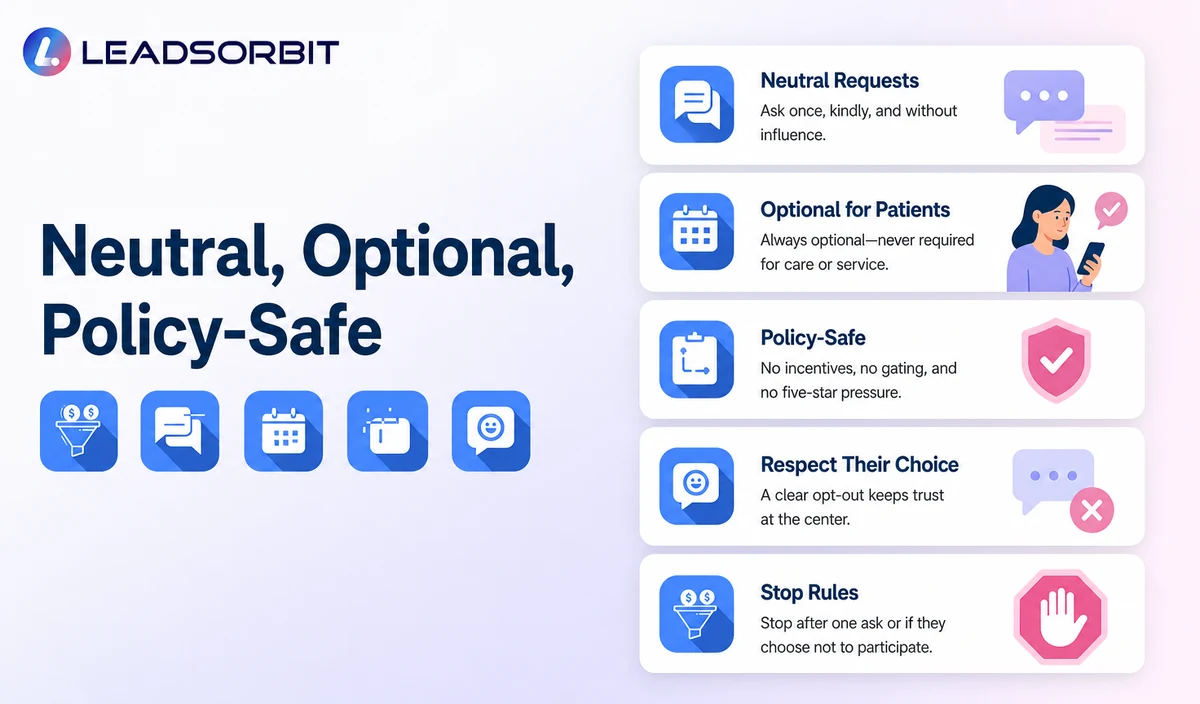
- Invite honest feedback rather than a positive or five star review.
- Use the same review destination regardless of expected sentiment.
- Do not offer discounts, gifts, credits, free services, or other benefits.
- Do not ask staff to meet positive review quotas.
- Do not require the patient to write the review while at the practice.
- Do not suggest exact words, provider names, treatment claims, or outcomes.
- Honor opt outs and stop after completion or the approved attempt limit.
Approved Personalization Fields
| Field | Useful purpose | Caution |
|---|---|---|
| First name | Make the message recognizable. | Use only when the contact record is accurate. |
| Practice name | Identify the sender. | Use the exact public business name. |
| Location name | Direct multi location patients correctly. | Verify the correct listing and permissions. |
| Review link | Send the patient to the approved destination. | Test links and never route based on sentiment. |
| General appointment timing | Clarify why the message was sent. | Avoid detailed appointment, procedure, or treatment information. |
| Staff signature | Provide a human contact point where approved. | Do not ask the patient to mention the employee or provider. |
Dental Google Review Request Text Templates
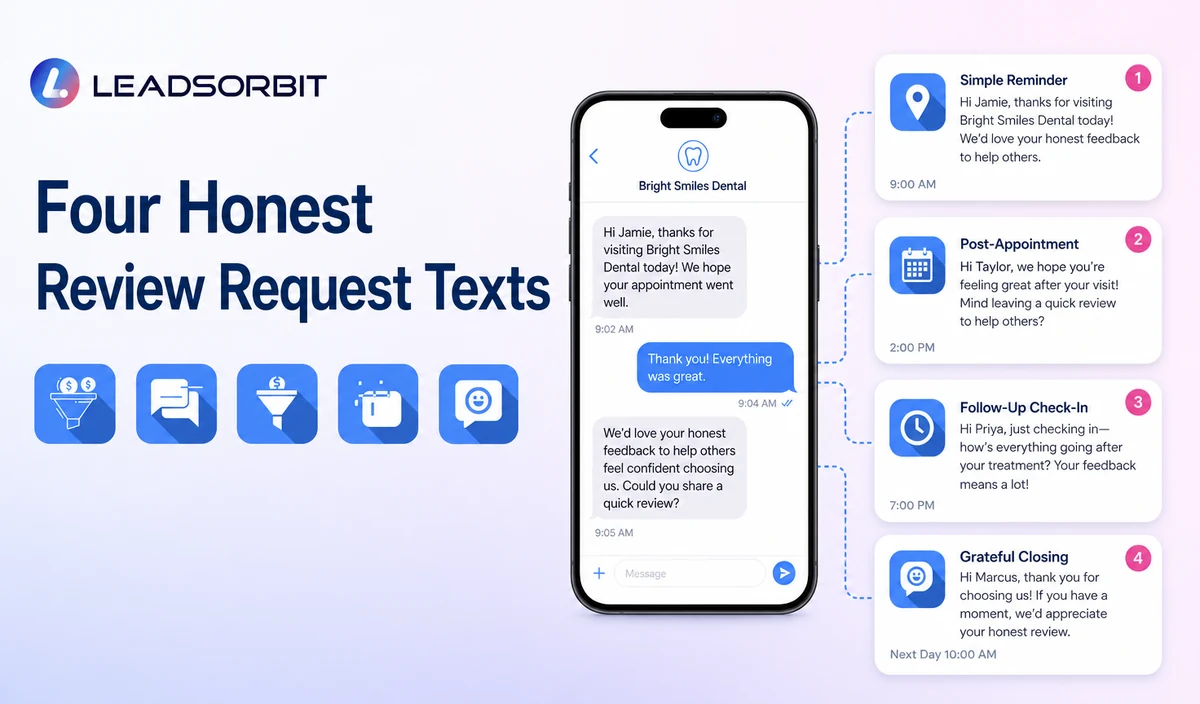
Template 1: Simple SMS
Template 2: Warm SMS
Template 3: Location Specific SMS
Template 4: Short Reminder
Dental Review Request Email Templates
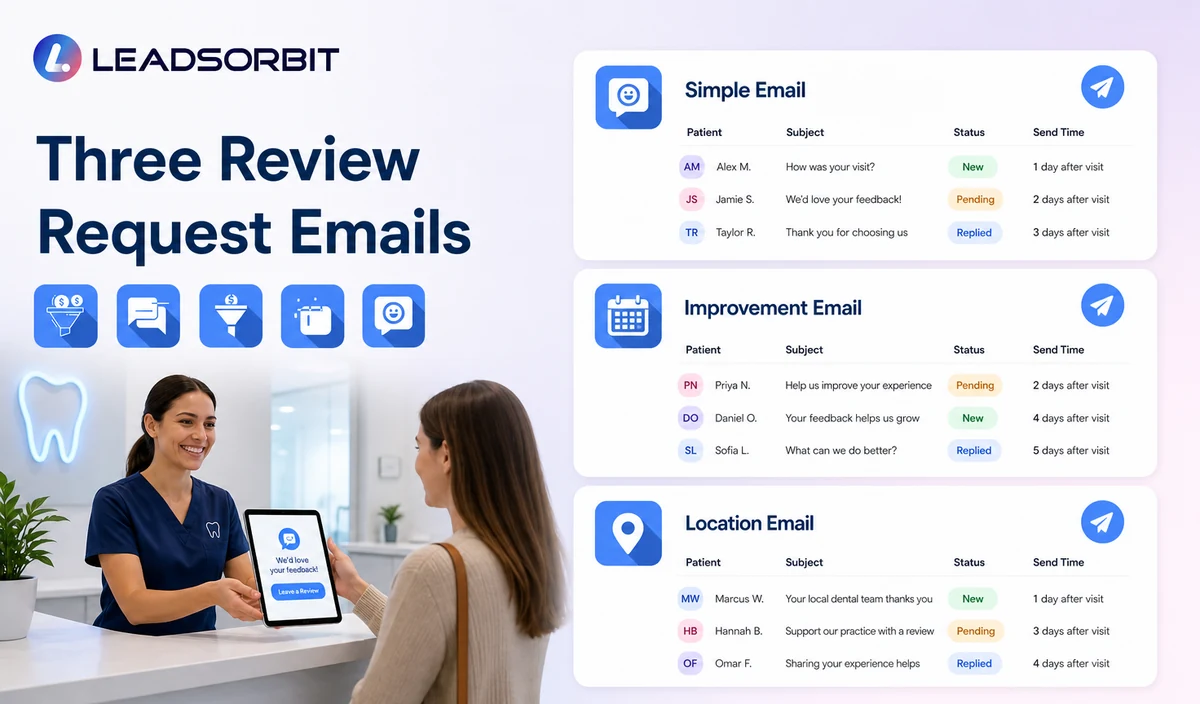
Template 5: Simple Email
Template 6: Service Improvement Email
Template 7: Location Email
Timing and Reminder Limits
The practice should define timing from an approved completed appointment event. There is no universal delay that fits every dental workflow.
| Step | Purpose | Recommended control |
|---|---|---|
| Initial request | Invite honest feedback after the valid trigger. | Send only to eligible records with the correct review destination. |
| Limited reminder | Provide one additional opportunity where appropriate. | Use one short reminder and do not increase pressure. |
| Completion detected | Stop the request workflow. | Do not ask again for the same appointment. |
| Opt out or complaint | Stop applicable outreach and assign staff review. | Do not redirect the patient away from public review options. |
| Invalid or failed link | Create a staff or technical task. | Correct the destination before sending again. |
What Not to Write
| Avoid | Why | Use instead |
|---|---|---|
| Please leave us a five star review. | Pressures a specific rating. | We welcome honest feedback. |
| If you loved your visit, review us here. | Selectively solicits positive sentiment. | If you would like to share your experience, use this link. |
| Tell us privately if you were unhappy. | Can become review gating when public options are withheld. | Use the same honest review option for eligible recipients. |
| Get a discount for leaving a review. | Creates an incentive. | Do not offer a benefit for the review. |
| Mention Dr. [Name] and your treatment result. | Pressures specific content and creates privacy or medical claim risk. | Allow the reviewer to choose what to share. |
| Your review helps us rank higher. | Centers the practice’s benefit rather than honest feedback. | Thank the patient and invite optional feedback. |
Handling Negative or Private Replies
A patient may reply to the request instead of posting a review. The practice should not suppress the public option or pressure the patient to change sentiment.
- Stop the automated request sequence after a complaint or sensitive reply.
- Create a staff task with minimum necessary context.
- Do not confirm clinical details in SMS, email, or public responses.
- Invite an offline conversation through the approved practice contact path.
- Do not offer compensation in exchange for removing or changing a review.
- Document the operational issue without copying unnecessary clinical detail.
HIPAA Enabled Review Request Positioning
LEADSORBIT supports HIPAA compliant administrative workflows for eligible healthcare organizations through HIPAA enabled HighLevel subaccounts. Compliant use depends on maintaining the active HIPAA package, applicable agreements, approved account configuration, user permissions, integrations, retention settings, and the healthcare organization’s own procedures.
Completed appointment triggers, contact records, message delivery, and private replies may be PHI depending on context. Use minimum contact and operational information, avoid procedure, diagnosis, treatment, outcome, records, billing, and insurance details, and review each SMS, email, listing, AI tool, and data destination separately.
Review Request Workflow Checklist
- Define the valid completed appointment trigger.
- Exclude no shows, cancellations, duplicates, invalid contacts, complaints, and opt outs.
- Confirm the correct review destination by location.
- Approve neutral SMS and email wording.
- Define one limited reminder and the stop conditions.
- Remove five star requests, incentives, sentiment filtering, and staff quotas.
- Assign negative, sensitive, and failed link replies.
- Review consent, permissions, retention, integrations, and healthcare configuration.
- Test every personalization field and review link.
- Review Google, FTC, and platform policy changes regularly.
See the Request Workflow With Your Practice’s Templates
Book a Demo to map your eligible trigger, review links, SMS and email templates, reminder limit, reply routing, and stop rules inside LEADSORBIT.
How LEADSORBIT Supports Dental Review Requests
LEADSORBIT’s AI powered CRM can connect eligible records, review invitations, replies, tasks, and contact history.
- Reviews AI: supports branded review invitations through SMS or email and AI assisted response drafting.
- Workflow AI: supports triggers, exclusions, timing, reminders, tasks, and stop conditions.
- Conversation AI: supports supported channel reply visibility, routing, and staff takeover.
- CRM records and tasks: support request status, delivery, assigned owner, and internal follow up.
Exact review links, eligible triggers, channels, templates, AI settings, permissions, locations, retention, and integrations must be confirmed during implementation.
Try LEADSORBIT free for 14 days
FAQs
Identify the practice, thank the patient, invite honest optional feedback, provide the correct review link, and include the approved opt out method where applicable.
Final Thoughts
The best dental Google review request templates are neutral, optional, easy to understand, and connected with the correct review destination and stop rules.
Book a Demo to see how LEADSORBIT can connect dental review requests, templates, reminders, replies, tasks, and reporting.

Start Your Free 14 Day Trial
Try LEADSORBIT and see how it captures missed calls, follows up instantly, and turns leads into booked appointments for your business.