
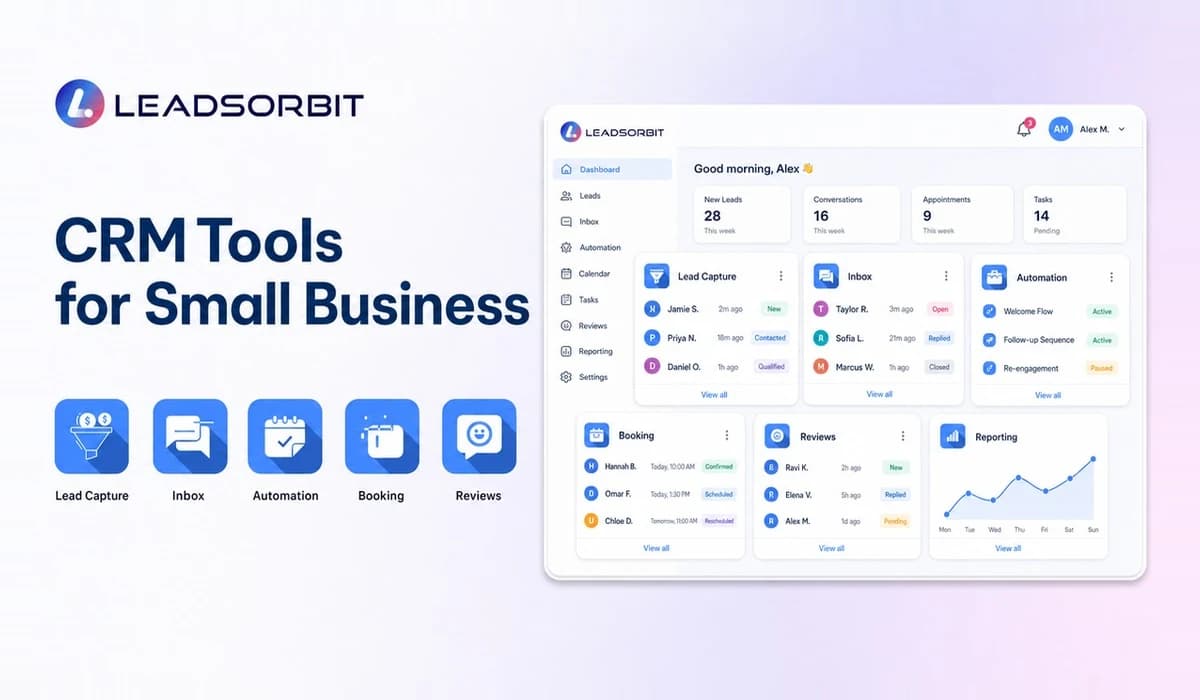

CRM tools for small business cover several jobs: capturing leads, organizing conversations, automating follow up, booking appointments, managing reviews, and tracking the pipeline. The challenge is choosing a connected toolset instead of collecting features that create more work.
This article explains CRM tool categories and use cases. For the complete CRM strategy, see the Small Business CRM guide.
What Are CRM Tools for Small Business?
CRM tools are the features or applications a team uses to manage customer facing work. Some businesses use one integrated CRM; others connect specialized tools. Either approach should preserve context and make ownership clear.
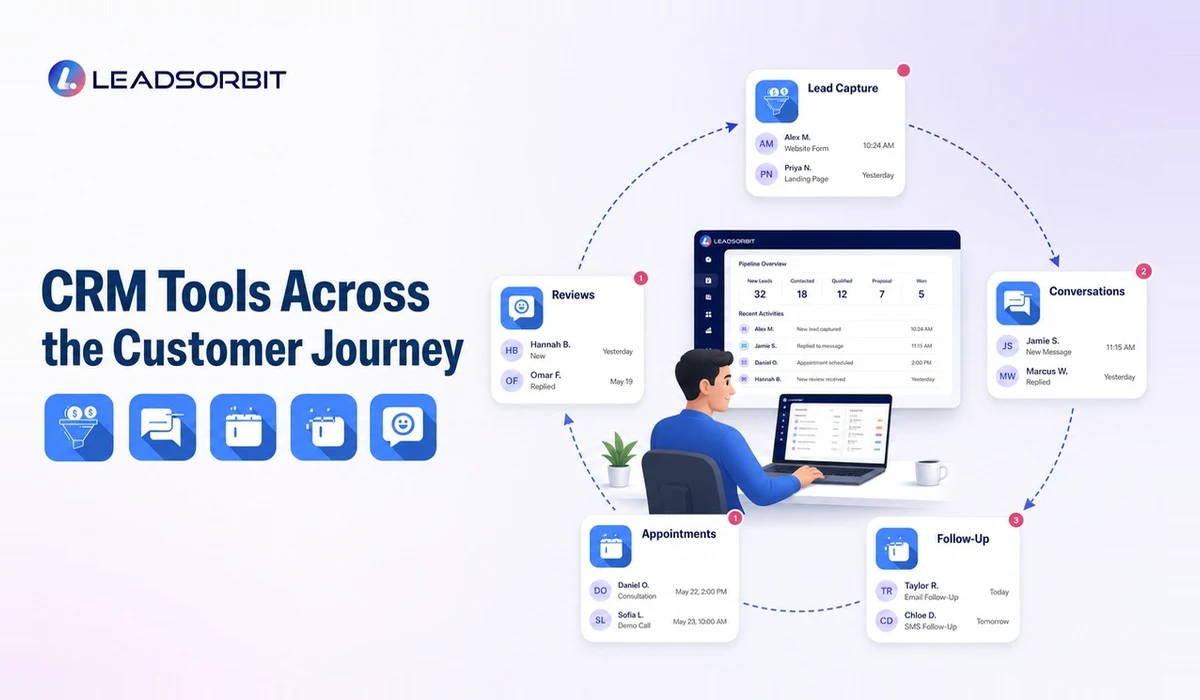
Types of CRM Tools
| Tool Category | Primary Job |
|---|---|
| Lead capture | Collect inquiries from forms, calls, chat, and funnels |
| Contact management | Store customer details, history, notes, and status |
| Unified inbox | Organize connected messages and conversations |
| Pipeline | Show lead stages and opportunity movement |
| Workflow automation | Trigger tasks, reminders, SMS, and email |
| Appointment tools | Support scheduling, confirmations, and reminders |
| Review tools | Request, monitor, and respond to feedback |
| Reporting | Show activity, pipeline health, and outcomes |
The categories overlap. The important question is whether activity from one tool updates the customer record and informs the next tool.
CRM Tools for Lead Capture
Lead capture tools should create a usable contact record with source and inquiry context. A form submission that only sends an email still requires someone to copy the details and remember the next step.
- Website and landing page forms.
- Call and missed call workflows.
- Chat and message capture.
- Referral and manual entry processes.
- Source tracking and campaign fields.
- Duplicate detection and record updates.
Businesses with high call volume may also benefit from the AI receptionist guide and connected Conversation AI workflows.
CRM Tools for Follow Up Automation
Follow up tools convert events into next actions. A new lead can create a task, trigger an acknowledgment, notify the owner, and start a sequence that changes when the lead replies or books.
Good automation is conditional. It should respect business hours, customer responses, appointment status, consent, and human overrides. Review the lead follow up automation guide and Workflow AI for practical examples.
CRM Tools for Booking and Reviews
Booking tools should connect availability, appointments, reminders, and rescheduling to the customer record. Review tools should connect the request to a genuine customer interaction and follow official platform and consumer review guidance.
LEADSORBIT includes AI Appointment for scheduling workflows and Reviews AI for review request and monitoring activity. Keeping both inside the CRM helps the team see what happened before and after the service.
How to Choose the Right CRM Tools
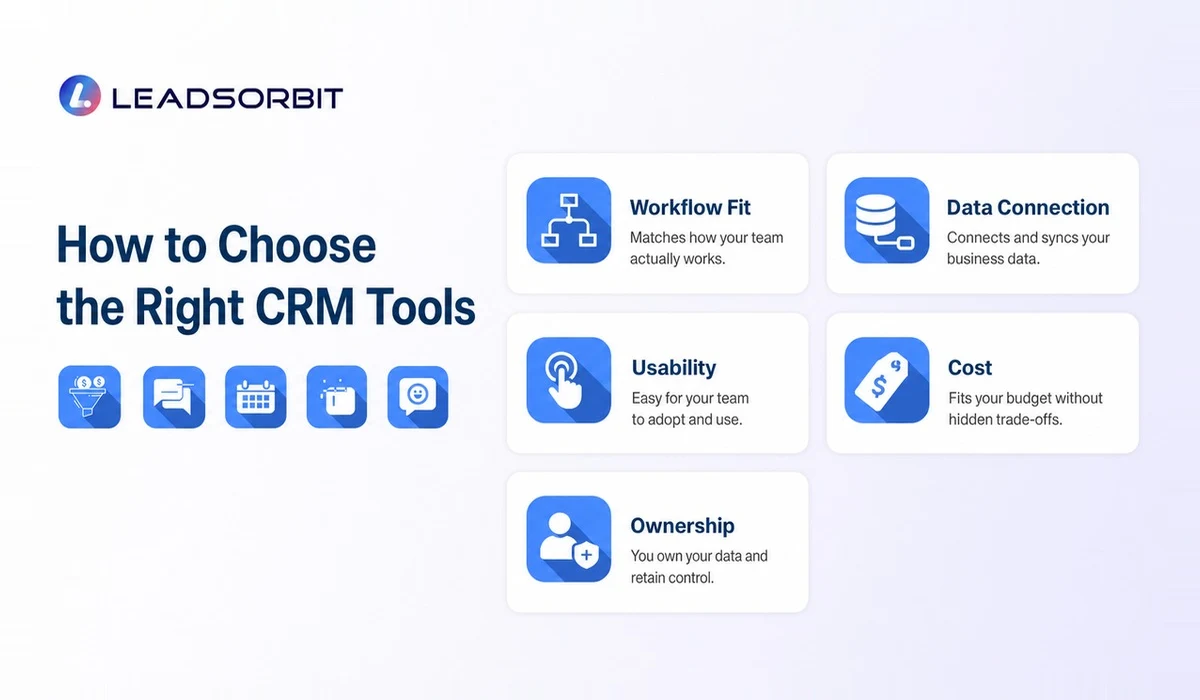
Choose tools by workflow priority. A business with missed calls may start with response and routing; an appointment business may prioritize calendar integration; a multi location team may need permissions and reporting.
- List the three operational problems causing the most friction.
- Map which customer data each tool creates or needs.
- Confirm how tools share records, status, and consent.
- Calculate total cost across subscriptions, usage, integrations, and admin time.
- Test the mobile and daily user experience.
- Prefer fewer connected tools when they meet the workflow well.
- Keep an exit plan through data export and documented processes.
Integrated CRM vs a Connected Tool Stack
An integrated CRM includes several capabilities inside one platform. A connected stack uses separate tools linked through integrations. Both models can work, but the business should understand the tradeoffs.
| Decision Area | Integrated CRM | Connected Stack |
|---|---|---|
| Customer context | Usually shared by design | Depends on integration quality |
| Setup | One platform to configure | Several tools and connections |
| Feature depth | May be broad rather than specialized | Can select specialized tools |
| Administration | Fewer vendors and logins | More subscriptions and failure points |
| Flexibility | Works best inside platform structure | Can replace individual components |
| Reporting | More likely to share one record | May require data consolidation |
Choose the integrated approach when reducing handoffs is a priority and the included features are strong enough. Choose a connected stack when a specialized requirement clearly justifies the added administration.
Common CRM Tool Mistakes
- Buying a tool before defining the process it should support.
- Adding several tools that create duplicate customer records.
- Automating messages without response based stop rules.
- Choosing based on management dashboards while ignoring daily users.
- Connecting every available app without a data ownership plan.
- Failing to review usage charges for communication and AI features.
- Keeping old tools active indefinitely after migration.
- Assuming an integration guarantees complete or real time data.
Each additional tool creates a responsibility: someone must configure it, monitor it, update access, and understand what happens when the connection fails.
A Sensible Implementation Order
Implement tools in the order of the customer journey. This makes testing easier and prevents the business from building retention or reporting workflows on top of unreliable lead data.
- Start with contact records and lead capture.
- Add shared conversations and ownership.
- Build simple pipeline stages and tasks.
- Introduce follow up automation.
- Connect appointment booking and reminders.
- Add review and retention workflows after completion events are reliable.
- Build management reporting from stable data.
Where LEADSORBIT Fits
LEADSORBIT brings CRM tools for leads, conversations, workflow automation, appointments, reviews, tasks, and reporting into one all in one CRM. Book a demo to compare the connected workflow with your current tool stack.
CRM Tool Selection Checklist
Use this checklist to keep a tool review connected to business needs.
- The tool solves a named workflow problem.
- Customer data will not be duplicated unnecessarily.
- The team understands where the source record lives.
- Automations can be tested, paused, and monitored.
- The daily user experience has been tested.
- Usage charges and integration costs are understood.
- Data can be exported in a usable format.
- One person is responsible for administration.
- The tool can be removed or replaced without losing critical context.
A tool that passes the checklist may still require configuration and training, but the business will understand why it belongs in the customer journey.
Try LEADSORBIT free for 14 days
FAQs About CRM Tools for Small Business
CRM software is the platform; CRM tools are the individual capabilities inside the platform or connected stack.
Final Thoughts
CRM tools should create one understandable customer workflow. Select categories based on real use cases, confirm how information moves, and avoid building a stack that the team cannot maintain.

Start Your Free 14 Day Trial
Try LEADSORBIT and see how it captures missed calls, follows up instantly, and turns leads into booked appointments for your business.