
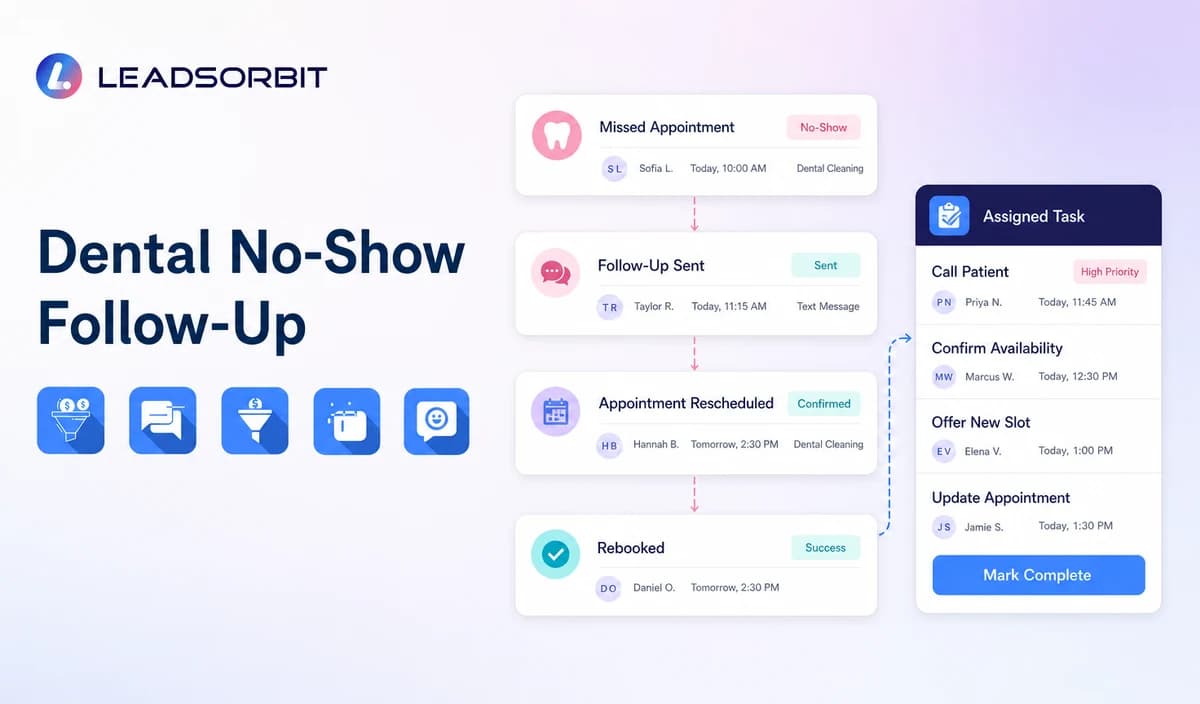

A missed dental appointment creates several administrative risks at once. The old reminder sequence may still be active, the patient may want a new time, the front desk may need to review a cancellation list, and nobody may own the next action.
A structured dental no show follow up process begins only after the appointment status is verified. It should stop obsolete reminders, send respectful recovery messaging, offer rebooking or staff help, and record a clear outcome. The broader prevention topic remains with how to reduce no shows.

Who This Guide Is For
- Dental practices that want a consistent process after a missed new patient, hygiene, consultation, or recurring appointment.
- Front desk teams currently working from memory, voicemail, or disconnected cancellation lists.
- Office managers who need missed status, patient reply, rebooking, and task ownership visible in one workflow.
- Healthcare organizations configuring HIPAA enabled administrative appointment workflows.
No Show Recovery Is Different From Prevention
Confirmations and reminders happen before the appointment. Recovery starts after the office verifies that the visit did not occur. Mixing the two creates duplicate messages, incorrect reporting, and patient confusion.
| Before the appointment | After the missed appointment |
|---|---|
| Confirm a valid booking and provide a change path. | Verify the missed status before starting recovery. |
| Send approved reminders from the calendar record. | Suppress every message tied to the old time. |
| Invite confirmation, rescheduling, or cancellation. | Offer rebooking, staff help, or closure. |
| Show unconfirmed appointments to staff. | Assign unresolved missed visits to a named owner. |
| Measure delivery and confirmation activity. | Measure replies, rebookings, tasks, errors, and outcomes. |
A Practical Dental No Show Recovery Workflow
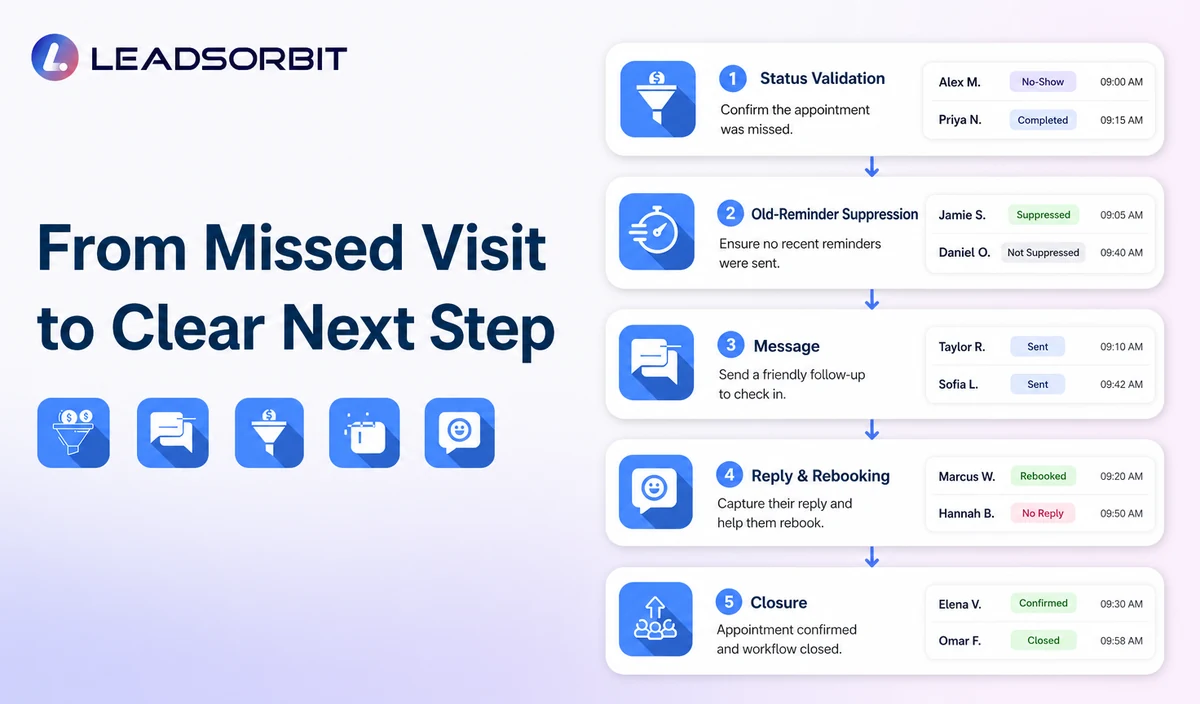
| Stage | Workflow action | Staff responsibility | Stop condition |
|---|---|---|---|
| 1. Validate status | Confirm the appointment was missed rather than completed, moved, cancelled, or marked incorrectly. | Correct calendar and CRM errors first. | Do not send recovery messaging from an uncertain status. |
| 2. Stop old messages | Suppress confirmations and reminders connected with the old appointment. | Review duplicate workflows or integrations. | Stop all obsolete sequences immediately. |
| 3. First recovery message | Send a neutral message with rebooking or callback options. | Review delivery failures and sensitive replies. | Stop after booking, opt out, or staff takeover. |
| 4. Route replies | Handle approved replies such as BOOK, CALLBACK, LATER, HELP, or STOP. | Own unclear, clinical, records, billing, insurance, complaint, or sensitive requests. | Move non routine replies to staff. |
| 5. Rebooking or task | Offer the approved booking path or create a scheduling task. | Resolve location, provider, category, or calendar exceptions. | Stop after a valid appointment or documented resolution. |
| 6. Cancellation list review | Create a staff visible opportunity when a suitable opening exists. | Confirm the list, appointment category, patient preference, and permission before outreach. | Do not promise that every opening can be backfilled automatically. |
| 7. Limited follow up | Send one approved reminder when appropriate. | Decide whether the record moves to nurture, recall, reactivation, or closure. | Stop at the defined attempt limit. |
| 8. Outcome and reporting | Record rebooked, later, declined, no response, invalid, complaint, opt out, or staff review status. | Audit unowned and incorrect records. | Close only with a clear reason. |
Respectful Dental No Show Text Templates
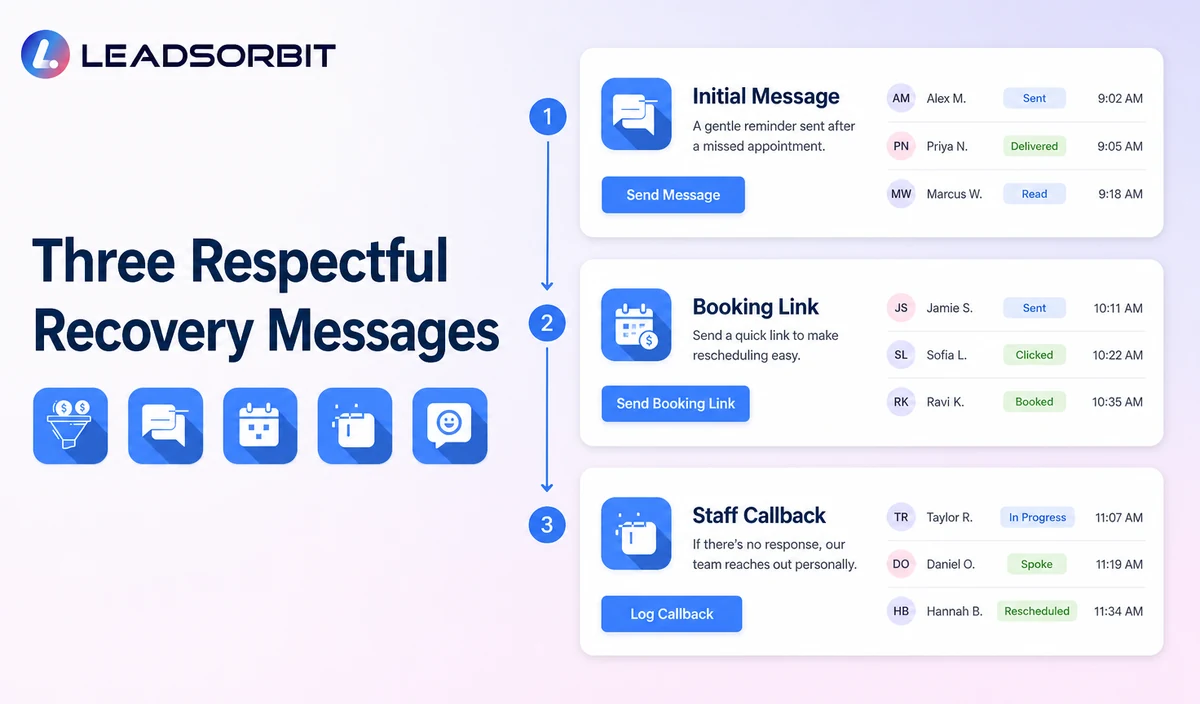
1. Initial Missed Visit Message
2. Booking Link Message
3. Staff Callback Message
4. Final Active Message
New Patient, Hygiene, and Consultation Recovery Paths
| Appointment category | Recovery emphasis | Likely next step | Avoid |
|---|---|---|---|
| New patient appointment | Reopen the appointment conversation and offer staff help. | New appointment request or callback. | Clinical qualification or treatment promises. |
| Hygiene or recurring visit | Ask whether the patient wants another time. | Rebooking or staff review. | Saying the patient is medically overdue or must continue treatment. |
| Consultation or staff reviewed appointment | Create a task rather than unsupported direct booking. | Named scheduling callback. | Explaining or promoting an unscheduled treatment plan. |
| Repeated missed visits | Move to the practice’s approved human process. | Staff conversation, nurture, recall, or closure. | Increasing message frequency automatically. |
| Sensitive reply | Stop routine recovery. | Qualified staff handoff. | Analyzing symptoms, records, coverage, treatment, or urgency. |
Waitlist and Cancellation Backfill Requires Validation
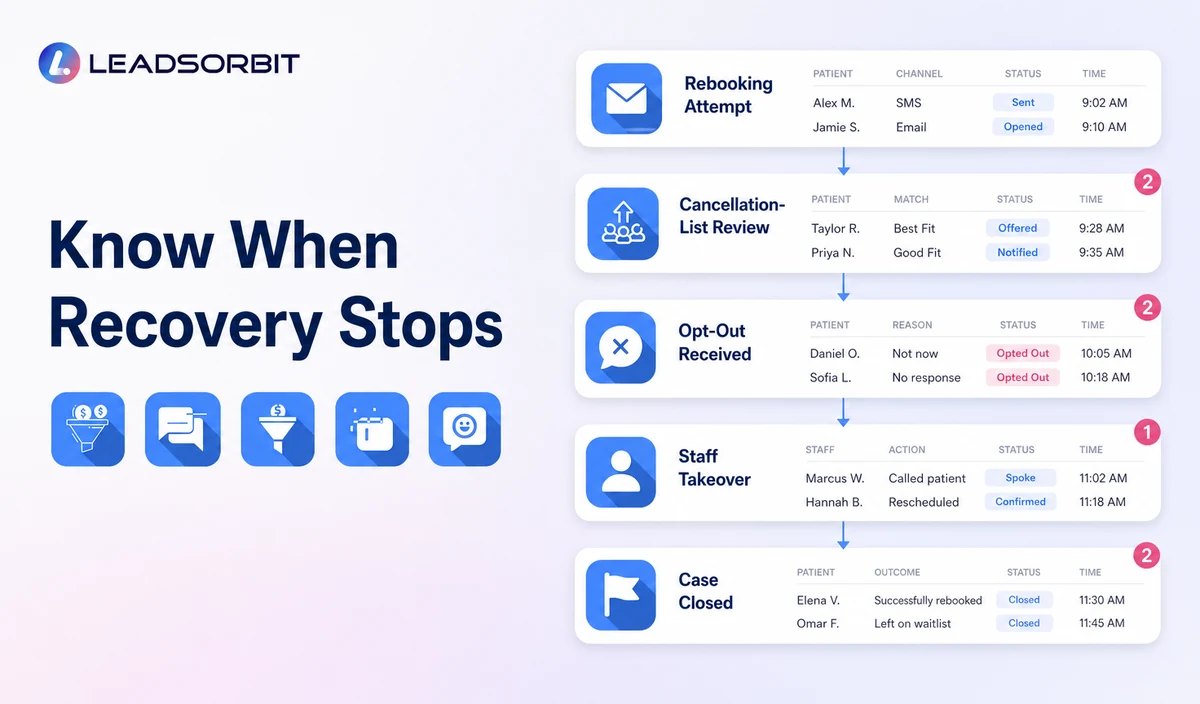
A cancellation opening can be useful, but the practice should not treat every inactive record as a valid waitlist candidate. Exact waitlist, cancellation trigger, and opening notification behavior must be confirmed during implementation.
- Use an approved waitlist or cancellation list source.
- Match the appointment category, location, provider, duration, and patient preference.
- Confirm communication permission before sending an opening message.
- Offer the opening without guaranteeing it will remain available.
- Stop outreach after booking, decline, no response, opt out, or another defined outcome.
- Keep clinical need and treatment priority outside routine automation.
Consent, Opt Outs, and PHI Context
Automated texts may be subject to consent and revocation requirements. The FCC’s TCPA guidance discusses consent and reasonable revocation methods for certain automated communications. The practice should review its exact workflow with qualified advisers.
LEADSORBIT supports HIPAA compliant administrative workflows for eligible healthcare organizations through HIPAA enabled HighLevel subaccounts. Compliant use depends on maintaining the active HIPAA package, applicable agreements, approved account configuration, user permissions, integrations, retention settings, and the healthcare organization’s own procedures.
Names, appointment dates, missed visit status, replies, rebooking activity, and cancellation list status may be PHI depending on context. Use minimum contact and operational information and review every calendar, messaging provider, AI tool, task, and data destination separately.
Common No Show Recovery Mistakes
- Starting recovery before the missed status is verified.
- Continuing reminders for the old appointment.
- Using blame based or guilt based wording.
- Sending unlimited messages without a stop condition.
- Treating every missed visit as a sales opportunity.
- Leaving HELP, CALLBACK, complaint, or sensitive replies unassigned.
- Using a waitlist without validating appointment fit and communication permission.
- Promising a numeric reduction in no shows without evidence.
Dental No Show Setup Checklist
- Define the exact missed, cancelled, completed, rescheduled, and corrected statuses.
- Stop every message tied to the old appointment.
- Approve the first recovery message and one limited follow up.
- Define BOOK, CALLBACK, LATER, HELP, negative reply, and STOP paths.
- Assign primary and backup owners.
- Confirm rebooking links, calendars, appointment categories, and location rules.
- Validate any waitlist or cancellation backfill process.
- Confirm consent, permissions, retention, HIPAA enabled account status, and integrations.
- Test duplicate statuses, failed messages, staff takeover, and repeated missed visits.
See the Recovery Workflow With Your Practice’s Rules
Book a Demo to map your missed status trigger, recovery messages, rebooking path, cancellation list review, staff owners, stop rules, and CRM statuses inside LEADSORBIT.
How LEADSORBIT Supports Dental No Show Follow Up
LEADSORBIT’s AI powered CRM can connect appointment status, recovery messages, replies, booking, tasks, and conversation history.
- AI Appointment: supports booking, calendar connections, confirmations, reminders, rescheduling, and cancellation.
- Workflow AI: supports status based actions, messages, timing, tasks, and stop logic.
- Conversation AI: supports reply visibility, routing, staff takeover, and CRM synchronization.
- CRM records and tasks: support missed status, assigned owner, next action, and outcome.
Exact no show triggers, cancellation events, waitlist logic, calendar statuses, channels, timing, permissions, retention, and integrations must be confirmed during implementation.
Try LEADSORBIT free for 14 days
FAQs
It is the administrative recovery process used after a verified missed appointment to offer rebooking, route replies, create staff ownership, and update the CRM outcome.
Final Thoughts
A useful dental no show workflow verifies the status, stops obsolete reminders, offers one clear next step, and gives the front desk ownership of anything automation cannot resolve.
Book a Demo to see how LEADSORBIT can connect missed visit status, respectful recovery messages, rebooking, tasks, and reporting.

Start Your Free 14 Day Trial
Try LEADSORBIT and see how it captures missed calls, follows up instantly, and turns leads into booked appointments for your business.