
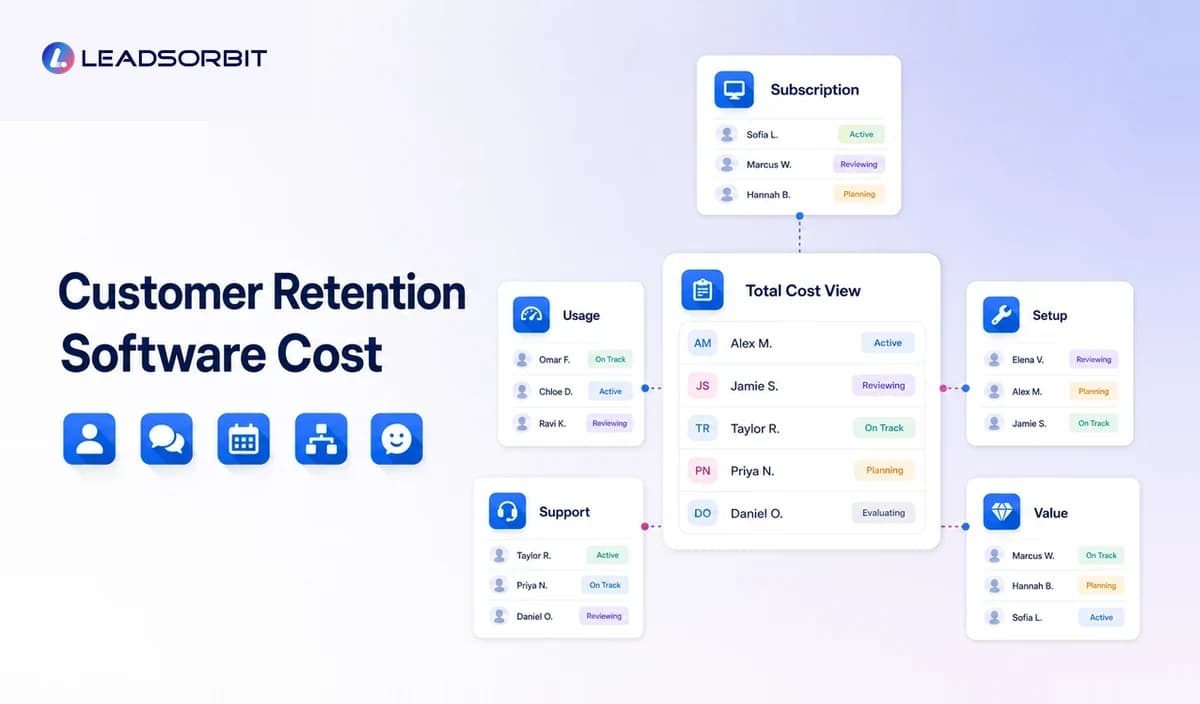

Customer retention software does not have one standard price. Two platforms may advertise similar monthly fees but include very different limits, communication costs, onboarding requirements, integrations, and support.
For a small business, the better question is not simply, "What is the cheapest option?" It is, "What will it cost to run the retention process we actually need?" The broader customer retention management software guide explains the category; this article focuses on pricing, cost drivers, and value.
What Does Customer Retention Software Cost?
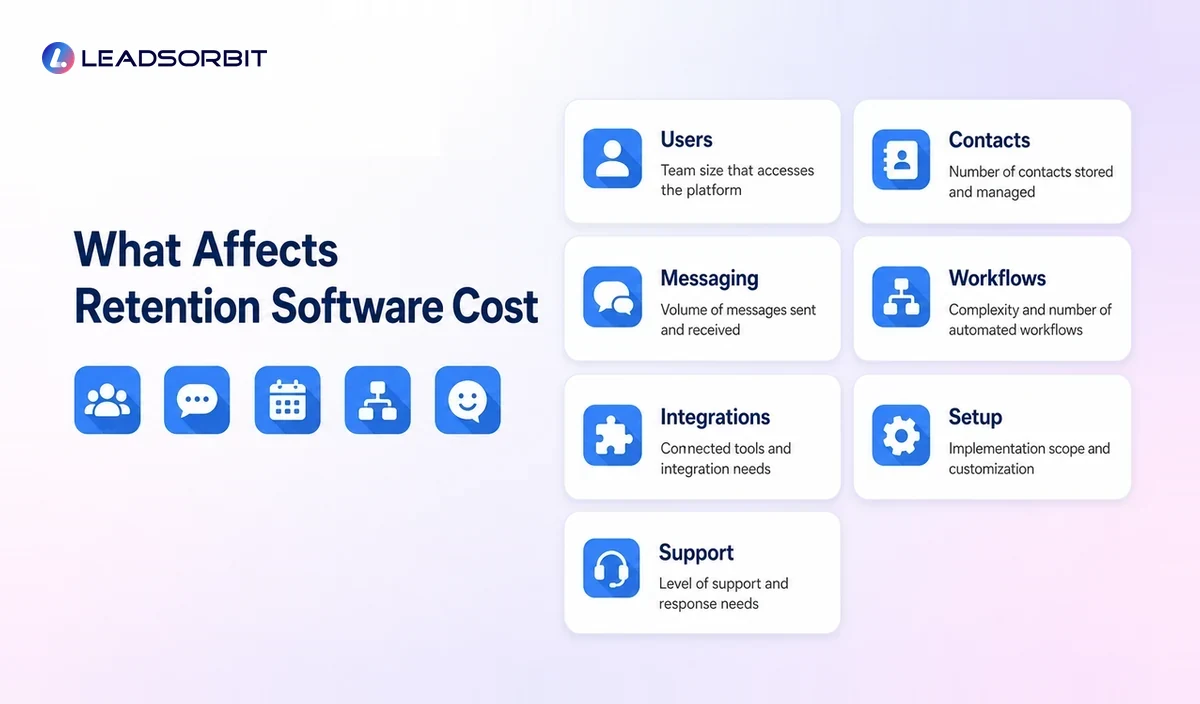
Customer retention software cost depends on the platform model and the workflows being used. Pricing may be based on users, contacts, locations, messages, features, automation volume, phone services, or a combination of these.
A small business may encounter:
- Flat monthly plans
- Per user pricing
- Per location pricing
- Contact based tiers
- Message or usage charges
- Add on modules
- Setup or onboarding fees
- Integration costs
- Managed service fees
- Annual contracts
- Custom enterprise pricing
Published subscription pricing is only one part of the total cost.
The Main Factors That Affect Retention Software Pricing
Number of Users
Some platforms charge for each employee account. Others include a set number of users and charge for additional seats.
Check whether occasional users, administrators, managers, and mobile users require separate licenses.
Number of Contacts
Contact based pricing can increase as the customer database grows. Ask whether inactive, duplicate, archived, or unsubscribed contacts count toward the limit.
A platform may appear affordable at the current database size but become more expensive after customer records are imported.
SMS, Email, and Phone Usage
Communication costs may be included, limited, or billed separately.
Ask about:
- SMS message pricing
- Email sending limits
- Phone numbers
- Call minutes
- Recording or transcription
- International messaging
- Carrier or registration fees
- Overage pricing
High volume messaging can materially change the monthly total.
Automation and Workflow Limits
Some plans restrict the number of workflows, automation steps, triggers, campaigns, or monthly actions.
A business with several service types or locations may need more workflow capacity than a simple single location operation.
Appointment and Calendar Features
Booking pages, calendar connections, reminders, multi staff scheduling, resource calendars, and rescheduling workflows may be included or sold as add ons.
Review and Reputation Features
Review requests, monitoring, response tools, multiple locations, and reporting may have separate pricing.
If reviews are important to the retention journey, compare the cost of a separate review platform with a connected Reviews AI workflow.
Integrations
Integrations may require higher plans, third party connectors, custom setup, or developer support.
Consider both the initial connection cost and the ongoing work needed when data does not sync correctly.
Setup and Data Migration
Importing contacts is not the same as implementing a retention system.
Setup may include:
- Data cleaning
- Field mapping
- Customer stage design
- Workflow setup
- Message templates
- Calendar configuration
- User permissions
- Staff training
- Testing
- Reporting setup
Ask whether onboarding is included, self service, or billed separately.
Support Level
Support may range from a help center to live chat, phone support, a dedicated account manager, or managed implementation.
A lower cost platform can become expensive if the team cannot solve workflow problems or has to hire outside help.
Common Pricing Models
| Pricing Model | How It Works | Best Question to Ask |
|---|---|---|
| Flat monthly plan | One fee for a defined package | Which limits or add ons apply? |
| Per user | Fee increases with each account | Which team members need full access? |
| Per contact | Price changes with database size | Which records count toward the limit? |
| Usage based | Fees depend on messages, calls, or actions | What is our expected monthly usage? |
| Per location | Each branch or office adds cost | Are shared workflows and reporting included? |
| Modular | Core platform plus paid features | What is required for our full workflow? |
| Managed service | Software plus strategy or execution | Which tasks are handled by the provider? |
A business should model the likely 12 month cost at realistic usage, not only the introductory price.
What Should Be Included in the Cost Comparison?
A proper comparison includes the full operating system needed to manage retention.
Customer Records
The platform should organize customer details, history, stages, notes, appointments, and next actions.
Communication
Compare SMS, email, calling, unified inbox, templates, reply handling, and staff assignment.
Workflow Automation
Check triggers, conditions, delays, stopping rules, task creation, and reporting.
Appointment Management
Review booking links, reminders, confirmations, cancellation handling, and calendar integrations.
Feedback and Reviews
Consider feedback forms, review requests, monitoring, response workflows, and location support.
Reactivation
Ask whether the system can identify inactive customers, build segments, manage sequences, and stop communication after a reply or booking.
Reporting
The owner should be able to see customers due for follow up, open conversations, unfinished tasks, inactive segments, and workflow status.
A connected small business CRM may replace several separate subscriptions, but only if it genuinely supports the required workflows.
How to Compare Value Without Inventing ROI
Retention software can support repeat bookings, reactivation, better follow up, and lower manual work, but no platform can guarantee a financial return.
A useful value review begins with the current process.
Estimate:
- Time employees spend tracking follow up manually
- Number of disconnected tools
- Customers due for service who are not being contacted
- Cancelled appointments without a recovery process
- Inactive customer records without segmentation
- Customer replies that remain unanswered
- Review requests handled inconsistently
- Staff time spent moving information between systems
Then compare how the proposed platform would change those tasks.
The question is not whether every automated message creates revenue. The question is whether the system improves visibility, consistency, customer experience, and staff efficiency enough to justify its total cost.
Questions to Ask During a Software Demo
Use the demonstration to test your actual workflow.
Ask the provider to show:
- A complete customer record
- A post service follow up workflow
- An appointment reminder
- A customer reply entering the inbox
- A task assigned to a staff member
- An inactive customer segment
- A reactivation sequence
- A workflow stopping after a booking
- Opt out handling
- Reporting for customers due for follow up
- User and location permissions
- Monthly usage reporting
Also ask for a written explanation of:
- Base subscription
- Included users
- Contact limits
- SMS and email costs
- Phone charges
- Add ons
- Onboarding
- Integrations
- Support
- Contract terms
- Overage charges
A clear quote should reflect the workflow demonstrated.
Low Cost Software vs Connected Platform
A low cost standalone tool may be appropriate when the business needs one narrow function.
For example, a simple reminder tool may be enough if customer records, appointments, communication, and follow up are already well organized elsewhere.
A connected platform may offer better value when the business is paying for several tools or struggling with duplicate data. Workflow AI, Conversation AI, appointment management, and reviews can work together when they share the same customer record.
The decision should be based on operational fit, not the assumption that one model is always cheaper.
How to Budget for Implementation
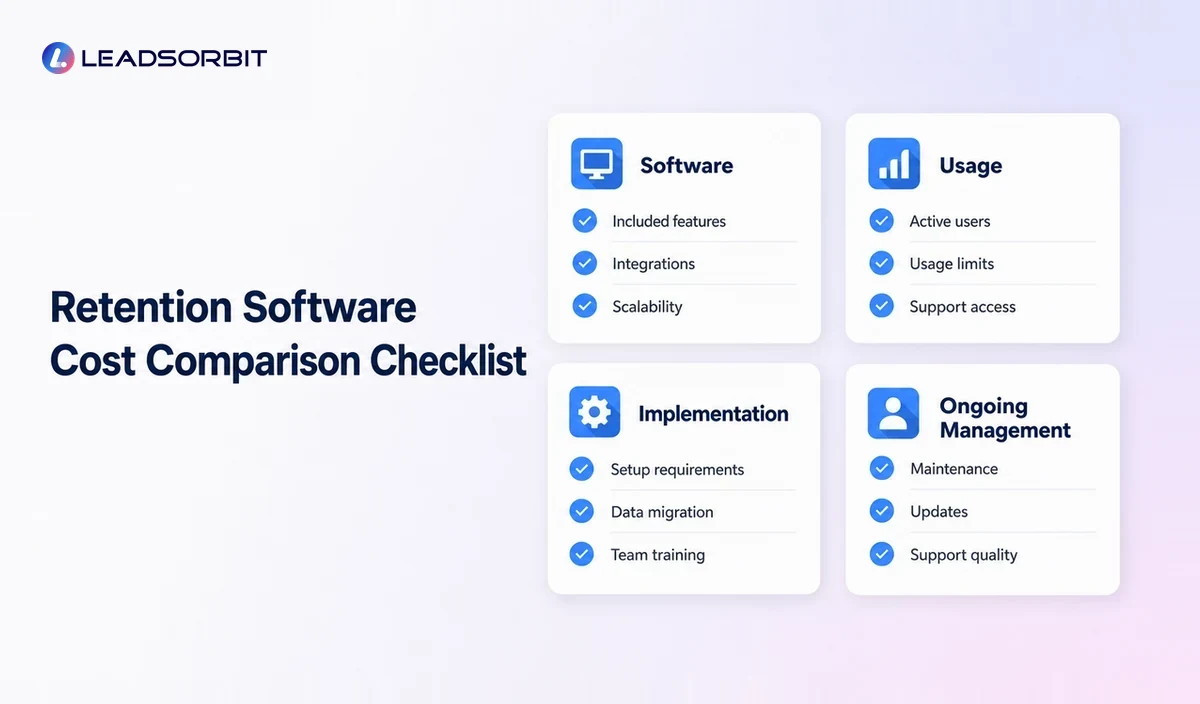
Separate the budget into three areas.
Software
Include subscriptions, users, locations, contacts, messaging, calling, add ons, and integrations.
Implementation
Include data cleanup, setup, templates, workflows, testing, training, and migration.
Ongoing Management
Include staff time for monitoring replies, updating records, reviewing workflows, adjusting messages, and handling customer concerns.
A retention system is not "set and forget." Ongoing review is part of responsible operation.
Cost Saving Practices
Small businesses can control cost without choosing the weakest system.
- Clean contact data before importing
- Start with one or two high value workflows
- Remove duplicate software after successful migration
- Use clear customer segments
- Monitor messaging usage
- Review unused user accounts
- Test automation before scaling
- Train staff on one consistent process
- Document workflow ownership
- Review pricing as contact and location volume changes
Cost control works best when the business knows which features are actually supporting the customer journey.
Common Buying Mistakes
Choosing Only by Monthly Price
A low subscription can become expensive after messaging, setup, add ons, and manual work are included.
Buying More Complexity Than the Team Can Use
Advanced features have no value when staff cannot maintain the workflows.
Ignoring Implementation
The customer journey, data, and messages need to be configured. Software access alone does not create a retention process.
Failing to Model Growth
Consider how pricing changes with more contacts, users, messages, and locations.
Not Testing Support
Ask a practical question during the buying process and evaluate the quality of the answer.
Assuming Results Are Guaranteed
Software can support better execution, but outcomes depend on service quality, data, strategy, customer need, and team follow through.
How LEADSORBIT Approaches Retention Value
LEADSORBIT is an AI powered CRM that connects customer records, conversations, workflows, appointments, reviews, tasks, and reporting.
For a small business using several disconnected tools, a connected system may simplify the workflow and reduce duplicate work. The actual value depends on the business's current stack, usage, implementation needs, and customer process.
A demo should be used to map the required workflow and confirm the current pricing, included features, usage costs, and setup requirements.
Try LEADSORBIT free for 14 days
Frequently Asked Questions
There is no universal price. Cost may depend on users, contacts, locations, messages, features, automation volume, phone usage, onboarding, and support.
Final Thoughts
Customer retention software cost should be evaluated across subscription, usage, implementation, support, and ongoing management.

Start Your Free 14 Day Trial
Try LEADSORBIT and see how it captures missed calls, follows up instantly, and turns leads into booked appointments for your business.