
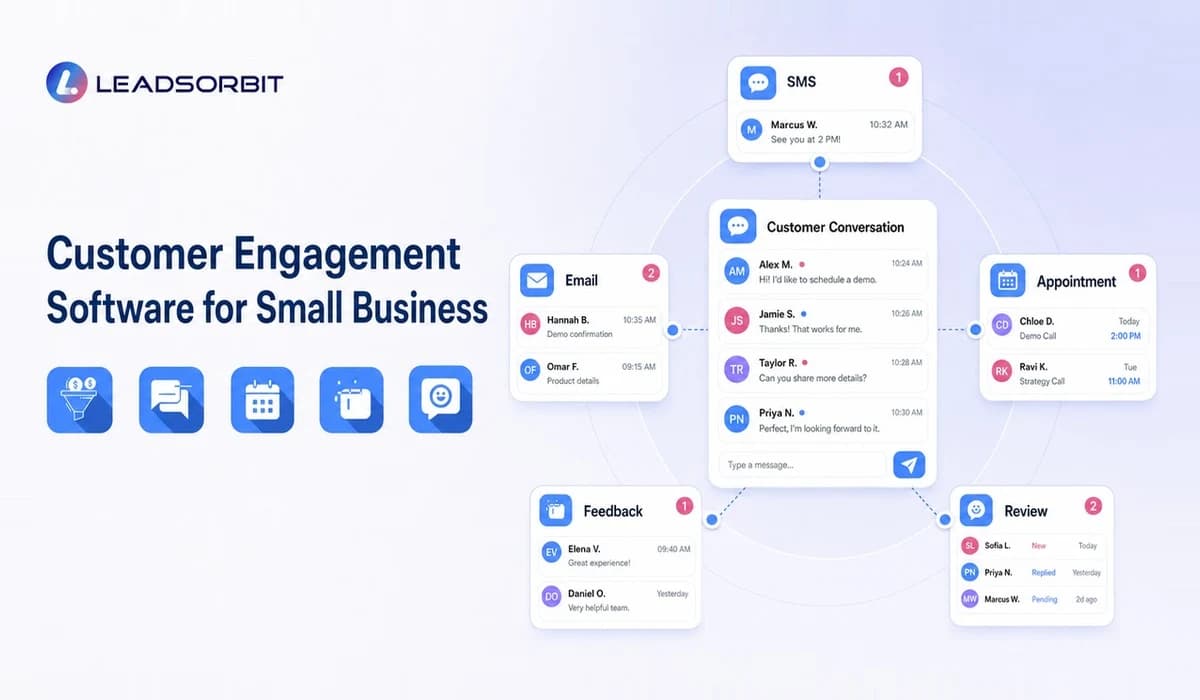

Customers do not experience a business as a collection of separate tools. They experience every call, message, appointment, reminder, review request, and follow up as part of one relationship.
When those interactions are managed in disconnected inboxes, customers may receive slow replies, repeated questions, or irrelevant messages. Customer retention management software provides the wider retention framework; customer engagement software focuses specifically on how a business manages useful, ongoing interactions.
What Is Customer Engagement Software?
Customer engagement software helps a business organize and improve interactions with customers across channels and stages of the relationship. It can support messaging, reminders, feedback, review requests, appointment communication, internal tasks, and customer history.
For a small business, the purpose is practical: make it easier to respond with context, communicate at the right time, and keep the next action clear.
Customer engagement is not the same as sending frequent promotions. Good engagement is relevant to the customer's situation and gives them a useful reason to respond.
What Customer Engagement Looks Like in a Small Business
Engagement can happen before, during, and after a service.
Before an appointment, the customer may need confirmation, directions, preparation details, or a rescheduling option. After the appointment, they may need care instructions, an answer to a question, a feedback request, or a reminder about the next service.
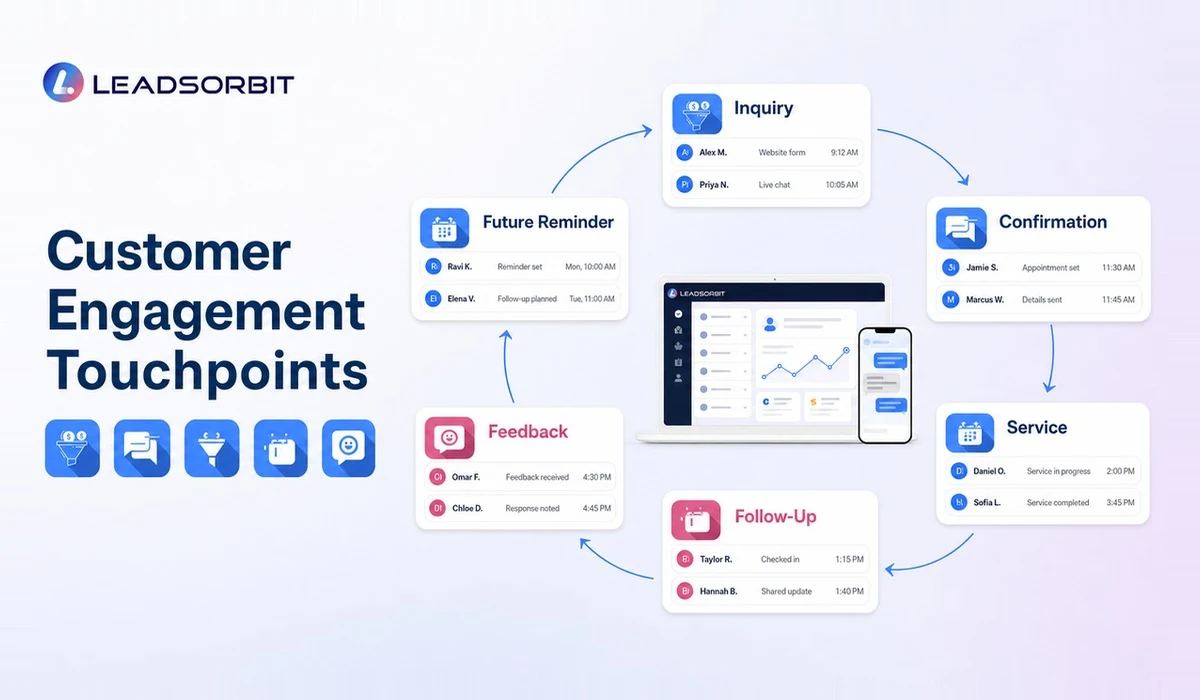
Common engagement moments include:
- Responding to a new inquiry
- Confirming an appointment
- Sending a reminder
- Answering a customer question
- Following up after a completed service
- Requesting private feedback
- Inviting an honest review
- Sharing a booking link
- Reminding a customer about a recurring need
- Reconnecting with an inactive customer
- Resolving a service concern
The software should help the team manage these moments without making communication feel automated for its own sake.
Customer Engagement Software vs CRM and Marketing Automation
These categories overlap, but the main focus is different.
| Category | Primary Focus | Typical Small Business Use |
|---|---|---|
| Customer engagement software | Ongoing customer interactions | Messaging, reminders, feedback, notifications, and conversation history |
| CRM | Full lead and customer relationship | Contacts, pipeline, tasks, appointments, communication, and reporting |
| Marketing automation | Campaigns and automated sequences | Lead nurturing, promotions, segmentation, and scheduled communication |
| Customer support software | Service questions and issue resolution | Tickets, support inboxes, help content, and escalation |
| Review management software | Customer feedback and public reputation | Review requests, monitoring, and response workflows |
An AI powered CRM can combine several of these functions. That may reduce the need to move customer data between separate systems, but the business still needs clear communication rules and team ownership.
Core Features to Look For
The right feature set depends on how customers contact the business and what information staff need to respond well.
Unified Conversation History
Employees should be able to see recent messages, calls, notes, appointments, and follow up activity in one place.
A connected customer communication platform reduces repeated questions and helps the next employee understand the context before replying.
SMS and Email Communication
SMS can support time sensitive reminders and quick replies, while email may be more suitable for detailed information, receipts, instructions, or longer updates.
The software should allow the business to choose the right channel rather than forcing every interaction into one format.
Workflow Triggers
A workflow trigger starts an action when something meaningful happens. Examples include:
- A form is submitted
- An appointment is booked
- A service is completed
- A customer cancels
- Feedback is received
- A customer becomes inactive
- A staff task reaches its due date
Workflow automation can then send an appropriate message, create a task, update the customer stage, or notify an employee.
Appointment Communication
Appointment based businesses need engagement before and after the visit. The system should support confirmations, reminders, rescheduling, preparation details, and next appointment prompts.
Connected appointment booking and reminder workflows make it easier for customers to take action without waiting for the front desk.
Feedback and Review Management
Customer feedback is part of engagement because it gives the business a chance to listen and respond.
A system may request private feedback after a completed service, route concerns to the team, and invite customers to share an honest public review. Google's official guidance for managing customer reviews explains how verified businesses can read, reply to, and request reviews through a Business Profile.
Segmentation
Customer groups make communication more relevant. A small business may segment by service type, appointment status, location, last activity, customer stage, or future need.
Segmentation should simplify communication. Creating too many groups can make the system difficult to maintain.
Task Assignment and Escalation
Some interactions should not remain automated. A negative response, complex question, or unresolved issue may need an assigned employee and a response deadline.
The software should make those exceptions visible.
Reporting
Useful engagement reporting may show response status, open conversations, completed follow up, customer replies, appointment actions, feedback, and inactive segments.
Avoid choosing a platform only because it offers many charts. Reporting should help the team decide what to do next.
How Customer Engagement Software Supports Retention
Engagement supports retention when it makes the relationship easier and more consistent.
A customer is more likely to stay connected when the business remembers prior activity, communicates at useful moments, resolves issues, and makes the next step simple. This does not guarantee repeat business, but it removes avoidable friction.
For a deeper system view, the customer retention management system guide explains how engagement connects with lifecycle stages, staff ownership, and reactivation.
Practical Engagement Workflows
New Customer Welcome
After a first booking or purchase, the customer receives a concise welcome message with the information they need. The system records the interaction and creates a task if the customer replies with a question.
Appointment Preparation
A clinic, med spa, pet groomer, or service business can send preparation details before the visit. The message should be specific to the booked service and include a clear way to reschedule.
Post Service Check In
After the service, the business asks whether the customer needs help and shares relevant next steps. A concerning reply creates a human task instead of moving directly to a promotional message.
Review Request
When the timing is appropriate, the customer receives a simple request for an honest review. The request should not require a positive review or misrepresent an incentive.
The FTC's current consumer reviews and testimonials guidance addresses deceptive review practices. Businesses should also follow the policies of the platform where reviews are collected.
Future Service Reminder
A reminder is scheduled based on the customer's previous service or expected return period. Once the customer books, the workflow stops and moves into appointment confirmation.
Inactive Customer Check In
An inactive customer receives a relevant message tied to a genuine reason, such as seasonal maintenance, a recurring service, or an unfinished plan. This is different from sending a generic offer to every old contact.
How to Choose Customer Engagement Software
Start with the customer journey rather than the product page.
List the Channels Customers Actually Use
Identify whether customers primarily call, text, email, use web chat, or book online. The software should support the channels that matter instead of adding unnecessary complexity.
Define the Important Engagement Moments
Write down the situations where a timely message or task improves the experience. These moments will reveal which triggers, templates, and integrations are necessary.
Check the Customer Record
During a demonstration, ask to see how the system displays conversations, appointments, notes, status, tasks, and opt out information.
The record should help an employee understand the relationship quickly.
Test Reply Handling
Ask what happens when a customer responds to an automated message. Replies should not disappear into a separate inbox or remain unassigned.
Review Consent and Opt Out Controls
Automated commercial messages can be subject to channel specific rules. The FTC's CAN SPAM guide covers commercial email requirements, and the FCC's consumer guidance discusses unwanted automated calls and texts.
Businesses should obtain advice for their specific location, message type, and customer relationship. This article is not legal advice.
Compare Workflow Fit, Not Feature Count
A simple platform that supports the business's real workflow may be more useful than a complex system with features the team will not use.
Common Customer Engagement Mistakes
Sending More Messages Instead of Better Messages
Frequency does not equal relevance. Each message should have a clear purpose and an appropriate next step.
Using the Same Sequence for Every Customer
A new customer, repeat customer, inactive customer, and customer with an unresolved concern need different communication.
Forgetting the Human Handoff
Automation should make human service easier. It should not trap customers in a sequence when they need help.
Failing to Update Customer Status
When a customer books, replies, opts out, or raises a concern, the record and workflow should change.
Separating Engagement From Operations
Messages work best when they connect to real appointments, tasks, service status, and customer history.
How LEADSORBIT Supports Customer Engagement
LEADSORBIT helps small businesses bring conversations, customer records, workflows, appointments, reviews, and follow up into one connected CRM.
Teams can use a unified inbox to manage responses, create automated but relevant communication, assign tasks, support booking, request feedback, and maintain visibility across the customer lifecycle.
The goal is not to remove people from the customer relationship. It is to help a small team stay responsive and organized.
Try LEADSORBIT free for 14 days
FAQs
It organizes customer interactions across channels and stages. Common functions include messaging, reminders, feedback, review requests, appointment communication, segmentation, task assignment, and conversation history.
Final Thoughts
Customer engagement software gives small businesses a practical way to organize conversations, reminders, feedback, appointments, and ongoing follow up.

Start Your Free 14 Day Trial
Try LEADSORBIT and see how it captures missed calls, follows up instantly, and turns leads into booked appointments for your business.