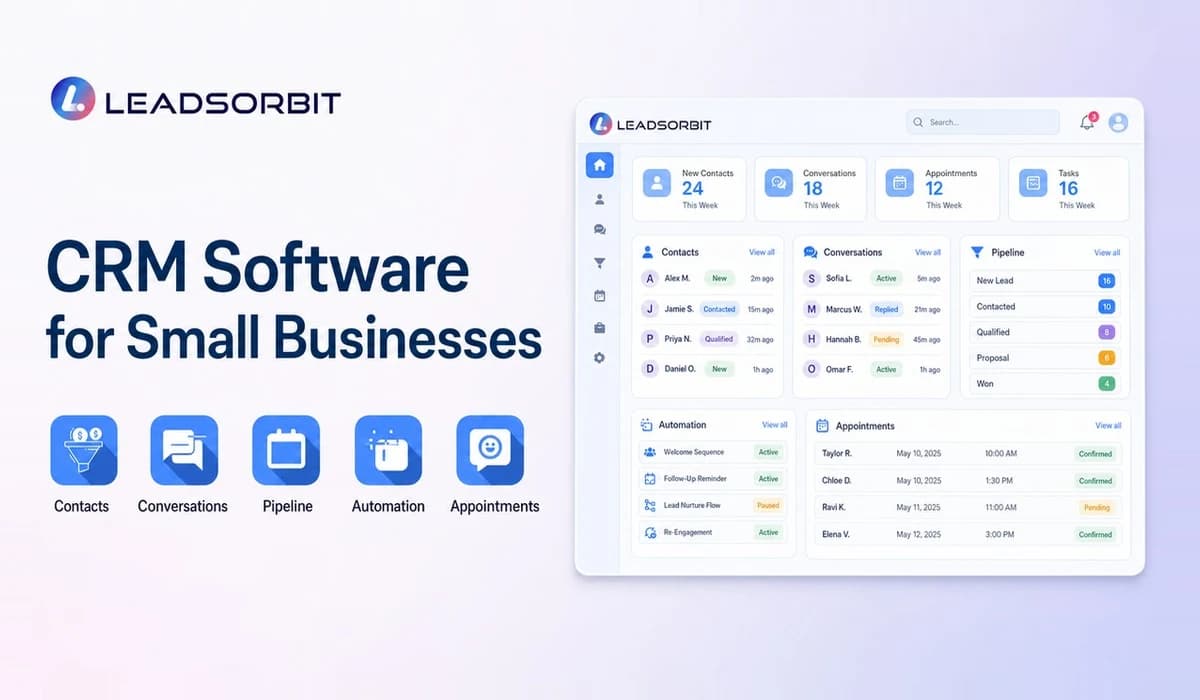

CRM software for small businesses should help a team manage real work: new inquiries, customer conversations, follow up, appointments, tasks, and the handoff from lead to customer. It should not feel like a reporting system built only for a large sales department.
This buyer guide focuses on software selection. For the full topic, including cost, retention, reviews, and implementation, start with Small Business CRM Guide.
What Is CRM Software for Small Businesses?
CRM software stores lead and customer information in a shared system and connects that information to activity. A contact record may include source, conversation history, appointments, pipeline stage, assigned user, tasks, notes, and follow up.
The difference between a useful CRM and a simple address book is action. The software should help the team understand what needs to happen next and make that next step easier to complete.
Why Small Businesses Outgrow Spreadsheets
Spreadsheets are flexible, familiar, and inexpensive. They work well for an early list of prospects, but they become difficult to maintain when several people update records or when activity happens across calls, messages, calendars, and inboxes.
- Customer history is split between cells, emails, phones, and personal notes.
- Follow up dates can become stale without alerts or ownership.
- Two users may update the same record differently.
- Appointments and conversations remain outside the spreadsheet.
- Managers must manually build status reports.
- Automating the next action requires separate tools or custom work.
The problem is not the spreadsheet itself. The problem is asking a static file to manage a live process.
Core Features to Look For
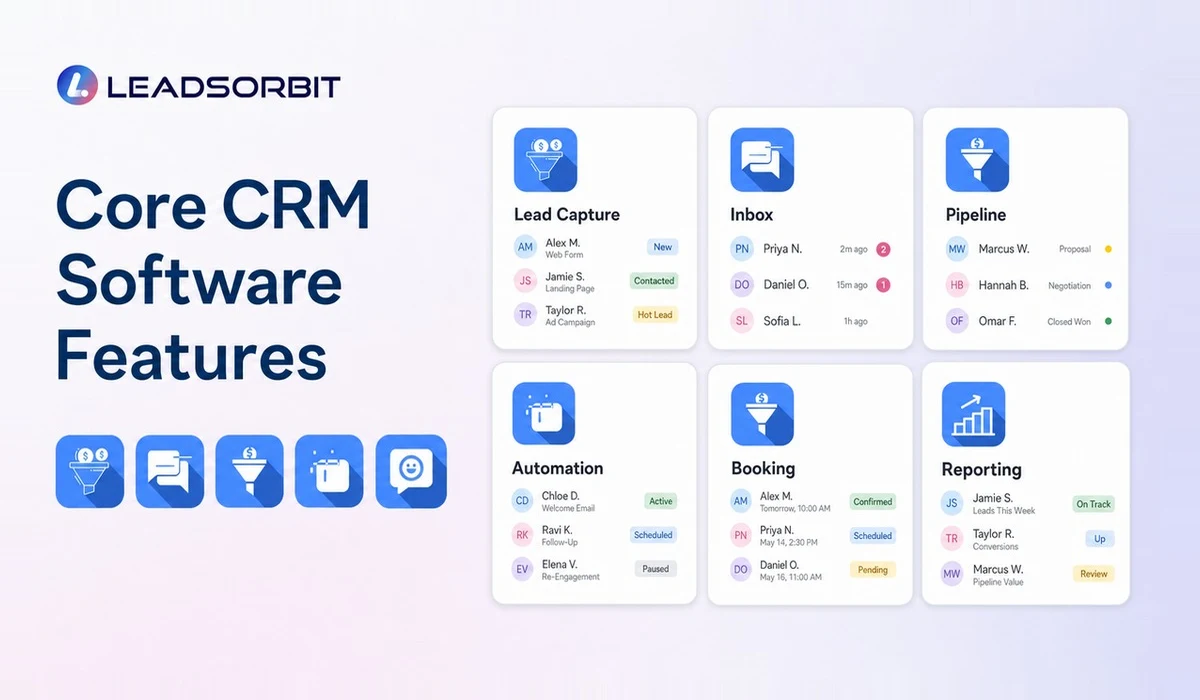
Start with the workflows your team uses every day. A long feature list matters less than a reliable connection between customer information and next actions.
| Capability | What It Should Help the Team Do |
|---|---|
| Lead capture | Create records from forms, calls, messages, and other inquiry sources |
| Contact management | Keep details, notes, history, ownership, and status together |
| Unified communication | See and respond to connected conversations with context |
| Pipeline | Track each lead through clear business stages |
| Tasks and workflows | Assign, remind, and automate routine next steps |
| Booking | Connect appointments, confirmations, reminders, and rescheduling |
| Reviews | Request and monitor customer feedback through an approved process |
| Reporting | See activity, stalled leads, appointments, and outcomes |
Also evaluate permissions, mobile access, data export, onboarding support, and the effort required to keep the system clean.
How CRM Software Helps With Lead Follow Up
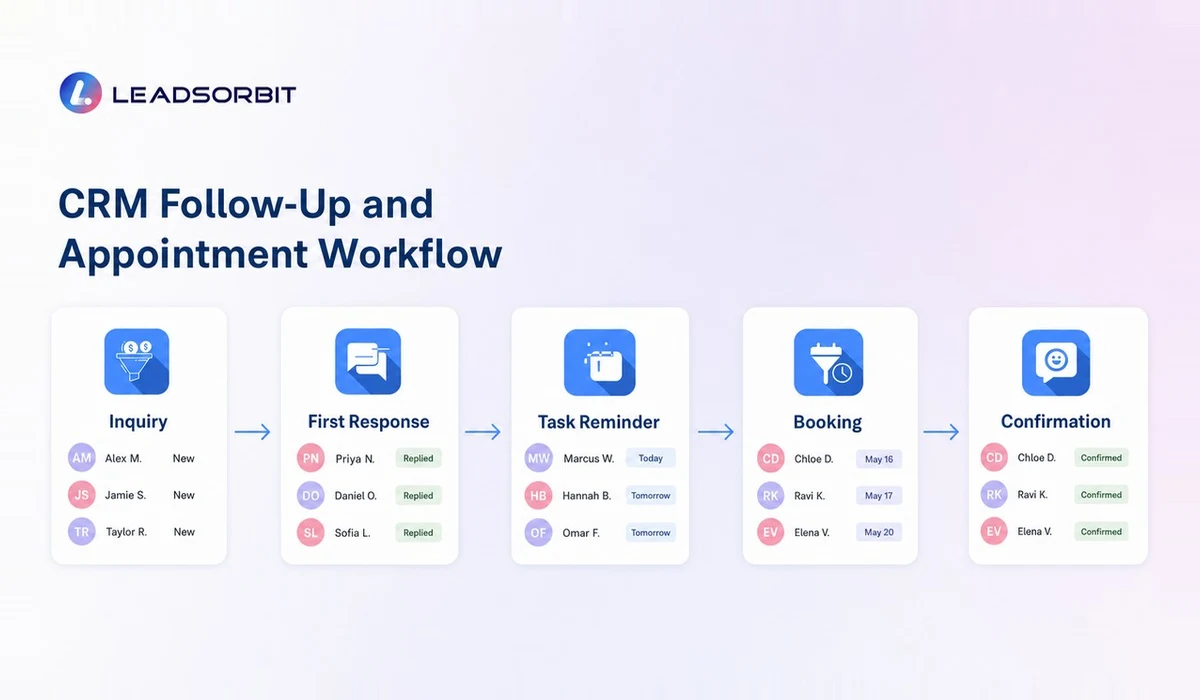
Good follow up starts with visibility. The CRM should show when the inquiry arrived, what the lead requested, whether anyone responded, and what the assigned person should do next.
Automation can acknowledge an inquiry, create a task, notify a user, and send an approved sequence based on the lead's status. The workflow should stop or change when the customer replies or books. That prevents messages from continuing without context.
Explore the lead follow up automation guide and Workflow AI for a deeper view of triggers, tasks, and follow up sequences.
How CRM Software Supports Appointment Booking
Appointment based businesses should look for calendar availability, booking links, confirmations, reminders, rescheduling, and status tracking. The booking event should update the contact and opportunity rather than create another disconnected record.
LEADSORBIT's AI Appointment is designed to connect scheduling workflows to customer communication and follow up. That connection is especially useful when a lead moves directly from a conversation into a booking.
How to Choose CRM Software for Your Business
Build a short evaluation scorecard before speaking with vendors. Use actual business scenarios so the demo shows what the team will do, not only what the platform can display.
- Which inquiry sources must create a contact automatically?
- Which team members need to see or own each type of lead?
- What pipeline stages reflect the real process?
- Which follow up steps are routine enough to automate?
- How are appointments booked, confirmed, and rescheduled?
- How should customer feedback and review requests be handled?
- What data must be imported, exported, or integrated?
- What costs apply beyond the base subscription?
- What training and support will the team receive?
Run one end to end test: submit a lead, respond, assign a task, book an appointment, update the stage, and review the activity history. If that basic journey is confusing, the software is unlikely to become easier under daily pressure.
Build a CRM Evaluation Scorecard
A scorecard keeps the buying process focused on business fit. Without one, a polished demo can make every platform look suitable because the team is reacting to individual features instead of comparing the same workflow.
| Evaluation Area | Question to Ask | Suggested Priority |
|---|---|---|
| Daily usability | Can the team find the record and complete the next action quickly? | High |
| Lead response | Does a new inquiry create ownership and visible follow up? | High |
| Communication | Are customer conversations connected to the contact? | High |
| Booking | Can appointments, reminders, and status changes stay connected? | High for appointment businesses |
| Automation | Are triggers understandable, testable, and easy to stop? | High |
| Reporting | Can managers see exceptions without building manual reports? | Medium to high |
| Administration | Who can update fields, stages, users, and workflows? | Medium |
| Total cost | What is included across users, usage, setup, and support? | High |
Score each platform after the same scenario based demo. Written notes are more reliable than trying to remember which product had the most impressive dashboard.
Plan Migration, Onboarding, and Adoption
Software selection is only the beginning. The business must decide which records to migrate, how duplicates will be handled, which users need access, and what the first live workflow will be. Importing years of unclean data can make a new CRM feel unreliable on day one.
- Define the minimum data required for the first launch.
- Separate active leads and customers from old or incomplete records.
- Map old fields to the new CRM before importing.
- Create a backup of the original data.
- Train each role on its daily tasks and decisions.
- Test forms, messages, calendars, and automations before launch.
- Choose a support process for questions during the first month.
- Review adoption and data quality every week.
Adoption improves when the CRM removes work. Show users how it gives them clearer tasks, faster access to context, and fewer manual handoffs.
CRM Software Red Flags
No platform is perfect, but certain warning signs deserve attention during selection.
- The demo cannot follow a real lead from capture to next action.
- Required costs remain unclear after direct questions.
- The team must maintain several duplicate customer records.
- Automations are difficult to test, pause, or understand.
- Data export or ownership terms are vague.
- Every useful feature requires a separate product or integration.
- The interface is too complicated for the staff who will use it daily.
- Support and onboarding responsibilities are not defined.
Where LEADSORBIT Fits
LEADSORBIT combines CRM records, connected conversations, workflow automation, appointment booking, reviews, and pipeline activity in one platform. It is built around practical small business workflows rather than a collection of isolated databases.
The LEADSORBIT CRM platform can support teams that want Conversation AI for organized customer communication and Workflow AI for consistent next steps. Book a demo to evaluate the platform against your own lead and customer journey.
Try LEADSORBIT free for 14 days
FAQs About CRM Software for Small Businesses
The most important feature is the one that closes the biggest operational gap. For many teams, that is shared contact history and consistent follow up. For appointment businesses, connected booking may be equally important.
Final Thoughts
CRM software for small businesses should reduce uncertainty. The team should know who the customer is, what happened, and what to do next. Choose software around your real workflow, adoption needs, and total cost rather than a generic feature checklist.

Start Your Free 14 Day Trial
Try LEADSORBIT and see how it captures missed calls, follows up instantly, and turns leads into booked appointments for your business.
Personal Message From Faisal Zulfiqar
When teams ask me how to choose CRM software, I always bring the conversation back to one practical test. Can the people who will use it every day move a real lead from first inquiry to the next clear action without getting lost?
A polished demo can hide weak workflow fit. Build a short scorecard, test the same scenario with each platform, and choose the system that makes daily work easier to see, assign, and complete.