

The cost of CRM software for small business is not limited to a monthly subscription. The complete cost may include user seats, messaging or calling usage, setup, migration, integrations, training, administration, and the other tools the CRM replaces—or still requires.
This guide explains cost drivers and value. It does not invent average prices or promise a return. For feature selection, review the CRM software for small businesses guide and the main Small Business CRM.
What Affects CRM Software Cost?
- Number of users, locations, or accounts.
- Contact or record limits.
- SMS, email, phone, AI, or other usage charges.
- Automation and workflow limits.
- Calendar, review, reporting, or advanced feature tiers.
- Data migration and cleanup.
- Custom integrations or API work.
- Onboarding, training, and support.
- Ongoing administration and process maintenance.
Ask providers to separate fixed subscription costs from variable usage. A plan may appear affordable until the business adds necessary communication, automation, or support.
Common Pricing Models
| Pricing Model | How It Works | What to Check |
|---|---|---|
| Per user | Charge for each seat | Which users need full access? |
| Tiered plan | Features increase by plan | Are required workflows in the selected tier? |
| Usage based | Charge by messages, minutes, AI, or activity | What happens in a busy month? |
| Contact based | Charge by database size | Are inactive or duplicate contacts counted? |
| Location based | Charge by branch or account | What central reporting is included? |
| Setup fee | One time onboarding or migration | What deliverables and training are included? |
Many platforms combine models. Build a 12 month estimate based on realistic usage rather than the lowest advertised number.
CRM Cost vs Missed Lead Cost
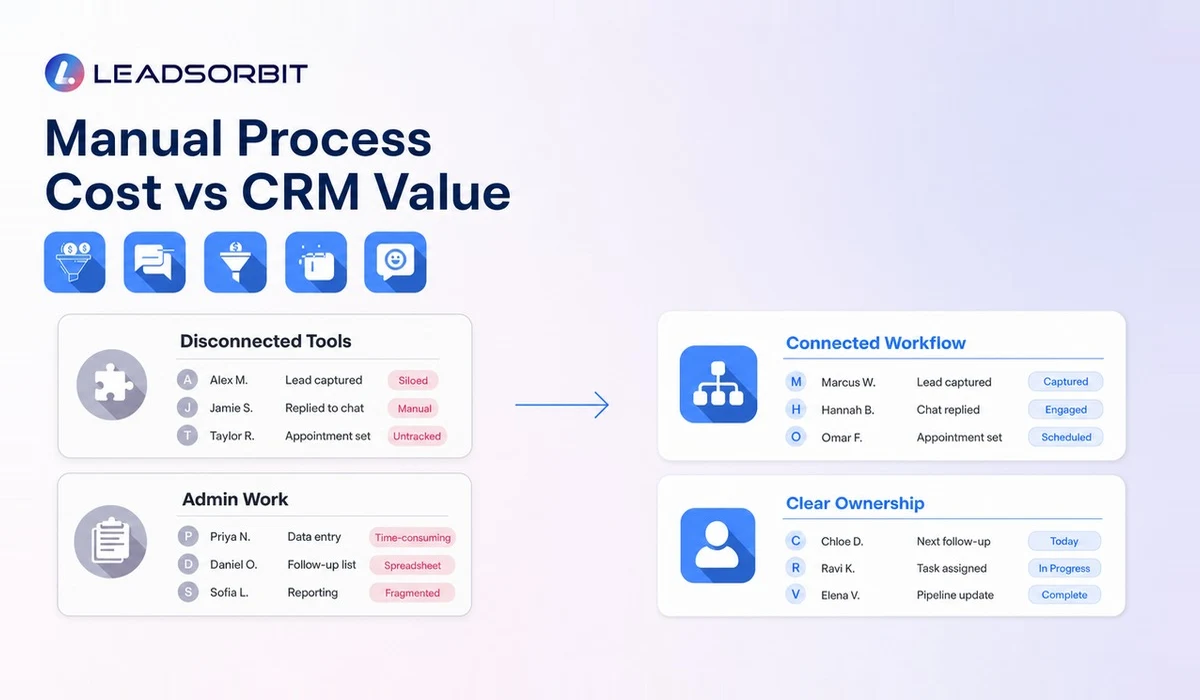
Businesses often compare CRM pricing with zero, as if the current process has no cost. Manual tracking uses staff time, creates duplicate work, delays responses, and can leave leads without a next action.
Do not use a generic statistic to estimate the impact. Use your own records: number of inquiries, percentage with no documented follow up, average team time spent moving data, existing subscriptions, and common booking or sale value. This creates a defensible comparison.
- Current monthly cost of inbox, booking, review, automation, and CRM tools.
- Hours spent copying data or preparing status updates.
- Number of active leads without an owner or next action.
- Appointments affected by manual confirmation and reminders.
- Customers who should receive rebooking or retention follow up.
- Time required to train and maintain the new system.
What Should Be Included in CRM Pricing?
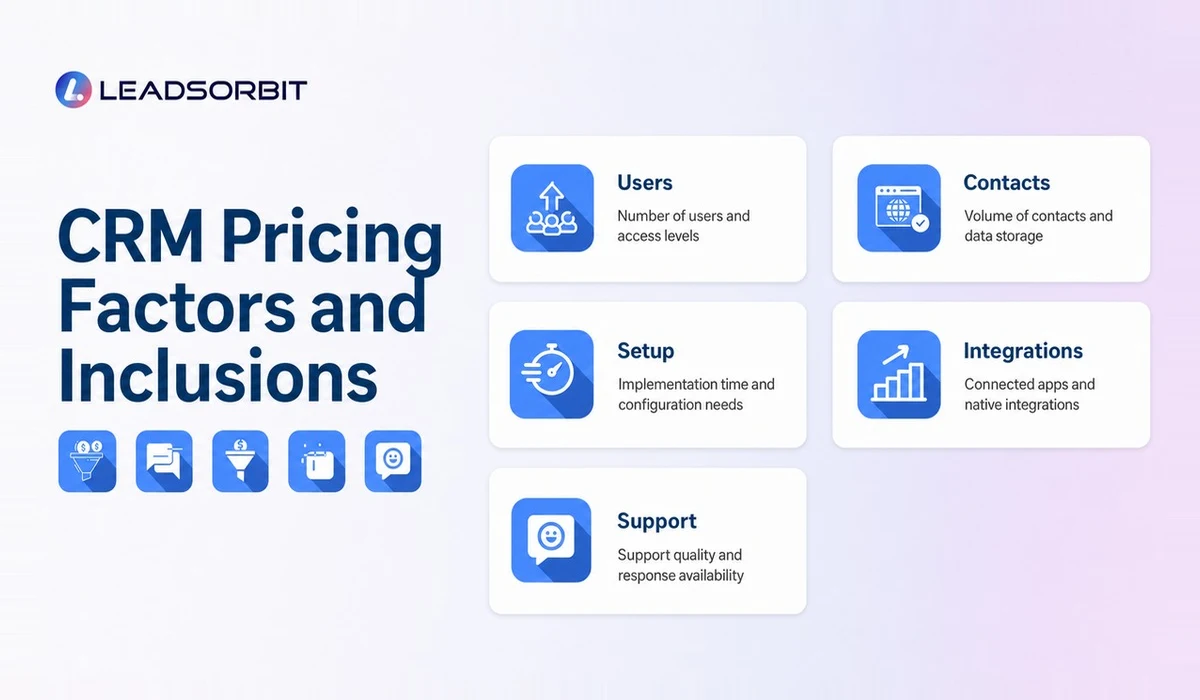
The exact package varies, but the proposal should be clear. Confirm which features are included, which are usage based, and which require third party services.
- CRM records and pipeline management.
- Conversation channels and inbox access.
- Workflow automation limits.
- Appointment calendars and reminders.
- Review request or monitoring workflows.
- Reporting and data export.
- User roles and permissions.
- Onboarding, migration, and training.
- Support channels and response expectations.
- Contract, cancellation, and data access terms.
How to Choose Based on Value, Not Price Only
Value comes from workflow fit and adoption. Expensive software that the team avoids is poor value. Cheap software that requires several additional tools and manual work may also be poor value.
Score each option against the same real process. Ask the provider to show lead capture, response, task ownership, appointment booking, follow up, review request, and reporting. Then compare total cost, implementation effort, and the number of handoffs removed.
Build a 12 Month CRM Cost Worksheet
A 12 month worksheet makes different pricing models easier to compare. Use conservative estimates and create a low, expected, and high usage scenario when messaging, calling, AI, or contact volume can change.
| Cost Category | Questions for the Worksheet |
|---|---|
| Subscription | What plan and billing period are required? |
| Users/locations | How many paid seats or accounts are needed? |
| Usage | What message, minute, AI, email, or contact charges may apply? |
| Setup | Is configuration, migration, or onboarding billed separately? |
| Integrations | Are connectors, APIs, or third party services required? |
| Training | Is training included, limited, or paid? |
| Administration | How much internal time is needed each month? |
| Old tools | Which subscriptions can actually be removed, and when? |
Do not count a tool as "replaced" until the team has migrated and stopped using it. Running both systems for several months may be necessary and should be budgeted.
Questions to Ask During a Pricing Demo
- Which plan supports the exact workflow shown today?
- What variable charges apply to our expected usage?
- What happens when we exceed a limit?
- Which onboarding and migration tasks are included?
- Who configures forms, calendars, pipelines, and automations?
- What support is available after launch?
- Can we export contacts, conversations, and other key data?
- Which current tools could this platform realistically replace?
- Are there cancellation, renewal, or minimum term conditions?
- What internal role will be needed to maintain the system?
Evaluate Operational Value
Operational value can be tracked without making guaranteed revenue claims. Measure whether the system improves process visibility and reduces manual work.
- Percentage of new inquiries with an assigned owner.
- Number of leads with no next action.
- Time spent preparing manual status reports.
- Use of appointment confirmations and reminders.
- Completion of review request and rebooking tasks.
- Reduction in duplicate subscriptions or manual data entry.
- User adoption and data quality exceptions.
How LEADSORBIT Approaches CRM Value
LEADSORBIT combines CRM, conversations, Workflow AI, booking, reviews, tasks, and reporting in one platform. This connected approach may help a small business reduce the number of separate systems it must manage, depending on its workflow.
Pricing and fit should be reviewed through a demo based on actual business needs. Book a LEADSORBIT demo to discuss users, channels, automation, appointments, and support requirements without relying on a generic cost assumption.
Try LEADSORBIT free for 14 days
FAQs
Platforms package users, features, contacts, usage, support, and integrations differently. The intended market and complexity also affect pricing.
Final Thoughts
Evaluate CRM cost as a complete operating decision. Compare subscription, usage, setup, administration, and adoption with the current process and tool stack. Clear pricing and a realistic workflow test are more useful than a headline monthly number.

Start Your Free 14 Day Trial
Try LEADSORBIT and see how it captures missed calls, follows up instantly, and turns leads into booked appointments for your business.