
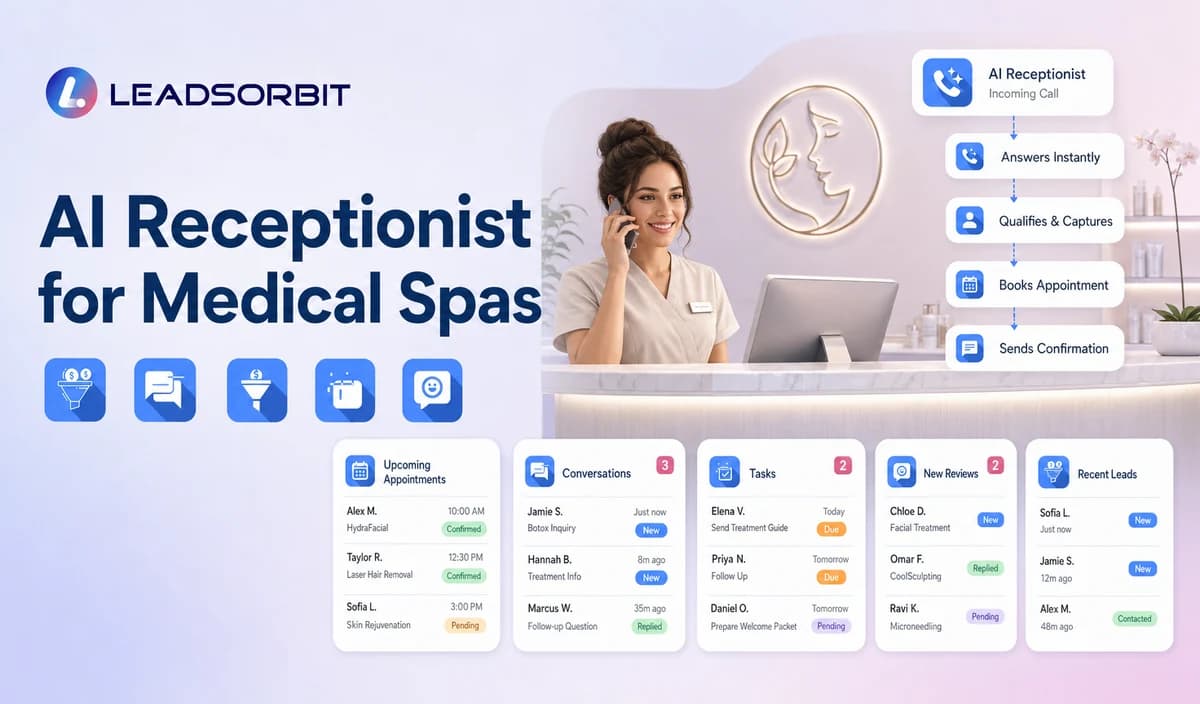

A medical spa front desk may be answering calls while checking in patients, coordinating providers, managing consultations, confirming appointments, and responding to web or text inquiries. An AI receptionist can handle approved routine questions and next steps so callers receive a clear response when staff are busy or the office is closed.
This guide focuses on administrative front desk workflows for medical spas. It is narrower than the general AI receptionist for small business guide and does not position LEADSORBIT as an EMR, medical record, clinical intake, photo management, consent management, prescribing, billing, or treatment planning system. The commercial destination remains LEADSORBIT Medical Spa Software.

Who This Guide Is For
- Medical spas receiving consultation inquiries while the front desk is busy.
- Practices that want routine calls and appointment requests handled after hours.
- Teams that need consistent routing between new inquiries, existing patients, and staff callbacks.
- Multi provider or multi location practices that need clearer administrative handoffs.
- Healthcare organizations reviewing HIPAA enabled administrative call handling.
What an AI Receptionist Can Handle
The safest starting point is a short list of approved administrative tasks. The AI should complete routine front desk work and hand off anything requiring medical judgment, treatment advice, suitability assessment, or access to sensitive records.
| Appropriate task | Typical action | Human review needed when |
|---|---|---|
| Identify new inquiry or existing patient | Choose the correct call branch. | The record is unclear, duplicated, or sensitive. |
| Provide approved hours, location, parking, and contact information | Answer or send current office details. | The information is not approved or may have changed. |
| Explain high level service categories | Use approved non clinical descriptions and offer consultation booking. | The caller asks which treatment is appropriate or safe. |
| Capture a consultation request | Offer the approved booking path or create a callback task. | The requested provider, location, time, or consultation type needs review. |
| Support rescheduling or cancellation | Use the approved appointment change path. | The connected calendar cannot complete the request. |
| Route existing patient questions | Create the correct staff task. | The request concerns treatment, records, photos, consent, prescriptions, billing, or clinical advice. |
A Practical Medical Spa Call Workflow
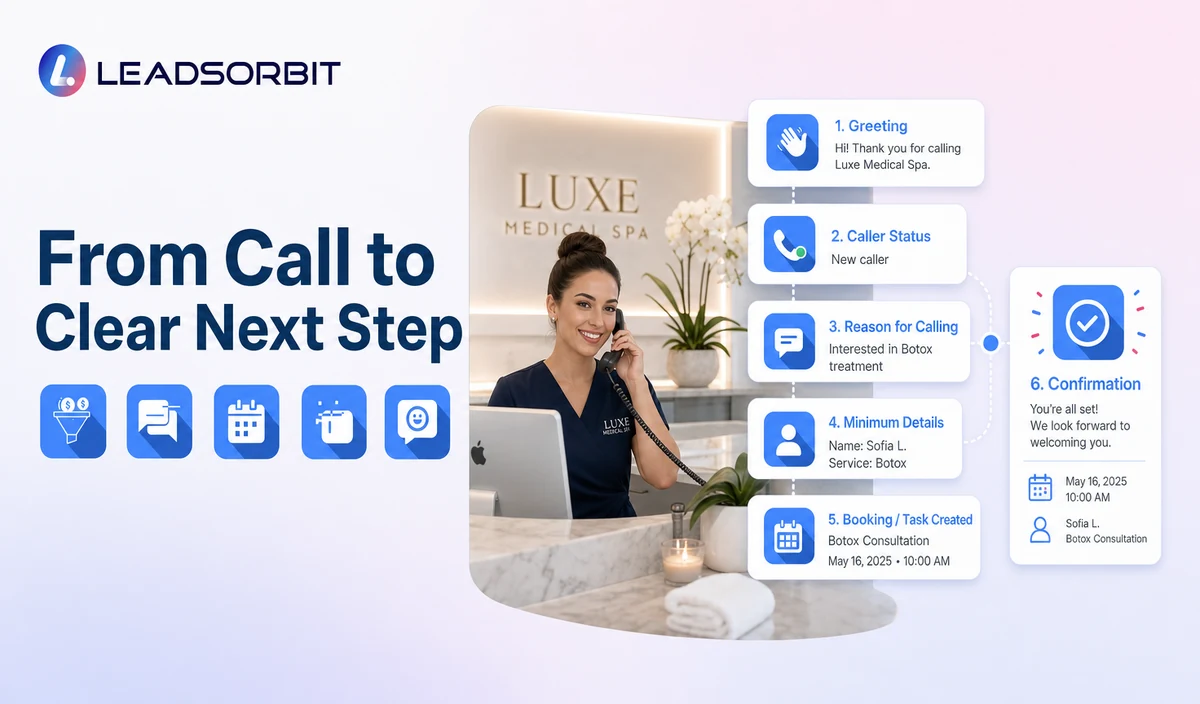
| Stage | AI receptionist action | Staff responsibility | Stop or escalation rule |
|---|---|---|---|
| 1. Greeting | Use the approved practice identity and explain the available administrative help. | Keep scripts, hours, locations, and escalation contacts current. | Transfer or create a callback when the caller requests a person. |
| 2. Caller status | Ask whether the caller is a new inquiry or an existing patient. | Define the correct branch for each status. | Do not force existing patients through a new inquiry script. |
| 3. General reason | Offer options such as consultation request, appointment change, general office question, or staff callback. | Approve the available categories and answers. | Stop routine questions when the caller raises clinical or sensitive issues. |
| 4. Minimum details | Confirm name, callback information, high level service interest, location/provider preference where relevant, and preferred time. | Review field purpose, access, and retention. | Avoid symptoms, diagnosis, contraindications, photos, records, treatment history, or payment card information. |
| 5. Booking or task | Offer a valid consultation booking path or create a named staff task. | Own exceptions and unresolved requests. | Stop after valid booking, staff takeover, or documented closure. |
| 6. Confirmation | State the approved next step and realistic timing. | Monitor failed transfers, tasks, and booking errors. | Do not promise provider availability, suitability, or treatment outcome. |
| 7. CRM visibility | Record configured call activity and operational context. | Review permissions, recording, transcription, retention, and integrations. | Correct inaccurate summaries or fields and restrict access. |
New Inquiry and Existing Patient Calls Need Different Branches
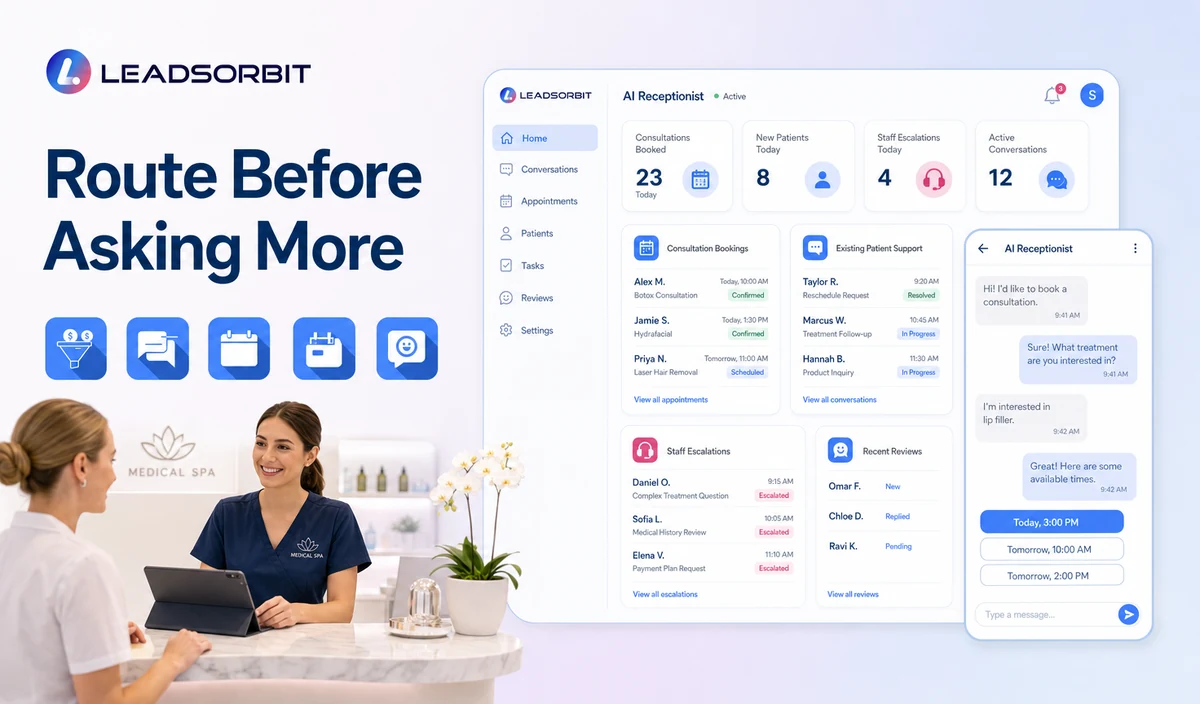
| Caller type | Useful questions | Next step | Avoid |
|---|---|---|---|
| New consultation inquiry | Name, callback, high level service category, location/provider preference where relevant, preferred time. | Approved consultation booking or staff callback. | Symptoms, contraindication screening, diagnosis, medical history, or treatment recommendation. |
| Existing patient | Name, callback, appointment change or general administrative category. | Existing patient scheduling or staff task. | Repeating full intake or exposing another person’s information. |
| Parent, guardian, or authorized contact | Caller identity, relationship where necessary, and general request. | Use the practice’s approved authorization workflow. | Assuming authority or collecting unnecessary clinical information. |
| Vendor or professional office | Organization, callback details, and administrative purpose. | Route to the approved staff contact. | Records transfer, prescribing, clinical coordination, or agreements through routine AI. |
| Caller with clinical or urgent language request | Minimum callback information when appropriate. | Predefined message, transfer, or priority staff task. | Diagnosing, assessing urgency, or recommending treatment. |
Routine Questions the AI May Answer
Only current, approved information should be available to the AI. Assign an owner to review the knowledge base whenever hours, locations, providers, services, policies, or booking links change.
- Office hours, holiday closures, address, parking, and accessibility information.
- Whether consultation requests are accepted and which high level categories are available.
- How to request a new consultation, reschedule, or cancel an appointment.
- General preparation or arrival information that qualified staff has approved as administrative content.
- The correct staff contact for treatment questions, prescriptions, records, photos, consent, billing, refunds, or complaints.
- A realistic callback expectation based on business hours.
- The approved booking or consultation request link.
After Hours Medical Spa Call Handling
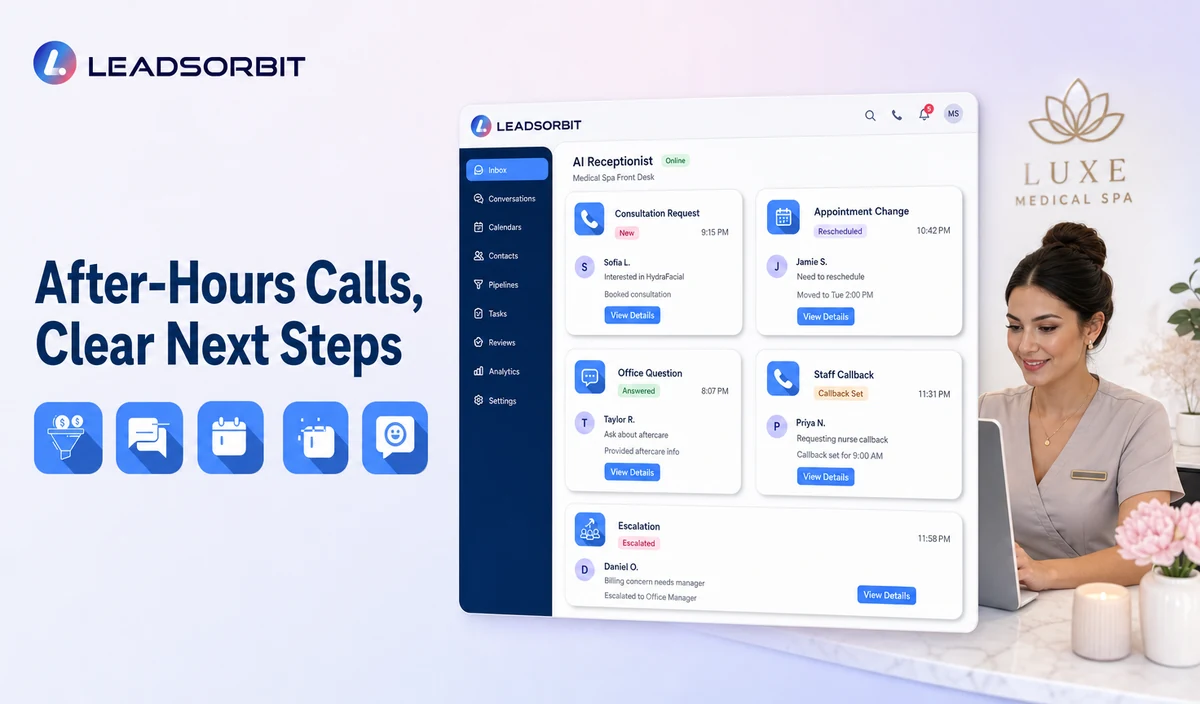
After hours coverage should be transparent. The AI should state that the practice is closed, provide approved administrative options, and use the practice’s predefined escalation message without making medical urgency decisions.
| After hours request | Approved handling | Do not |
|---|---|---|
| New consultation inquiry | Capture minimum details and offer booking or next business period callback. | Promise same day treatment or provider availability. |
| Existing appointment change | Record the request or use the approved change path. | Confirm a new time before the calendar shows a valid booking. |
| General office question | Answer from approved content or create a task. | Guess about treatment, prescriptions, eligibility, records, pricing exceptions, or policies. |
| Clinical or urgent language request | Stop routine intake and present the practice’s predefined message or transfer path. | Decide whether the situation is an emergency or recommend action. |
| Caller asks for a person | Create the correct callback or transfer. | Continue asking unnecessary questions. |
HIPAA Enabled Administrative Call Handling
LEADSORBIT supports HIPAA compliant administrative workflows for eligible healthcare organizations through HIPAA enabled HighLevel subaccounts. Compliant use depends on maintaining the active HIPAA package, applicable agreements, approved account configuration, user permissions, integrations, retention settings, and the healthcare organization’s own procedures.
Names, phone numbers, consultation requests, appointment details, call activity, recordings, transcripts, summaries, and communication history may be PHI depending on context. Use minimum contact and operational information and review the specific subaccount, agreements, permissions, retention, recording, transcription, calendar, communications provider, AI settings, and integrations.
The HHS Privacy Rule overview and minimum necessary guidance provide official healthcare privacy context. LEADSORBIT also publishes privacy and security information and an AI and data use policy. The practice should obtain qualified legal and compliance advice for its exact use.
When the AI Receptionist Should Hand Off
- The caller asks to speak with a person.
- The caller asks which treatment is appropriate, safe, or medically necessary.
- The caller shares symptoms, medical history, contraindications, pregnancy, medications, or complications.
- The caller uses predefined urgent or emergency language.
- The caller asks about prescriptions, records, photos, consents, clinical documentation, billing disputes, refunds, or insurance.
- The consultation request requires provider, location, accessibility, or policy review.
- The AI does not have a current approved answer.
- A transfer fails, a task becomes overdue, or the caller is dissatisfied.
Medical Spa AI Receptionist Setup Checklist
- List the routine call reasons the AI may handle.
- Write separate new inquiry and existing patient branches.
- Approve office hours, locations, parking, service category descriptions, booking links, and callback expectations.
- Define minimum contact and consultation fields.
- Create booking, rescheduling, cancellation, general question, staff callback, and escalation paths.
- Assign primary and backup owners for unresolved tasks.
- Confirm whether recording, transcription, summaries, and retention are enabled.
- Review HIPAA enabled subaccount status, applicable agreements, permissions, and integrations.
- Test after hours calls, failed transfers, unclear answers, staff takeover, and sensitive replies.
- Review real calls and correct scripts without expanding into clinical intake.
See the Front Desk Workflow With Your Rules
Book a Demo to map your medical spa greeting, new versus existing branches, approved service questions, consultation booking, callback owners, escalation language, and healthcare data controls inside LEADSORBIT.
What to Measure After Launch
- Calls answered and calls transferred to staff.
- New inquiry and existing patient call volume.
- Consultation requests moved to booking or staff review.
- General questions answered from approved content.
- Failed transfers and overdue callback tasks.
- Clinical, urgent, sensitive, records, billing, or complaint requests handed to staff.
- Recording or transcription errors and staff corrections.
- Caller opt outs, complaints, confusion, or privacy concerns.
- Staff feedback about workload and call context.
How LEADSORBIT Supports Medical Spa Call Handling
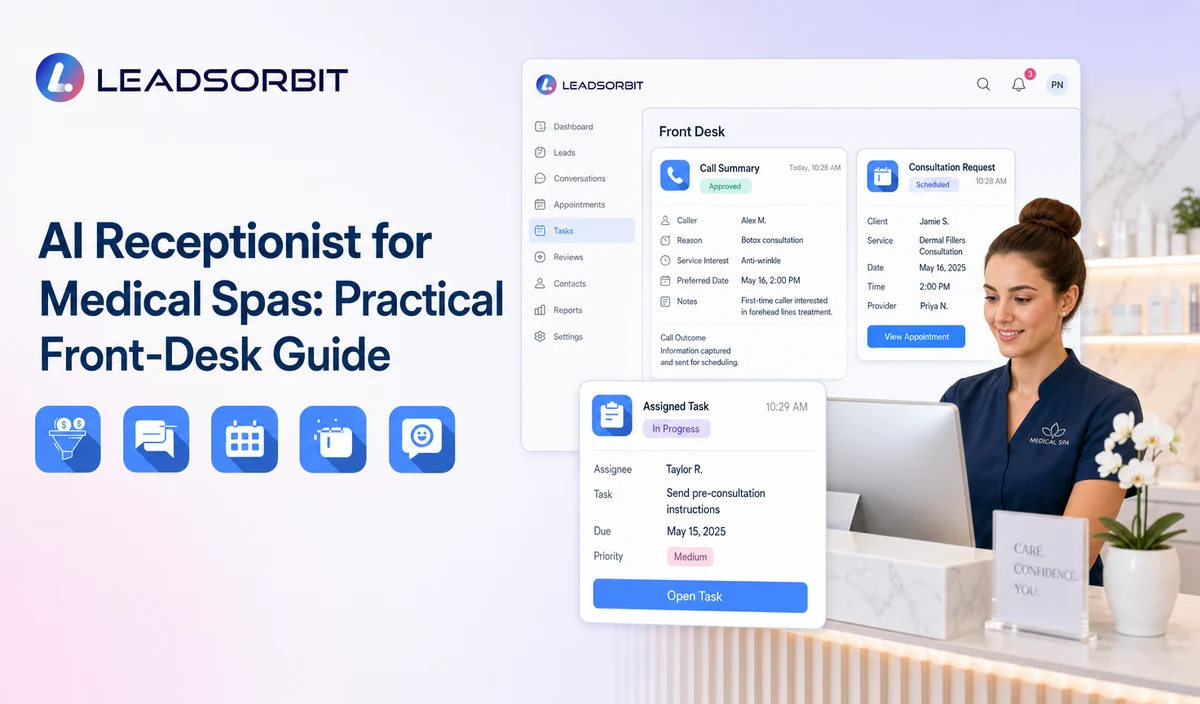
LEADSORBIT’s AI powered CRM can connect inbound call handling, approved questions, consultation paths, conversation context, tasks, and contact records.
- AI Receptionist: supports 24/7 call answering, approved questions, contact capture, appointment booking, and after hours handling.
- Conversation AI: supports configured conversation visibility, routing, staff takeover, and CRM synchronization.
- AI Appointment: supports booking, calendar connections, confirmations, rescheduling, and cancellation.
- CRM records and tasks: support call activity, assigned owner, next action, and operational status.
Exact call flows, phone numbers, service categories, calendars, recording, transcription, summaries, permissions, retention, and integrations must be verified during implementation. LEADSORBIT is positioned here as the administrative communication and CRM layer, not an EMR, clinical record, photo/consent system, prescribing, billing, or treatment planning platform.
Try LEADSORBIT free for 14 days
FAQs
It handles approved routine calls, identifies caller status and intent, captures minimum operational details, offers consultation booking or callback, and routes non routine requests to staff.
Final Thoughts
An AI receptionist for medical spas works best when it handles a short list of approved administrative tasks, separates new inquiries from existing patients, offers a clear consultation or callback path, and hands off clinical or sensitive requests without guessing.
Book a Demo to see how LEADSORBIT can support medical spa calls, consultation requests, after hours inquiries, staff tasks, and front desk visibility.

Start Your Free 14 Day Trial
Try LEADSORBIT and see how it captures missed calls, follows up instantly, and turns leads into booked appointments for your business.