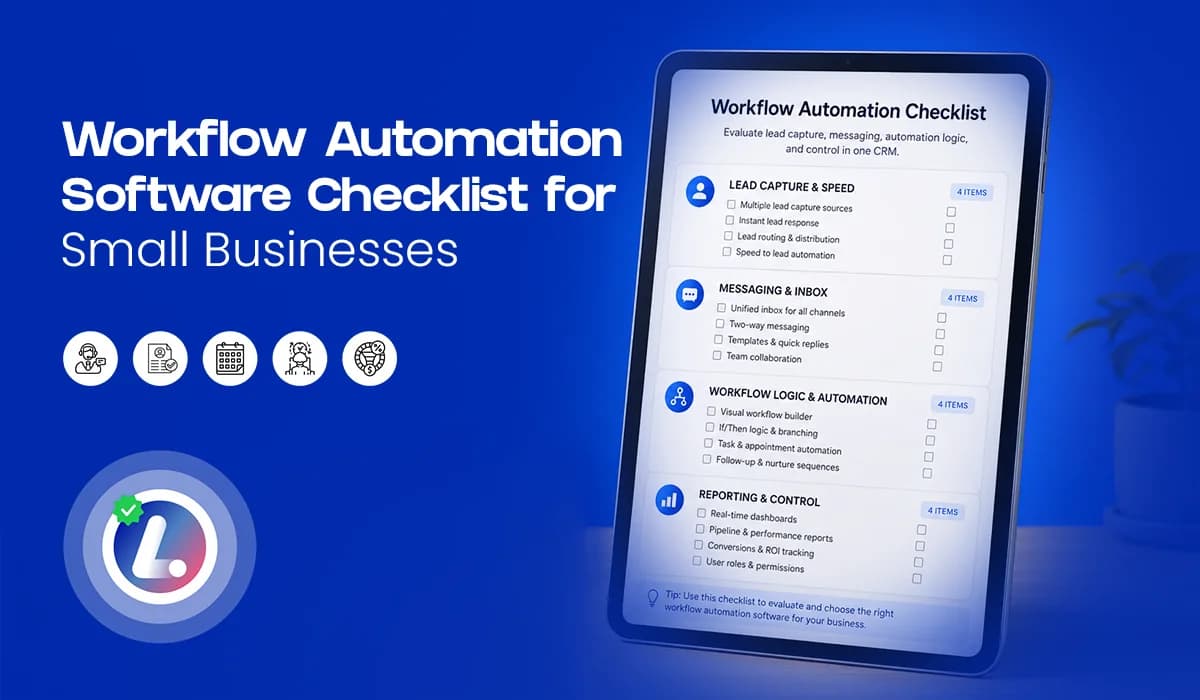

A good workflow automation software checklist helps you choose a system that your team can actually use. Many small businesses buy automation tools because they want faster follow up, better lead nurturing, cleaner CRM pipeline stages, and fewer missed opportunities. But the tool alone does not fix the problem.
Automation fails when the software is too complex, the setup is unclear, the team does not understand the workflow, or the system does not connect lead capture, messaging, pipeline movement, and reporting in one place. For small businesses, the best workflow automation software should not make daily work harder.
It should make follow up simpler, faster, and more consistent. This guide will help you evaluate what your system should include, what questions to ask before buying, and what red flags to avoid. For the full lead follow up framework, you can also read the main guide on Lead Follow Up Automation.
Why Workflow Automation Tools Fail
Most automation tools sound powerful during the demo. They promise workflows, reminders, campaigns, pipelines, inboxes, triggers, and reporting. But once the business starts using them, the real issue appears: the system is either too complicated or not connected to the actual lead follow up process. A service business does not need automation just for the sake of automation.
It needs a system that can answer simple operational questions:
- Did the lead get a fast response?
- Does the team know who needs follow up?
- Are messages and conversations visible in one place?
- Are leads moving through the right stages?
- Can the owner or manager see where opportunities are getting stuck?
If the software cannot support these basic needs, it may create more confusion instead of solving the problem. That is why your checklist should focus on practical workflow automation for small business, not just feature count.
Checklist Bucket 1: Capture And Speed
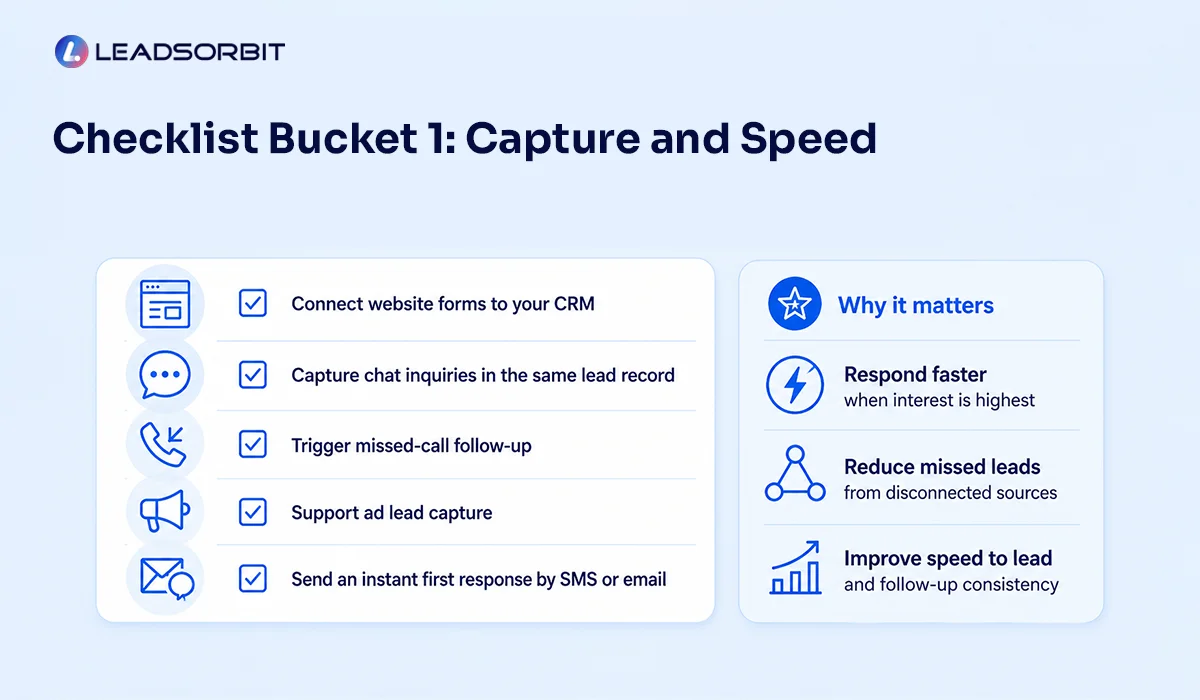
The first job of your workflow automation software is to capture leads and respond quickly. If leads enter the system late, or if the team has to manually check five different places, speed to lead becomes difficult. Your software should help you capture inquiries from the places where your customers already reach out.
Capture and Speed Checklist:
- Connect website forms directly to your CRM.
- Capture chat inquiries in the same lead record.
- Trigger missed call follow up where possible.
- Support ad lead capture from major campaigns or landing pages.
- Send an instant first response by SMS or email.
This first bucket protects the most important moment in the lead journey: the moment someone shows interest. If your software cannot help you respond quickly, the rest of the automation becomes less useful.
Checklist Bucket 2: Messaging And Inbox
Lead follow up is not only about sending messages. It is about managing the conversation. If SMS is in one place, email is somewhere else, chat is separate, and calls are tracked manually, your team will struggle to see the full story. A strong marketing automation CRM should bring communication together so the team can follow up with context.
Messaging and Inbox Checklist:
- Centralize SMS, email, chat, and conversation history.
- Show previous replies before the team responds.
- Allow quick manual replies when automation should pause.
- Support SMS follow up automation and email follow up automation.
- Make it easy to send booking links or next step messages.
This matters because automation should never make the conversation feel disconnected. Your team should be able to see what happened before replying. With Conversation AI, the goal is to help businesses keep conversations organized so leads are not lost across multiple inboxes.
Checklist Bucket 3: Workflow Logic And Automation
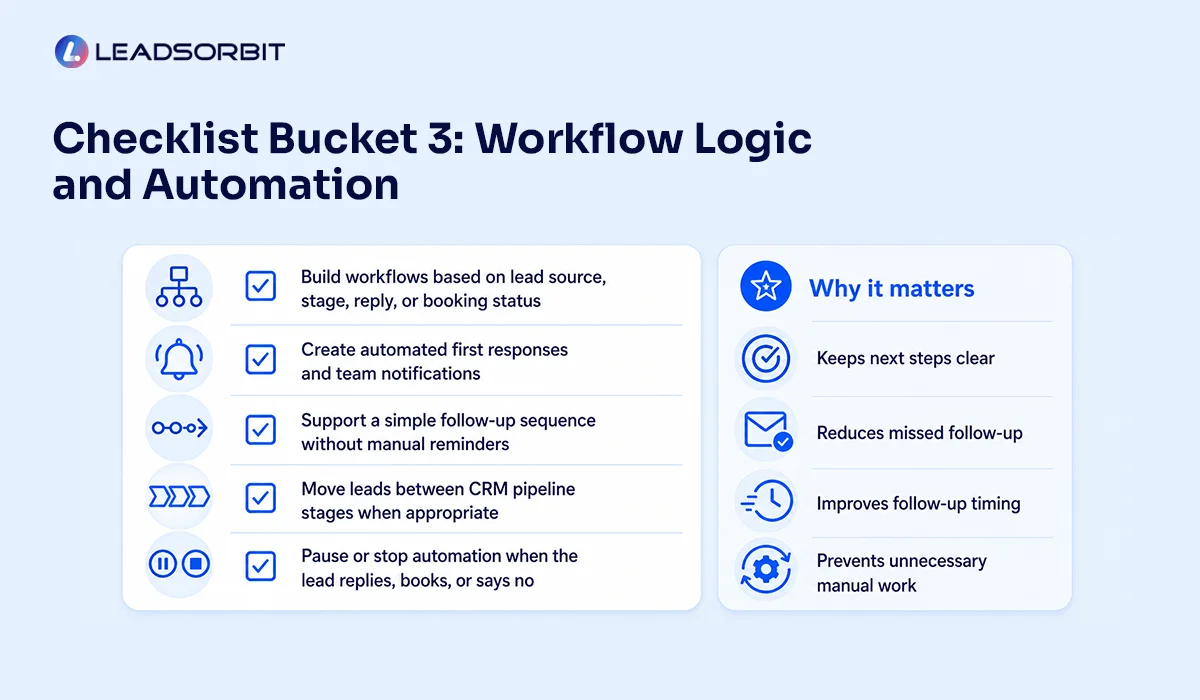
This is where many tools look impressive but become confusing. Good workflow logic should be flexible, but it should also be easy to understand. Your team should know what happens when a new lead enters, when a lead replies, when a lead books, and when a lead does not respond.
Workflow Logic and Automation Checklist:
- Build workflows based on lead source, stage, reply, or booking status.
- Create automated first responses and team notifications.
- Support a simple follow up sequence without manual reminders.
- Move leads between CRM pipeline stages when appropriate.
- Pause or stop automation when the lead replies, books, or says no.
These are the workflow basics that protect your follow up process. You do not need to automate every possible situation on day one. Start with the workflows that reduce missed leads and improve follow up timing. Workflow AI helps build these kinds of lead follow up workflows so the next step is not dependent only on memory.
Checklist Bucket 4: Reporting And Control
Automation should not become invisible. Owners and managers need to know what is happening inside the system. You do not need a complicated reporting setup at the start, but you do need enough visibility to see whether leads are being captured, followed up, and moved properly.
Reporting and Control Checklist:
- Show leads by source, stage, and status.
- Show which leads are waiting for action.
- Track whether new leads received a first response.
- Help identify no response leads and stuck opportunities.
- Give managers visibility into team activity and pipeline movement.
This bucket is about control. If you cannot see what is happening, you cannot improve the process. The right system should make the follow up process easier to review, not harder.
Questions To Ask Before You Buy
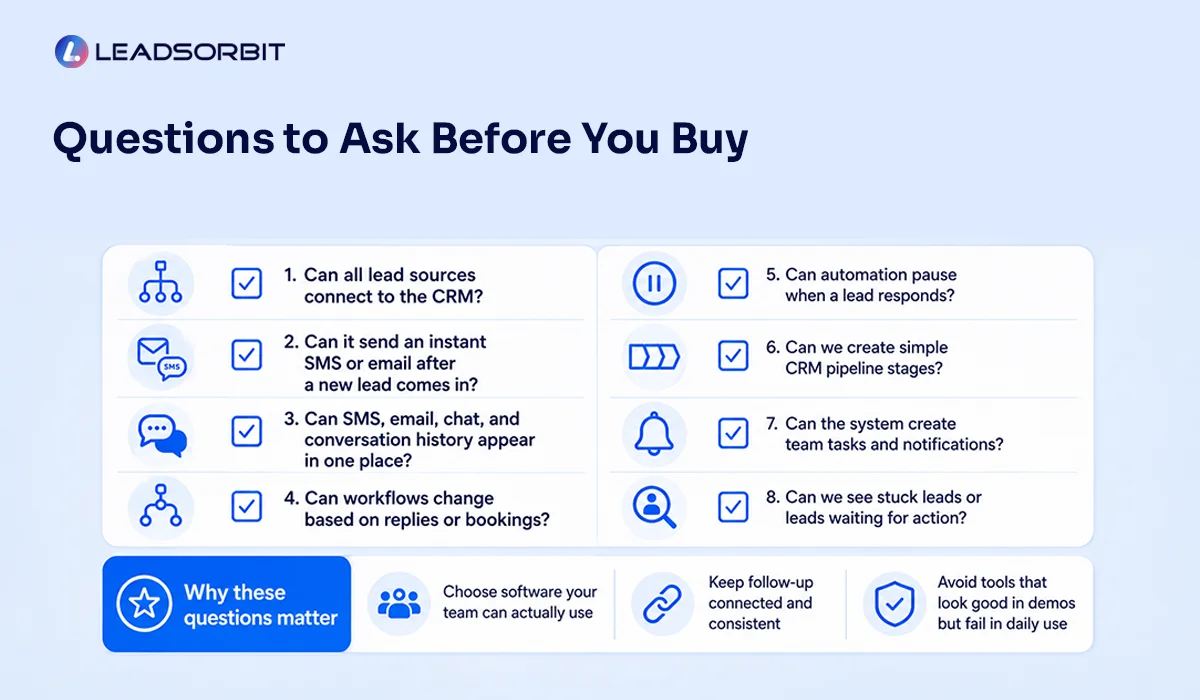
Before choosing workflow automation software, ask practical questions. The answers will tell you whether the tool fits your real business process or just sounds good in a demo.
Vendor Questions:
- Can all of our lead sources connect to the CRM?
- Can the system send an instant SMS or email after a new lead comes in?
- Can SMS, email, chat, and conversation history appear in one place?
- Can workflows change based on lead replies or appointment booking?
- Can automation pause when a lead responds?
- Can we create simple CRM pipeline stages for our process?
- Can the system create team tasks and notifications?
- Can no response leads move into lead nurturing automation?
- Can we see which leads are stuck or waiting for action?
- Is the system easy enough for our team to use daily?
These questions keep the buying decision grounded. A good tool should answer them clearly. If the vendor can only talk about features but not your follow up process, that is a warning sign.
Red Flags To Avoid
Not every automation tool is the right fit for small businesses. Some platforms are too complex. Some are too limited. Some require too much manual work. Some look good during setup but become hard for the team to use.
Watch for these red flags:
- The system stores contacts but does not support real follow up workflows.
- SMS, email, chat, and calls are spread across separate tools.
- Automation cannot pause when a lead replies or books.
- Pipeline stages are difficult to customize or update.
- The team needs too many clicks to complete simple follow up.
- Reporting does not show stuck leads or next actions.
- The setup depends too much on manual tracking outside the CRM.
A workflow automation tool should reduce confusion. If it adds more disconnected steps, it may not solve your follow up problem.
Chiropractic And Dental Mini Examples
A chiropractic office may need to capture new patient inquiries from website forms, missed calls, chat, and ad campaigns. The right workflow automation software should send the first response, notify the team, track the conversation, and move the lead toward scheduling.
A dental practice may need to manage consultation requests, treatment questions, appointment booking links, and no response leads. The system should help the team respond quickly, organize the conversation, and move leads through the right stages without losing context.
LEADSORBIT supports appointment based workflows for chiropractic businesses and dental practices, where lead capture, follow up, appointment movement, and communication need to work together. The best system is not the one with the most features. It is the one that fits how your business actually follows up.
How LEADSORBIT Fits This Checklist
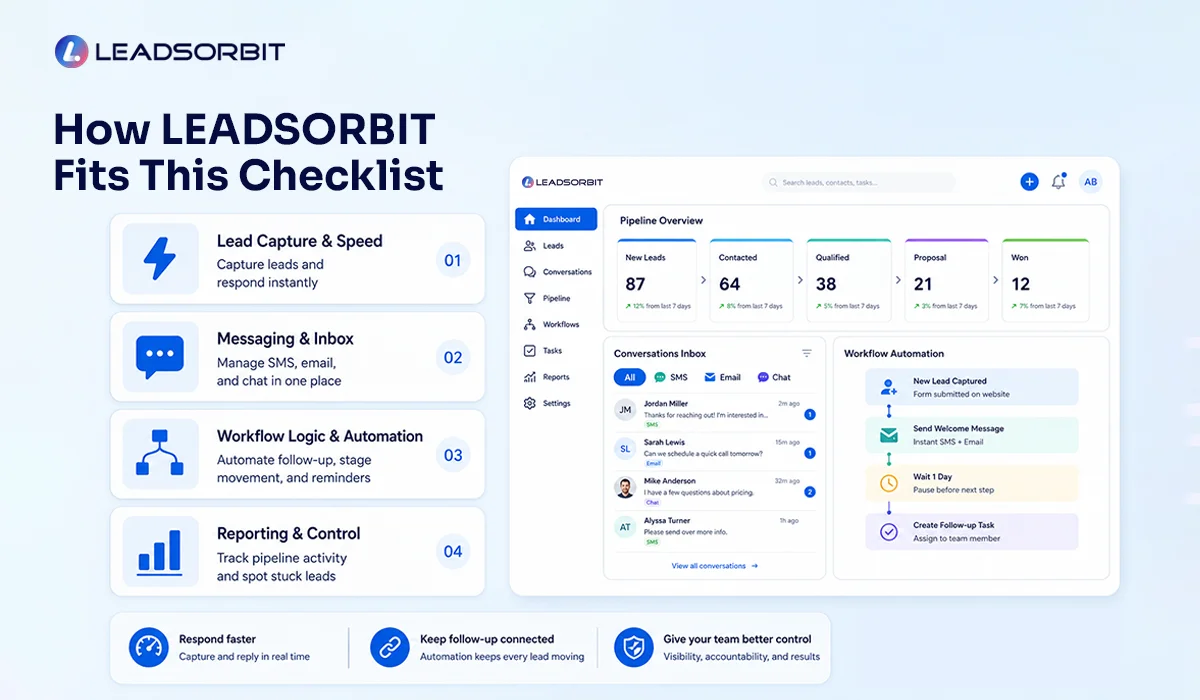
LEADSORBIT is built to help small businesses capture, follow up, and manage leads from one AI powered CRM. With Workflow AI, you can automate first responses, follow up sequences, stage movement, reminders, no response workflows, and lead nurturing automation. With Conversation AI, your team can manage conversations across SMS, email, chat, and other channels in one place.
Together, these tools help your business:
- Respond faster when a new lead comes in
- Keep conversations and pipeline stages connected
- Give the team better control over follow up activity
If you are comparing tools and want to see what LEADSORBIT includes, you can view plans here. You can also book a demo if you want to see how the workflow setup works in practice.
Try LEADSORBIT free for 14 days
FAQs
It should help capture leads, send timely follow ups, organize conversations, create team tasks, move leads through pipeline stages, and give managers visibility into what needs attention.
Final Thoughts
- Choosing workflow automation software should not be about buying the tool with the longest feature list. It should be about finding a system that supports your real follow up process. For small businesses, that means fast lead capture, clear messaging, simple workflows, useful pipeline stages, and enough reporting to stay in control.
- Use this checklist before you choose a platform. Look at how the software captures leads, how it handles conversations, how workflows are triggered, and whether your team can actually use it every day.
To explore how LEADSORBIT supports lead follow up automation, conversations, workflows, and pipeline control, you can view plans here or book a demo.

Start Your Free 14 Day Trial
Try LEADSORBIT and see how it captures missed calls, follows up instantly, and turns leads into booked appointments for your business.
Personal Message from Faisal Zulfiqar
Automation should make your business easier to run, not harder.
Choose a system that your team understands, your leads experience smoothly, and your managers can control with confidence.