
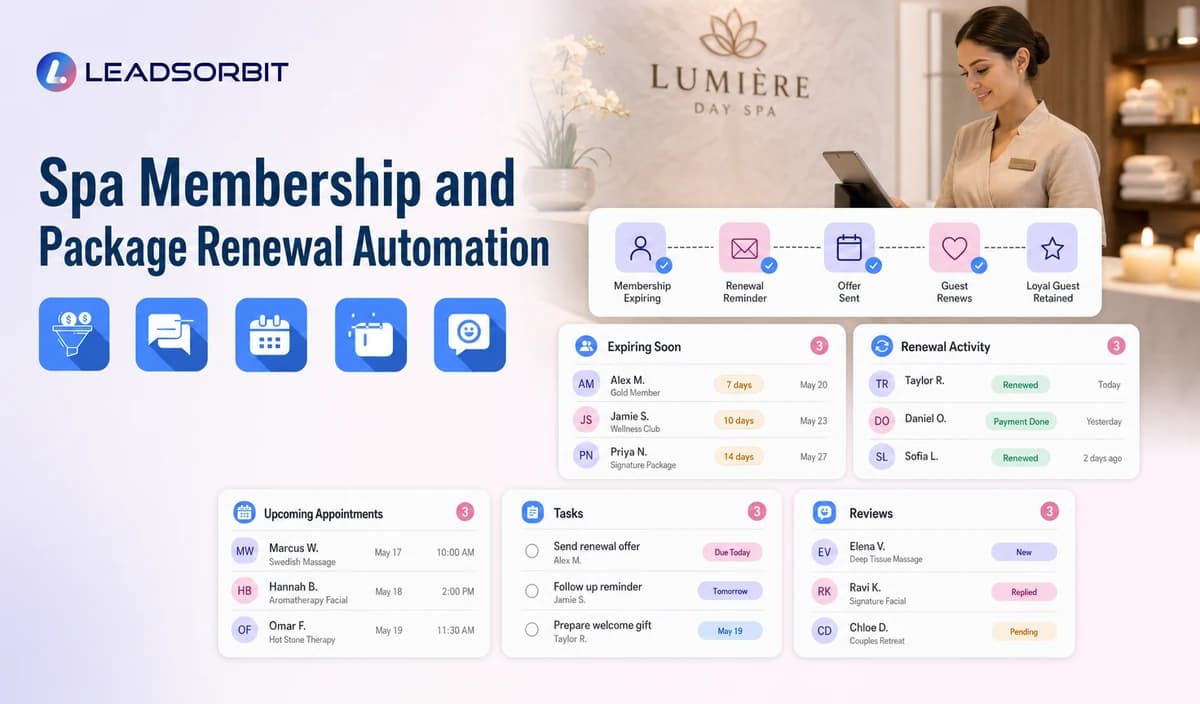

Membership and package renewal communication can help the spa keep guests informed, but the workflow is only reliable when renewal dates, status, benefits, remaining visits, payment state, and cancellation rules come from a verified source.
Spa membership renewal automation should be positioned as communication and workflow support unless native billing, balance, payment recovery, and benefit accounting are confirmed. The broader retention foundation remains with lead follow up automation.

Who This Guide Is For
- Spas offering memberships or prepaid packages.
- Teams with a verified membership, package, or payment data source.
- Front desk and membership coordinators managing renewal questions.
- Owners who need reminder, task, and outcome visibility without overstating native billing capability.
The Data Source Controls the Workflow
A renewal message should never guess status from a tag alone. The business must define the authoritative source and how updates return to the workflow.
- Membership active, expiring, cancelled, paused, or staff review.
- Package active, completed, expired, disputed, or unknown.
- Verified renewal or expiry date.
- Payment state only when the connected source is approved.
- Remaining visits or benefits only when accurate and permitted.
- Correct location, membership owner, and staff callback path.
A Practical Spa Membership and Package Renewal Automation Workflow
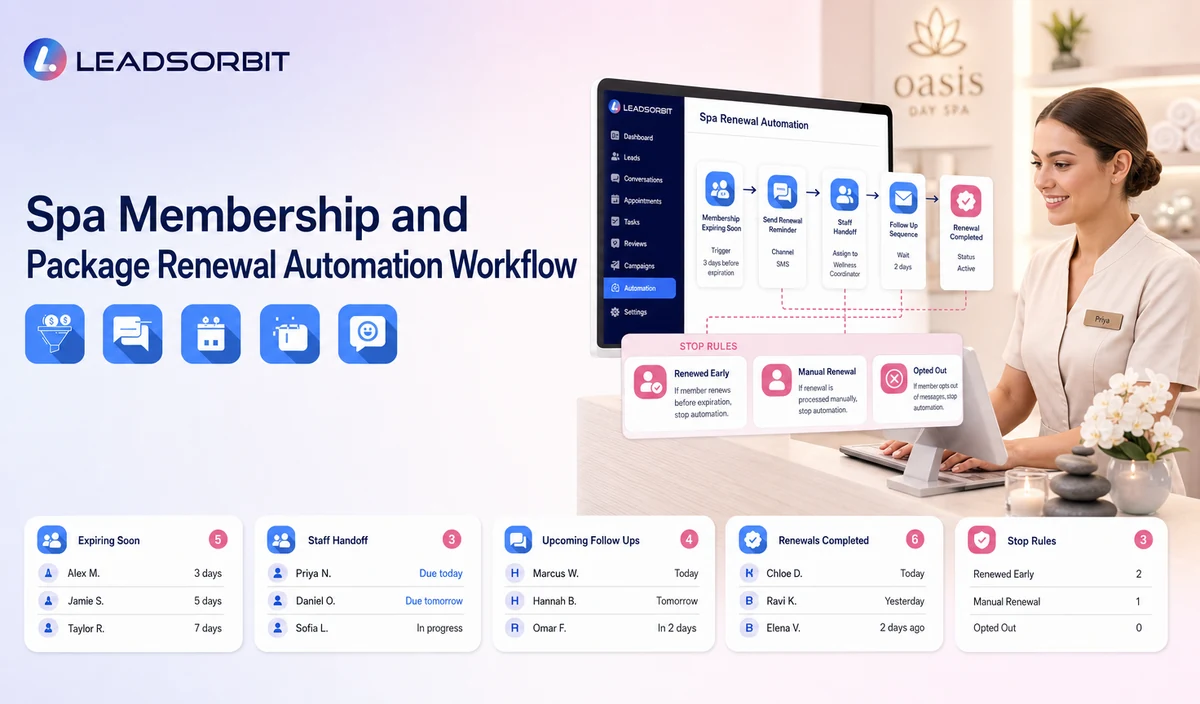
| Stage | Workflow action | Staff responsibility | Stop or escalation rule |
|---|---|---|---|
| 1. Receive verified status | Import or create the membership/package status from the approved source. | Review sync, mapping, corrections, and failure handling. | Do not activate uncertain records. |
| 2. Apply exclusions | Remove cancelled, opted out, disputed, invalid, duplicate, and open support records. | Review sensitive or policy related cases. | Do not send routine reminders to excluded records. |
| 3. Send approved reminder | Identify the spa and general renewal or package action. | Monitor failed delivery and replies. | Stop after renewal, cancellation, opt out, or staff takeover. |
| 4. Route replies | Handle RENEW, CALLBACK, QUESTION, LATER, CANCEL, or STOP. | Own payment, benefit, contract, refund, or policy questions. | Pause automation after complex replies. |
| 5. Renewal path or task | Provide the approved external or staff led renewal path. | Confirm payment, terms, balance, and status in the authoritative system. | Do not claim automatic payment recovery unless verified. |
| 6. Limited follow up | Send one approved reminder where appropriate. | Review continued eligibility. | Stop at the attempt limit. |
| 7. Outcome update | Record renewed, later, cancelled, question, failed, invalid, or closed. | Update the source system where required. | Do not keep renewed or cancelled records active. |
Status and Capability Checks
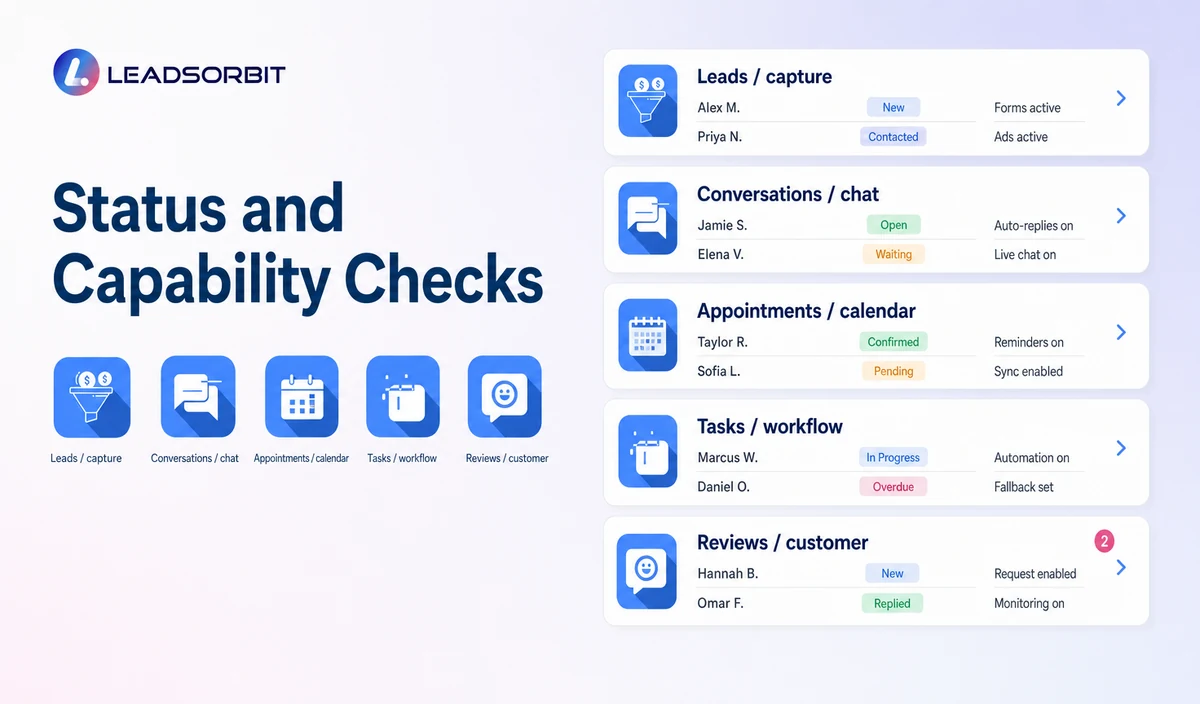
The public workflow should clearly separate communication support from financial and accounting functions.
| Renewal date | Use only from a verified source. | Do not calculate from an unverified tag. |
|---|---|---|
| Membership status | Active, expiring, paused, cancelled, or review. | Confirm the authoritative system. |
| Package remaining visits | Use only when exact data is connected and current. | Otherwise route to staff. |
| Unused benefits | Mention only when verified and permitted. | Do not create pressure or loss claims. |
| Failed payment | Use only when payment event integration and communication are approved. | Do not claim native dunning or payment recovery. |
| Refund or cancellation | Move to staff and the approved policy process. | Do not make binding decisions in automation. |
Practical Scripts and Templates
Renewal Reminder
Package Status Message
Payment Review Message
Final Reminder
Important Boundaries
- Do not claim native membership billing, package accounting, automatic payment recovery, benefit tracking, or balances without verification.
- Do not collect payment card information by routine SMS or AI conversation.
- Do not state that benefits will be lost unless the policy and status are verified.
- Do not make automatic cancellation, refund, contract, or payment decisions.
- Use appropriate consent and separate operational reminders from promotions.
- Move disputes, refunds, cancellations, and financial questions to staff.
Privacy, Consent, and Guest Data
Spa contact, booking, preference, membership, package, and gift card information is personal business data. Collect only what the workflow needs, keep consent and opt out status visible, limit staff access, and review every form, calendar, phone or messaging provider, AI tool, integration, retention setting, and data destination separately.
This is a hospitality and wellness workflow, not a Medical Spa or healthcare workflow. Do not introduce patient, HIPAA, diagnosis, clinical escalation, treatment suitability, contraindication, prescription, or medical record language.
The FCC consent and revocation order discusses consent and reasonable revocation methods for certain automated communications. The spa should review its exact audience, message type, technology, consent record, and jurisdiction with qualified advisers.
Common Spa Workflow Mistakes
- Using an unverified CRM tag as the membership system of record.
- Sending renewal messages after cancellation or renewal.
- Claiming remaining visits or benefits without accurate data.
- Treating a failed delivery as a failed payment.
- Automating refund or cancellation decisions.
- Continuing reminders after a complaint or staff takeover.
Spa Workflow Setup Checklist
- Name the authoritative membership, package, and payment source.
- Confirm field mapping, sync timing, corrections, and write back.
- Define active, expiring, paused, renewed, cancelled, failed, disputed, and closed statuses.
- Approve renewal, package, question, later, cancellation, and final messages.
- Define RENEW, CALLBACK, QUESTION, LATER, CANCEL, and STOP handling.
- Assign primary and backup owners.
- Validate payment, balance, benefit, refund, and cancellation capabilities separately.
See the Workflow With Your Spa's Rules
Start 14 days free trial to map the exact triggers, messages, booking paths, staff owners, data sources, permissions, and stop rules for your spa inside LEADSORBIT.
What to Measure
- Records received from the verified source.
- Records excluded correctly.
- Messages delivered or failed.
- Replies by renew, callback, question, later, cancel, or opt out.
- Staff tasks created and resolved.
- Records active after renewal or cancellation.
- Data source errors and guest complaints.
How LEADSORBIT Supports This Spa Workflow
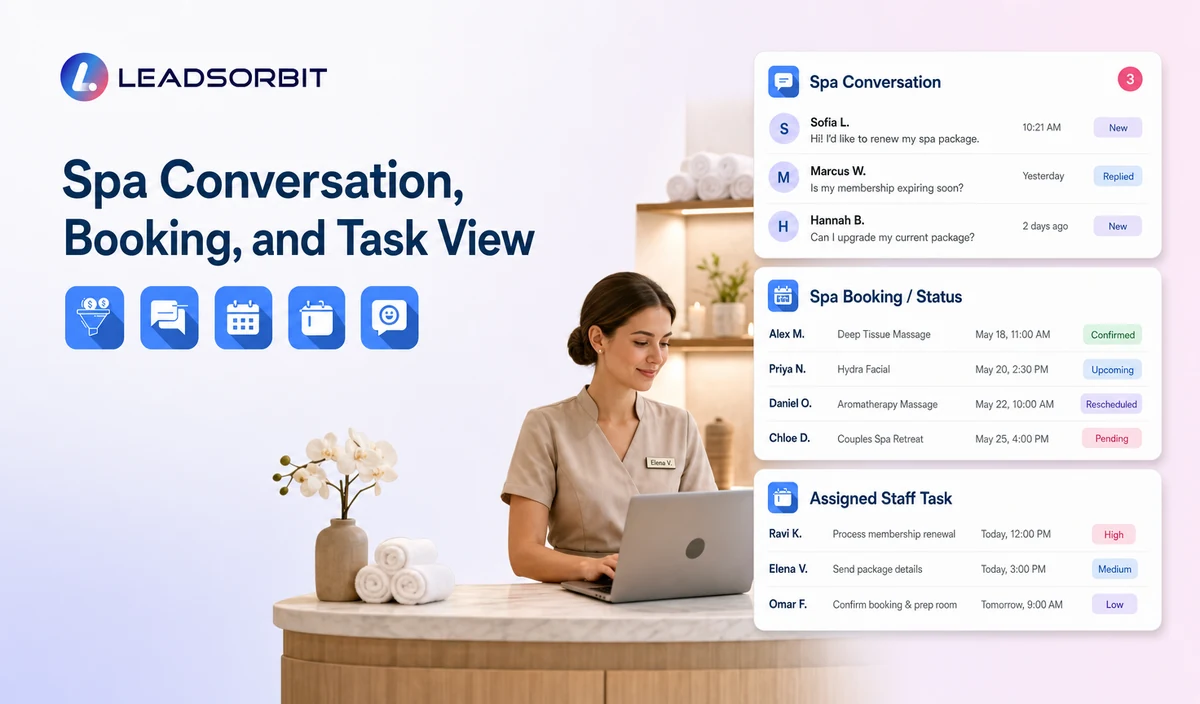
LEADSORBIT’s AI powered CRM can connect approved spa conversations, booking activity, workflows, tasks, and operational statuses.
- Workflow AI: supports configurable triggers, conditions, messages, tasks, timing, and stop or switch logic.
Try LEADSORBIT free for 14 days
FAQs
It is a communication workflow that uses verified status data to send reminders, offer renewal or staff help, and record outcomes.
Final Thoughts
Spa membership and package renewal automation is a communication workflow that uses verified membership or package status to send approved reminders, offer staff help or the correct renewal path, create tasks for questions, and stop after renewal, cancellation, opt out, invalid data, staff takeover, or the attempt limit. The strongest setup stays simple, uses accurate source data, gives staff clear ownership, and stops automation at the right time.
Start 14 days free trial to see how LEADSORBIT can support this spa workflow with conversations, booking, automation, tasks, and CRM visibility.

Start Your Free 14 Day Trial
Try LEADSORBIT and see how it captures missed calls, follows up instantly, and turns leads into booked appointments for your business.