
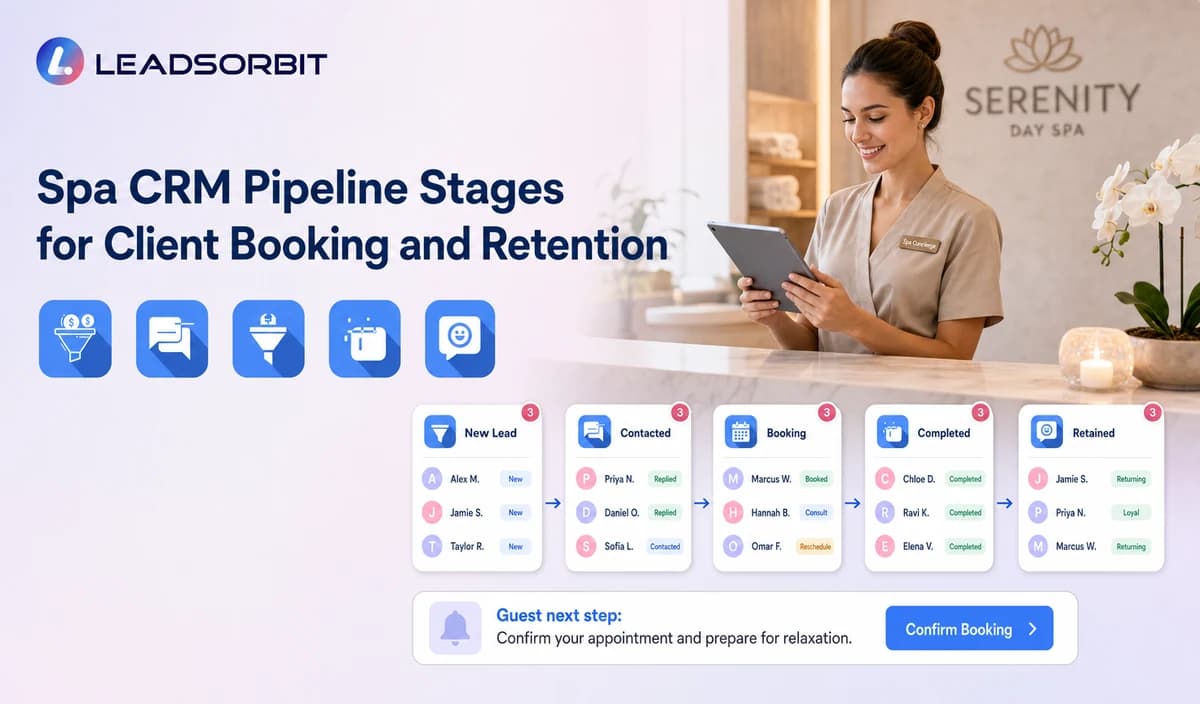

A spa CRM pipeline should show what happens next for every active inquiry or guest relationship. Without clear stages, the team may not know whether someone is choosing a service, waiting for availability, booked, missed, ready to rebook, or no longer active.
Spa CRM pipeline stages should stay focused on communication, booking, retention, and ownership. The broader framework is available in CRM pipeline stages for small business lead follow up.

Who This Guide Is For
- Spa owners who need visibility across inquiries and repeat bookings.
- Front desk teams managing calls, chat, appointments, packages, and callbacks.
- Multi location managers standardizing statuses and ownership.
- Teams moving from spreadsheets or generic contact lists into a CRM.
What a Spa Pipeline Stage Should Do
A stage is an operational status. It should tell the team where the guest stands and which action is due without trying to replace POS, inventory, payroll, therapist resource, or financial systems.
- Describe the guest's administrative position.
- Trigger a clear owner and next task.
- Support communication, booking, rebooking, and retention workflows.
- Create consistent operational reporting.
- Have a clear entry and exit rule.
- Remain understandable during a busy front desk shift.
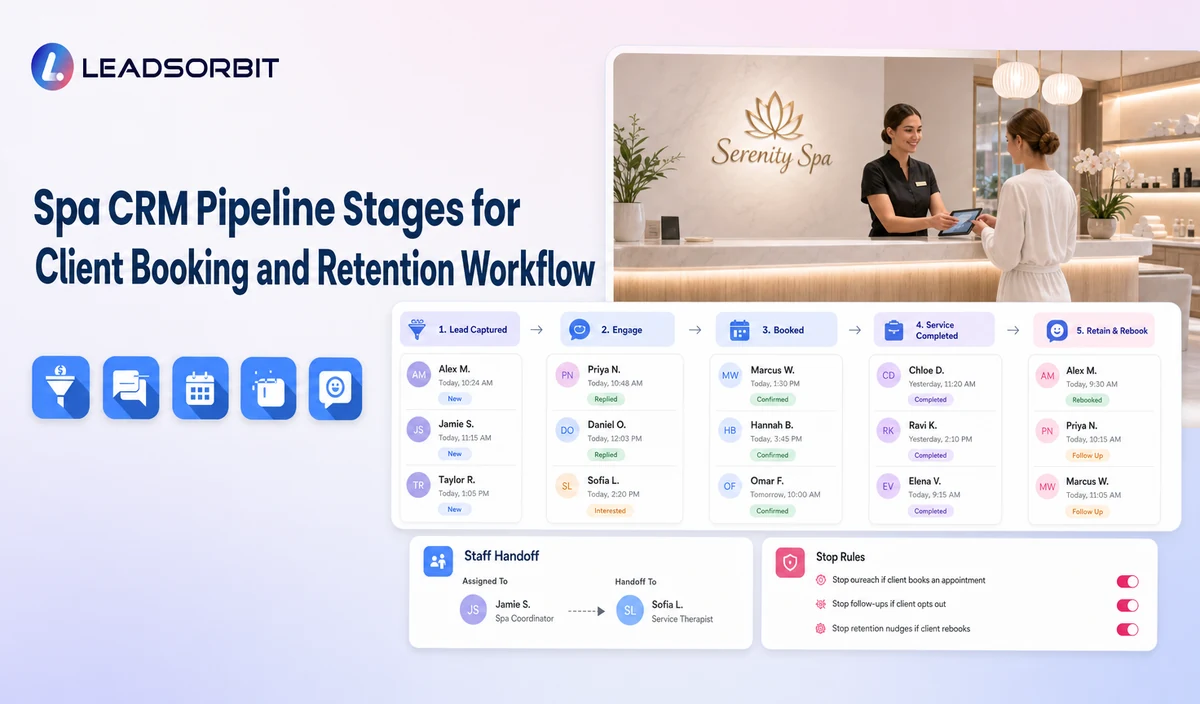
A Practical Spa CRM Pipeline Stages for Client Booking and Retention Workflow
| Stage | Workflow action | Staff responsibility | Stop or escalation rule |
|---|---|---|---|
| 1. New Inquiry | A new call, form, chat, social message, or referral enters. | Assign owner and first response. | Move after contact, reply, or invalidation. |
| 2. Contacted | The spa attempted or completed the first response. | Complete the next approved action. | Move to Service Selected, Nurture, or Closed. |
| 3. Service Selected | The guest identified a service category or package interest. | Confirm location, therapist preference, and booking path. | Move to Booking Requested, Booked, or staff review. |
| 4. Booking Requested | The guest submitted preferences or asked staff to schedule. | Validate availability. | Move to Booked, Contacted, Nurture, or Closed. |
| 5. Booked | A valid appointment exists. | Send confirmation and start reminders. | Move to Confirmed, Cancelled, or No Show. |
| 6. Confirmed | The guest completed the confirmation step. | Monitor changes and approved arrival guidance. | Move to Completed, Cancelled, or No Show. |
| 7. Completed | The service visit is administratively complete. | Stop acquisition follow up and apply approved review or rebooking logic. | Move to Rebooking Due, Membership/Package, or Closed. |
| 8. No Show / Cancelled | The visit did not occur or was cancelled. | Start the approved recovery path. | Move to Booked, Nurture, or Closed. |
| 9. Rebooking Due | The spa's approved service rule indicates a rebooking message may be appropriate. | Confirm the rule and booking path. | Move to Booked, Later, or Closed. |
| 10. Membership / Package Follow Up | An approved source indicates renewal, expiry, or package status communication. | Review verified source data. | Move to Booked, Staff Review, or Closed. |
| 11. Nurture / Reactivation | The guest is not ready or has become inactive under approved criteria. | Apply the permitted campaign. | Move to Contacted, Booked, or Closed. |
| 12. Closed | The record is invalid, opted out, duplicate, declined, or no longer active. | Record the reason and stop automation. | Reopen only after a new valid interaction. |
Separate Booking Requested, Booked, and Confirmed
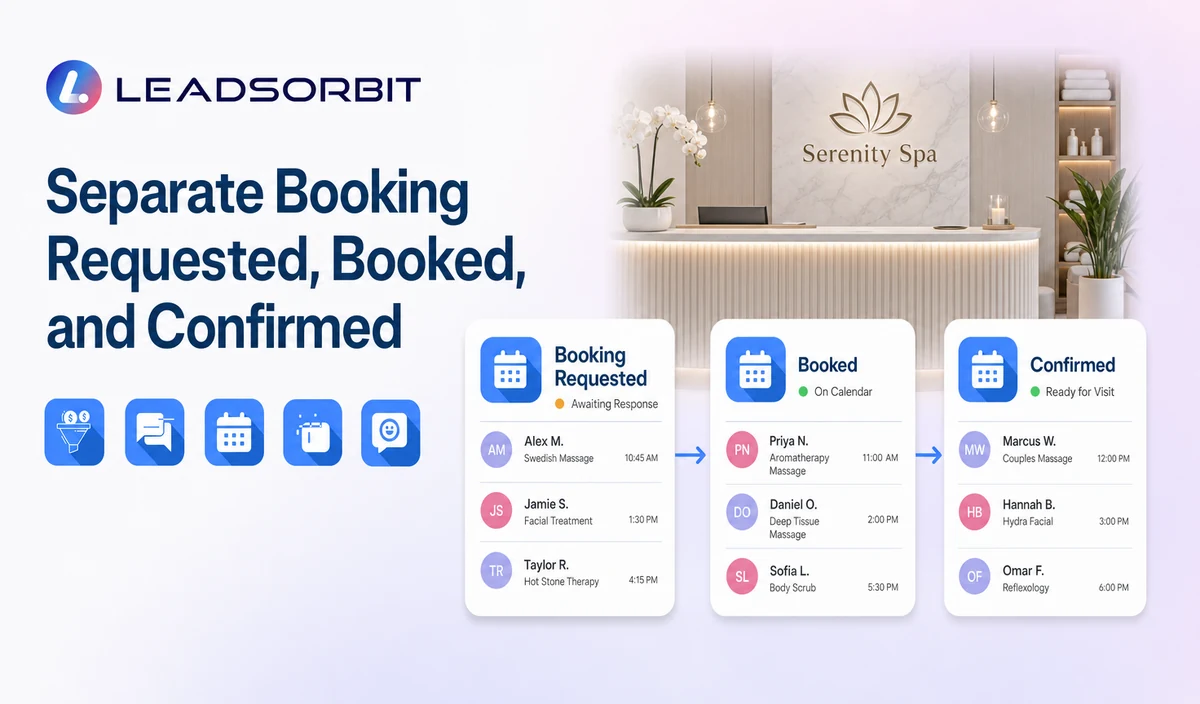
These stages prevent false reporting and make scheduling exceptions visible.
| Booking Requested | The guest chose preferences or asked the team to schedule. | Validate availability or create staff review. |
|---|---|---|
| Booked | A valid appointment exists on the approved calendar. | Send confirmation and reminders. |
| Confirmed | The guest completed the confirmation action. | Monitor changes and prepare the approved arrival path. |
| Needs Staff Review | Service, therapist, room, resource, package, price, or policy requires staff. | Assign a named task and pause generic automation. |
Practical Scripts and Templates
New Inquiry Task
Booking Review Task
Rebooking Task
Data Correction Task
Important Boundaries
- Do not use the pipeline as POS, inventory, payroll, room resource, payment, gift card, or membership accounting.
- Do not treat Booking Requested as a valid appointment.
- Do not infer service suitability or personal wellness needs.
- Do not move records automatically without validated triggers and correction paths.
- Keep sensitive preferences to the minimum needed for service and ownership.
Privacy, Consent, and Guest Data
Spa contact, booking, preference, membership, package, and gift card information is personal business data. Collect only what the workflow needs, keep consent and opt out status visible, limit staff access, and review every form, calendar, phone or messaging provider, AI tool, integration, retention setting, and data destination separately.
This is a hospitality and wellness workflow, not a Medical Spa or healthcare workflow. Do not introduce patient, HIPAA, diagnosis, clinical escalation, treatment suitability, contraindication, prescription, or medical record language.
Common Spa Workflow Mistakes
- Using vague stages such as Interested, Maybe, or Follow Up.
- Combining Booking Requested, Booked, and Confirmed.
- Leaving active records without an owner or due task.
- Allowing completed visits to remain in acquisition follow up.
- Using membership, package, gift card, or payment stages without verified source data.
- Comparing locations that use different stage definitions.
Spa Workflow Setup Checklist
- Choose the minimum stage set.
- Write one sentence entry and exit rules.
- Assign primary and backup owners.
- Separate requested, booked, confirmed, completed, no show, and cancelled.
- Define rebooking, membership/package, nurture, reactivation, and closure rules.
- Keep specialized operational and financial functions outside the CRM pipeline.
- Audit stage accuracy during launch.
See the Workflow With Your Spa's Rules
Start 14 Days Free Trial to map the exact triggers, messages, booking paths, staff owners, data sources, permissions, and stop rules for your spa inside LEADSORBIT.
What to Measure
- New inquiries without an owner.
- Contacted records without a next task.
- Service selected guests waiting for booking.
- Booking requests awaiting staff review.
- Booked versus confirmed appointments.
- No shows and cancellations without a recovery outcome.
- Rebooking, membership/package, or nurture records due for review.
- Closed records without a reason.
How LEADSORBIT Supports This Spa Workflow
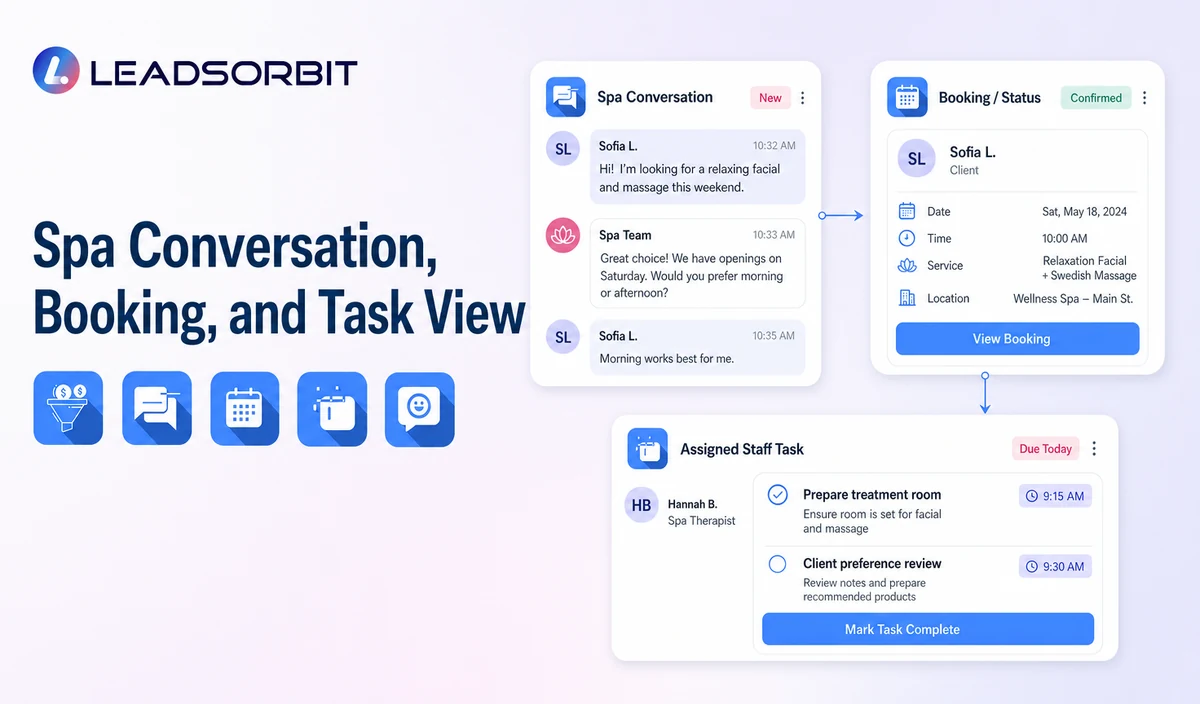
LEADSORBIT’s AI powered CRM can connect approved spa conversations, booking activity, workflows, tasks, and operational statuses.
- Workflow AI: supports configurable triggers, conditions, messages, tasks, timing, and stop or switch logic.
- Conversation AI: supports configured channel conversation visibility, routing, staff takeover, and CRM synchronization.
- Reporting and Analytics: supports operational filters and reporting when fields and permissions are configured.
Exact channels, fields, scripts, calendars, service rules, membership/package/gift card data, permissions, retention, integrations, and account behavior require implementation validation. LEADSORBIT is positioned here as the communication, booking, workflow, CRM, review, and task layer not as a complete spa POS, inventory, payroll, payment, room resource, or specialized management system.
Try LEADSORBIT free for 14 days
FAQs About spa CRM pipeline stages
A practical set covers inquiry, contact, service selection, booking request, booked, confirmed, completed, no show/cancelled, rebooking, membership/package follow up, nurture/reactivation, and closed.
Final Thoughts
Useful spa CRM pipeline stages include New Inquiry, Contacted, Service Selected, Booking Requested, Booked, Confirmed, Completed, No Show or Cancelled, Rebooking Due, Membership or Package Follow Up, Nurture or Reactivation, and Closed. The strongest setup stays simple, uses accurate source data, gives staff clear ownership, and stops automation at the right time.
Start 14 Days Free Trial to see how LEADSORBIT can support this spa workflow with conversations, booking, automation, tasks, and CRM visibility.

Start Your Free 14 Day Trial
Try LEADSORBIT and see how it captures missed calls, follows up instantly, and turns leads into booked appointments for your business.