
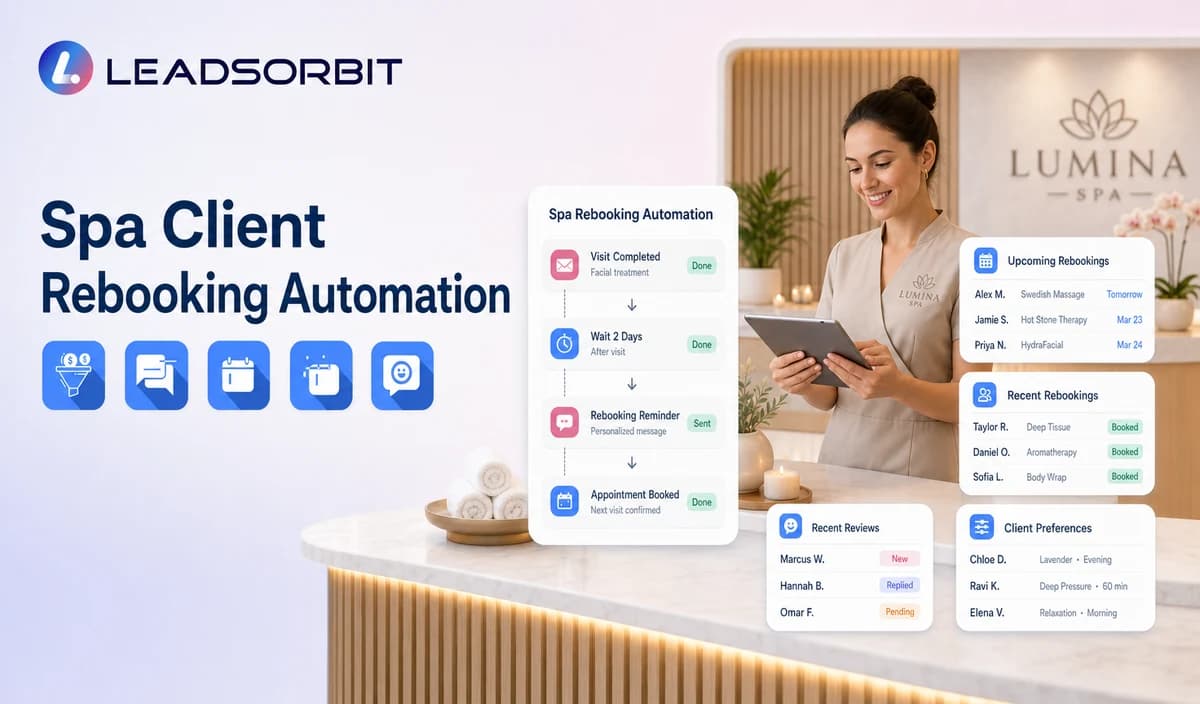

Rebooking helps a spa stay connected after a completed visit, but the timing should come from the business's approved service rules rather than a universal interval invented by automation.
Spa client rebooking automation connects completed visit status, service category, the spa's approved cadence, booking or callback paths, and staff ownership. The broader retention logic remains connected with lead follow up automation.

Who This Guide Is For
- Spas that want a consistent post visit rebooking process.
- Teams managing recurring massage, facial, wellness, or package visits.
- Multi location spas preserving location and therapist preferences.
- Owners who want rebooking status and tasks visible in the CRM.
Rebooking Timing Must Come From the Spa
Automation should not prescribe how often a guest should return. The spa must define the service rule, source, and exceptions.
- Use a valid completed visit status.
- Map the correct service category.
- Apply a spa approved interval or event rule.
- Preserve location and therapist preference where supported.
- Exclude future bookings, opt outs, complaints, invalid contacts, and open conversations.
- Send a booking or staff help path rather than pressure.
A Practical Spa Client Rebooking Automation Workflow
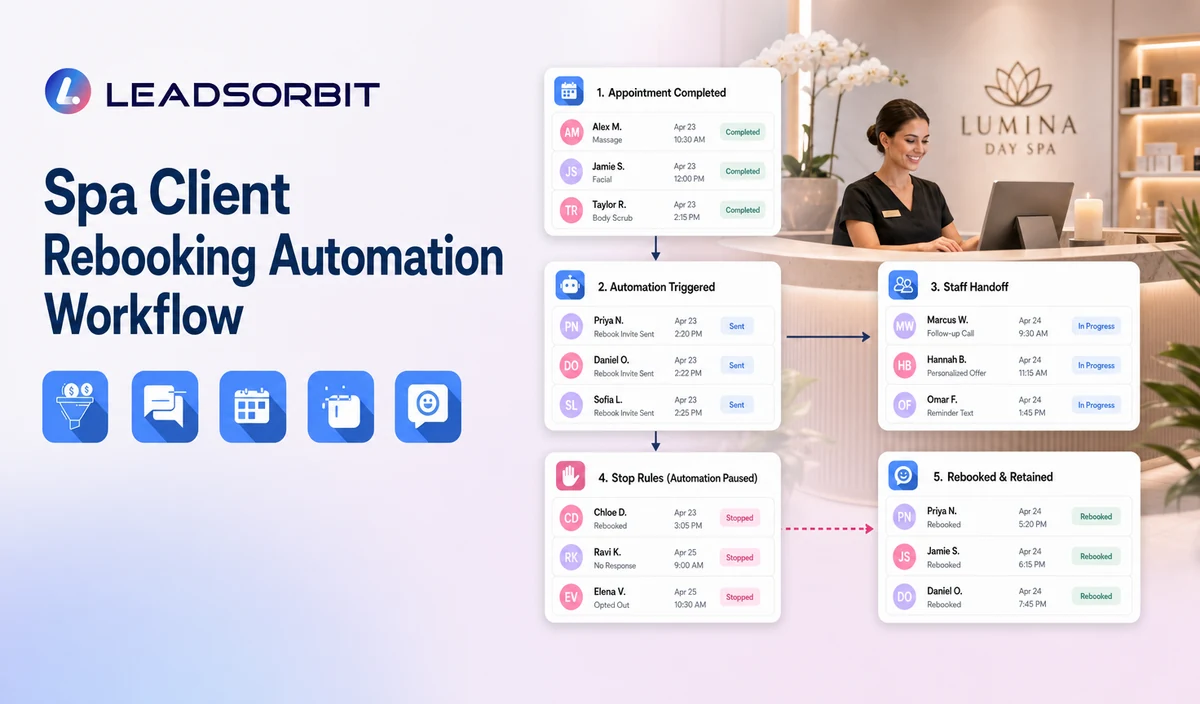
| Stage | Workflow action | Staff responsibility | Stop or escalation rule |
|---|---|---|---|
| 1. Completed visit | Receive a valid completed service status. | Correct source or category errors. | Do not start from an uncertain record. |
| 2. Apply rebooking rule | Use the spa approved service cadence or event. | Review exceptions and updated business rules. | Do not invent a universal interval. |
| 3. Apply exclusions | Remove future bookings, opt outs, invalid contacts, complaints, and open staff conversations. | Review unusual circumstances. | Do not contact excluded records. |
| 4. Send reminder | Offer booking, callback, later, or stop. | Monitor delivery and replies. | Stop after booking, reply, opt out, or staff takeover. |
| 5. Route preferences | Use location or therapist preference where supported. | Resolve availability and policy exceptions. | Do not guarantee the preference. |
| 6. Limited follow up | Send one approved reminder. | Confirm continued eligibility. | Stop at the attempt limit. |
| 7. Outcome | Record booked, later, no response, staff review, opt out, or closed. | Audit records that remain active incorrectly. | Do not restart without a new valid rule. |
Rebooking Rules by Spa Context
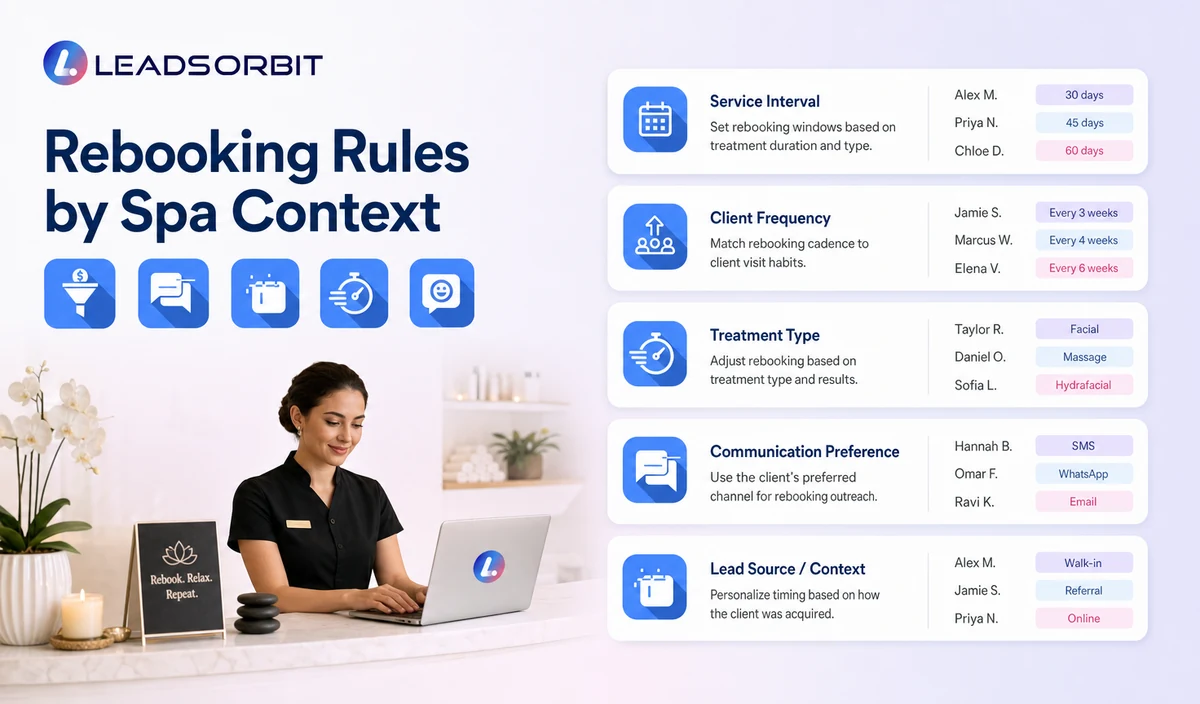
The business should approve each rule and keep it separate from health or treatment recommendations.
| Massage | Use the spa's approved rebooking interval or guest requested timing. | Do not prescribe a wellness frequency. |
|---|---|---|
| Facial | Use the service rule supplied by the spa. | Do not make skin or health claims. |
| Wellness service | Use the approved operational cadence. | Do not create medical or treatment advice. |
| Package visit | Use verified package status or staff review. | Do not claim remaining visits or balance without data. |
| Guest requested later date | Use the requested timing. | Respect the later contact status. |
| Therapist preference | Preserve where supported. | Do not guarantee availability. |
Practical Scripts and Templates
Simple Rebooking
Therapist Preference
Package Rebooking
Final Reminder
Important Boundaries
- Do not prescribe treatment or wellness frequency.
- Do not invent ideal visit intervals.
- Do not make skin, pain, stress, health, or outcome claims.
- Do not state package balance, expiry, or remaining visits without verified source data.
- Do not guarantee therapist, room, or service availability.
- Respect later contact requests and opt outs.
Privacy, Consent, and Guest Data
Spa contact, booking, preference, membership, package, and gift card information is personal business data. Collect only what the workflow needs, keep consent and opt out status visible, limit staff access, and review every form, calendar, phone or messaging provider, AI tool, integration, retention setting, and data destination separately.
This is a hospitality and wellness workflow, not a Medical Spa or healthcare workflow. Do not introduce patient, HIPAA, diagnosis, clinical escalation, treatment suitability, contraindication, prescription, or medical record language.
The FCC consent and revocation order discusses consent and reasonable revocation methods for certain automated communications. The spa should review its exact audience, message type, technology, consent record, and jurisdiction with qualified advisers.
Common Spa Workflow Mistakes
- Using one rebooking interval for every service.
- Sending reminders when a future booking already exists.
- Treating a completed visit as permission for unlimited promotional outreach.
- Claiming package status without verified data.
- Continuing after reply or staff takeover.
- Mixing rebooking with broad reactivation campaigns.
Spa Workflow Setup Checklist
- Define the valid completed visit source.
- Approve the service specific rebooking rule.
- Exclude future bookings, opt outs, invalid contacts, complaints, and open conversations.
- Confirm location, therapist, package, and booking rules.
- Approve the initial and limited reminder.
- Define BOOK, CALLBACK, LATER, HELP, and STOP paths.
- Assign staff owners and test incorrect source data.
See the Workflow With Your Spa's Rules
Start 14 days free trial to map the exact triggers, messages, booking paths, staff owners, data sources, permissions, and stop rules for your spa inside LEADSORBIT.
What to Measure
- Completed visits entering the eligible review.
- Records excluded because of future bookings or opt outs.
- Messages delivered and replies received.
- Valid rebooked appointments.
- Later contact and staff review outcomes.
- Incorrect service rules or duplicate reminders.
How LEADSORBIT Supports This Spa Workflow
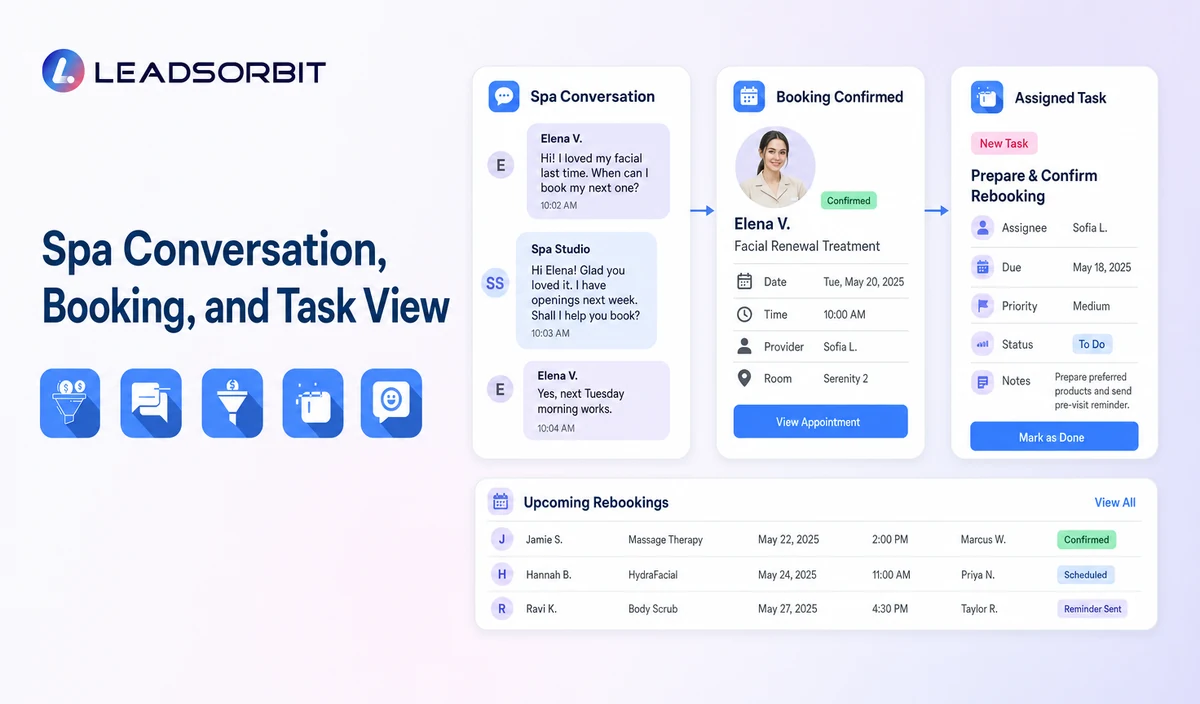
LEADSORBIT’s AI powered CRM can connect approved spa conversations, booking activity, workflows, tasks, and operational statuses.
- Workflow AI: supports configurable triggers, conditions, messages, tasks, timing, and stop or switch logic.
- Conversation AI: supports configured channel conversation visibility, routing, staff takeover, and CRM synchronization.
- AI Appointment: supports booking, calendar connections, confirmations, reminders, rescheduling, and cancellation where configured.
Exact channels, fields, scripts, calendars, service rules, membership/package/gift card data, permissions, retention, integrations, and account behavior require implementation validation. LEADSORBIT is positioned here as the communication, booking, workflow, CRM, review, and task layer not as a complete spa POS, inventory, payroll, payment, room resource, or specialized management system.
Try LEADSORBIT free for 14 days
FAQs
It is a post visit workflow that uses a valid completed service record and a spa approved rule to offer the next booking or staff help.
Final Thoughts
Spa client rebooking automation is a post visit workflow that uses a verified completed service record and spa approved rebooking rule to send a neutral reminder, offer booking or staff help, preserve location or therapist preferences, and stop after booking, reply, opt out, staff takeover, or the attempt limit. The strongest setup stays simple, uses accurate source data, gives staff clear ownership, and stops automation at the right time.
Start 14 days free trial to see how LEADSORBIT can support this spa workflow with conversations, booking, automation, tasks, and CRM visibility.

Start Your Free 14 Day Trial
Try LEADSORBIT and see how it captures missed calls, follows up instantly, and turns leads into booked appointments for your business.