
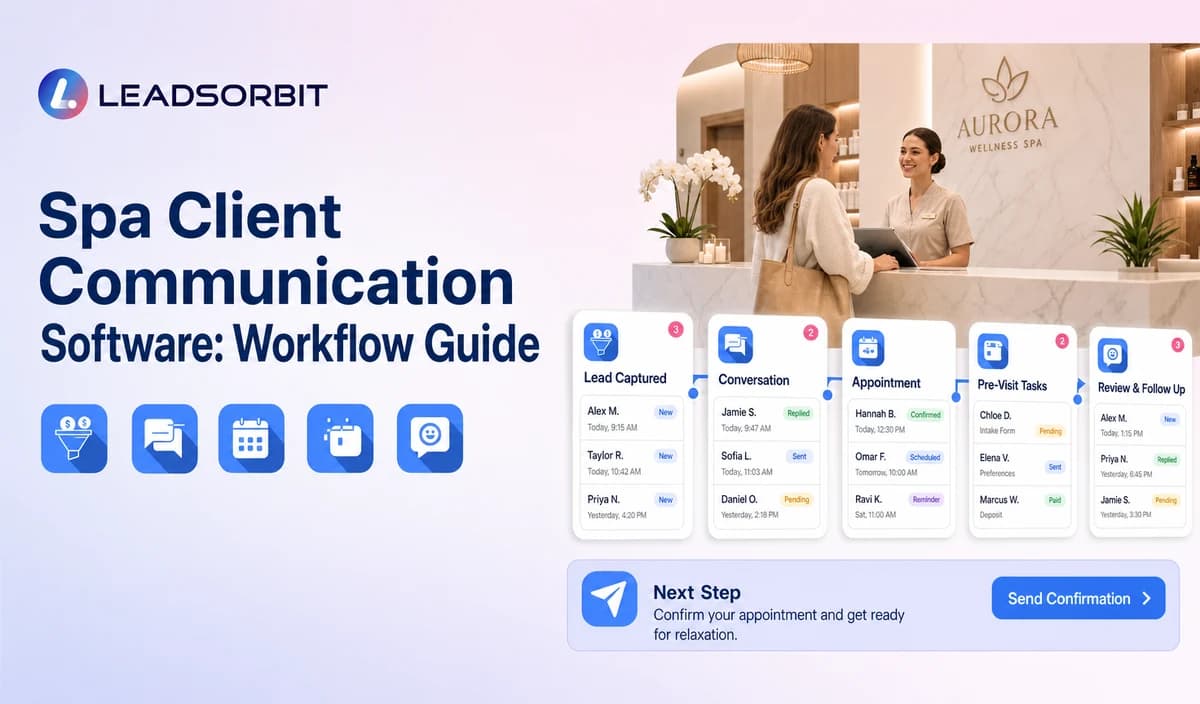

Spa guests may contact the business through calls, SMS, email, website chat, forms, social messages, appointment reminders, package questions, and review replies. When these conversations live in separate tools, the guest repeats information and the team loses the next action.
Spa client communication software should connect administrative conversations and tasks without claiming that every external booking system, POS, payment platform, or channel is automatically integrated. The broader CRM context is covered in CRM pipeline stages for small business.

Who This Guide Is For
- Spas using separate tools for calls, messaging, reminders, and web inquiries.
- Front desk teams that repeatedly ask guests to restate requests.
- Owners who need clear ownership across channels.
- Multi location spas coordinating local and central conversations.
What Spa Communication Software Should Connect
The goal is not simply to add channels. It is to keep the conversation, booking status, and staff responsibility aligned.
- Inbound and outbound call activity.
- SMS and email replies with opt out visibility.
- Website chat, forms, and social inquiries where configured.
- Booking confirmations, reminders, changes, and no show replies.
- Package, membership, gift card, and rebooking questions.
- CRM tasks, pipeline stage, and next action.
A Practical Spa Client Communication Software Workflow
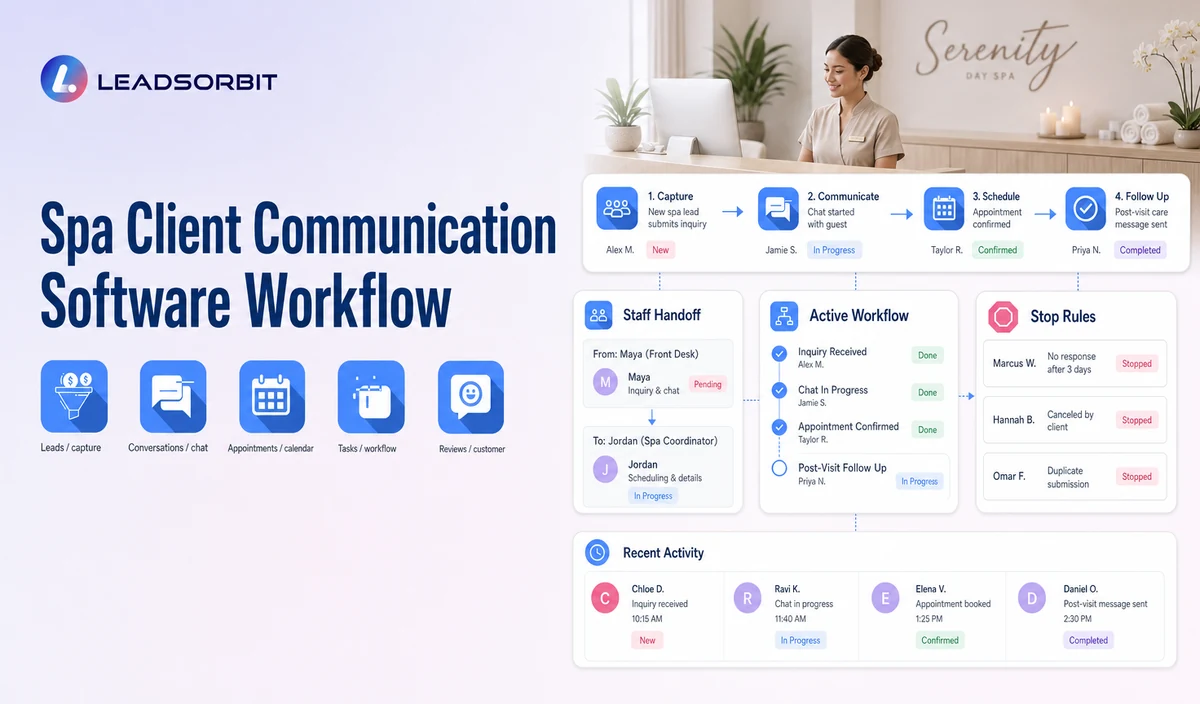
| Stage | Workflow action | Staff responsibility | Stop or escalation rule |
|---|---|---|---|
| 1. Message arrives | A supported call, text, email, chat, form, or reply enters. | Review uncertain or sensitive requests. | Do not assume unsupported channels are connected. |
| 2. Intent and routing | Route booking, change, information, package, gift card, membership, or callback requests. | Take over complex or unusual conversations. | Pause generic automation after reply. |
| 3. Appointment action | Update valid booking or change status. | Resolve calendar, therapist, location, or policy exceptions. | Suppress obsolete messages. |
| 4. Staff task | Create an owner, due date, and context. | Complete or reassign the task. | Escalate overdue work. |
| 5. Conversation closure | Record booked, resolved, opted out, later, or closed. | Confirm status accuracy. | Stop related automation. |
| 6. Operational review | Show missed replies, failed messages, and unowned tasks. | Improve routing, templates, and staffing. | Pause faulty branches. |
Communication Needs Across the Spa Journey
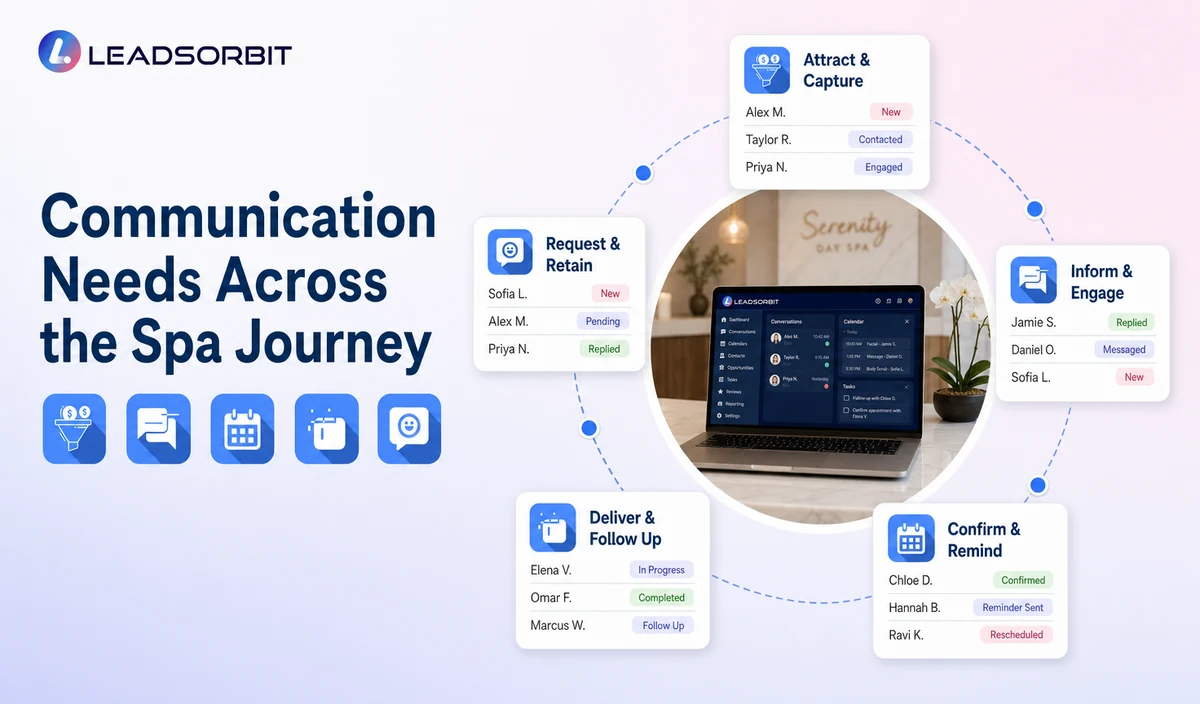
The message should match the guest's current stage rather than restart the same questions.
| Journey stage | Primary communication need | Workflow handoff |
|---|---|---|
| New inquiry | Acknowledge, answer approved questions, and offer booking or callback. | Booking, staff review, or limited follow up. |
| Booking requested | Clarify service, location, therapist, and availability. | Booked, needs review, or nurture. |
| Booked / confirmed | Send accurate confirmation and reminders. | Monitor changes and exceptions. |
| Reschedule / cancel | Update the valid status and stop old messages. | Create staff review when needed. |
| Completed visit | Use approved review, rebooking, package, or membership paths. | Exclude complaints and sensitive records. |
| Inactive guest | Use an approved reactivation audience. | Stop after reply, booking, opt out, or campaign limit. |
Practical Scripts and Templates
Unified Task Note
Channel Handoff
Booking Context
Closure Note
Important Boundaries
- Do not imply every phone, social, email, chat, booking, POS, or payment tool is automatically connected.
- Do not copy unnecessary sensitive preferences across systems.
- Do not claim package, membership, gift card, payment, or inventory data is available without verification.
- Do not collect health history or recommend services through routine communication.
- Use permissions, retention, exports, and staff access appropriate to each role.
Privacy, Consent, and Guest Data
Spa contact, booking, preference, membership, package, and gift card information is personal business data. Collect only what the workflow needs, keep consent and opt out status visible, limit staff access, and review every form, calendar, phone or messaging provider, AI tool, integration, retention setting, and data destination separately.
This is a hospitality and wellness workflow, not a Medical Spa or healthcare workflow. Do not introduce patient, HIPAA, diagnosis, clinical escalation, treatment suitability, contraindication, prescription, or medical record language.
Common Spa Workflow Mistakes
- Adding channels without defining ownership.
- Continuing automation after a guest replies.
- Restarting the same questions in each channel.
- Showing old appointment information after a change.
- Giving every user access to every conversation.
- Positioning communication software as complete spa POS or management software.
Spa Workflow Setup Checklist
- List the channels actually supported and connected.
- Define routing and ownership for each request type.
- Confirm booking and appointment change synchronization.
- Set stop rules after reply, booking, opt out, or staff takeover.
- Review permissions, exports, retention, and mobile access.
- Validate each external booking, POS, payment, membership, and gift card integration separately.
- Test duplicate conversations and failed message delivery.
See the Workflow With Your Spa's Rules
Start 14 days free trial to map the exact triggers, messages, booking paths, staff owners, data sources, permissions, and stop rules for your spa inside LEADSORBIT.
What to Measure
- Missed replies by channel.
- Unowned and overdue tasks.
- Failed or duplicate messages.
- Booking and change requests completed.
- Conversations requiring staff takeover.
- Opt outs, complaints, and privacy corrections.
How LEADSORBIT Supports This Spa Workflow
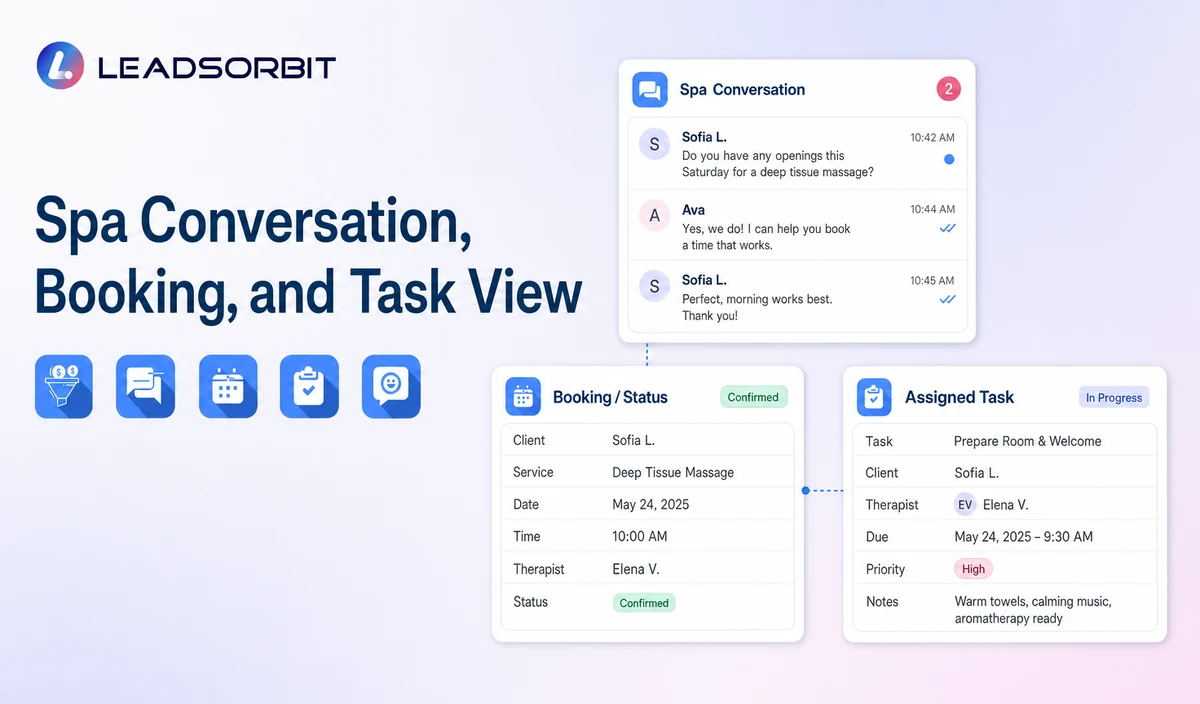
LEADSORBIT’s AI powered CRM can connect approved spa conversations, booking activity, workflows, tasks, and operational statuses.
- Conversation AI: supports configured channel conversation visibility, routing, staff takeover, and CRM synchronization.
- Workflow AI: supports configurable triggers, conditions, messages, tasks, timing, and stop or switch logic.
Exact channels, fields, scripts, calendars, service rules, membership/package/gift card data, permissions, retention, integrations, and account behavior require implementation validation. LEADSORBIT is positioned here as the communication, booking, workflow, CRM, review, and task layer not as a complete spa POS, inventory, payroll, payment, room resource, or specialized management system.
Try LEADSORBIT free for 14 days
FAQs
It is a communication layer that connects supported calls, messages, booking activity, CRM context, and staff tasks.
Final Thoughts
Spa client communication software is an administrative layer for supported calls, text, email, chat, appointment messages, conversation history, CRM records, and staff tasks. Its value comes from preserving context and ownership across the guest journey. The strongest setup stays simple, uses accurate source data, gives staff clear ownership, and stops automation at the right time.
Start 14 Days Free Trial to see how LEADSORBIT can support this spa workflow with conversations, booking, automation, tasks, and CRM visibility.

Start Your Free 14 Day Trial
Try LEADSORBIT and see how it captures missed calls, follows up instantly, and turns leads into booked appointments for your business.