
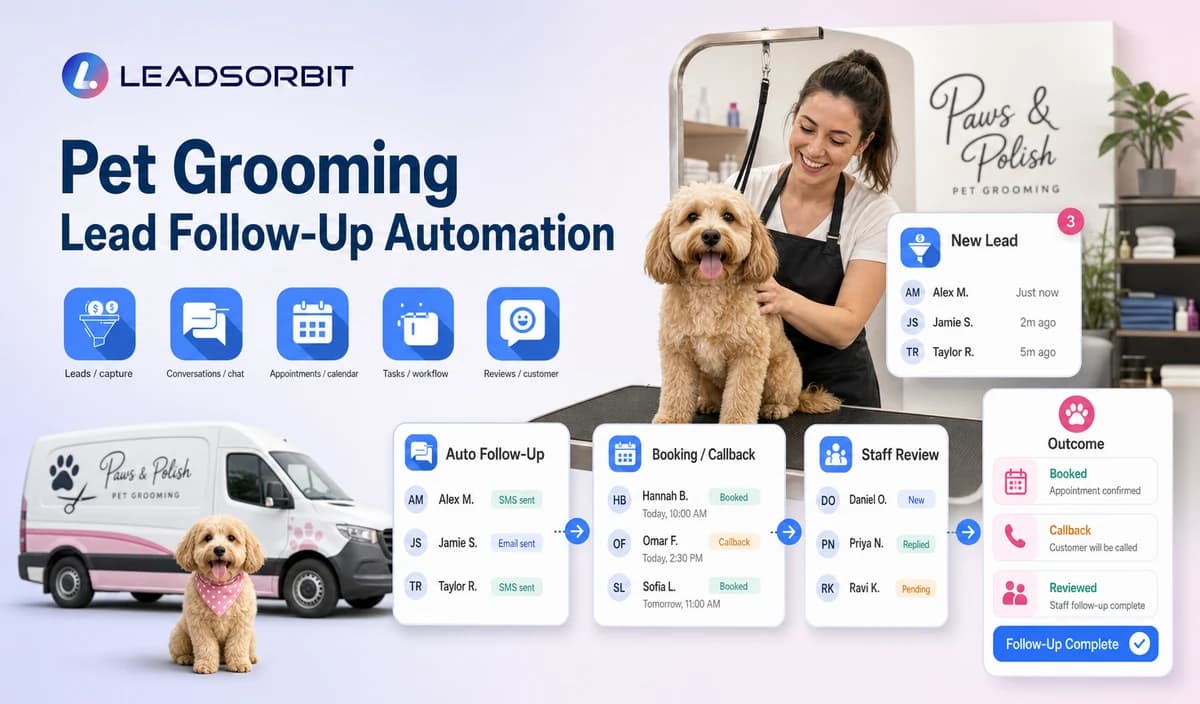

Pet grooming businesses need a clear way to move from an inquiry to a useful next action while staff are focused on pets, check in, cleanup, or mobile appointments. Connect every approved inquiry source to one clear next step without mixing health questions, appointment changes, re grooms, packages, and promotional nurture.
This supporting guide applies the broader LEADSORBIT small business workflow framework to pet grooming.

Who This Guide Is For
- Salons receiving inquiries from several channels.
- Mobile groomers managing unbooked requests.
- Multi location businesses routing by salon or service area.
- Managers who need booking and callback ownership.
Why This Workflow Needs Clear Boundaries
Connect every approved inquiry source to one clear next step without mixing health questions, appointment changes, re grooms, packages, and promotional nurture.
- Pet owners need a clear next step without repeating the same details across calls, text, forms, and chat.
- Staff need one named owner, due task, and accurate appointment or client status.
- Health, behavior, pricing, duration, route, package, and policy exceptions need human review.
- Automation should stop after booking, meaningful reply, staff takeover, opt out, complaint, or another approved condition.
A Practical Pet Grooming Lead Follow Up Automation Workflow
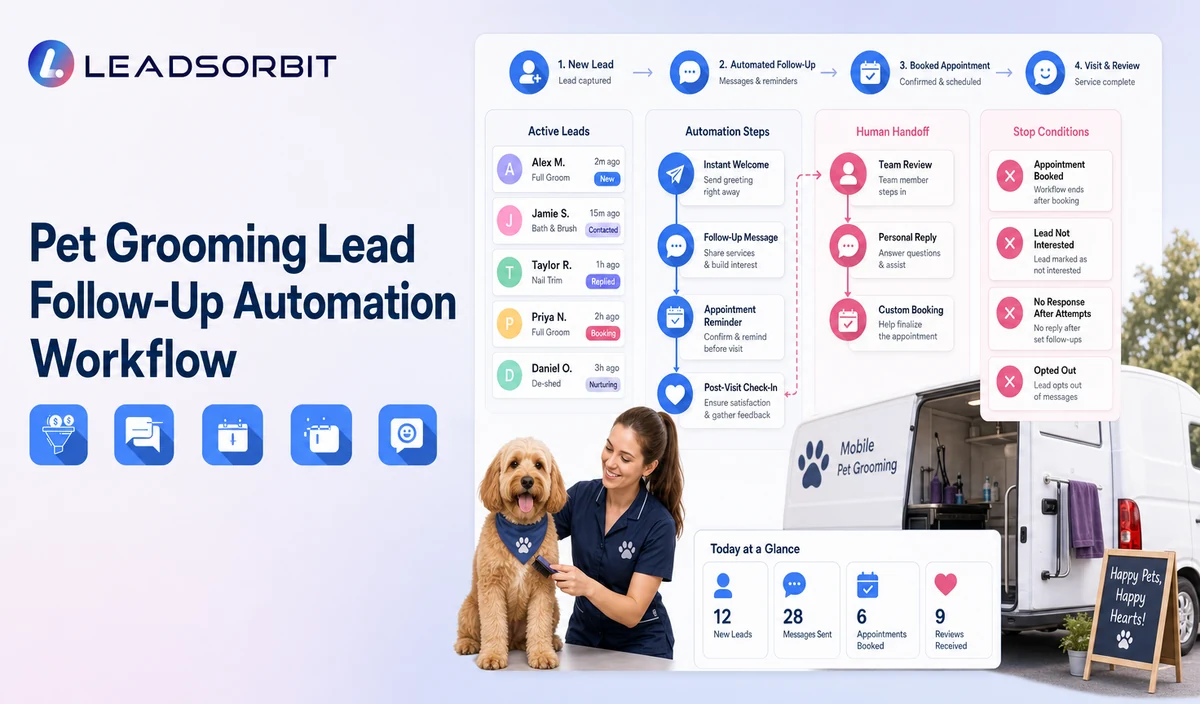
| Stage | Workflow action | Staff responsibility | Stop or escalation rule |
|---|---|---|---|
| 1. Capture | Create/update the owner and pet context and preserve source. | Review duplicates, consent, and ownership. | Stop opted out or invalid records. |
| 2. Acknowledge | Identify the business and confirm receipt. | Approve wording by source and business hours. | Pause after a meaningful reply. |
| 3. Clarify | Capture pet, service, location, and desired next step. | Own health, behavior, complaint, or unusual requests. | Do not diagnose or advise handling. |
| 4. Route | Apply new/returning, salon/mobile, service, re groom, package, and membership rules. | Correct conflicting data. | Send uncertain records to review. |
| 5. Book or assign | Offer an approved appointment request or staff task. | Resolve groomer, duration, price, route, and policy exceptions. | Stop after booking or takeover. |
| 6. Limited follow up | Send one or more approved no response messages. | Review sensitive or high intent inquiries. | Stop at reply, opt out, complaint, or limit. |
| 7. Close or later | Record later, no response, invalid, complaint, or closed. | Confirm future contact permission. | Do not keep indefinite active outreach. |
Follow Up by Inquiry Source
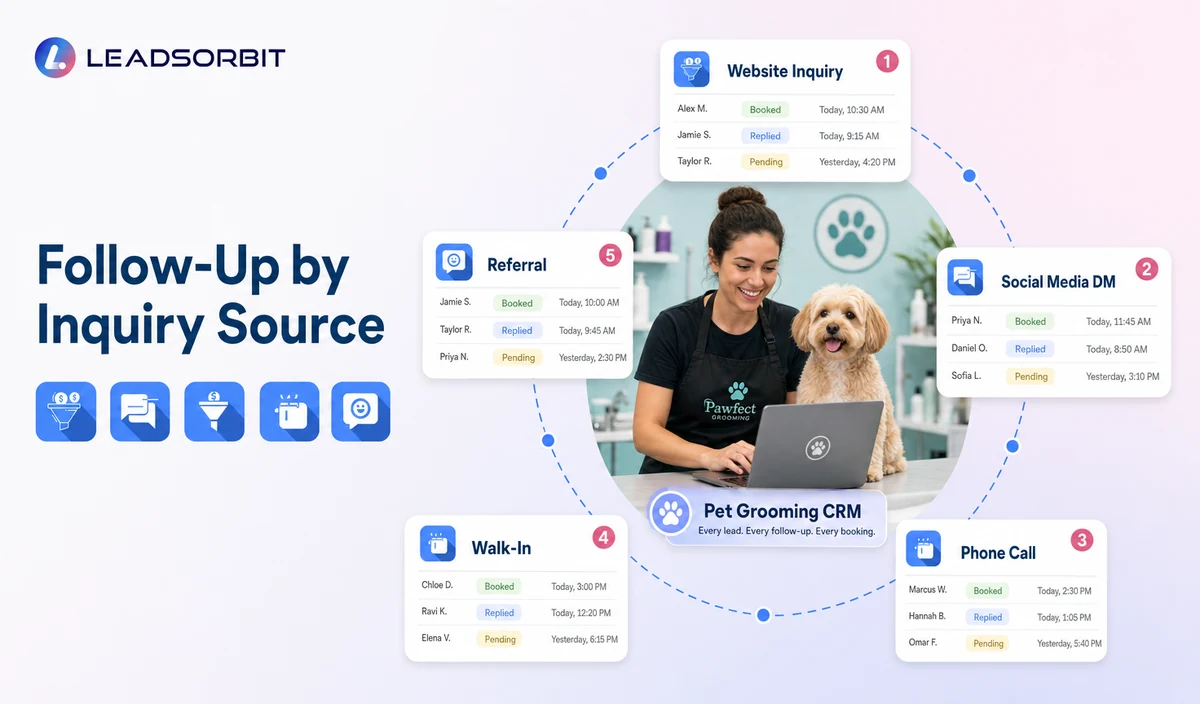
Use this decision guide to keep the automated path accurate and easy for staff to audit.
| Website form | Confirm pet, service, and location. | Booking or callback. |
|---|---|---|
| Missed call | Acknowledge and request minimum context. | Booking or callback. |
| Website chat | Continue using existing context. | Appointment or takeover. |
| Social message | Move to an approved business channel where appropriate. | Preserve consent and source. |
| Local listing | Preserve location context. | Correct location and owner. |
| Referral | Record source when volunteered. | Normal booking workflow. |
Practical Scripts and Templates
New Inquiry
Booking Follow Up
No Response
Close Loop
Important Pet Grooming Boundaries
- No invented response, booking, revenue, or retention benchmarks.
- No health diagnosis or handling advice.
- No groomer, duration, route, price, package, or resource promise.
- Separate operational follow up from promotional nurture.
- No POS, pet record, package billing, or route sync claim without verification.
LEADSORBIT is positioned here as the communication, booking, follow up, CRM, review, and task layer. Do not present it as a complete pet grooming operations, staff/resource scheduling, mobile route optimization, pet medical record, vaccination record, POS, inventory, payroll, package accounting, recurring billing, or checkout system.
Privacy, Consent, and Pet Owner Data
Pet owner names, phone numbers, pet names, service preferences, size or breed information when operationally useful, appointment details, grooming notes, membership or package status, conversation history, and location data are personal business data. Collect only what the workflow needs, keep consent and opt out status visible, limit staff access, and review every form, calendar, phone or messaging provider, AI tool, integration, retention setting, and data destination separately.
Operational appointment messages and promotional campaigns should remain separate. The business should preserve the consent source, sender identity, channel preference, opt out status, permissions, and retention rules.
The FCC consent and revocation order discusses consent and reasonable revocation methods for certain automated communications. Review the exact audience, message type, technology, consent record, and jurisdiction with qualified advisers.
Common Workflow Mistakes
- Using one sequence for every source and request type.
- Sending a booking link before capturing pet, service, and location.
- Failing to assign a human owner.
- Continuing after a real conversation begins.
- Mixing lead follow up with re groom or reactivation campaigns.
Implementation Checklist
- List every inquiry source and first response owner.
- Approve booking, re groom, package, membership, callback, and escalation branches.
- Define minimum owner/pet/service/location fields.
- Approve limited no response messages.
- Set booking, reply, takeover, opt out, complaint, and attempt limit stops.
What to Measure
- New inquiries by source.
- Acknowledgments delivered.
- Replies, bookings, and callbacks.
- Time to named owner.
- No response records closed or moved later.
- Opt outs, duplicates, and failures.
How LEADSORBIT Supports This Workflow
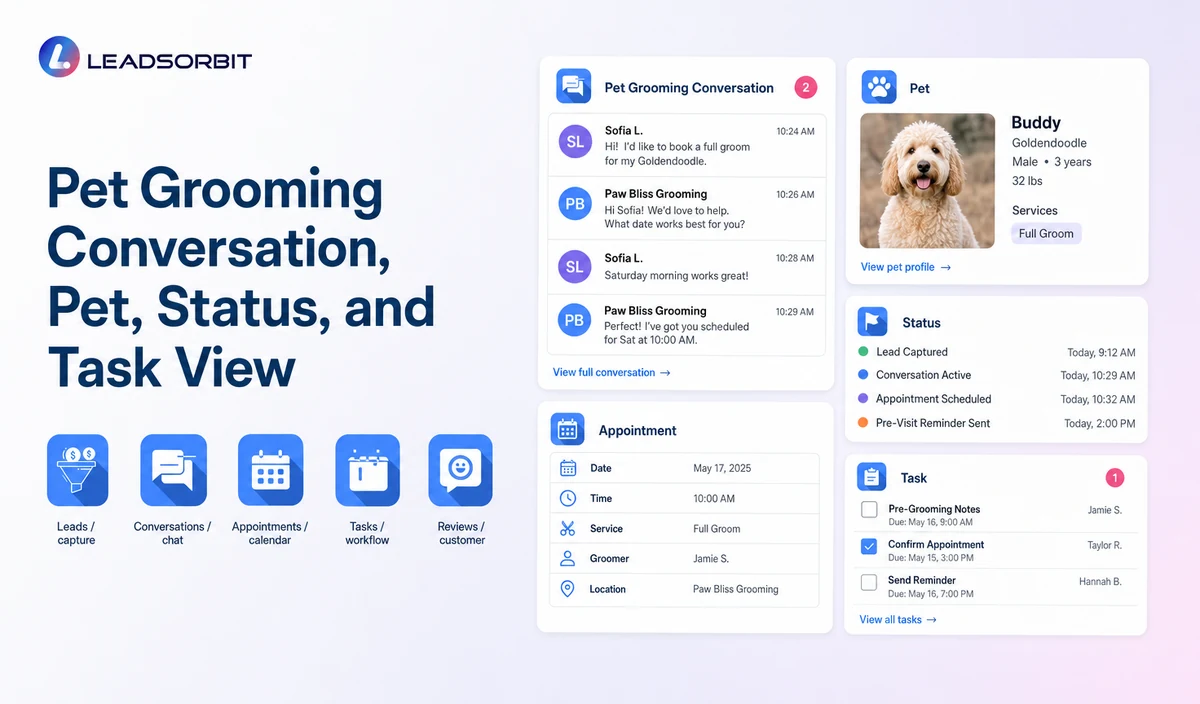
LEADSORBIT’s pet grooming CRM can connect approved inquiries, conversations, appointment requests, reminders, follow up, reviews, tasks, and operational statuses.
- Workflow AI: supports configurable triggers, conditions, messages, tasks, timing, and stop or switch logic.
- Conversation AI: supports configured channel conversation visibility, routing, staff takeover, and CRM synchronization.
Exact channels, fields, scripts, calendars, locations, service areas, appointment rules, package or membership sources, permissions, retention, integrations, and account behavior require implementation validation. LEADSORBIT is positioned here as the communication, booking, follow up, CRM, review, and task layer. Do not present it as a complete pet grooming operations, staff/resource scheduling, mobile route optimization, pet medical record, vaccination record, POS, inventory, payroll, package accounting, recurring billing, or checkout system.
See the Workflow With Your Business Rules
Start 14 days free trial to map the exact triggers, owner and pet fields, messages, booking paths, staff owners, data sources, permissions, and stop rules for your pet grooming business.
Try LEADSORBIT free for 14 days
FAQs
It is a workflow that acknowledges an inquiry, offers booking or staff help, assigns ownership, and continues limited follow up until a defined outcome.
Final Thoughts
Pet grooming lead follow up automation acknowledges a new inquiry, records the source, owner, pet, requested service, and location, offers booking or staff help, assigns ownership, and continues limited follow up until booking, reply, opt out, or another defined stop condition. The strongest setup uses accurate source data, clear staff ownership, respectful pet owner communication, and explicit stop conditions.
Start 14 Days free trial to see how LEADSORBIT can support this pet grooming workflow with conversations, booking, reminders, automation, tasks, and CRM visibility.

Start Your Free 14 Day Trial
Try LEADSORBIT and see how it captures missed calls, follows up instantly, and turns leads into booked appointments for your business.