
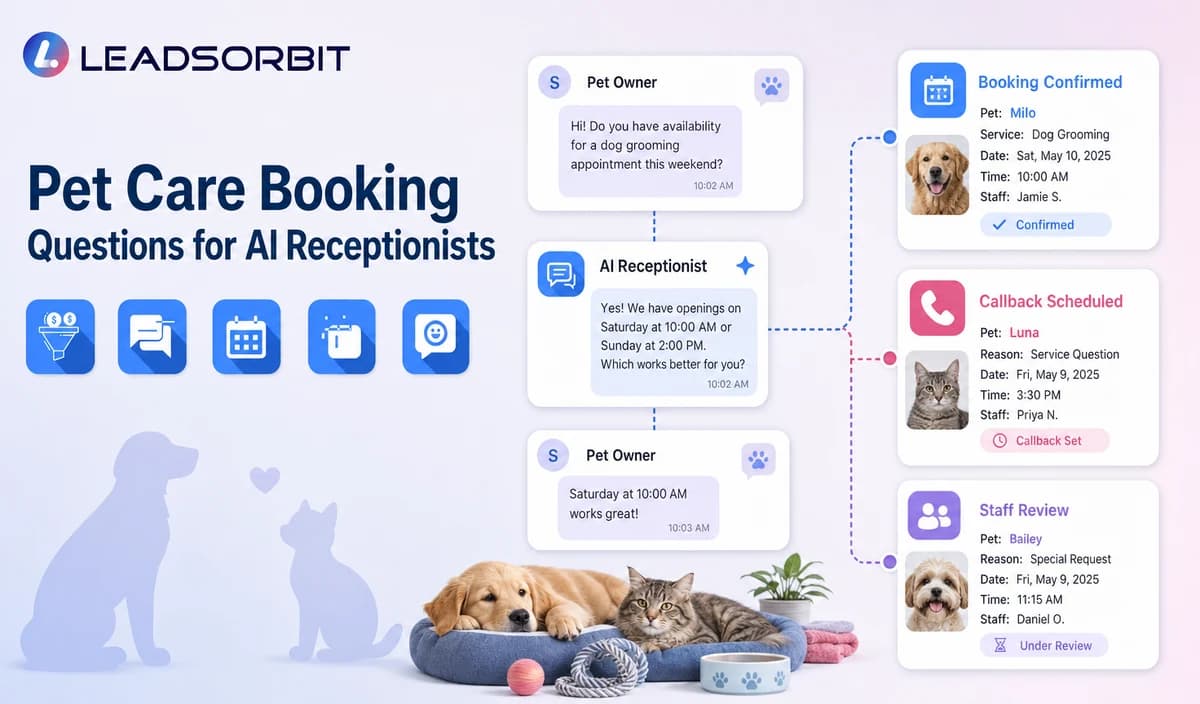

A pet care booking conversation should collect only the details needed to identify the service, route the inquiry, request a reservation, or create a useful staff callback. Long forms can create friction and may drift into health or behavior assessment.
This guide applies the broader AI receptionist intake questions framework to multi service pet care.

Who This Guide Is For
- Pet care businesses configuring phone, chat, or form booking intake.
- Teams standardizing inquiries across daycare, boarding, walking, sitting, training, and other services.
- Multi location businesses routing by facility or service area.
- Managers who want useful callbacks without collecting detailed health records.
Every Booking Question Needs an Operational Purpose
Only ask a question when the answer changes service routing, location, booking, ownership, or the next approved action.
- Identify the pet parent and reliable contact method.
- Capture the pet name and only general pet details needed for routing.
- Choose the service category.
- Confirm location or service area.
- Collect preferred date, time, and reservation length where relevant.
- Identify new or returning status and existing reservation context.
- End with a request, booking, or staff callback outcome.
A Practical Pet Care Booking Questions for AI Receptionists Workflow
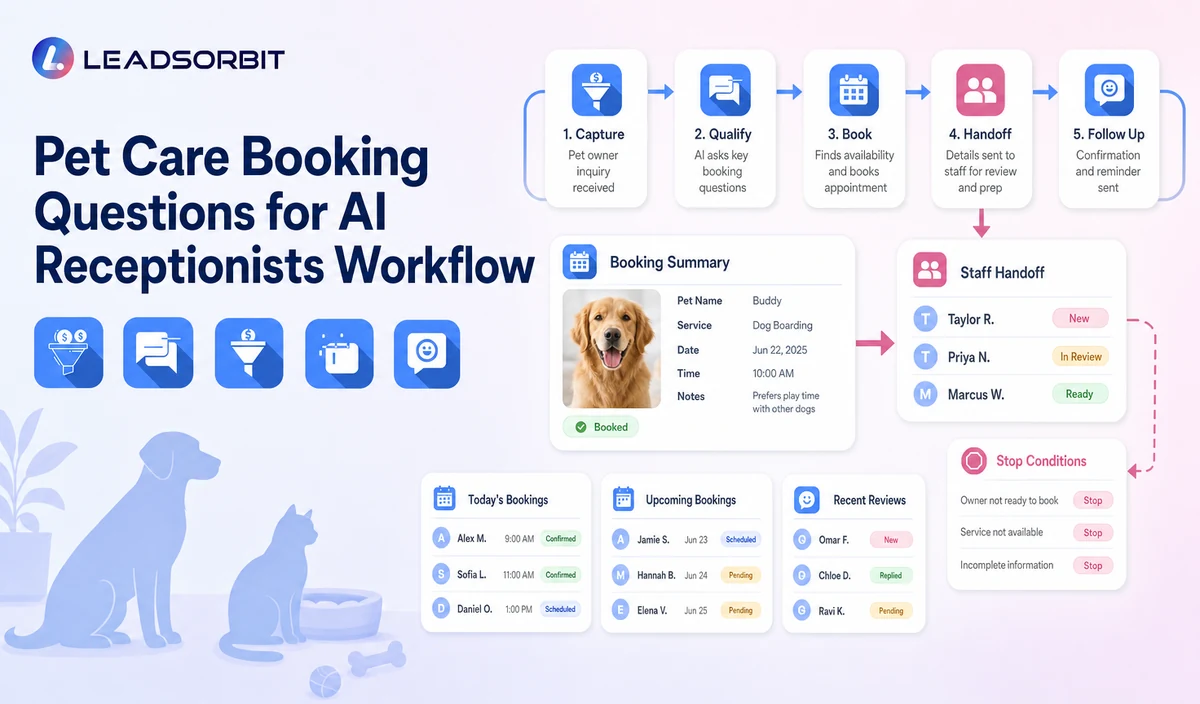
| Stage | Workflow action | Staff responsibility | Stop or escalation rule |
|---|---|---|---|
| 1. Pet parent identity | Confirm name and callback information. | Use existing contact data carefully. | Do not request unnecessary personal information. |
| 2. Pet identity | Capture the pet name and broad species or size only when it changes routing. | Review duplicate or incomplete records. | Do not collect detailed clinical history. |
| 3. Service category | Ask the pet parent to choose an approved service. | Maintain clear service and owner mappings. | Do not imply every service is available. |
| 4. Location and timing | Capture location/service area, preferred date, time, and reservation length where relevant. | Resolve capacity, route, staffing, or facility exceptions. | Do not promise availability. |
| 5. New or returning status | Ask whether the client or pet is new to the business. | Apply approved onboarding or returning client rules. | Do not claim eligibility or policy approval. |
| 6. Special review flags | Use simple staff review flags for health, behavior, medication, vaccination, or special care questions. | Assign a qualified owner. | Do not interpret the information. |
| 7. Next step | Offer the approved booking request or staff callback. | Own unresolved requests. | Stop when the pet parent requests a person. |
Core Pet Care Booking Question Bank
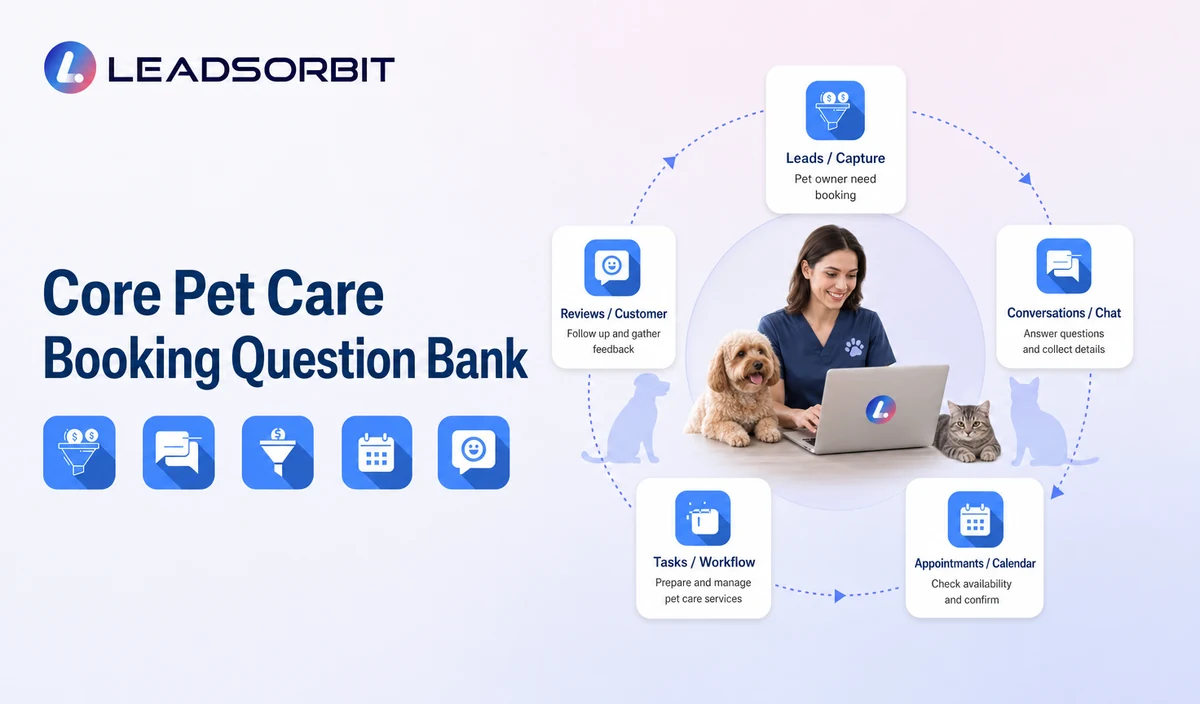
The exact order can change by service, but the wording should remain simple and administrative.
| Contact | What is your name and best callback number? | Create or update the client record. |
|---|---|---|
| Pet | What is your pet's name, and what broad pet type should the team know for routing? | Create basic pet context only. |
| Service | Which service are you interested in: daycare, boarding, walking, sitting, training, grooming referral, or another approved service? | Choose the correct workflow. |
| Location | Which location or service area do you need? | Check service coverage. |
| Timing | What date and general time work best, and how long is the reservation if relevant? | Offer booking or staff review. |
| Client status | Are you a new or returning client, and is there an existing reservation or package question? | Route to onboarding or returning client owner. |
| Next step | Would you like a booking request or staff callback? | Create a clear outcome. |
Practical Scripts and Templates
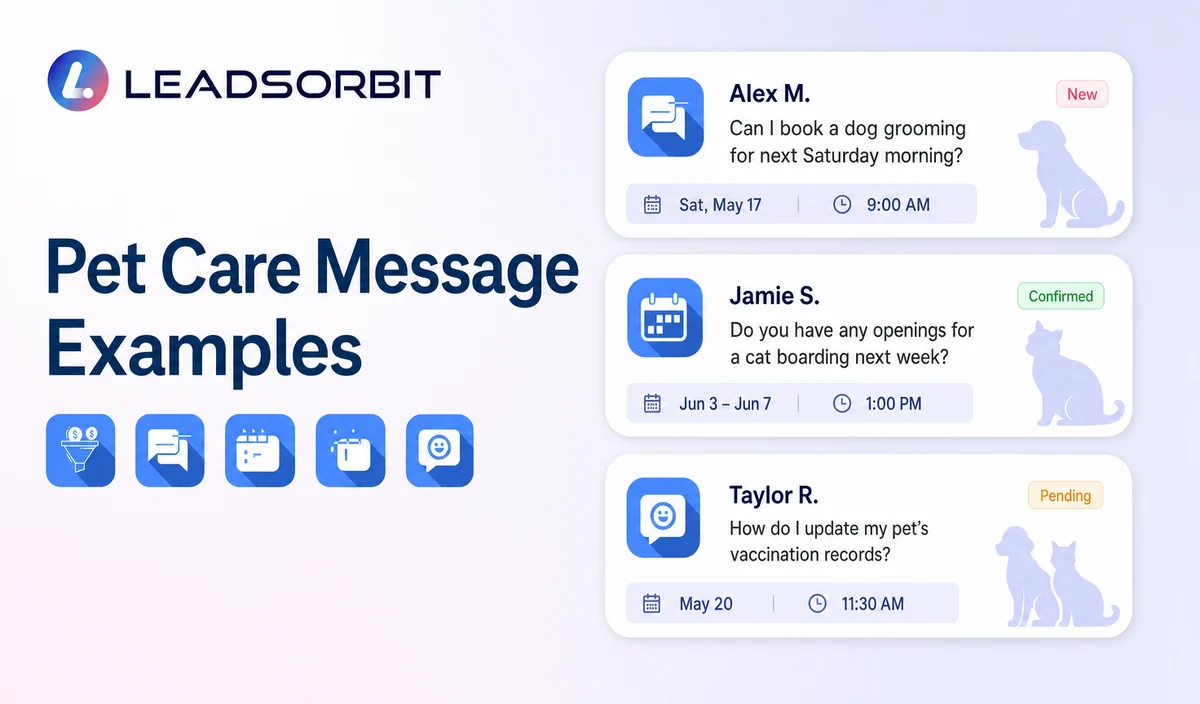
Opening
Service Question
Timing Question
Escalation
Important Boundaries
- Do not diagnose health or behavior conditions.
- Do not advise on medication, vaccination, feeding, restraint, transport, emergency care, or veterinary treatment.
- Do not claim a pet is eligible for a service.
- Do not promise boarding, daycare, route, trainer, groomer, sitter, walker, or staff capacity.
- Do not collect detailed clinical records in routine booking intake.
- Move health, behavior, medication, vaccination, aggression, safety, and special care questions to qualified staff.
Privacy, Consent, and Pet Parent Data
Pet parent names, phone numbers, pet names, service preferences, reservation details, location, access notes, membership or package status, conversation history, and prior service context are personal business data. Collect only what the workflow needs, keep consent and opt out status visible, limit staff access, and review every form, calendar, messaging provider, AI tool, integration, retention setting, and data destination separately.
LEADSORBIT is positioned here as the communication, booking, follow up, CRM, review, and task layer. Do not present it as a veterinary practice system, pet medical record system, kennel management platform, boarding capacity engine, dog walking GPS or route system, staff scheduler, care log platform, POS, invoicing, payroll, inventory, package accounting, membership billing, or specialized pet business operations system.
Common Pet Care Workflow Mistakes
- Asking questions that do not change routing or booking.
- Using veterinary or behavioral assessment language.
- Collecting too much pet data before confirming the service.
- Treating a preferred time as a confirmed booking.
- Assuming vaccination, temperament, package, or membership eligibility.
- Continuing intake after the pet parent asks for a person.
Pet Care Workflow Setup Checklist
- List the approved service categories.
- Define location and service area rules.
- Choose the minimum pet parent, pet, service, and timing fields.
- Create new client, returning client, existing reservation, package, and staff review branches.
- Define health, behavior, medication, vaccination, and special care escalation.
- Confirm booking, callback, permissions, and retention.
- Test incomplete answers, multi service requests, and human takeover.
See Your Pet Care Booking Workflow in Action
Explore how LEADSORBIT can organize pet parent details, service categories, locations, preferred timing, booking requests, staff callbacks, and escalation rules when you Start Your 14 Day Free Trial
What to Measure
- Booking intake completion rate.
- Correct routing by service and location.
- Booking or callback outcomes.
- Questions repeated by staff after handoff.
- Drop off points in phone, chat, or form paths.
- Health, behavior, eligibility, or capacity promises detected in QA.
How LEADSORBIT Supports This Pet Care Workflow
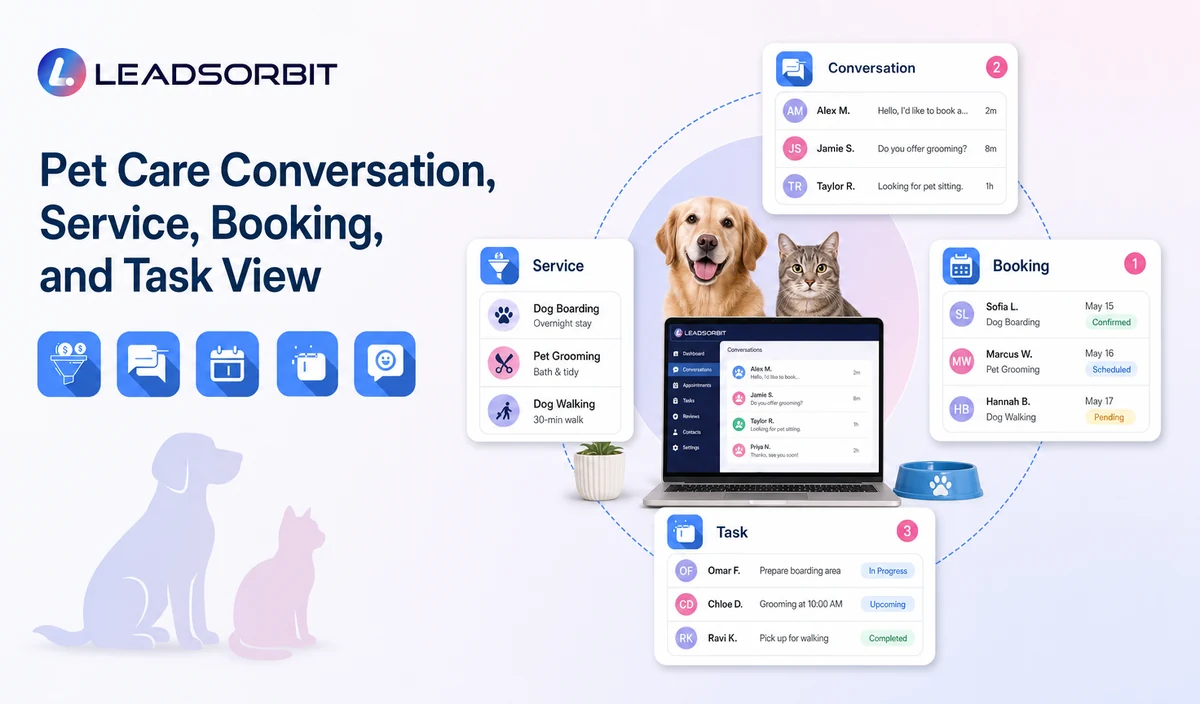
LEADSORBIT’s AI powered CRM can connect approved pet care conversations, booking activity, follow up, tasks, and communication statuses.
- AI Receptionist: supports approved call answering, pet parent and service capture, booking paths, after hours handling, and human escalation.
- Conversation AI: supports configured channel conversation visibility, routing, staff takeover, and CRM synchronization.
- AI Appointment: supports booking requests, calendar connections, confirmations, reminders, rescheduling, and cancellation where configured.
Exact channels, fields, scripts, calendars, service rules, pet and client data, capacity or route sources, membership or package information, permissions, retention, integrations, and account behavior require implementation validation. LEADSORBIT is positioned here as the communication, booking, follow up, CRM, review, and task layer. Do not present it as a veterinary practice system, pet medical record system, kennel management platform, boarding capacity engine, dog walking GPS or route system, staff scheduler, care log platform, POS, invoicing, payroll, inventory, package accounting, membership billing, or specialized pet business operations system.
Try LEADSORBIT free for 14 days
FAQs
Ask for pet parent contact, pet name, service type, location, preferred timing, new or returning status, and the requested next step.
Final Thoughts
Pet care booking questions should capture the pet parent's name and callback number, pet name, service category, location or service area, preferred date and time, new versus returning status, reservation or package context where relevant, and whether the person wants booking or staff help. The strongest setup uses accurate source data, gives staff clear ownership, avoids health or capacity promises, and stops automation at the right time.
Put your pet care booking workflow into practice with structured intake questions, booking requests, staff handoffs, tasks, and CRM visibility. Start Your 14 Day Free Trial with LEADSORBIT.

Start Your Free 14 Day Trial
Try LEADSORBIT and see how it captures missed calls, follows up instantly, and turns leads into booked appointments for your business.