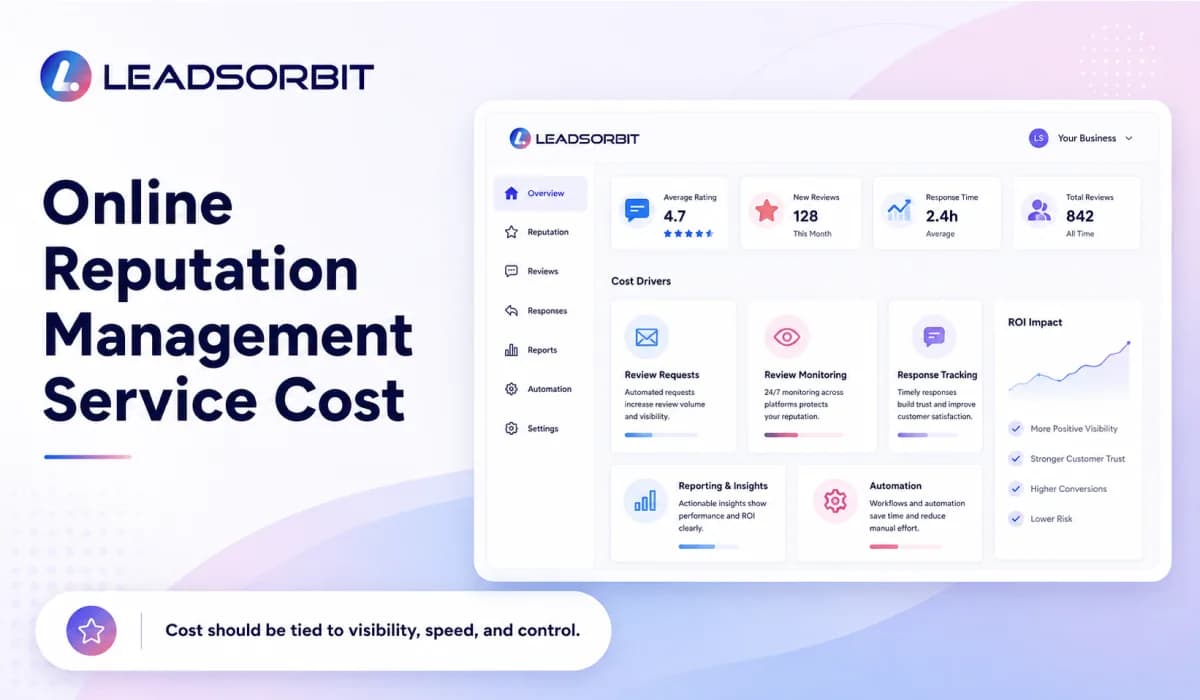

Online reputation management service cost can vary a lot because not every business needs the same level of review monitoring, review requests, response support, reporting, or automation. A single location business with a simple review process may need a lighter setup. A multi location business with many reviews and multiple team members may need a more complete system.
For small businesses, the goal should not be to choose the cheapest option or the most expensive option. The goal should be to understand what you are paying for and whether the system helps your team protect trust, collect honest reviews, respond faster, and keep reputation work organized.
This guide explains what affects reputation management cost, how manual work compares with software based reputation management, what typical small business planning ranges can look like, and how to choose the right option. For the broader strategy, read Online Reputation Management for Small Business.
What Affects Online Reputation Management Cost?
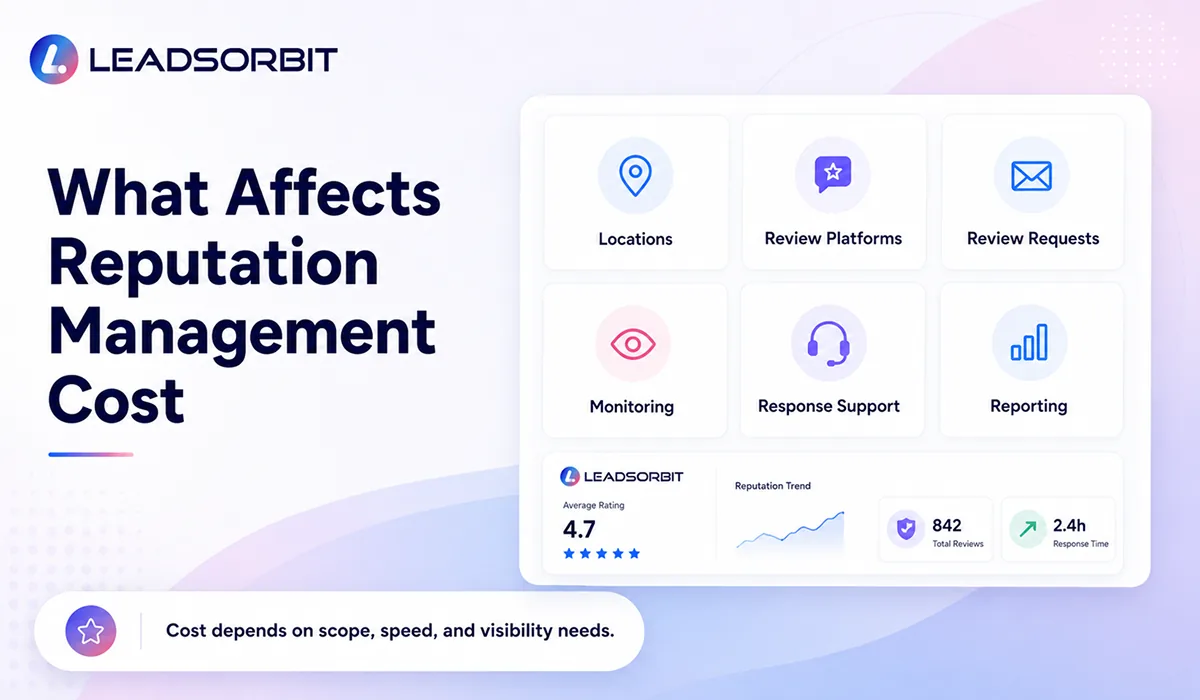
The cost of online reputation management usually depends on scope. Some businesses only need help asking for reviews. Others need monitoring, response workflows, reporting, review templates, team notifications, and support across multiple review platforms.
Before comparing prices, it helps to list what your business actually needs. A clinic, dental office, med spa, home service company, or local service business may all care about reviews, but the workflow behind those reviews can look different.
- Number of business locations or providers that need review tracking.
- Review platforms that need to be monitored, such as Google and other public review sources.
- Volume of monthly customers, appointments, or completed services.
- Whether review requests are sent manually or through automation.
- Whether the team needs response templates, alerts, assignments, or approval steps.
- Whether reports and reputation insights are needed for owners or managers.
- Whether the service includes software only, strategy support, or full managed response support.
A good cost discussion should connect price to the actual work being handled. If a tool or service only sends review requests, it should not be priced like a complete reputation system. If it includes monitoring, response workflows, reporting, and team visibility, then the value is broader than a simple request tool.
Manual vs Software Based Reputation Management
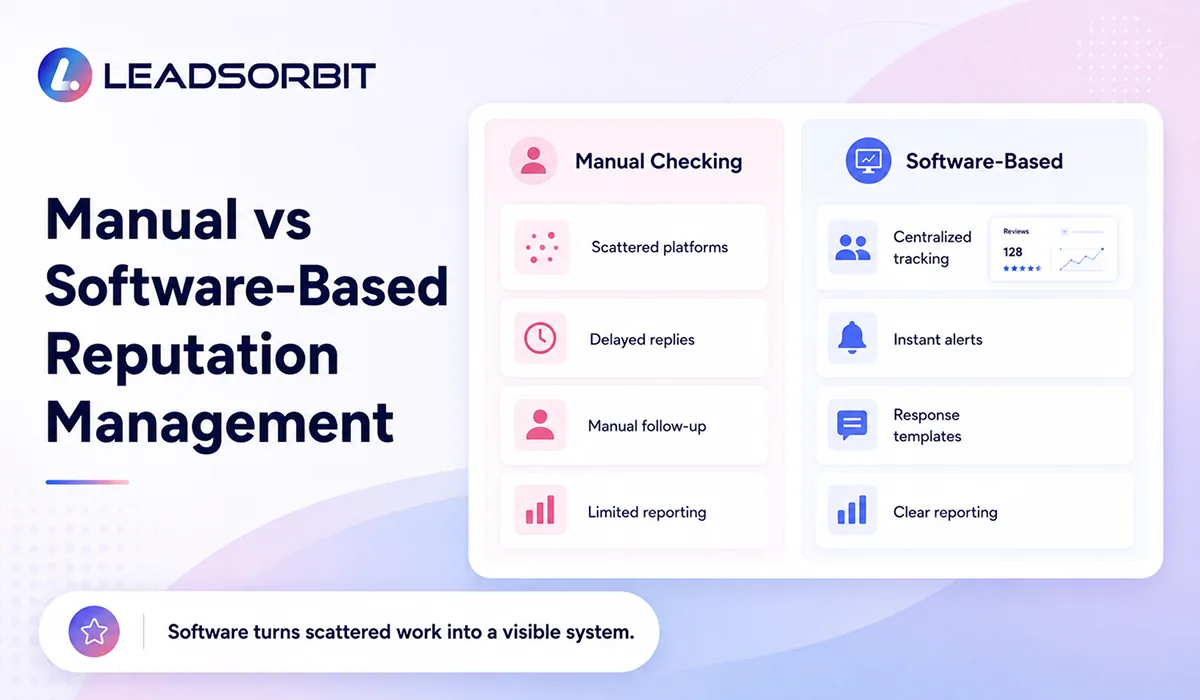
Many small businesses start with manual review management. The owner checks Google reviews, someone on the team sends a review link, and responses are handled when someone remembers. This can work when review volume is low, but it becomes harder as the business grows.
Manual reputation management usually costs time more than software money. The problem is that time cost is not always visible. If a team member spends time checking reviews, copying links, following up with customers, writing responses, and updating spreadsheets, the business may still be paying for reputation work through staff hours.
| Area | Manual Reputation Management | Software Based Reputation Management |
|---|---|---|
| Review requests | Sent one by one by staff when remembered | Sent through repeatable SMS, email, or workflow triggers |
| Monitoring | Owner or team manually checks review platforms | New reviews and alerts can be surfaced in one place |
| Responses | Replies are written without a clear process | Templates, status tracking, and team ownership support faster replies |
| Reporting | Hard to see review trends without manual work | Ratings, review activity, and response performance can be tracked |
| Team visibility | Often scattered across inboxes and notes | Review status and follow up can stay visible inside the CRM |
Software based reputation management is usually stronger when it connects with the customer journey. With Reviews AI, review requests, monitoring, and response activity can become part of a repeatable system instead of separate manual tasks.
Typical Cost Ranges for Small Businesses
Reputation management pricing changes by provider, feature set, number of locations, and level of service. The ranges below should be used as planning ranges only, not fixed market quotes or LEADSORBIT pricing.
For many small businesses, reputation management options can be grouped into three general levels. The right choice depends on how much of the work your team wants to manage internally and how much automation or service support you need.
| Option | Typical Planning Range | Best Fit |
|---|---|---|
| Basic review request tool | $50-$150/month | A small business that only needs a simple way to send review links. |
| Review management software | $150-$500/month | A business that needs review requests, monitoring, templates, alerts, and reporting. |
| Managed reputation service | $500-$2,000+/month | A business that wants software plus strategy, response support, reporting, or multi location oversight. |
| Multi location or advanced setup | $1,500+/month | Businesses with multiple locations, higher review volume, custom reporting, integrations, or approval workflows. |
The lowest price is not always the lowest cost. If a basic tool still leaves the team checking reviews manually, missing negative feedback, or forgetting follow up, the business may save money on software but lose time and consistency.
What Should Be Included in the Cost?
A fair reputation management cost should be tied to the system you are getting. If the business is paying for a reputation management service or software, it should be clear what is included and what is not.
At a minimum, small businesses should look for a system that supports review collection, monitoring, response management, and visibility. Without those pieces, the business may still be managing reputation in a disconnected way.
- Review request workflows through SMS, email, chat, or post service follow up.
- A clear way to create or share Google review links where appropriate.
- Review monitoring and alerts for new customer feedback.
- Response templates or guided response workflows.
- Team assignments or notifications when a review needs attention.
- Basic reporting on ratings, review volume, and response activity.
- CRM visibility so reputation work connects with customers and conversations.
Google explains that reviews can help businesses stand out and gives best practices for requesting and replying to reviews. Review requests should be based on real customer experiences and should follow platform rules. You can review Google Business Profile review guidance for more detail.
How to Choose the Right Option
The right option depends on your review volume, team capacity, and how important reputation is to your sales process. A business that receives a few reviews per month may not need a heavy managed service. A business that depends on local trust and appointment bookings may need more structure.
A practical way to choose is to compare the cost of the tool against the cost of missed reviews, slow responses, and manual staff time. If a system helps your team respond faster, request reviews consistently, and keep reputation work visible, it may be worth more than a cheaper disconnected tool.
- Choose a basic tool if you only need simple review link sending.
- Choose review management software if you need tracking, alerts, templates, and reporting.
- Choose a managed service if you need strategy, oversight, or ongoing response support.
- Choose a CRM connected option if reviews, conversations, appointments, and follow up need to stay together.
For businesses already using LEADSORBIT as an AI powered CRM, a CRM connected approach can be cleaner because review activity does not sit in a separate tool. It can connect with customer records, conversations, workflows, and team follow up.
Compliance and Review Quality Should Be Part of the Cost
Price should not be judged only by features. Reputation management also needs responsible practices. Asking for honest reviews is different from buying reviews, filtering only happy customers, or pressuring customers to change feedback.
The FTC provides guidance for marketers on online reviews, including concerns around incentives and deceptive review practices. Your team can review the FTC guidance on soliciting and paying for online reviews before creating review request workflows or campaigns.
A responsible reputation management setup should help your business ask real customers for honest feedback, track responses, and reply professionally. If a service promises shortcuts, guaranteed positive reviews, or removal of legitimate negative feedback, that is a red flag.
How LEADSORBIT Helps Small Businesses Manage Reputation Cost Effectively
LEADSORBIT helps small businesses manage reviews and reputation inside one connected CRM. Instead of paying for a disconnected review tool and then manually connecting the dots, businesses can use Reviews AI, Workflow AI, and Conversation AI to support review requests, monitoring, response visibility, and follow up.
This can make reputation management more practical because the work happens closer to the customer journey. A completed appointment, service, or positive interaction can trigger the right review request. A new review can become visible to the team. A response can be tracked so the owner knows what has been handled.
- Send review requests through repeatable workflows.
- Track review related activity inside the CRM.
- Keep customer conversations and reputation follow up connected.
- Give the team visibility into reviews that need attention.
- Support reporting so owners can see reputation progress over time.
If you want to understand which reputation setup fits your business, you can Book a Demo and review how LEADSORBIT connects review management with customer communication and follow up.
Try LEADSORBIT free for 14 days
FAQs About Online Reputation Management Service Cost
Online reputation management cost depends on the number of locations, review volume, platforms monitored, automation needs, response support, and whether the business needs software only or a managed service. Small businesses should compare cost based on scope, not just the monthly price.
Final Thoughts
Online reputation management service cost should be understood in terms of value, scope, and operational impact. A basic review tool may cost less, but it may not solve monitoring, response management, reporting, or team visibility. A larger managed service may cost more, but it should be clear what additional support is included.
For small businesses, the best starting point is to identify the real reputation gaps. Are review requests inconsistent? Are new reviews being missed? Are negative reviews sitting too long without a reply? Is the owner unable to see what has been handled? Those questions will help you choose the right level of support.
The strongest setup is usually the one that keeps reputation management connected to the customer journey. With LEADSORBIT, review requests, monitoring, response workflows, and customer conversations can work together inside one CRM.

Start Your Free 14 Day Trial
Try LEADSORBIT and see how it captures missed calls, follows up instantly, and turns leads into booked appointments for your business.
Personal Message From Faisal Zulfiqar
When small business owners ask about reputation management cost, my recommendation is simple: do not only ask what the tool costs. Ask what the current process is costing you in missed reviews, slow replies, manual work, and lost trust.
A good reputation system should make your team more consistent. It should help you ask at the right time, respond with care, and understand where your reputation is improving or getting stuck. That is where the real value comes from.