
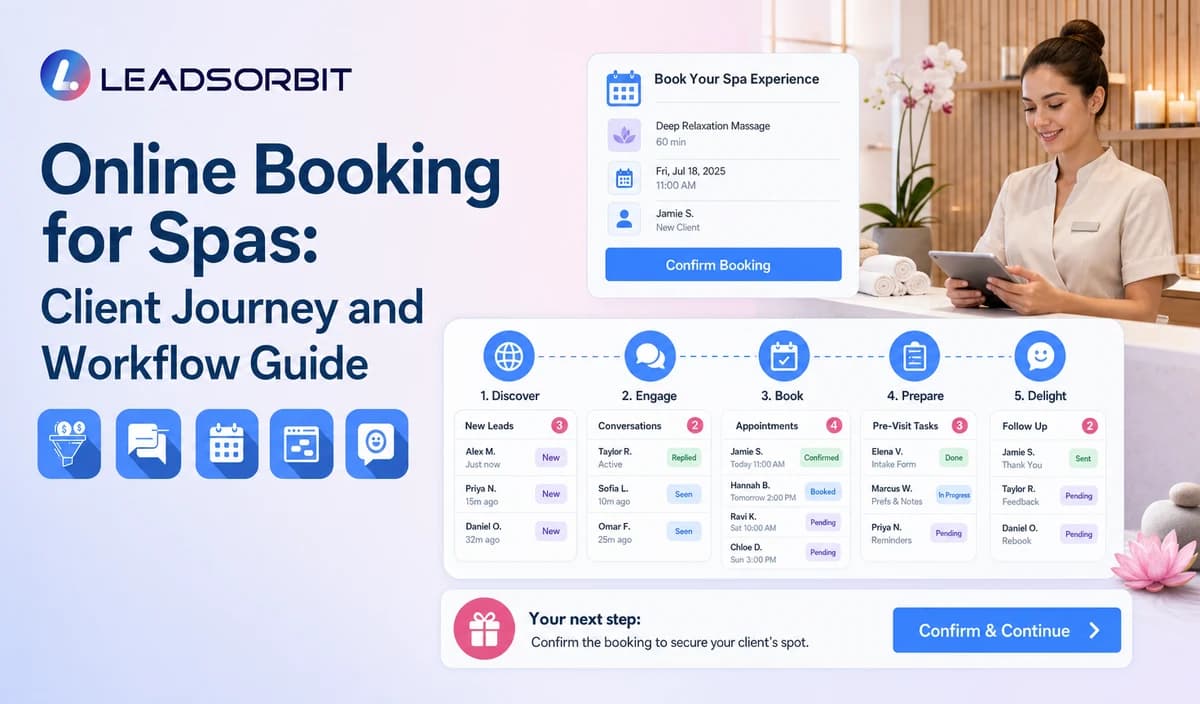

Online booking is often the first direct interaction a guest has with a spa. The page or conversation needs to help the person choose the right service path without overwhelming them with options or promising availability the system cannot support.
This guide focuses on the spa booking journey rather than broad software comparison intent. The general foundation is covered in appointment booking CRM for small business.

Who This Guide Is For
- Day spas offering online appointment requests or self booking.
- Multi location spas with location and therapist preferences.
- Teams that want booking requests connected with CRM conversations and tasks.
- Owners reviewing guest experience without claiming full room, resource, POS, or package accounting.
Online Booking Is More Than a Calendar Link
A useful booking journey defines what can be booked, what information is required, and what happens when the system cannot complete the request.
- Which service categories are approved for direct booking?
- Which locations and therapists may appear?
- How are duration, buffers, and availability configured?
- What happens when a package, gift card, room, or resource requires staff review?
- Which guest details are truly needed?
- How are confirmation, rescheduling, cancellation, and failed booking handled?
A Practical Online Booking for Spas Workflow
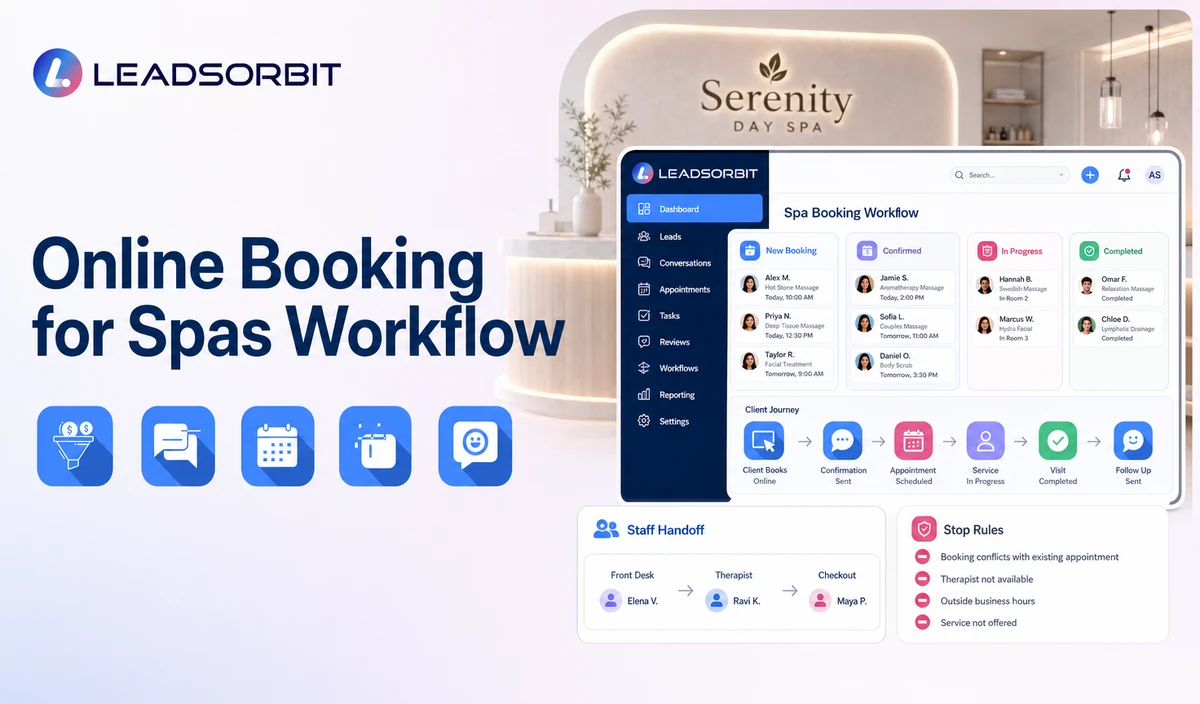
| Stage | Workflow action | Staff responsibility | Stop or escalation rule |
|---|---|---|---|
| 1. Entry point | The guest reaches booking from the website, call, text, chat, email, or campaign. | Maintain the approved destination and source tracking. | Correct broken or outdated links. |
| 2. Guest status | The guest identifies as new or returning where needed. | Select the correct booking branch. | Move unclear or unusual cases to staff. |
| 3. Service category | Show approved services and general duration where configured. | Keep menu names, descriptions, and rules current. | Do not recommend suitability from health information. |
| 4. Location / therapist | Offer supported choices. | Validate location, therapist, and local rules. | Do not guarantee a preferred therapist before booking. |
| 5. Availability | Show valid times or collect preferences. | Resolve room, resource, package, or calendar exceptions. | Do not treat a request as a booking. |
| 6. Minimum information | Collect contact and necessary booking details. | Review privacy and retention. | Avoid unnecessary sensitive preferences. |
| 7. Confirmation | Send booked, requested, or needs review status. | Monitor failed messages and conflicts. | Use accurate status language. |
| 8. Change path | Support confirmation, rescheduling, cancellation, or help. | Resolve unsupported changes. | Stop obsolete messages after any change. |
Requested, Booked, Confirmed, and Needs Review
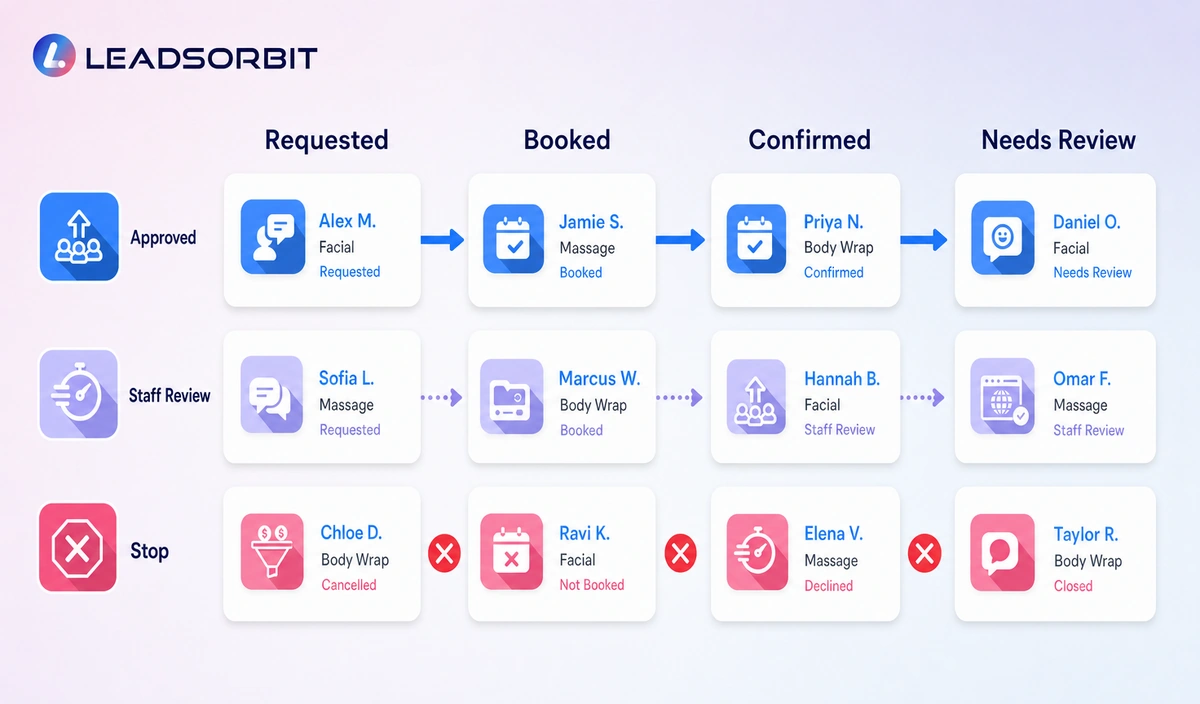
Clear status language prevents guest confusion and inaccurate reporting.
| Status | Meaning | Recommended message |
|---|---|---|
| Appointment Requested | The guest selected preferences or asked staff to schedule. | We received your request. Our team will review it. |
| Booked | A valid appointment exists. | Your appointment is booked for [Date/Time/Location]. |
| Confirmed | The guest completed the confirmation step. | Your appointment is confirmed. |
| Needs Staff Review | Service, therapist, room, resource, package, gift card, or policy requires a person. | A team member will review the request. |
| Reschedule Requested | The guest asked to change the time. | The new time is not confirmed until the calendar updates. |
Practical Scripts and Templates
Request Received
Booking Confirmation
Needs Review
Reschedule Requested
Important Boundaries
- Do not claim complex room or resource optimization without verification.
- Do not claim deposits, card on file, package balances, gift card balances, POS, or payment processing without verified capability.
- Do not recommend services based on medical or health information.
- Do not display sensitive preferences in public or shared calendar titles.
- Do not continue old confirmations or reminders after a change.
Privacy, Consent, and Guest Data
Spa contact, booking, preference, membership, package, and gift card information is personal business data. Collect only what the workflow needs, keep consent and opt out status visible, limit staff access, and review every form, calendar, phone or messaging provider, AI tool, integration, retention setting, and data destination separately.
This is a hospitality and wellness workflow, not a Medical Spa or healthcare workflow. Do not introduce patient, HIPAA, diagnosis, clinical escalation, treatment suitability, contraindication, prescription, or medical record language.
Common Spa Workflow Mistakes
- Using one generic service category for every booking.
- Showing times not synchronized with the approved calendar.
- Treating a request as a booking.
- Collecting too much information before showing availability.
- Failing to create a staff review path.
- Calling the workflow complete spa management, POS, or room resource scheduling.
Spa Workflow Setup Checklist
- List approved services and direct booking categories.
- Confirm locations, therapists, durations, hours, buffers, and calendars.
- Define Requested, Booked, Confirmed, Needs Review, Rescheduled, and Cancelled statuses.
- Use the minimum required guest fields.
- Create package, gift card, accessibility, room/resource, and policy exception rules.
- Approve confirmation and change messages.
- Test mobile completion, conflicts, failed messages, and staff takeover.
See the Workflow With Your Spa's Rules
Start 14 Days Free Trial to map the exact triggers, messages, booking paths, staff owners, data sources, permissions, and stop rules for your spa inside LEADSORBIT.
What to Measure
- Booking page visits and completed requests.
- Requests waiting for staff review.
- Valid booked and confirmed appointments.
- Calendar conflicts and integration errors.
- Reschedules and cancellations updated correctly.
- Failed confirmations and unowned exceptions.
How LEADSORBIT Supports This Spa Workflow
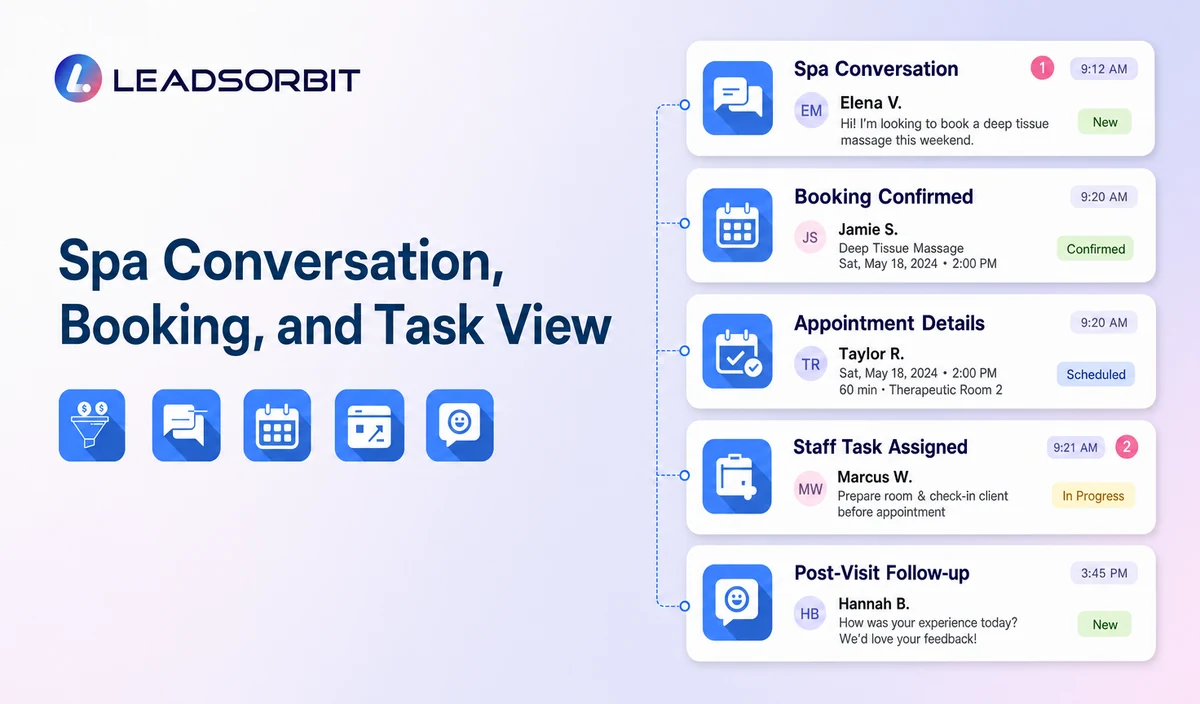
LEADSORBIT’s AI powered CRM can connect approved spa conversations, booking activity, workflows, tasks, and operational statuses.
- AI Appointment: supports booking, calendar connections, confirmations, reminders, rescheduling, and cancellation where configured.
- Conversation AI: supports configured channel conversation visibility, routing, staff takeover, and CRM synchronization.
Exact channels, fields, scripts, calendars, service rules, membership/package/gift card data, permissions, retention, integrations, and account behavior require implementation validation. LEADSORBIT is positioned here as the communication, booking, workflow, CRM, review, and task layer not as a complete spa POS, inventory, payroll, payment, room resource, or specialized management system.
Try LEADSORBIT free for 14 days
FAQs
It is a guest facing workflow for selecting an approved service, location, therapist preference, and time, followed by confirmation or staff review.
Final Thoughts
Online booking for spas is an administrative journey that lets a guest select an approved service category, location, therapist preference where supported, and available time, then receive a clear confirmation or staff review message with simple rescheduling and cancellation paths. The strongest setup stays simple, uses accurate source data, gives staff clear ownership, and stops automation at the right time.
Start 14 Days Free Trial to see how LEADSORBIT can support this spa workflow with conversations, booking, automation, tasks, and CRM visibility.

Start Your Free 14 Day Trial
Try LEADSORBIT and see how it captures missed calls, follows up instantly, and turns leads into booked appointments for your business.