
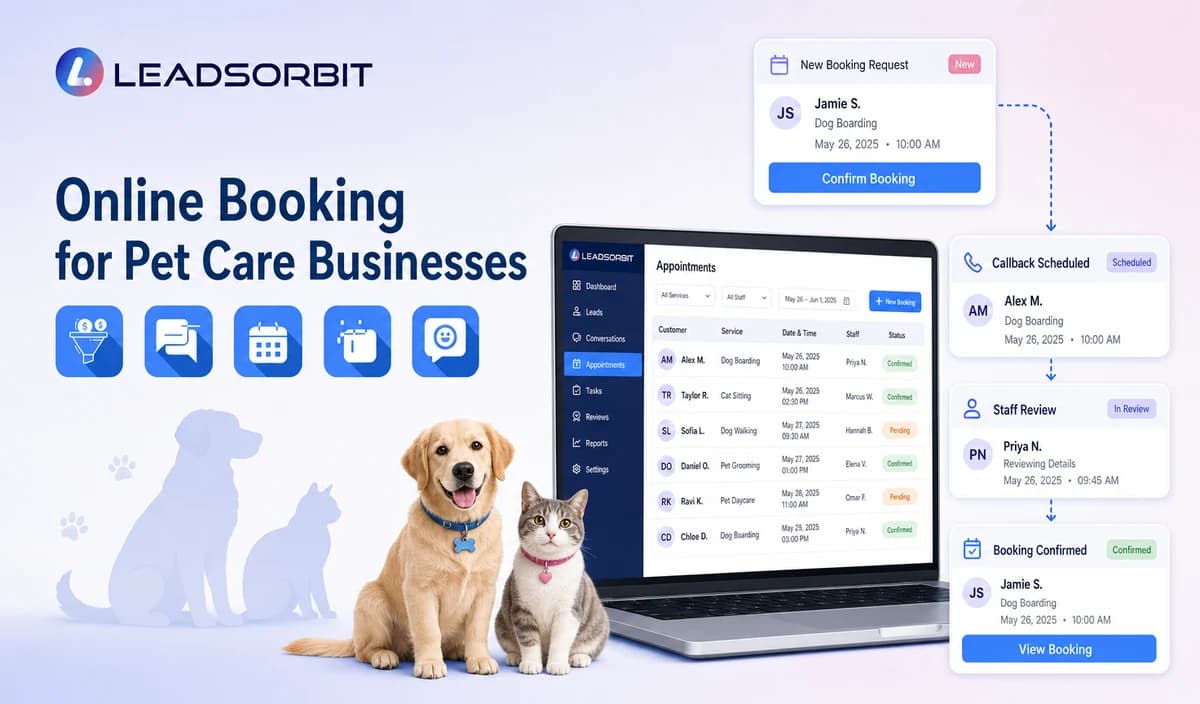

Online booking can make it easier for pet parents to request daycare, boarding, walking, sitting, training, or other services outside business hours. The workflow still needs clear rules for service type, location, timing, status, and staff review.
This guide focuses on the customer facing booking journey rather than complete kennel, route, staffing, or pet record operations. The general foundation is covered in appointment booking CRM for small business.

Who This Guide Is For
- Pet care businesses offering online booking or reservation requests.
- Multi service businesses with different booking rules by service.
- Multi location businesses with separate calendars or service areas.
- Teams that want booking requests connected to conversations, CRM records, and tasks.
Online Booking Is More Than a Calendar Link
The workflow must define what can be booked directly, what remains a request, and what requires staff review.
- Which services are approved for direct booking?
- Which owner and pet details are actually needed?
- Which locations, service areas, dates, and times are valid?
- What happens when capacity, route, staff, vaccination, behavior, or special care context is unknown?
- What is requested versus confirmed?
- How are rescheduling, cancellation, and failed booking handled?
A Practical Online Booking for Pet Care Businesses Workflow
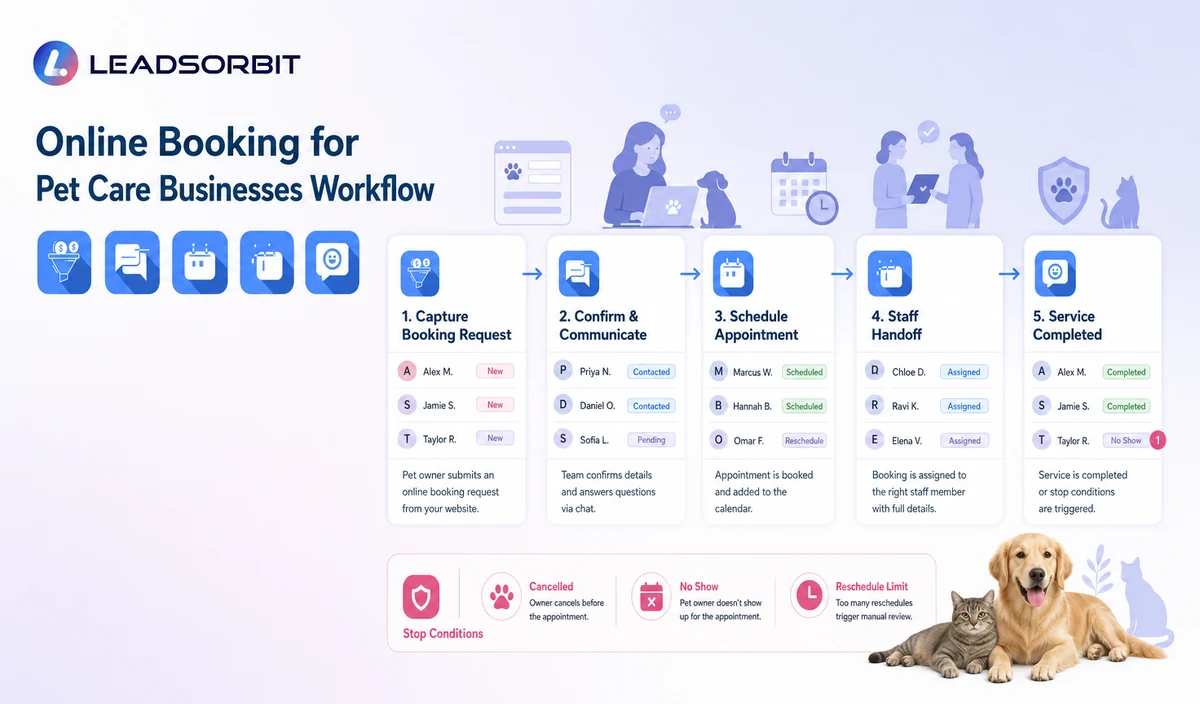
| Stage | Workflow action | Staff responsibility | Stop or escalation rule |
|---|---|---|---|
| 1. Entry point | The pet parent reaches booking from the website, call, text, chat, email, or campaign. | Maintain the approved destination and source. | Correct broken or outdated links. |
| 2. Service selection | Choose daycare, boarding, walking, sitting, training, grooming referral, or another approved service. | Maintain service specific rules. | Do not imply every service is available at every location. |
| 3. Pet parent and pet details | Collect the minimum owner and pet information needed for routing. | Review duplicate or incomplete records. | Do not collect detailed veterinary history in routine booking. |
| 4. Location and timing | Show valid options or collect preferences. | Resolve location, service area, capacity, route, staffing, and policy exceptions. | Do not treat a preference as confirmation. |
| 5. Staff review flags | Capture only simple flags for new client, vaccination, health, behavior, medication, package, or special care review. | Assign qualified staff. | Do not decide eligibility. |
| 6. Status | Send Requested, Booked, Confirmed, or Needs Review. | Monitor conflicts and failed messages. | Use accurate status wording. |
| 7. Change path | Support rescheduling, cancellation, or help. | Resolve unsupported changes. | Stop obsolete messages after any update. |
| 8. Staff oversight | Show incomplete requests and exceptions. | Assign owner and due task. | Escalate unowned records. |
Requested, Booked, Confirmed, and Needs Review
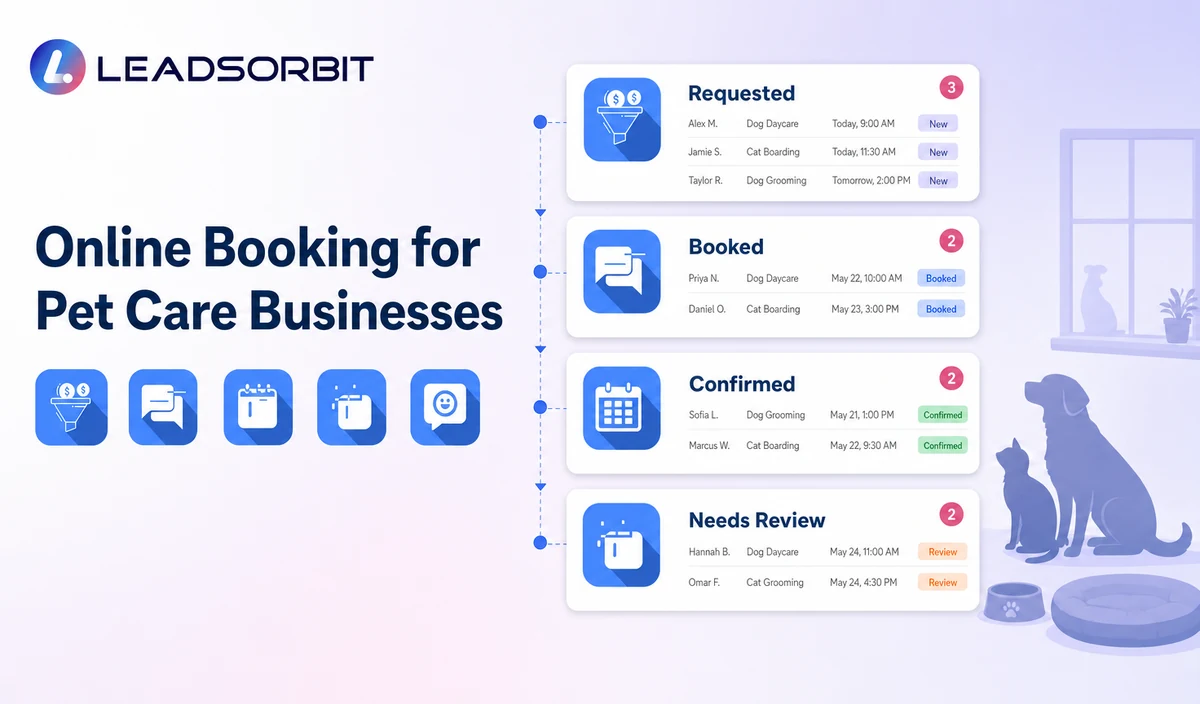
Clear status language prevents pet parents from assuming capacity or eligibility has already been approved.
| Booking Requested | Service, pet, location, and timing preferences were submitted. | The business will review the request. |
|---|---|---|
| Booked / Reserved | A valid appointment or reservation exists in the approved source. | Send confirmation and reminders. |
| Confirmed | The client completed the confirmation action. | Monitor changes and approved arrival instructions. |
| Needs Staff Review | Health, behavior, vaccination, capacity, route, package, or policy requires a person. | Create a named task. |
| Reschedule Requested | The client asked to change the booking. | The new time is not valid until confirmed. |
Practical Scripts and Templates
Request Received
Booking Confirmation
Needs Review
Reschedule Requested
Important Boundaries
- Do not claim complex kennel, room, route, staff, trainer, walker, sitter, groomer, or facility capacity without verified data.
- Do not decide health, behavior, vaccination, medication, or special care eligibility.
- Do not claim deposits, cards on file, package balances, or payment collection without verification.
- Do not collect detailed clinical or veterinary information in routine booking.
- Do not display sensitive access, pet, or owner details in public calendar titles.
- Do not continue old confirmations or reminders after a change.
Privacy, Consent, and Pet Parent Data
Pet parent names, phone numbers, pet names, service preferences, reservation details, location, access notes, membership or package status, conversation history, and prior service context are personal business data. Collect only what the workflow needs, keep consent and opt out status visible, limit staff access, and review every form, calendar, messaging provider, AI tool, integration, retention setting, and data destination separately.
LEADSORBIT is positioned here as the communication, booking, follow up, CRM, review, and task layer. Do not present it as a veterinary practice system, pet medical record system, kennel management platform, boarding capacity engine, dog walking GPS or route system, staff scheduler, care log platform, POS, invoicing, payroll, inventory, package accounting, membership billing, or specialized pet business operations system.
Common Pet Care Workflow Mistakes
- Using one generic booking path for every service.
- Showing times that are not synchronized with the approved calendar or source.
- Treating a request as a confirmed reservation.
- Collecting too much pet health information before the next step.
- Failing to create a staff review path.
- Calling the workflow complete pet care operations software.
Pet Care Workflow Setup Checklist
- List approved services and booking categories.
- Confirm locations, service areas, calendars, dates, times, and reservation rules.
- Define Requested, Booked, Confirmed, Needs Review, Rescheduled, and Cancelled.
- Use the minimum pet parent and pet fields.
- Create health, behavior, vaccination, medication, package, capacity, and policy exceptions.
- Approve confirmation and change messages.
- Test mobile completion, incomplete records, conflicts, and staff takeover.
See the Workflow With Your Business Rules
Start 14 days free trial to map the exact triggers, service categories, messages, booking or callback paths, owners, data sources, permissions, and stop rules for your pet care business inside LEADSORBIT.
What to Measure
- Booking page visits and completed requests.
- Incomplete or duplicate pet records.
- Requests waiting for staff review.
- Valid booked and confirmed reservations.
- Calendar conflicts and failed messages.
- Reschedules and cancellations updated correctly.
How LEADSORBIT Supports This Pet Care Workflow
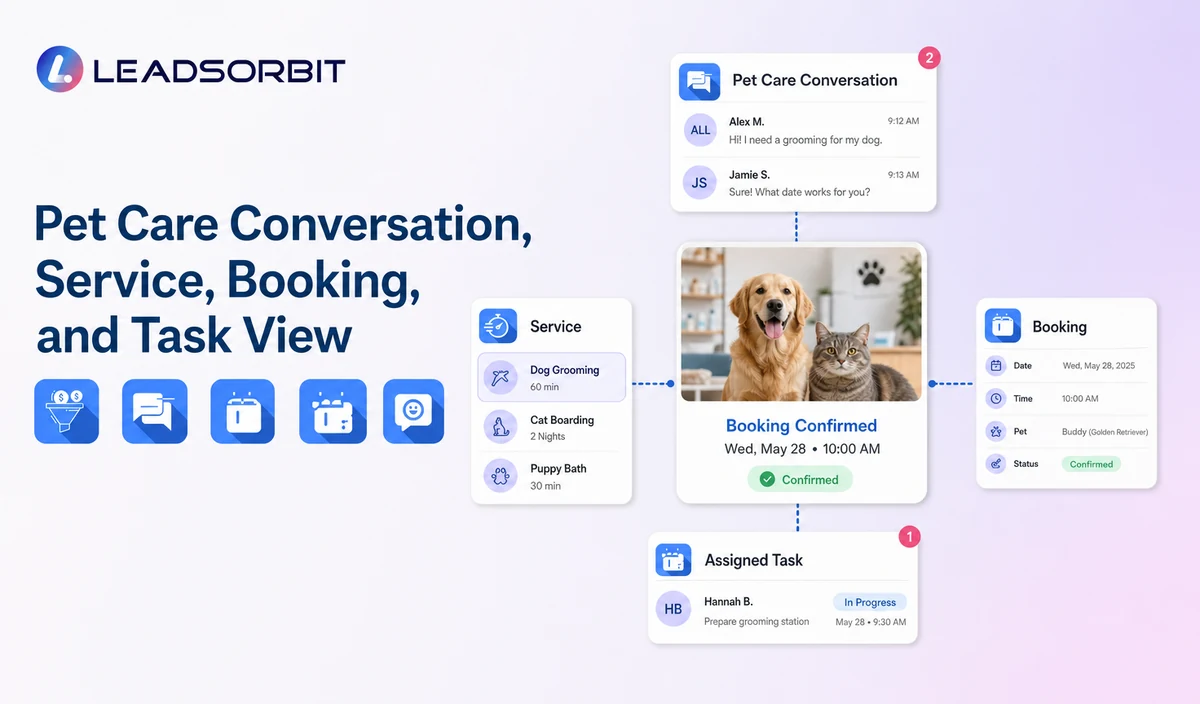
LEADSORBIT’s AI powered CRM can connect approved pet care conversations, booking activity, follow up, tasks, and communication statuses.
- AI Appointment: supports booking requests, calendar connections, confirmations, reminders, rescheduling, and cancellation where configured.
- Conversation AI: supports configured channel conversation visibility, routing, staff takeover, and CRM synchronization.
Exact channels, fields, scripts, calendars, service rules, pet and client data, capacity or route sources, membership or package information, permissions, retention, integrations, and account behavior require implementation validation. LEADSORBIT is positioned here as the communication, booking, follow up, CRM, review, and task layer. Do not present it as a veterinary practice system, pet medical record system, kennel management platform, boarding capacity engine, dog walking GPS or route system, staff scheduler, care log platform, POS, invoicing, payroll, inventory, package accounting, membership billing, or specialized pet business operations system.
Try LEADSORBIT free for 14 days
FAQs
It is a customer facing workflow for selecting a service, providing basic pet parent and pet details, choosing timing and location, and receiving booking or staff review.
Final Thoughts
Online booking for pet care businesses is an administrative workflow that lets a pet parent choose an approved service, provide basic owner and pet details, select a location and preferred date or time, and receive a clear requested, booked, confirmed, or staff review status. The strongest setup uses accurate source data, gives staff clear ownership, avoids health or capacity promises, and stops automation at the right time.
Start 14 days free trial to see how LEADSORBIT can support this pet care workflow with conversations, booking requests, automation, tasks, and CRM visibility.

Start Your Free 14 Day Trial
Try LEADSORBIT and see how it captures missed calls, follows up instantly, and turns leads into booked appointments for your business.