
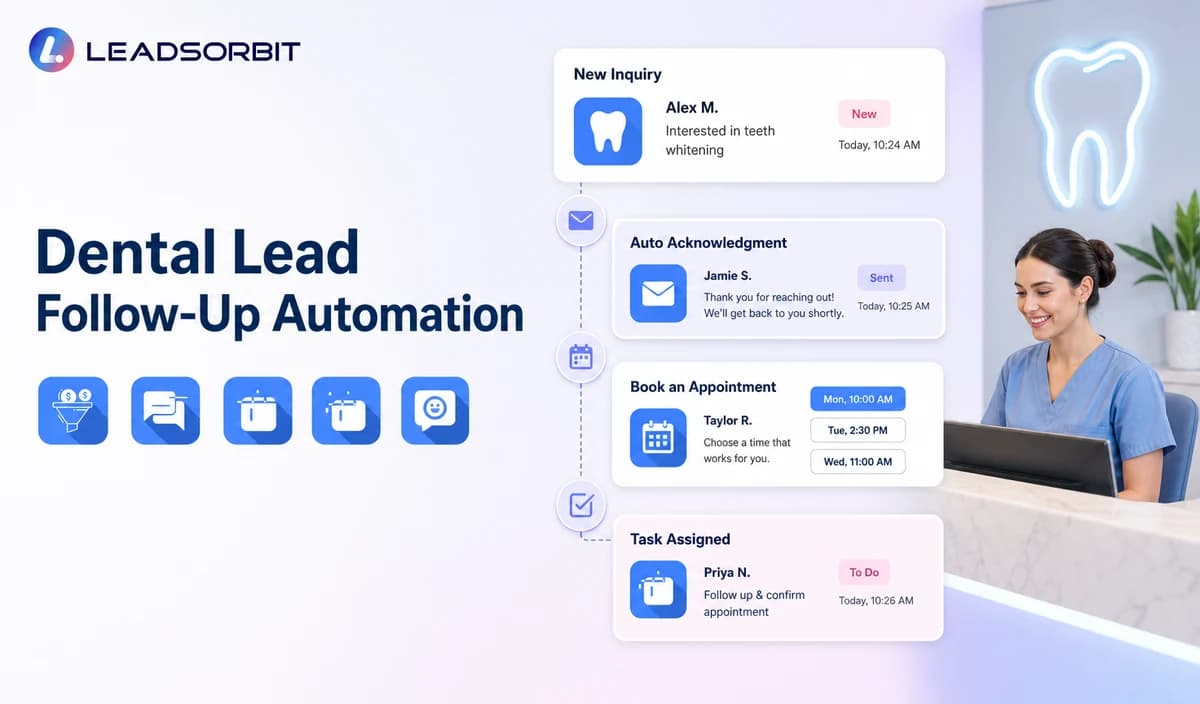

A new dental inquiry may arrive through a phone call, website form, web chat, paid campaign, social message, or referral. The practice may intend to respond quickly, but the inquiry can still sit unassigned while the front desk handles patients, providers, appointment changes, and existing conversations.
Dental lead follow up automation gives the team a consistent way to acknowledge the inquiry, offer a valid booking or callback path, create staff ownership, and continue limited follow up when the person does not respond. For the general framework, see lead follow up automation for small business. The commercial dental owner remains LEADSORBIT Dental Software.

Who This Guide Is For
- Dental practices receiving inquiries from calls, forms, chat, advertising, referrals, or social channels.
- Front desk teams that need clear ownership of unbooked new patient inquiries.
- Group practices coordinating location, provider, and appointment type requests.
- Practice owners who want booking, texts, email, calls, tasks, and pipeline status connected.
- Healthcare organizations that want administrative follow up without automating clinical or treatment plan communication.
Why Dental Inquiries Go Cold
Most inquiry loss is operational. A person may submit a form after hours, call while the team is helping a patient, or ask a question that needs a staff response. Without a defined process, the first message may be delayed, two people may follow up at once, or nobody may know whether the person booked.
- The inquiry enters one channel but the team works in another.
- The practice does not preserve the original source or conversation context.
- No owner is assigned after the automated acknowledgment.
- A booking link is sent without checking the correct location or appointment type.
- The practice sends one message but has no no response sequence.
- Automation continues after a staff member takes over.
- New patient lead follow up is mixed with clinical, post treatment, recall, or unscheduled treatment communication.
What the Workflow Should Accomplish
The goal is not to send more messages. The workflow should move each inquiry toward a visible administrative outcome while respecting communication preferences, opt outs, staff capacity, and clinical boundaries.
- Acknowledge the inquiry through an approved channel.
- Identify whether the person wants a new appointment, a general office answer, or a staff callback.
- Confirm location or provider preference only when it affects routing.
- Offer an approved appointment request or booking path.
- Assign a named owner and backup owner.
- Create a short no response sequence with clear stop rules.
- Preserve source, conversation history, next action, and outcome in the CRM.
- Route clinical, records, billing, insurance, complaint, or sensitive matters to staff.
A Practical Dental Lead Follow Up Workflow
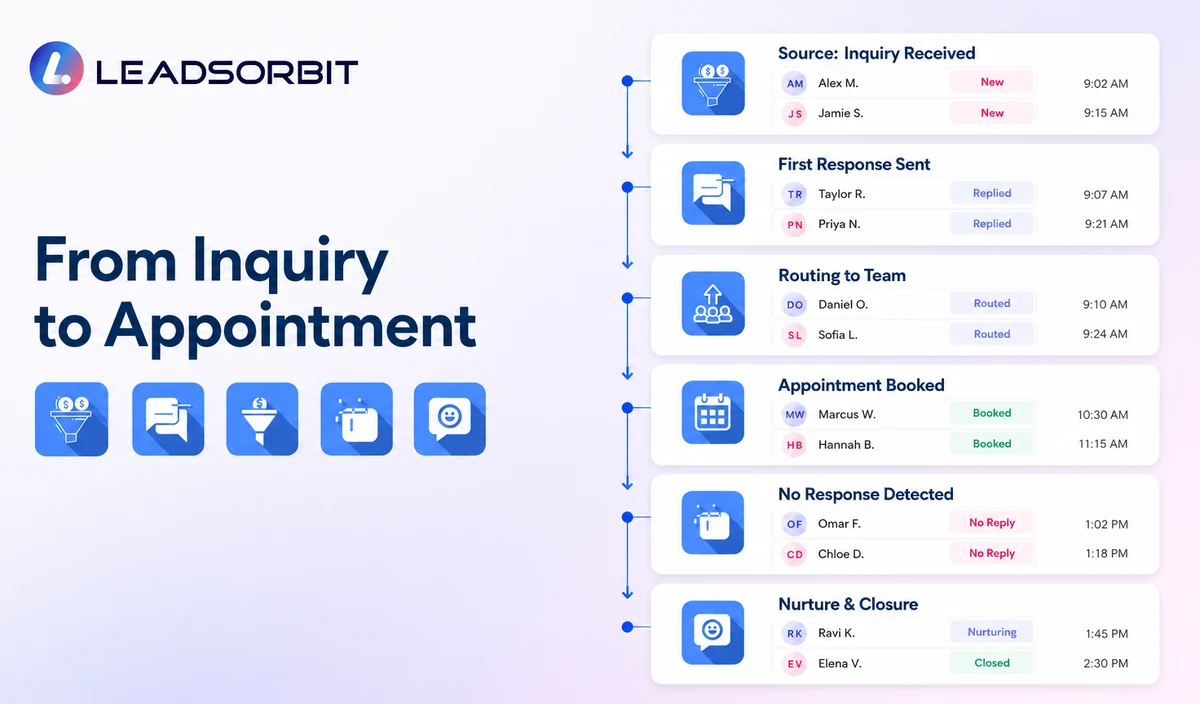
| Stage | Automated action | Human responsibility | Stop condition |
|---|---|---|---|
| 1. Inquiry received | Create or update the contact, preserve the source where supported, and send an approved acknowledgment. | Check duplicate records, consent, assigned owner, and invalid inquiries. | Stop if the record is invalid, duplicated, opted out, or inappropriate for outreach. |
| 2. General intent captured | Ask whether the person wants a new appointment, a general office answer, or a staff callback. | Review clinical, records, billing, insurance, accessibility, or sensitive exceptions. | Stop routine automation when human handling is required. |
| 3. Routing details | Confirm location, provider, appointment category, or preferred time only when needed. | Validate availability and local rules. | Do not promise an appointment or provider before the booking is valid. |
| 4. Booking path | Offer an approved booking link, appointment request, or callback option. | Handle unsupported appointment types, unavailable times, and policy exceptions. | Stop after valid booking or staff takeover. |
| 5. First no response follow up | Send one short reminder through the permitted channel. | Review high intent or time sensitive inquiries. | Stop after reply, booking, opt out, invalid contact, or complaint. |
| 6. Second attempt or nurture | Use one additional approved message or move the contact to a reviewed nurture status. | Decide whether the inquiry stays active, pauses, or closes. | Stop when the attempt limit is reached. |
| 7. Reporting and closure | Record source, reply, booking request, appointment, owner, and closure reason. | Review unresolved leads and workflow errors. | Do not keep indefinite outreach active. |
Follow Up Paths by Inquiry Source
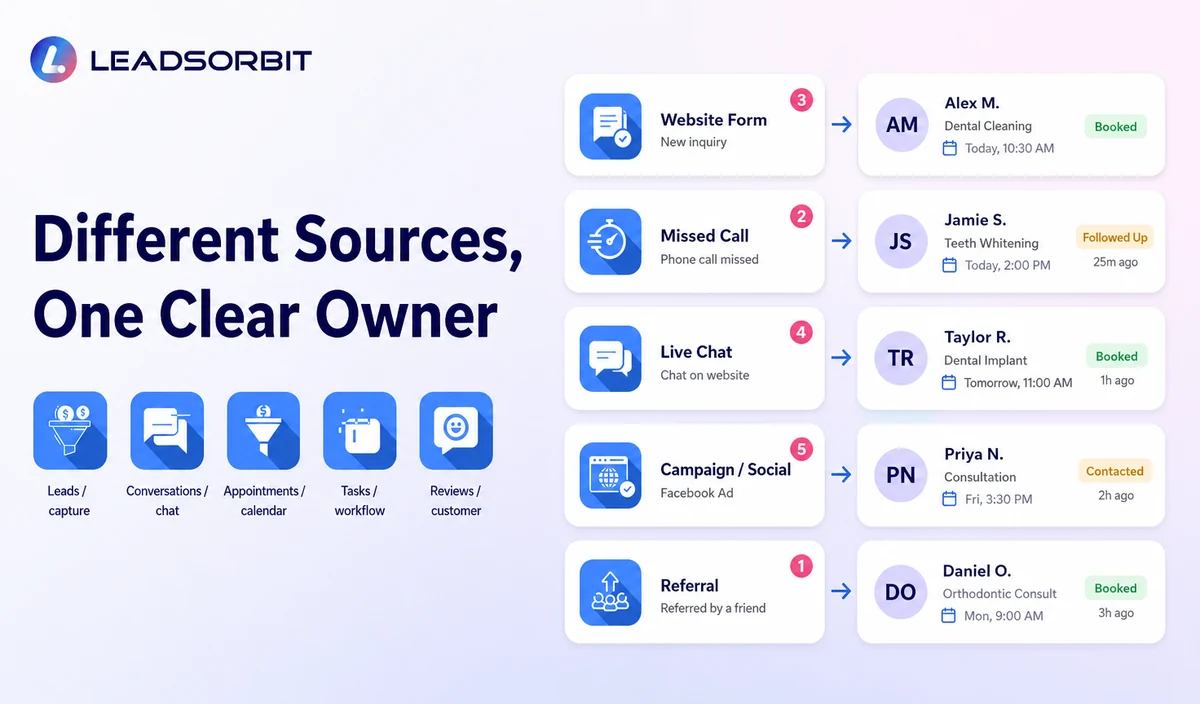
| Inquiry source | First response focus | Likely next step | Common mistake |
|---|---|---|---|
| Website form | Confirm receipt and clarify booking or callback intent. | Approved booking path or assigned callback. | Sending a long questionnaire before acknowledging the inquiry. |
| Missed or unanswered call | Acknowledge the call and ask one administrative question. | New patient booking, existing patient support, or callback. | Treating every missed call as a new patient sales lead. |
| Web chat | Preserve conversation context and confirm the next step. | Continue the chat, offer booking, or create a staff task. | Restarting the same questions in another channel. |
| Paid campaign or social inquiry | Identify the practice and the request without unapproved promotional claims. | Booking path or staff callback. | Using generic campaign copy after the person asks a direct question. |
| Referral | Record the source only when volunteered and appropriate. | Booking or staff callback. | Asking for unnecessary information about another patient. |
Recommended Follow Up Sequence
The sequence should be short enough to feel respectful and structured enough to prevent forgotten inquiries. Exact timing should follow the practice’s hours, consent process, and staffing rather than an invented universal benchmark.
| Touchpoint | Purpose | Example direction | Owner |
|---|---|---|---|
| Immediate acknowledgment | Confirm the inquiry was received. | Identify the dental practice and offer booking or callback options. | Configured workflow. |
| First staff review | Check whether the inquiry needs a person. | Review source, reply, location/provider request, and exception. | Assigned front desk owner. |
| First no response message | Make the next step easy. | Offer one booking path or request a preferred callback time. | Workflow with staff visibility. |
| Second attempt | Provide a final active option. | Ask whether the person still wants help scheduling or prefers no further contact. | Workflow or named staff member. |
| Nurture or close | End the active sequence responsibly. | Move to approved nurture or close with a clear reason. | Owner or office manager. |
Sample Dental Lead Follow Up Messages
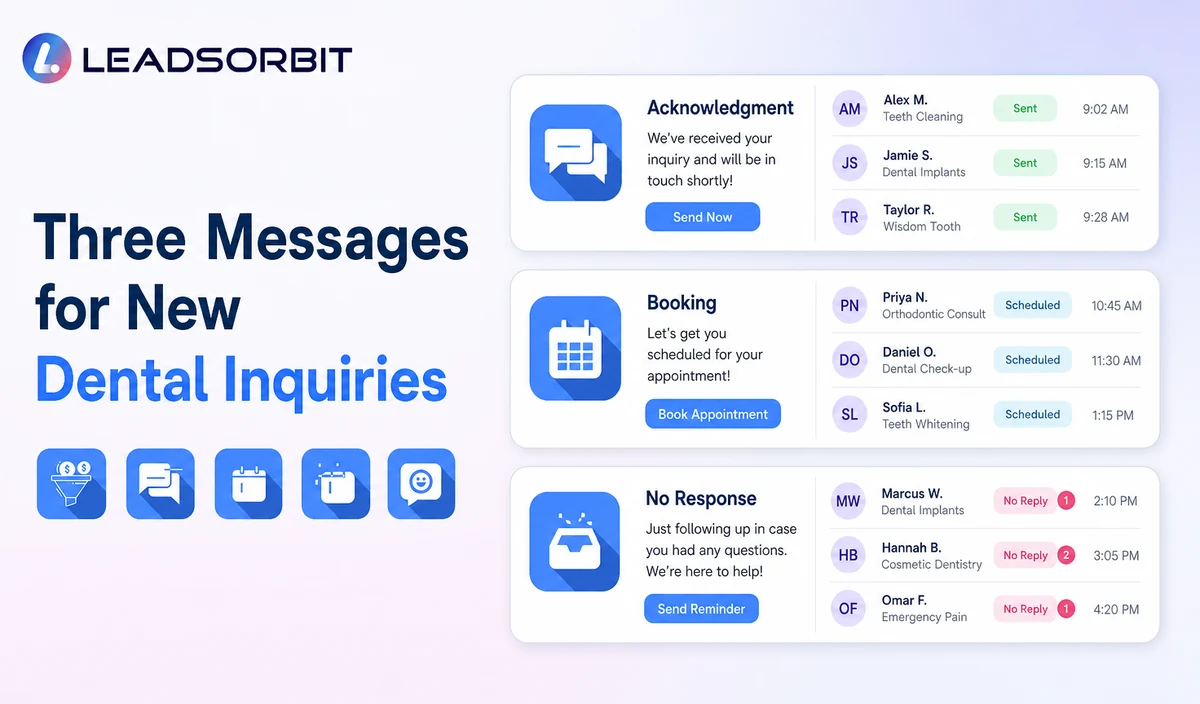
The following examples are administrative templates. Replace the placeholders, confirm consent and channel rules, and avoid collecting unnecessary clinical details.
New Inquiry Acknowledgment
Booking Follow Up
No Response Follow Up
Final Active Follow Up
Keep Lead Follow Up Separate From Clinical and Treatment Follow Up
This article owns new inquiry communication and appointment conversion. It should not explain treatment, discuss a clinical recommendation, follow a care plan, or pursue an unscheduled treatment plan.
| Administrative lead follow up | Different workflow or specialized system |
|---|---|
| Confirm contact details and communication preference. | Diagnosis, symptoms, treatment advice, or urgency decisions. |
| Offer a new patient appointment request. | Clinical intake, health history, charting, or imaging. |
| Answer approved office questions. | Insurance determination, claims, billing disputes, or payment card information. |
| Assign a staff callback. | Unscheduled treatment explanation or clinical case acceptance. |
| Track source, owner, next task, and booking status. | Dental PMS, EHR, records, charting, billing, or treatment planning replacement. |
Consent, Opt Outs, and Healthcare Data
LEADSORBIT supports HIPAA compliant administrative workflows for eligible healthcare organizations through HIPAA enabled HighLevel subaccounts. Compliant use depends on maintaining the active HIPAA package, applicable agreements, approved account configuration, user permissions, integrations, retention settings, and the healthcare organization’s own procedures.
Names, phone numbers, email addresses, appointment requests, source information, messages, and conversation history may be PHI depending on context. Use minimum contact and operational information, maintain applicable controls, and review every form, SMS/email provider, calendar, AI tool, storage system, and data destination separately.
- Identify the practice and purpose of the message.
- Use approved consent sources and communication preferences.
- Honor opt outs and pause automation after staff takeover.
- Avoid collecting detailed symptoms, diagnosis, treatment, records, claims, or payment data.
- Confirm the specific dental subaccount, permissions, retention, integrations, and applicable agreements.
Dental Lead Follow Up Setup Checklist
- List every inquiry source and define the first response owner.
- Approve new patient, general question, booking, callback, and escalation branches.
- Confirm location, provider, appointment type, and calendar rules.
- Define the minimum fields and remove unnecessary clinical or financial questions.
- Approve the acknowledgment and limited no response messages.
- Define booking, reply, staff takeover, opt out, invalid contact, complaint, and attempt limit stop rules.
- Assign primary and backup owners.
- Confirm permissions, retention, HIPAA enabled account status, and integrations.
- Test duplicates, failed delivery, unavailable appointments, sensitive replies, and staff takeover.
- Review real outcomes and improve the workflow without expanding into clinical follow up.
See the Follow Up Workflow With Your Practice’s Rules
Book a Demo to map your inquiry sources, first response, booking options, owners, no response sequence, stop conditions, and reporting inside LEADSORBIT.
What to Measure
- New inquiries by source and channel.
- Acknowledgments delivered successfully.
- Replies, booking requests, and staff callback requests.
- Time until a named owner reviews the inquiry.
- Valid appointments connected with the inquiry.
- No response leads moved to nurture or closed with a reason.
- Opt outs, complaints, duplicate messages, and failed delivery.
- Clinical or sensitive requests handed to the correct staff member.
- Staff feedback about context and ownership.
How LEADSORBIT Supports Dental Lead Follow Up
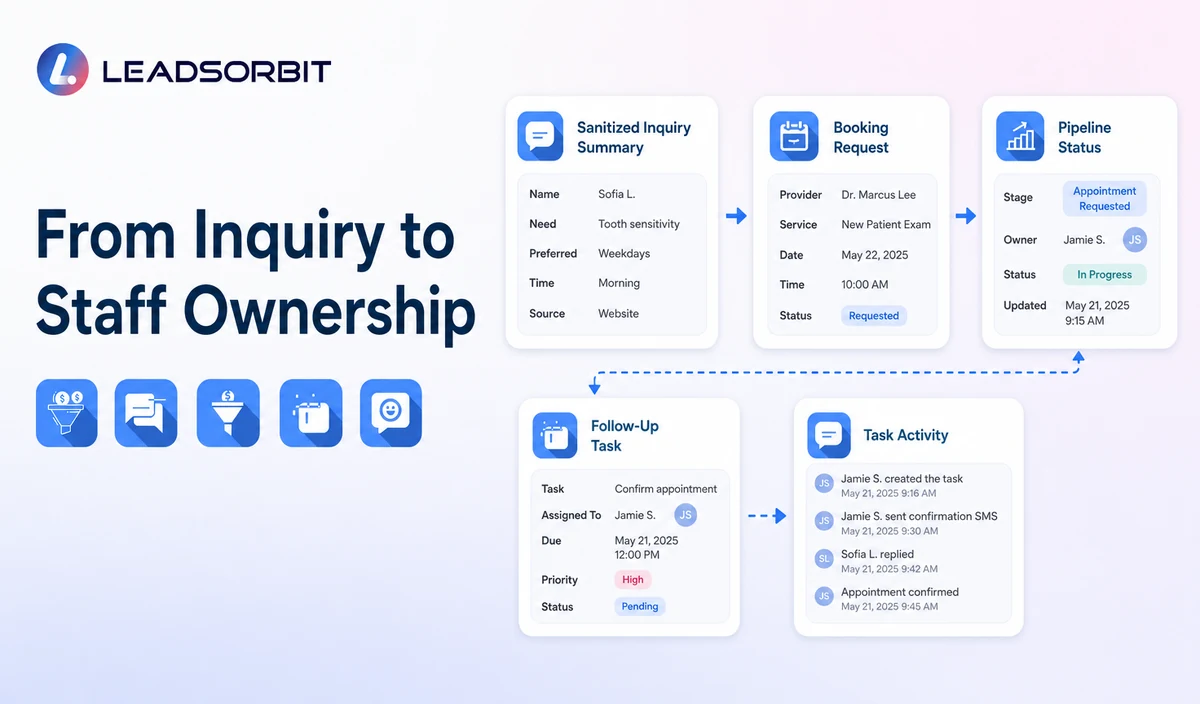
LEADSORBIT’s AI powered CRM can connect inquiry records, conversations, booking paths, workflow steps, tasks, and lead status.
- Workflow AI: supports configurable triggers, SMS/email/call actions, conditions, timing, tasks, and stop logic.
- Conversation AI: supports configured conversation visibility, routing, staff takeover, and CRM synchronization.
- AI Appointment: supports booking, calendar connections, confirmations, rescheduling, and cancellation.
- CRM pipeline and task ownership: support source, status, owner, next action, and outcome visibility.
Exact channels, source fields, pipeline actions, appointment types, permissions, retention, and integrations require implementation validation. LEADSORBIT is not positioned here as a dental PMS, EHR, charting, billing, claims, imaging, or treatment planning system.
Try LEADSORBIT free for 14 days
FAQs
It is an administrative workflow that acknowledges a new inquiry, offers a booking or callback path, assigns ownership, and continues limited follow up until a defined outcome.
Final Thoughts
Dental lead follow up automation works when every inquiry has a clear owner, useful next step, and responsible stopping point. The workflow should help the person book or reach staff, not create endless messages.
Book a Demo to see how LEADSORBIT can connect dental inquiries, booking, staff tasks, no response follow up, and pipeline visibility.

Start Your Free 14 Day Trial
Try LEADSORBIT and see how it captures missed calls, follows up instantly, and turns leads into booked appointments for your business.