
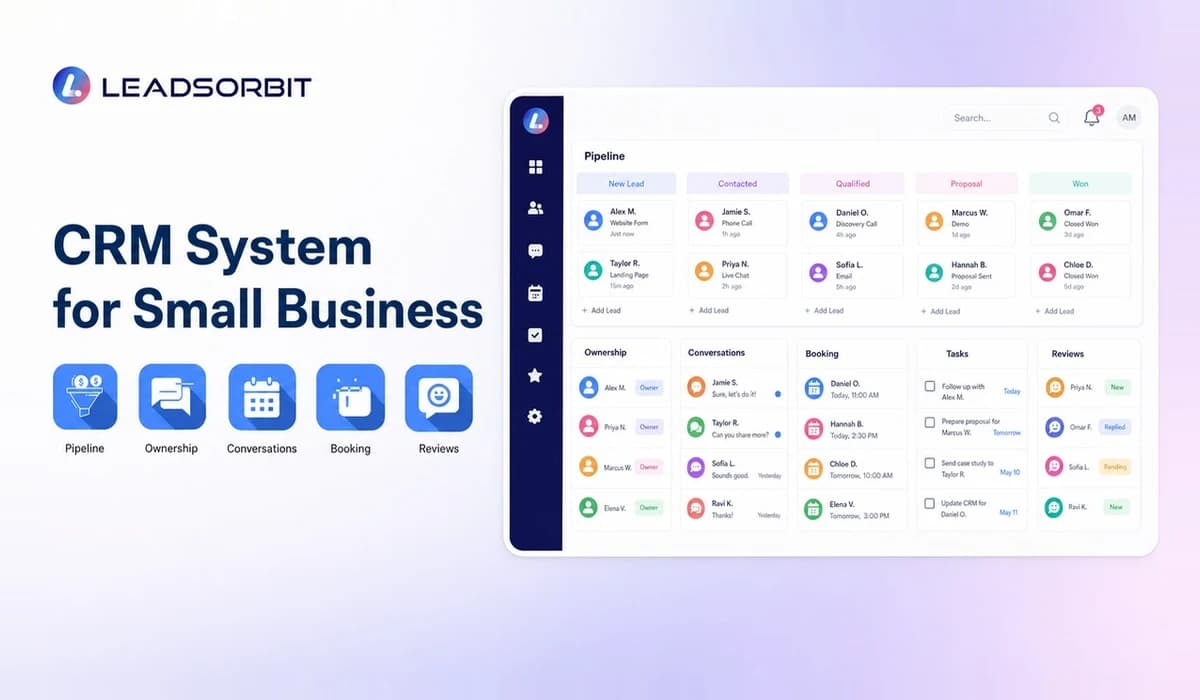

A CRM system for small business is more than software. It is the shared process that tells the team how an inquiry becomes a contacted lead, a booked customer, a completed job, and a relationship that receives the right follow up.
This guide focuses on process, stages, ownership, automation rules, and implementation. For a broader feature and buying overview, visit the Small Business CRM .
What Is a CRM System for Small Business?
A CRM system combines customer information, team responsibilities, pipeline stages, tasks, communication, and automation in one operating model. The software supports the system, but the business must still define what each stage means and who is accountable.
A strong system makes the next action visible. A weak system stores information but leaves the team guessing.
How a CRM System Works
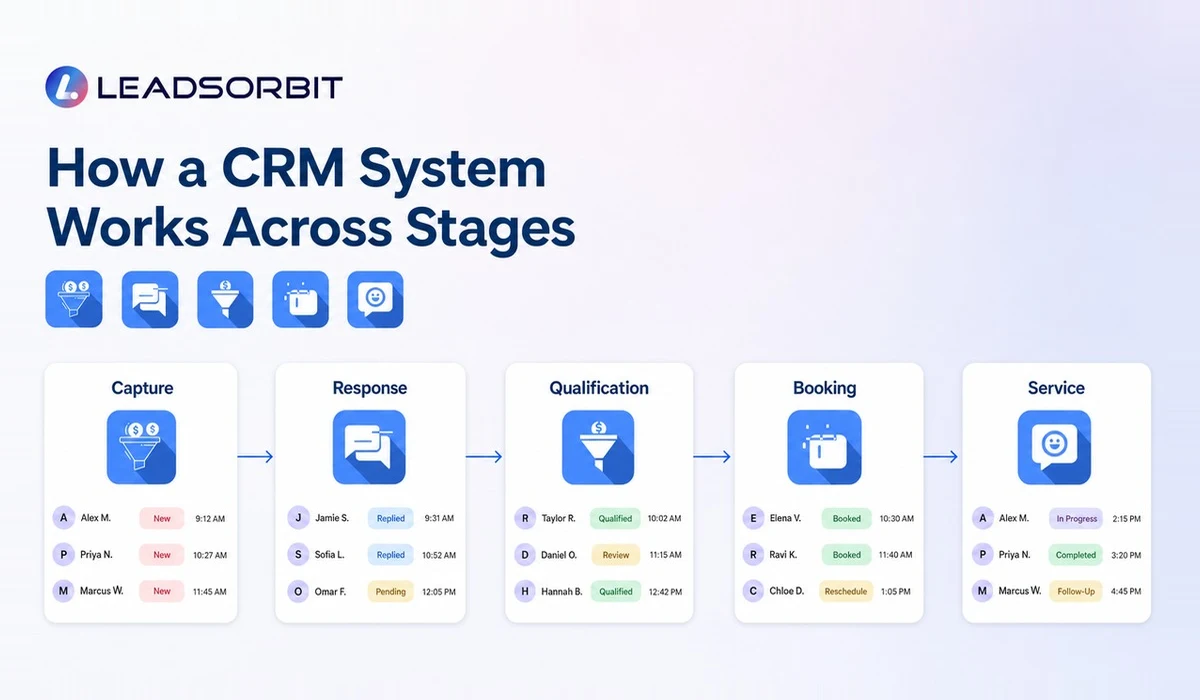
The process begins when a lead enters through a call, form, message, referral, or other source. The CRM creates or updates the record, assigns ownership, and places the lead in the correct stage.
- Capture: create the contact and preserve the inquiry source.
- Respond: notify the right person and record the conversation.
- Qualify: confirm need, timing, service area, or other relevant criteria.
- Advance: book an appointment, send an estimate, or create the next task.
- Deliver: update the record when the service or sale is completed.
- Follow up: request feedback, schedule the next visit, or reactivate later.
The stages should be simple enough that two employees would classify the same lead the same way. Clear definitions improve reporting and reduce arguments about status.
Why System Based Follow Up Beats Manual Follow Up
Manual follow up depends on individual memory. System based follow up creates a repeatable next step when a defined event happens, such as a form submission, missed call, stage change, or appointment.
That does not mean every message should be automated. The system can handle acknowledgment, reminders, task creation, and escalation while the team handles questions, objections, and relationship building conversations.
LEADSORBIT's Workflow AI supports trigger based tasks and communication, while Conversation AI keeps customer interactions connected to the record.
CRM System Features for Local Businesses
Local businesses often need a CRM to connect front desk work with sales, booking, service, and reputation management. The feature priorities are therefore different from a system focused only on long enterprise sales cycles.
| System Area | Practical Requirement |
|---|---|
| Inquiry routing | Send each lead to the correct person or location |
| Pipeline stages | Match the real service or sales journey |
| Task ownership | Show who must act and by when |
| Communication | Keep calls, texts, emails, and chat in context |
| Booking | Connect calendar activity to the customer record |
| Reviews | Trigger an approved request after the right event |
| Retention | Create rebooking, renewal, or reactivation tasks |
| Management view | Show stalled leads, overdue work, and activity |
Implementation Checklist
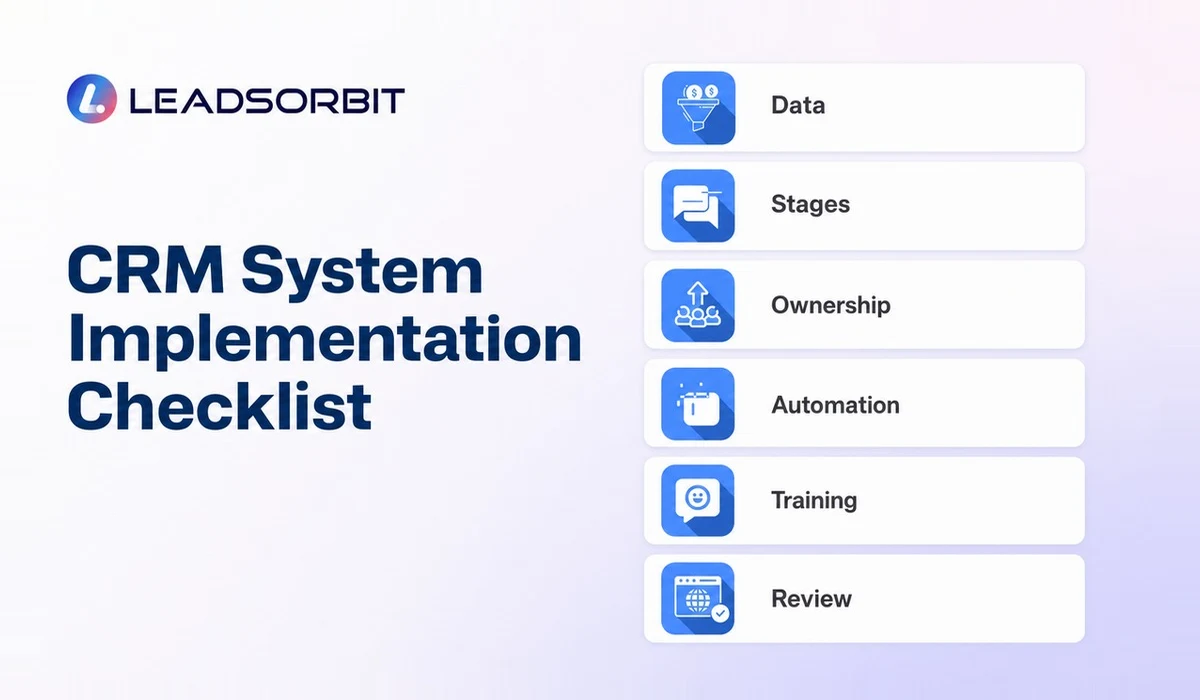
Implementation should begin with one clear workflow. Trying to automate every exception before the team understands the basics usually creates complexity and weak adoption.
- Choose a CRM owner who can make process decisions.
- Clean and deduplicate contacts before migration.
- Define pipeline stages and entry/exit rules.
- Set ownership rules for each lead source.
- Create templates for common, approved communication.
- Automate only routine steps with clear stop conditions.
- Connect calendars, forms, inboxes, and essential tools.
- Train users with role specific scenarios.
- Review overdue tasks and stalled records every week.
- Measure adoption before adding more automation.
Document changes so the team knows which process is current. A CRM system should become easier to use as the business learns, not accumulate hidden rules no one understands.
Define Pipeline Stages the Team Can Use
Pipeline stages should describe meaningful business status, not every small activity. A stage change should tell the next user something important about what has happened and what is expected next.
- Use plain names the team already understands.
- Define the condition for entering and leaving each stage.
- Separate stage from task; "Call customer" is an action, not a status.
- Avoid creating stages for rare exceptions.
- Decide how lost, inactive, and completed records are handled.
- Review records that remain in one stage beyond a reasonable period.
For example, a home service company may use New Inquiry, Contacted, Estimate Scheduled, Estimate Sent, Approved, Scheduled, Completed, and Follow Up. A clinic may use New Patient Inquiry, Contacted, Appointment Requested, Booked, Confirmed, Completed, and Recall.
Create Ownership and Escalation Rules
A CRM system needs an answer to one basic question: who owns the next action? Ownership can be based on location, service, lead source, schedule, territory, or a rotating queue. The rule should be visible and easy to explain.
Escalation rules help when the first owner cannot respond. A reminder may notify a manager, reassign the task, or place the lead in an exception queue. Escalation should be used carefully so several people do not contact the same customer.
Manage CRM Governance Without Bureaucracy
Governance simply means deciding who can change the system and how those changes are documented. Small businesses do not need a committee, but they do need one owner and a basic change process.
- Keep a short record of stage, field, and automation changes.
- Test workflow changes with internal contacts before publishing.
- Limit administrator access to people who need it.
- Review unused fields and workflows quarterly.
- Remove access promptly when roles change.
- Keep template language aligned with current business policy.
These habits protect the team from hidden automation and inconsistent data while keeping the system flexible.
How LEADSORBIT Supports a Connected CRM System
LEADSORBIT connects contact management, conversations, workflows, appointments, reviews, pipeline activity, and reporting in one AI powered CRM. This helps a small team build a system around the complete customer journey.
Use AI Appointment for connected booking workflows and Reviews AI for consistent feedback requests and monitoring. Book a demo to map a real business process inside the platform.
CRM System Readiness Checklist
Before implementation, confirm that the business is ready to make a few operating decisions. Software cannot resolve ownership or process questions that leadership has left undefined.
- The main lead sources are documented.
- The first response owner is defined.
- Pipeline stages have simple meanings.
- Each active record can have a next action.
- The first automation use case has a clear trigger and stop rule.
- Data migration has an owner and backup plan.
- Users know which system becomes the source of truth.
- Managers have a simple weekly review process.
If several answers are unclear, begin with process mapping before building automation. A small amount of preparation usually prevents much larger cleanup later.
Try LEADSORBIT free for 14 days
FAQs About CRM System for Small Business
CRM software is the platform. A CRM system includes the platform plus the business rules, stages, ownership, workflows, training, and management habits that make it useful.
Final Thoughts
A CRM system works when people, process, and software reinforce one another. Build clear stages, visible ownership, practical automation, and simple management routines. Then expand only when the first workflow is being used consistently.

Start Your Free 14 Day Trial
Try LEADSORBIT and see how it captures missed calls, follows up instantly, and turns leads into booked appointments for your business.