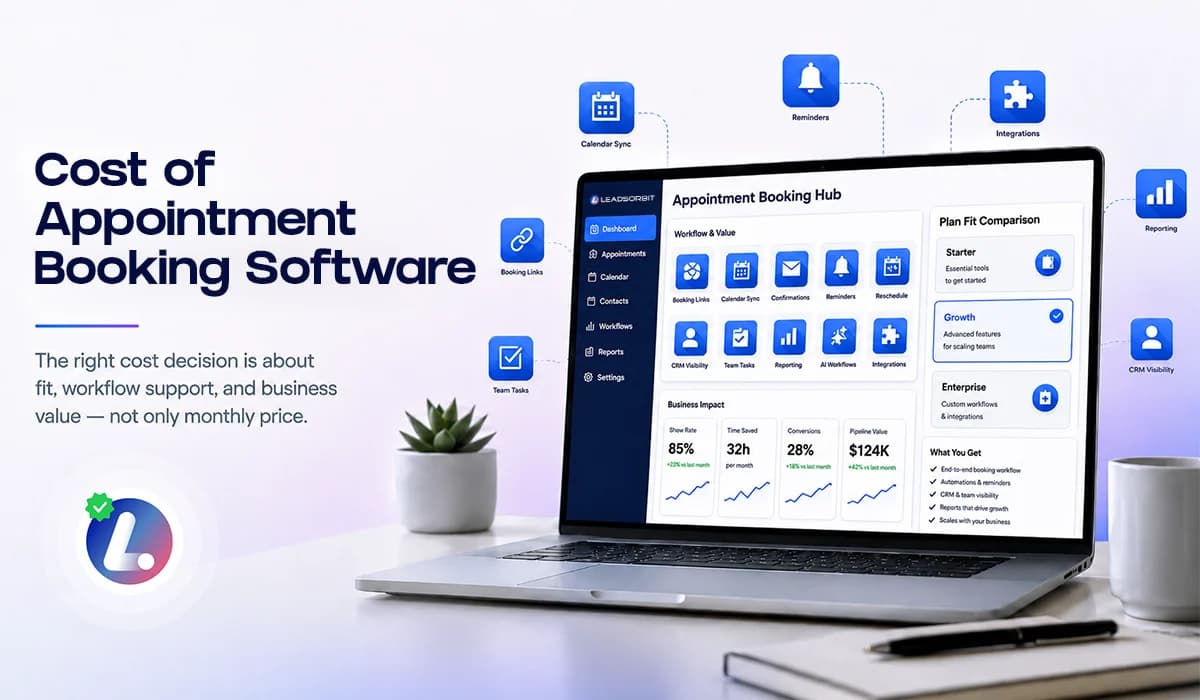

The cost of appointment booking software should be judged by what the system helps your business do, not only by the monthly price on the plans page. A cheaper tool may still be expensive if it creates manual work, disconnected communication, or missed appointments.
For small businesses, the right appointment booking system should help capture appointment requests, share booking links, send confirmations, manage reminders, reduce no shows, and keep the team informed. If the software only shows a calendar, it may not support the full booking journey.
This guide explains what affects pricing, what should be included, where hidden costs appear, and how to choose a plan that fits your current stage. For the full booking strategy, read Appointment Booking CRM for Small Business.
Why Price Alone Can Be Misleading
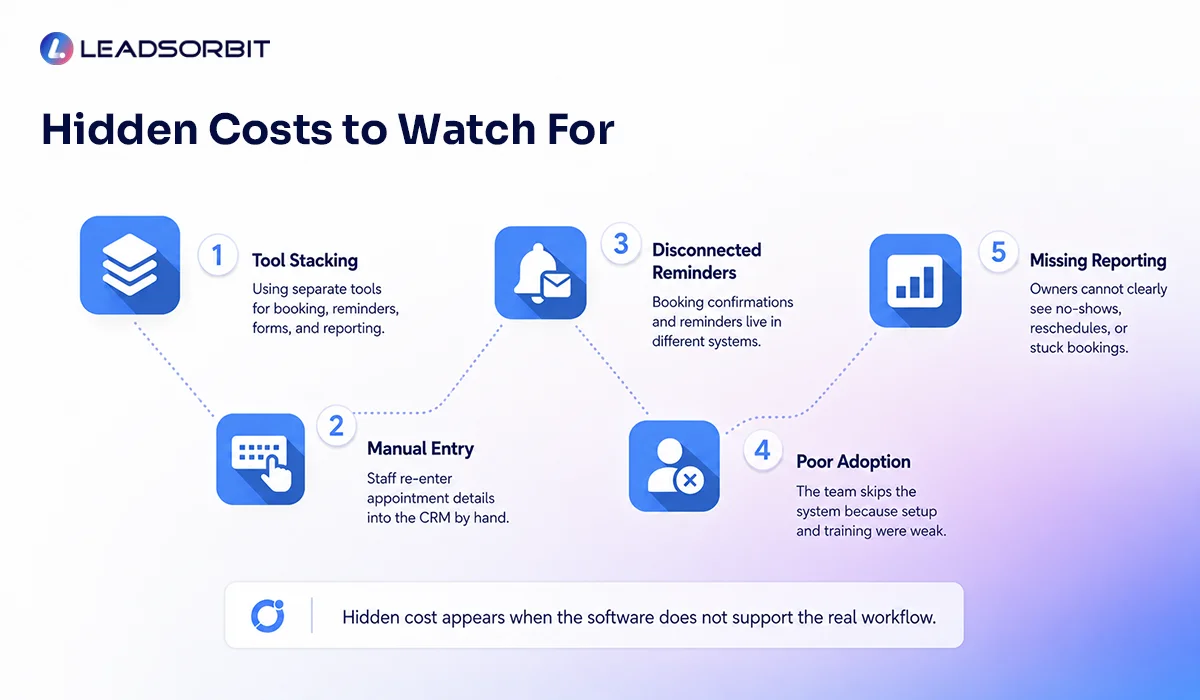
Appointment booking software may look simple during a demo. The real question is whether the system supports the process your team uses every day. A low cost tool that sits outside the CRM may still require manual follow up, duplicate data entry, and extra reminders.
A stronger system should connect booking with the rest of the customer journey. When a customer books, the CRM should update the record, stop irrelevant sales follow up, start reminders, and show the team what happened.
- Does the tool capture leads or only accept bookings?
- Does it connect with SMS, email, and chat conversations?
- Does it trigger confirmations and reminders?
- Does it update CRM pipeline stages?
- Does it give the team visibility into no shows and reschedules?
The right cost decision starts with fit. If the system supports your booking process and reduces manual gaps, the price has a clearer business purpose.
What Affects the Cost of Appointment Booking Software
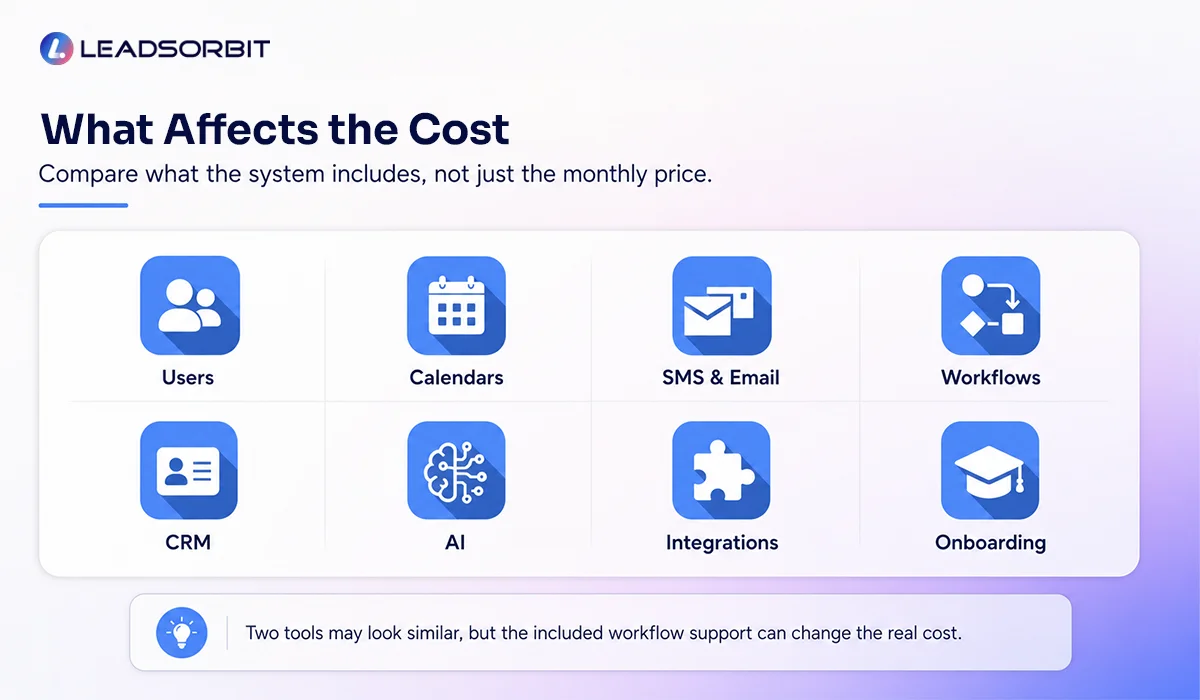
Pricing can vary based on what the software includes and how much support your business needs. Instead of comparing tools only by monthly price, compare the parts of the system that affect daily execution.
- Number of users or team seats.
- Number of locations or calendars.
- SMS and email reminder usage.
- Online booking and booking link features.
- Calendar integrations and appointment types.
- Workflow automation complexity.
- CRM pipeline and reporting features.
- AI powered support, conversation handling, or appointment assistance.
- Onboarding, setup, and training support.
These cost drivers matter because two tools can appear similar but support very different levels of business operation. A simple scheduler may be enough for one team, while another team needs a full appointment booking CRM.
What Should Be Included in a Good Plan
A good plan should support the main appointment journey. This does not mean you need every advanced feature on day one. It means the core pieces should work together without forcing your team to manually connect them.
| Included Area | Why It Matters |
|---|---|
| Online booking links | Let customers schedule or request times easily |
| Calendar connection | Reduce scheduling errors and manual checking |
| Confirmations | Send clear appointment details after booking |
| Reminder texts and emails | Help reduce missed appointments and confusion |
| Reschedule workflow | Give customers an easier way to change times |
| CRM visibility | Show appointment status and next action |
| Team tasks | Notify staff when human follow up is needed |
| Reporting | Help owners see stuck bookings and missed opportunities |
If these pieces are missing, the business may pay for software but still manage the appointment process manually. That is where hidden cost begins.
Basic Scheduler vs Appointment Booking CRM
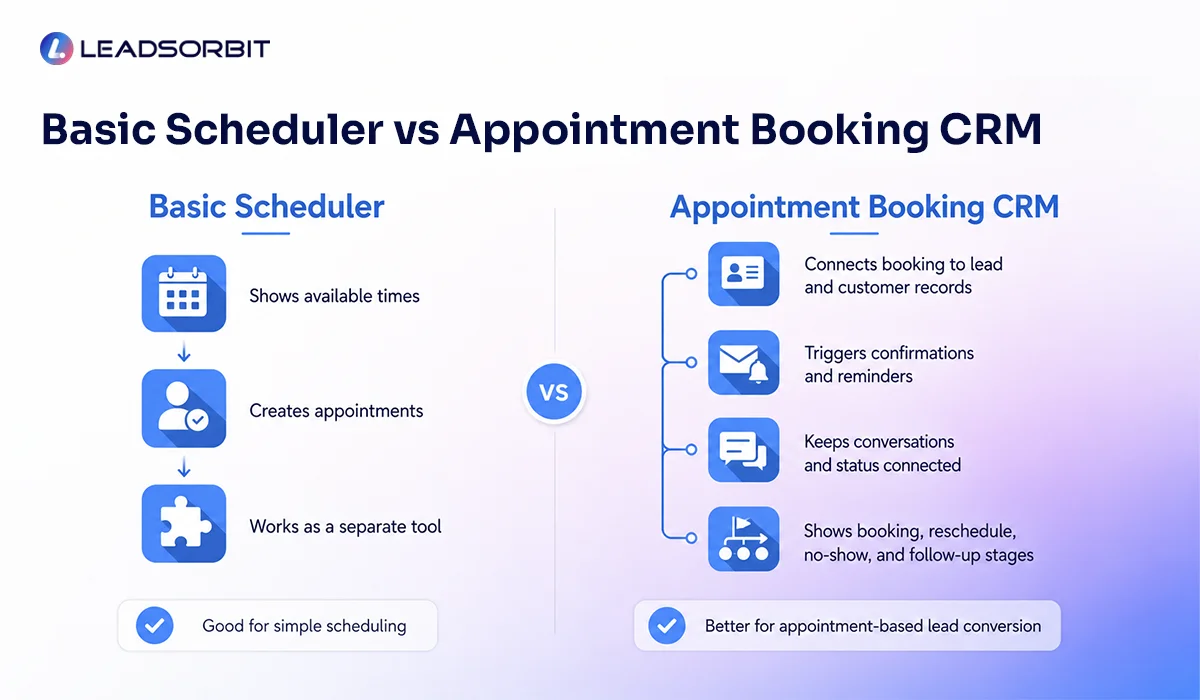
A basic scheduler can help customers choose a time. That may be enough for very simple use cases. But many small businesses need more than a calendar because booking is connected to lead follow up, reminders, conversations, and customer experience.
| Basic Scheduler | Appointment Booking CRM |
|---|---|
| Shows available times | Connects booking to lead and customer records |
| Creates appointments | Triggers confirmation and reminder workflows |
| May work as a separate tool | Keeps conversations and appointment status connected |
| Limited pipeline visibility | Shows booking, reschedule, no show, and follow up stages |
| Good for simple scheduling | Better for appointment based lead conversion |
This does not mean every business needs the highest tier. It means the software should match the level of follow up and visibility your business needs.
How to Choose the Right Tier
Choosing the right tier should start with your current process. A small team may need a simple setup first, while a growing business may need more automation, more calendars, and stronger reporting.
- Starter fit: basic booking links, confirmations, reminders, and one or two users.
- Growth fit: multiple lead sources, more users, CRM stages, and stronger follow up automation.
- Scale fit: multiple locations, higher lead volume, deeper reporting, and more AI assisted workflows.
Avoid both extremes. Do not underbuy if the system cannot support your real appointment journey. Do not overbuy advanced features your team will not use.
External Booking Links and Local Search
For local businesses, booking options can also appear beyond the website. Google Business Profile allows eligible businesses to manage local business links, including appointment related links, which can support local searchers who want a direct next step.
If your business uses local search as part of lead generation, make sure the booking destination is clear, mobile friendly, and connected to your follow up process where possible.
Google Business Profile local business links is a useful official reference for how Google describes business links and appointment related actions.
Chiropractic and Dental Examples
A chiropractic office may not need an advanced system at the beginning, but it does need a way to capture new patient inquiries, send booking links, confirm appointments, and reduce missed visits. If those actions are disconnected, the real cost includes staff time and lost follow up.
A dental practice may need booking support for consultations, treatment discussions, and follow up appointments. The system should help the team manage scheduling, reminders, and patient replies without switching between too many tools.
LEADSORBIT supports appointment workflows for Chiropractic Software and Dental Software teams that want booking, reminders, and conversations connected inside one CRM.
How LEADSORBIT Fits Into Appointment Booking Cost
LEADSORBIT is built to help small businesses manage appointment booking as part of a broader AI powered CRM system. That means booking does not sit alone. It connects with conversations, workflows, pipeline stages, and follow up.
- AI Appointment supports appointment related booking and scheduling workflows.
- Workflow AI can automate confirmations, reminders, reschedules, and no show follow up.
- Conversation AI keeps appointment related communication organized.
- Plans can be reviewed based on the level of workflow and CRM support your business needs.
You can review LEADSORBIT plan options on our Plans page. If you want help choosing the right setup, you can also Book a Demo.
Try LEADSORBIT free for 14 days
FAQs About the Cost of Appointment Booking Software
Common cost drivers include users, calendars, SMS and email usage, workflow automation, CRM features, integrations, AI support, onboarding, and reporting.
Final Thoughts
The cost of appointment booking software should be judged by fit, value, and execution. A system that only shows a calendar may be cheaper, but it may not solve the real appointment journey for your team.
Look at what the plan includes, how it connects with your CRM, how reminders are handled, and whether your team can actually use it every day. The right plan should make appointment booking easier for the customer and clearer for the business.
To review LEADSORBIT plan options, visit our Plans page. To see how LEADSORBIT can support appointment booking, workflows, and conversations.

Start Your Free 14 Day Trial
Try LEADSORBIT and see how it captures missed calls, follows up instantly, and turns leads into booked appointments for your business.
Personal Message from Faisal Zulfiqar
Appointment booking software should not feel like another tool your team has to manage. It should make the process simpler, faster, and easier to control.
My recommendation is to choose the plan that supports your real workflow, not just the one with the most features or the lowest monthly price. The best value comes from a system your team can use consistently.