
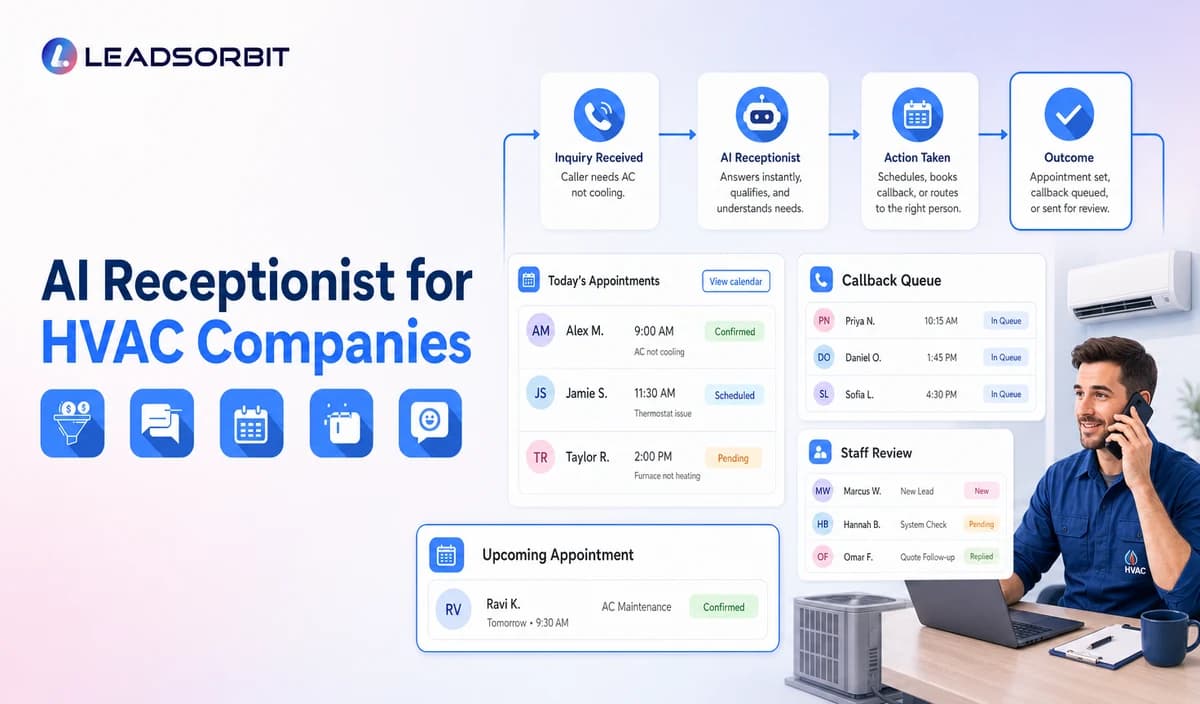

HVAC calls often arrive while the office is confirming appointments, helping current customers, following up on estimates, or handling seasonal demand. New callers may need service, maintenance, a replacement estimate, or help with an existing appointment. The first useful step is to identify the office task not diagnose the equipment.
An AI receptionist for an HVAC company can handle approved front desk steps, capture a small set of useful details, and explain what happens next. It should not act as a technician or dispatcher. This guide adapts the broader AI receptionist for small business framework to HVAC office tasks.

Who This Guide Is For
- HVAC owners and office managers who want a consistent first response during peak call periods.
- Customer service teams handling new service calls, existing appointments, estimates, and maintenance plan questions.
- Multi branch companies that route requests by service area, location, office hours, or call type.
- Leaders who need a clear record of what the caller requested, who owns the next step, and whether it was resolved.
What an HVAC AI Receptionist Should Handle
Use the receptionist for predictable office work. Keep technical, pricing, capacity, dispatch, and safety decisions with qualified staff and approved business systems.
- Answer current business facts, such as office hours, service area, accepted request types, and approved general policies.
- Capture the minimum intake: name, callback number, service address or ZIP code, customer status, and a broad request category.
- Route new service, maintenance, estimate, plan, and appointment change requests to the correct configured path.
- Offer an appointment request or confirmed booking only when the connected calendar and approved booking rules support it.
- Apply the company’s approved after hours instructions and transfer exceptions to a human owner.
- Create a named callback task when no approved real time handoff or booking path is available.
A Practical AI Receptionist for HVAC Companies Workflow
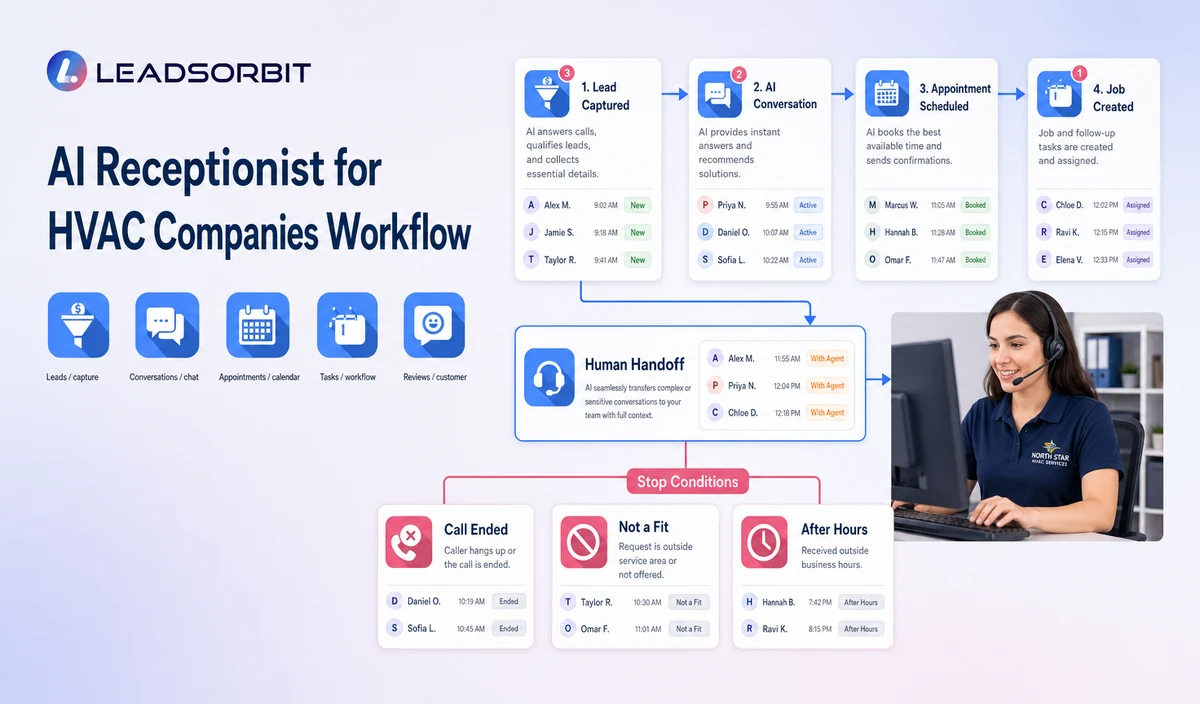
| Stage | Workflow action | Staff responsibility | Stop or escalation rule |
|---|---|---|---|
| 1. Greeting | State the company name, ask how the caller would like help, and offer approved request options. | Keep hours, holiday schedules, service areas, and menu wording current. | Offer a human handoff when requested; do not trap the caller in a loop. |
| 2. Request type | Separate new service, existing appointment, maintenance/plan, estimate, and general questions. | Maintain a clear branch and owner for each office process. | If no route fits, create a staff review task. |
| 3. Minimum intake | Capture name, callback number, service address or ZIP, customer status, and broad request category. | Set required fields and avoid unnecessary technical or sensitive details. | Do not diagnose; do not ask for payment or access codes unless a necessary approved workflow requires them. |
| 4. Service area and hours | Check the address against approved service area and business hour rules. | Maintain branch, holiday, and after hours exceptions. | Uncertain or out of area requests go to staff; do not imply coverage. |
| 5. Booking or callback | Use a configured calendar only for eligible booking actions; otherwise record a preferred contact period and assign a callback. | Validate calendar source, capacity, duration, buffer, and permitted changes. | Do not describe a request as confirmed unless the system actually confirms it. |
| 6. Confirmation and ownership | Repeat the request type, recorded status, and next step; identify the owner when appropriate. | Monitor failed transfers, task queues, and overdue callbacks. | Stop automation after human takeover; do not promise dispatch or arrival. |
HVAC Call Paths by Request Type
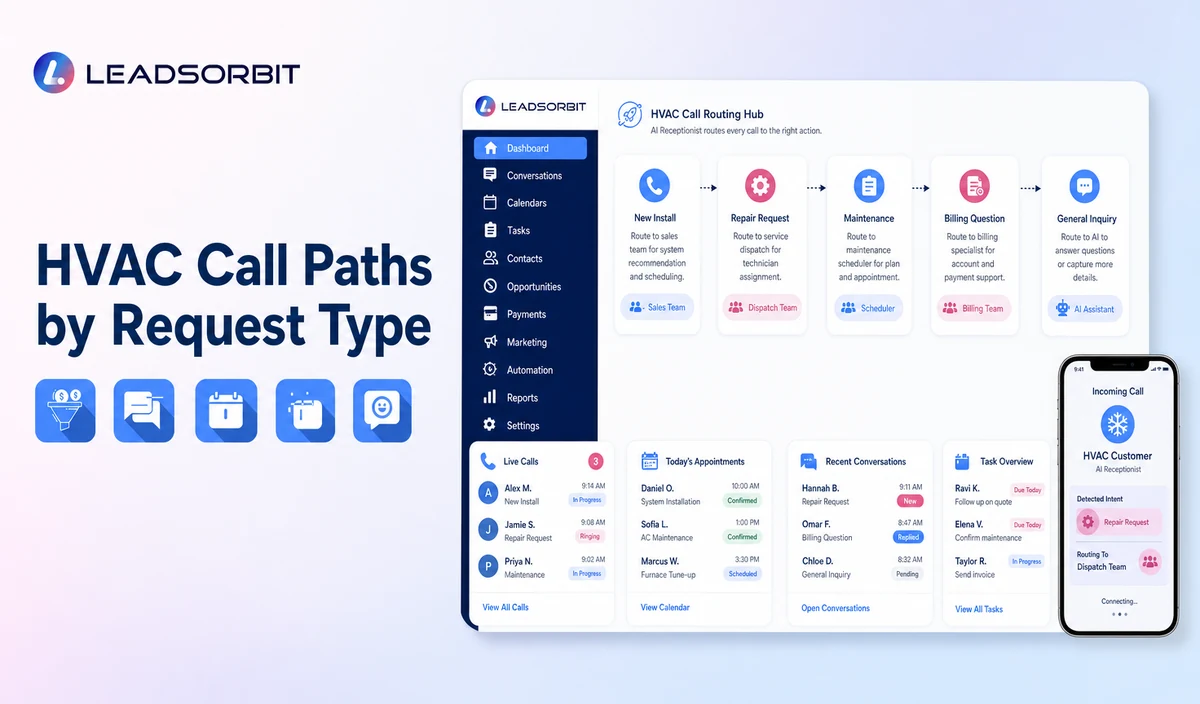
Route by the office decision, not by trying to interpret HVAC symptoms. Capture only the fields needed to send the request to the right person; use a pre approved human path for anything ambiguous.
| New service request | Name, callback number, address or ZIP, broad heating/cooling/maintenance category, and preferred contact period. | Configured appointment option if eligible; otherwise an assigned callback. |
|---|---|---|
| No heat/no cool or urgent sounding request | Contact details and address; use only the company’s approved wording to identify the routing category. | Human escalation under company policy. No diagnostic questions, severity decision, or response time promise. |
| Existing appointment | Customer identity, appointment reference if available, and requested change. | Use a supported calendar action; otherwise send to the scheduling owner. |
| Estimate, replacement, or service plan question | Contact details, address, and estimate/agreement reference if known; record the broad question. | Assign an estimator or agreement owner callback. Do not quote a job specific price or interpret contract terms. |
| After hours or out of area request | Contact details, address, broad request category, and callback preference. | Apply published coverage rules and assign the approved on call or next business period route; do not imply availability. |
Practical Scripts and Templates
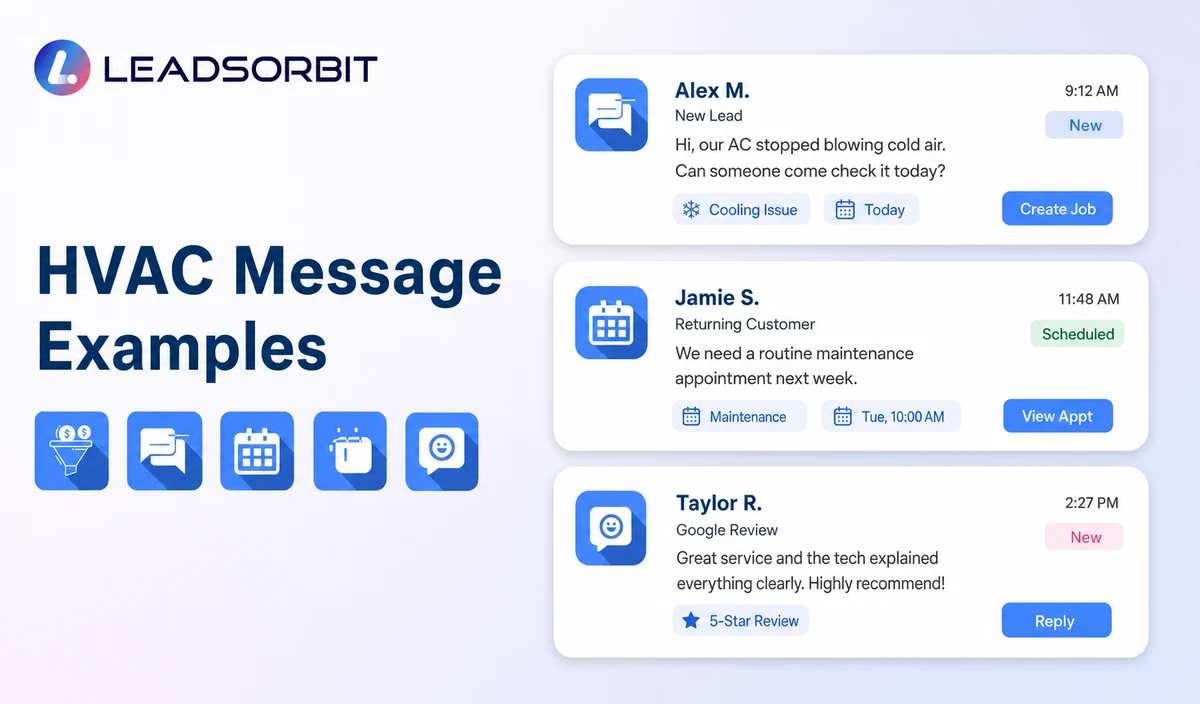
Opening Script
Service Request Script
After Hours Script
Staff Handoff Script
Important Boundaries
- Do not diagnose causes or recommend repairs, resets, parts, or equipment tests.
- Do not give electrical, gas, refrigerant, thermostat, or safety instructions.
- Do not quote a job specific repair, replacement, or financing price.
- Do not assign technicians, confirm dispatch, or promise an ETA unless an authorized system actually confirms it.
- Do not decide whether a condition is an emergency; follow the company approved escalation script and transfer the request.
- Escalate complaints, conflicting records, accessibility needs, vulnerable customer concerns, and requests for staff through the approved human path.
Privacy, Consent, and Customer Data
An HVAC intake may include a person’s name and phone number, service address, broad request category, appointment details, and messages. Collect only the fields needed for the next action. Avoid asking for payment card data, alarm or access codes, or detailed technical information unless a necessary, approved workflow requires it. Limit staff access, set retention rules, and review each vendor and data destination. The FTC business guide to protecting personal information offers a general data minimization and security checklist; it is not legal advice.
Automated calls and texts—especially promotional messages—raise consent, identification, and opt-out questions that depend on the communication type and jurisdiction. Keep service updates separate from marketing, record the consent source and opt-out preference, and ask counsel to review the actual workflow. See FCC guidance on robocalls and texts for consumer information; do not treat this article as a legal determination. Review LEADSORBIT’s privacy policy and data-processing terms separately before selecting integrations or retention settings.
Common HVAC Workflow Mistakes
- Using one script for every call. Create distinct routes for new service, existing appointments, estimates, and maintenance agreements.
- Asking for technical symptoms before confirming the caller’s address and the broad reason for the call.
- Describing a callback request as a confirmed appointment. State whether the request is booked, recorded, or awaiting staff review.
- Leaving old service area, holiday, or after hours instructions active without a named owner for updates.
- Promising an arrival time because the caller gave a preferred time; preference is not confirmation.
- Ending a call without assigning a named callback task, due time, and backup owner when automation cannot finish the request.
HVAC Workflow Setup Checklist
- Approve the greeting, current business facts, service area, office hours, and broad request categories.
- Map separate new customer, existing customer, appointment change, estimate, agreement, after hours, and callback branches.
- Choose the minimum contact, address, and broad property context fields needed for routing; exclude unnecessary sensitive data.
- Confirm which calendar actions are allowed and distinguish a booking from a request, callback, or staff review.
- Assign primary and backup owners for callbacks, transfers, and unresolved requests.
- Review consent, recording notices, transcription, retention, permissions, and each enabled integration with the appropriate owner.
- Test ambiguous requests, out of area addresses, closed office calls, calendar conflicts, failed transfers, and human takeover before launch.
See the Workflow With Your Company's Rules
Start 14 days trial to walk through your actual HVAC call paths, service areas, office hours, booking rules, callback owners, and stop conditions. Confirm which actions are supported in your account and where staff must take over.
What to Measure
- Calls answered, transferred, and handed to a person on request.
- New service requests with the required contact, address, and category fields completed.
- Appointment outcomes by status: requested, confirmed, changed, or sent for staff review.
- After hours requests assigned to an owner and closed according to the company’s own process.
- Failed transfers, unassigned tasks, and callbacks past their internal due time.
- Requests routed to staff because of complaints, uncertainty, or an approved escalation trigger.
How LEADSORBIT Supports This HVAC Workflow
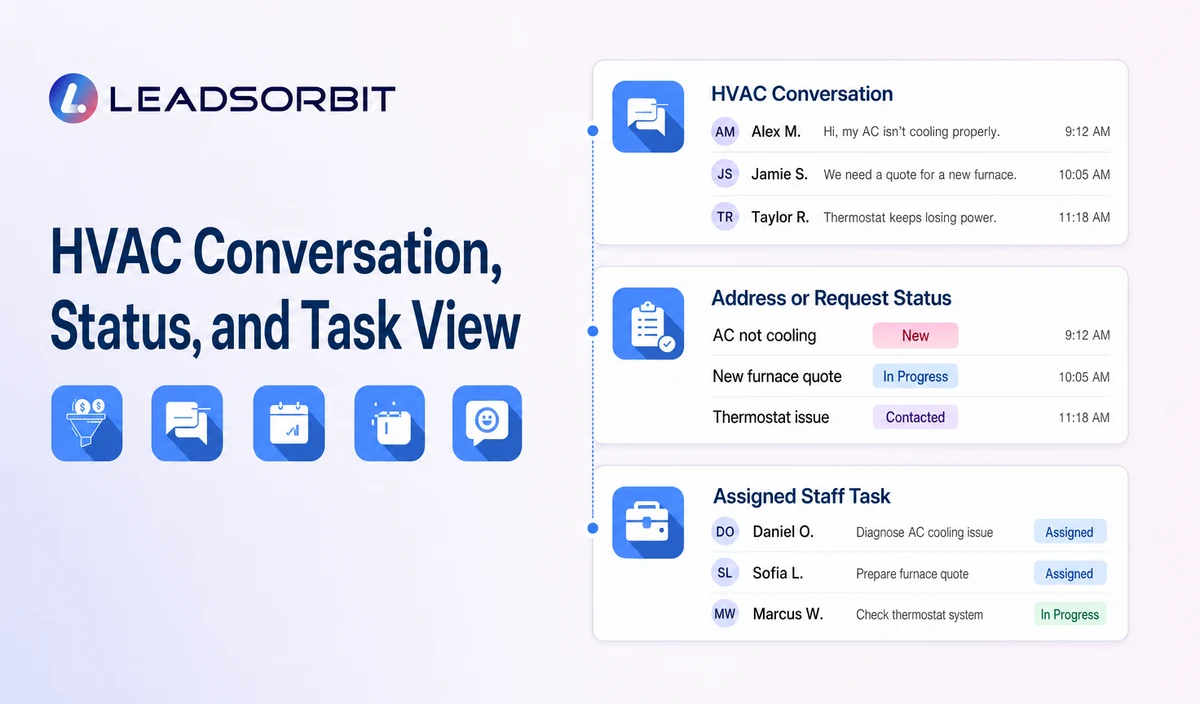
LEADSORBIT’s AI powered CRM can serve as a communication and follow up layer for configured customer conversations, appointment activity, tasks, and status updates. For broader platform context, review LEADSORBIT HVAC Software; validate any field service or dispatch requirement separately.
- AI Receptionist: supports configured call answering, contact capture, and approved booking or callback paths. Verify scripts, required fields, calendar rules, handoffs, and after hours behavior for the account.
- Conversation AI: supports configured channel conversation handling and staff handoff. Confirm which channels and workflows are enabled for the HVAC team.
- AI Appointment: supports configured calendar and appointment processes. Distinguish a submitted request from a confirmed slot, and validate team, service area, and capacity rules.
Exact channels, scripts, fields, calendars, service areas, appointment rules, equipment or agreement data, permissions, retention, integrations, and account behavior require implementation validation. LEADSORBIT is positioned here as the communication, booking, follow up, CRM, review, and task layer—not as a complete HVAC field service management or dispatch system.
Try LEADSORBIT free for 14 days
FAQs
It can answer approved office questions, capture contact details and a broad service request, offer a configured booking or callback path, and route exceptions to staff. It should not diagnose equipment or promise dispatch.
Final Thoughts
An AI receptionist can make HVAC call handling more consistent when it follows the office’s actual rules: capture useful context, distinguish a confirmed booking from a request, assign exceptions to a real owner, and stop before technical or safety judgment. Start with one call type, test it with office staff, and expand only after the handoff works reliably.
Start 14 days trial to review one HVAC call journey, from the first ring through booking, callback, or staff review, and confirm which steps are available in your account and which must remain human owned.

Start Your Free 14 Day Trial
Try LEADSORBIT and see how it captures missed calls, follows up instantly, and turns leads into booked appointments for your business.