
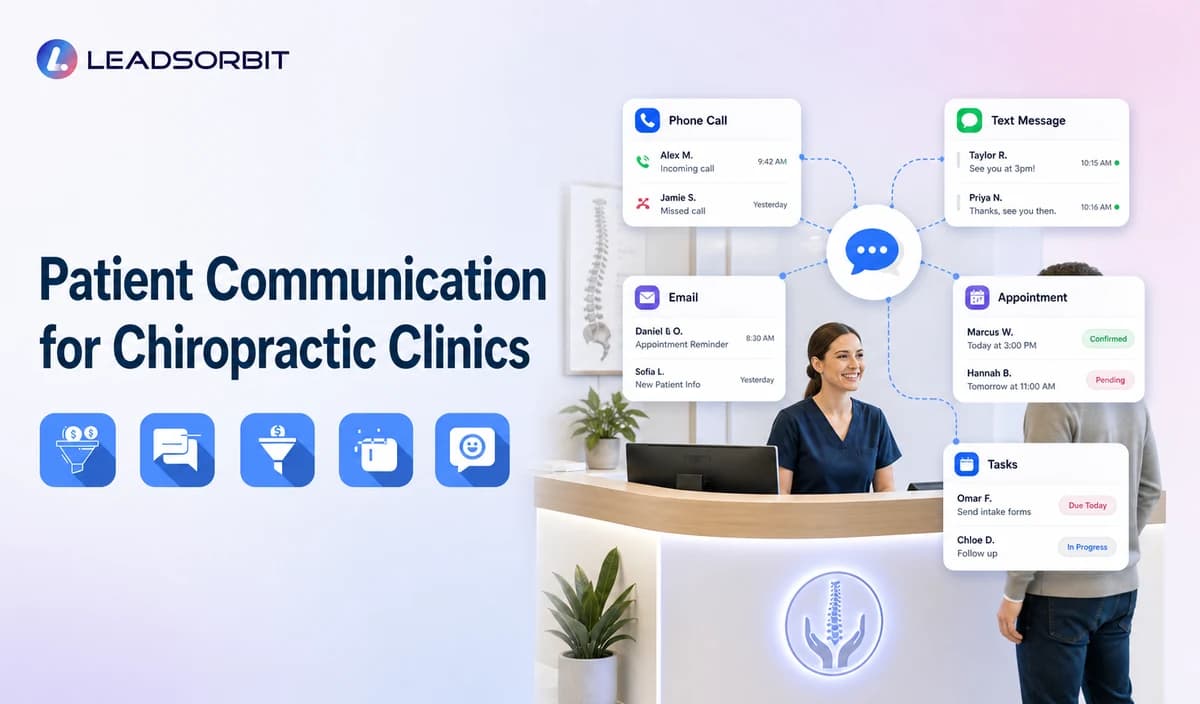

Chiropractic patient communication often happens across phone calls, SMS, email, appointment reminders, website inquiries, and staff callbacks. When those interactions live in separate tools, the clinic may repeat questions, miss replies, or lose track of who owns the next action.
Chiropractic patient communication software should connect administrative conversations, booking activity, and staff tasks without pretending to be an EHR or practice-management system. For the broad commercial destination, visit LEADSORBIT for chiropractic clinics.

Who This Guide Is For
- Chiropractic clinics using separate tools for calls, texting, email, reminders, and booking.
- Front-desk teams that repeatedly ask patients to restate the same request.
- Office managers who need clear ownership across communication channels.
- Clinics that want a shared administrative conversation history.
- Healthcare organizations evaluating HIPAA-enabled communication workflows.
What Patient Communication Software Should Connect
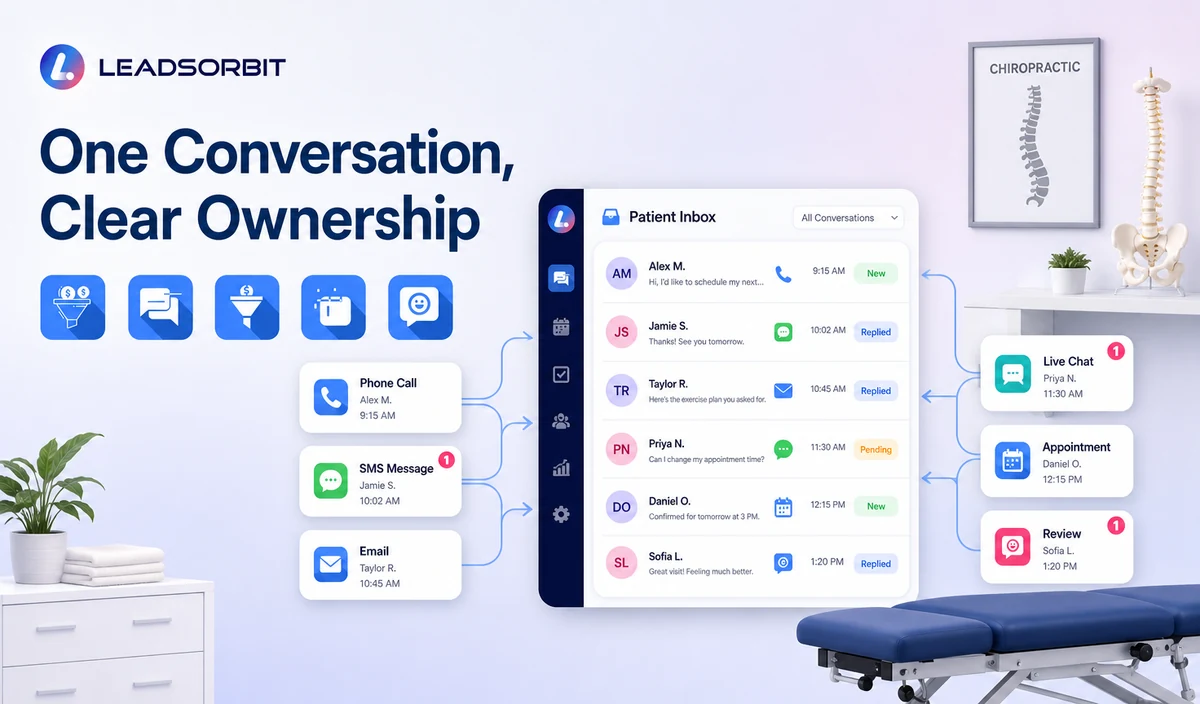
| Communication area | Useful connection | Operational benefit |
|---|---|---|
| Inbound and outbound calls | Call activity, owner, summary where enabled, and callback task. | Staff can see why the person contacted the clinic and what still needs attention. |
| SMS and email | Replies, opt-outs, templates, and staff takeover. | The team can continue the conversation without duplicating outreach. |
| Appointment messages | Booking, confirmation, reminder, reschedule, cancellation, and no show status. | Communication matches the valid calendar status. |
| Website and chat inquiries | Source, question, booking request, and assigned owner. | New inquiries do not remain disconnected from front-desk work. |
| Review requests | Completed-visit trigger, request status, and response task. | Reputation communication becomes part of the wider administrative journey. |
| CRM tasks and pipeline | Owner, due date, status, and next action. | The clinic can find unowned or overdue conversations. |
The Difference Between Communication Software and an EHR
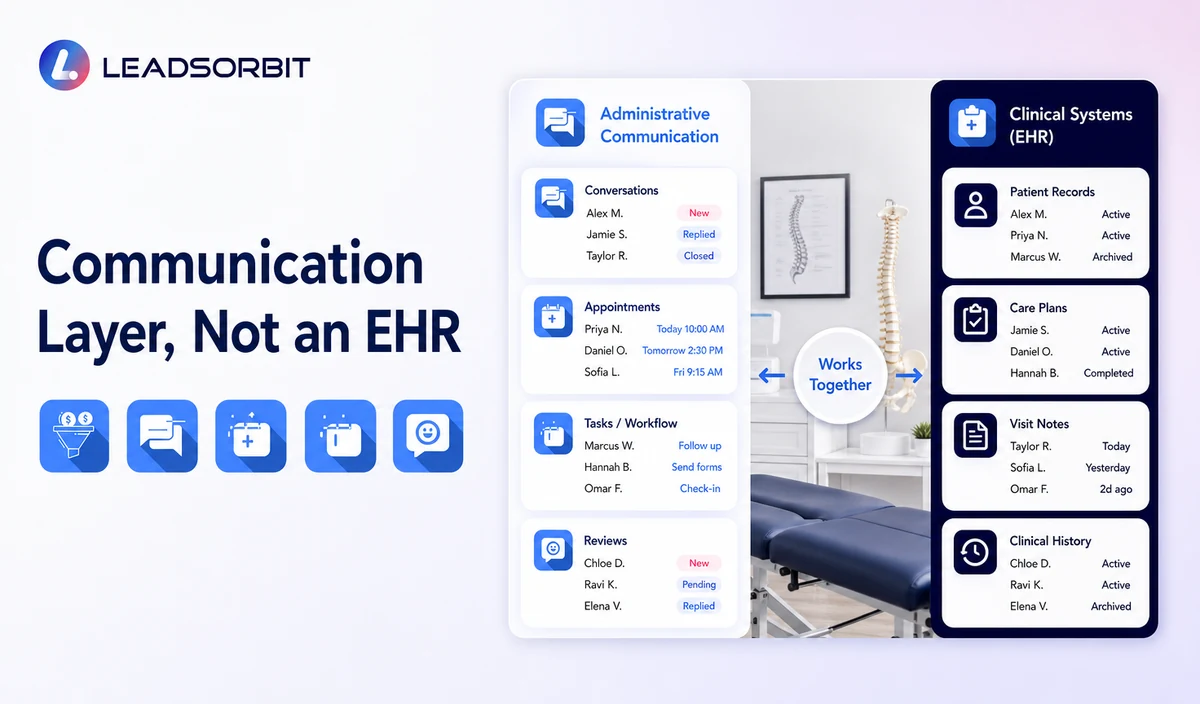
Communication software helps people reach the clinic, request appointments, receive approved messages, and continue administrative conversations. An EHR or clinical system manages medical records, clinical documentation, treatment details, and other specialized functions.
| Communication and engagement layer | Specialized clinical or practice system |
|---|---|
| Calls, texts, email, chat, reminders, and review requests. | Clinical records, SOAP notes, imaging, diagnosis, treatment documentation. |
| Appointment requests and staff callbacks. | Clinical scheduling dependencies and provider documentation. |
| Conversation history and task ownership. | Medical-record access and professional judgment. |
| Administrative contact fields and statuses. | Claims, coding, insurance billing, and clinical billing workflows. |
| Approved automation and human handoff. | EHR, EMR, or full practice-management replacement. |
A Practical Chiropractic Communication Workflow
| Stage | Communication event | System action | Human responsibility |
|---|---|---|---|
| 1. Inquiry or patient message | A call, text, email, chat, or appointment reply arrives. | Create or update the contact and preserve the supported conversation context. | Review exceptions and sensitive requests. |
| 2. Intent and routing | The person requests booking, rescheduling, office information, or a callback. | Route to the approved workflow and owner. | Take over when the request is complex or outside the approved knowledge. |
| 3. Appointment action | The person books, confirms, changes, or cancels. | Update the valid status and suppress obsolete messages. | Resolve calendar and provider exceptions. |
| 4. Follow up task | The request needs a staff response. | Create an owner, task, and due date. | Complete or reassign the task. |
| 5. Conversation closure | The request is resolved, booked, opted out, or no longer active. | Stop the related automation and record the outcome. | Confirm the status is accurate. |
| 6. Review and reporting | Managers review missed replies, overdue tasks, and repeated errors. | Show the operational pattern. | Improve routing, templates, staffing, or configuration. |
Communication Needs Across the Patient Journey
The same communication platform may support several administrative moments, but each moment needs a different message, owner, and stop rule. A booking inquiry should not stay in lead follow up after the appointment is confirmed, and a review request should not interrupt an unresolved complaint.
| Journey stage | Primary communication need | Workflow handoff |
|---|---|---|
| New inquiry | Acknowledge the request, answer approved office questions, and offer booking or callback. | Move to booking, staff review, or limited follow-up. |
| Appointment requested | Clarify availability, location, provider, and next status. | Move to booked, needs review, or nurture. |
| Booked / confirmed | Send accurate confirmation, reminders, and change options. | Suppress acquisition messages and monitor exceptions. |
| Reschedule / cancellation | Update the valid calendar status and stop obsolete messages. | Create staff review when the change cannot complete. |
| Missed visit | Send the approved recovery path without blame. | Move to rebooked, staff review, nurture, or closure. |
| Completed visit | Use only approved administrative follow-up, feedback, or review workflows. | Exclude unresolved complaints and respect communication preferences. |
| Inactive relationship | Use an approved reactivation or recall process when appropriate. | Stop after opt-out, response, booking, or defined attempt limit. |
Connecting these stages helps the clinic avoid contradictory messages. The CRM status, appointment record, conversation history, and assigned task should agree about what happens next.
Two-Way Texting Should Support Real Conversation
Two-way texting is useful when replies change the workflow. A patient who answers RESCHEDULE, CALLBACK, HELP, or STOP should not keep receiving the same automated sequence.
- Identify the clinic and the purpose of the message.
- Use approved reply options only when the system and staff can support them.
- Pause or stop automation after a meaningful reply.
- Show the reply to the assigned team member.
- Preserve the appointment or request context.
- Do not request unnecessary clinical details in routine SMS.
- Honor opt-outs and communication preferences.
Conversation History Without Information Overload
A shared history should help the next staff member understand the administrative context. It should not become a place to copy every clinical detail.
| Useful administrative context | Keep in approved specialized processes |
|---|---|
| Reason for contact and requested next step. | Detailed symptoms, diagnosis, treatment, and clinical notes. |
| Appointment request, valid status, and change history. | Medical records, imaging, medication, and care plans. |
| Communication preference and opt out status. | Clinical billing disputes, claims, coding, and insurance determinations. |
| Assigned owner and due task. | Professional judgment or medical urgency decisions. |
| Approved summary when enabled and configured. | Unnecessary sensitive information copied across systems. |
HIPAA-Enabled Communication Positioning
LEADSORBIT supports HIPAA-compliant administrative workflows for eligible healthcare organizations through HIPAA-enabled HighLevel subaccounts. Compliant use depends on maintaining the active HIPAA package, applicable agreements, approved account configuration, user permissions, integrations, retention settings, and the healthcare organization’s own procedures.
Names, phone numbers, emails, appointment details, call activity, messages, and conversation history may be PHI depending on context. Use minimum contact and operational information, maintain appropriate access and retention controls, and review every connected channel, calendar, recording service, AI tool, and data destination separately.
Review the HHS Privacy Rule overview and minimum necessary guidance with qualified advisers. Recording and transcription should be described only as available when enabled and configured appropriately.
What to Evaluate Before Choosing a Communication Platform
- Which channels are connected and which remain separate?
- How are replies routed and assigned?
- How are appointments, reminders, and status changes synchronized?
- What permissions, retention, audit, export, and deletion controls are available?
- Which integrations receive identifiable healthcare information?
- How are recording, transcription, summaries, and notices configured?
- Can the clinic keep clinical records outside the communication layer?
Common Communication-System Mistakes
- Adding more channels without assigning ownership.
- Sending duplicate messages from disconnected tools.
- Allowing automation to continue after a staff reply.
- Treating every conversation as a sales lead.
- Copying clinical details into general CRM notes.
- Using outdated templates or appointment information.
- Assuming a HIPAA-enabled subaccount makes every integration compliant.
- Positioning the platform as an EHR or full practice-management replacement.
Staff Ownership and Escalation Rules
A unified inbox does not solve communication problems unless each type of request has an owner. The clinic should define who reviews new inquiries, appointment changes, failed messages, complaints, sensitive replies, and overdue tasks.
| Request type | Primary owner | Escalation rule |
|---|---|---|
| New appointment inquiry | Front desk or booking owner | Escalate unsupported appointment types, calendar conflicts, or repeated failures. |
| Existing appointment change | Scheduling owner | Escalate provider/location exceptions or sensitive circumstances. |
| General office question | Front desk | Escalate when the answer is not approved or current. |
| Complaint or sensitive message | Office manager or leadership owner | Pause routine automation and follow the approved privacy/legal process. |
| Clinical question | Qualified clinic staff | Do not answer through routine automation or copy unnecessary details. |
| Failed delivery or unowned task | Workflow administrator or backup owner | Correct the data, channel, or assignment before continuing outreach. |
See the Communication Workflow With Your Clinic’s Channels
Book a Demo to map your calls, texts, email, appointment messages, conversation history, staff tasks, and escalation rules inside LEADSORBIT.
How LEADSORBIT Supports Chiropractic Patient Communication
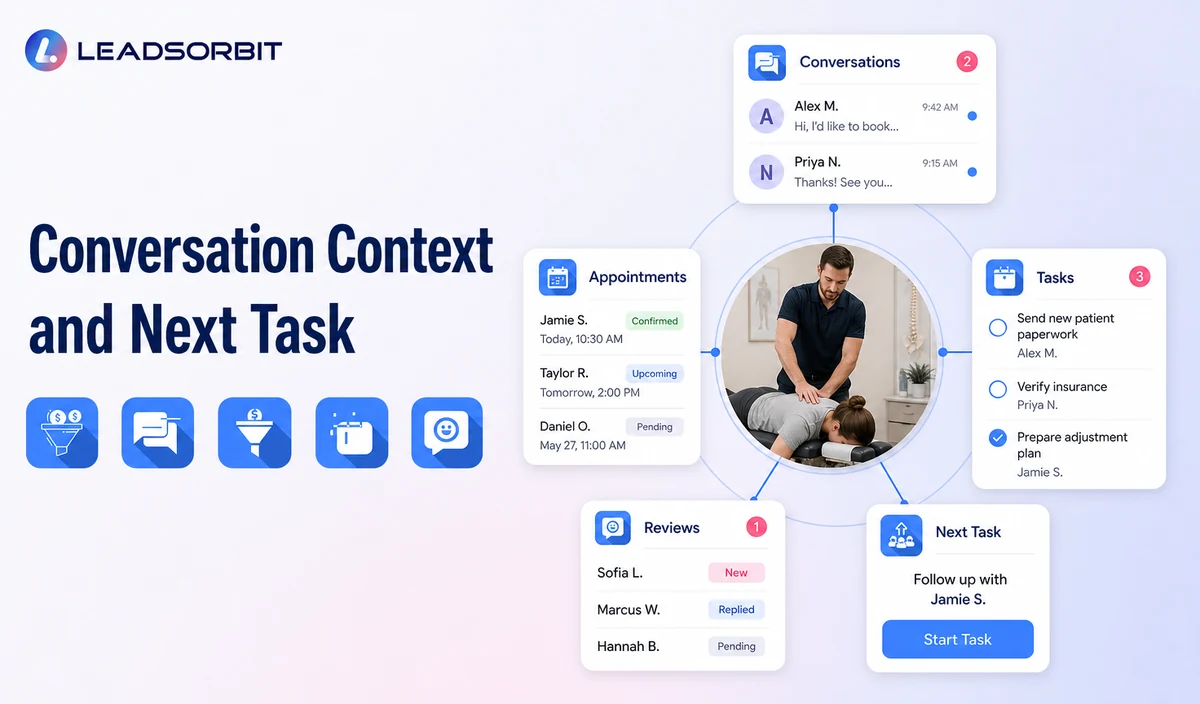
LEADSORBIT’s AI powered CRM connects administrative conversations with CRM context, booking, workflows, and tasks.
- Workflow AI: supports triggers, messages, conditions, tasks, timing, and stop logic.
- AI Appointment: supports booking, confirmations, reminders, rescheduling, and cancellation.
- CRM records and tasks: provide contact context, assigned owner, next action, and status visibility.
Exact channels, field mapping, permissions, recording/transcription, retention, integrations, and account-level healthcare configuration must be verified during implementation.
Try LEADSORBIT free for 14 days
Frequently Asked Questions
It is an administrative communication layer that connects supported calls, texts, email, appointment messages, CRM context, and staff tasks.
Final Thoughts
The value of patient communication software is not the number of channels. It is whether the clinic can see the conversation, assign the next step, stop the wrong automation, and keep clinical work in the correct system.
Book a Demo to see how LEADSORBIT can connect chiropractic calls, texts, appointment messages, tasks, and CRM visibility.

Start Your Free 14 Day Trial
Try LEADSORBIT and see how it captures missed calls, follows up instantly, and turns leads into booked appointments for your business.